
Introduction
The Dopesplay 15.6" FHD Portable Monitor (Model DR159) is designed to provide an extended visual workspace with high portability. This manual provides essential information for setting up, operating, and maintaining your monitor.
Package Contents
Verify that all items listed below are included in your package:
- 15.6" Portable Monitor
- Mini HDMI to HDMI Cable
- USB-A to USB-C Cable
- USB-C to USB-C Cable
- User Manual
- Portable Stand Section
- Protective Bag

Image: All components included in the Dopesplay portable monitor package.
Setup
- Unpacking: Carefully unpack all components. Avoid using sharp objects to open packaging to prevent screen damage.
- Attaching the Stand: Attach the portable stand to the monitor. The stand allows for 360° rotation and adjustable viewing angles for optimal positioning.

Image: The monitor stand offers 360° rotation and multi-directional adjustment for ergonomic comfort.
- Connecting to Device: Connect the monitor to your device using the appropriate cable (USB-C or HDMI).
- Power and Video: For single-cable setup, ensure your device's USB-C port supports full functionality (power and video output). Otherwise, use both the HDMI cable for video and the USB-A to USB-C cable for power.

Image: Connection options for the portable monitor, showing USB-C for laptops/phones and HDMI/USB-A for gaming consoles/PCs.
Operating Modes
The monitor supports various display modes to enhance productivity and entertainment:
- Extend Mode: Expand your desktop across both screens for increased workspace.
- Duplicate Mode: Mirror your primary screen's content onto the portable monitor.
- Second Screen Mode (Portrait/Landscape): Use the 360° rotatable stand to switch between portrait and landscape orientations for different tasks, such as coding or document viewing.

Image: The monitor supports Extend, Duplicate, and Second Screen modes for diverse usage scenarios.

Image: The portable monitor is suitable for various scenarios including meetings, travel, work, and gaming.
Display Settings
The 15.6" Full HD 1080P IPS display offers crisp visuals with a 60Hz refresh rate, 16:9 aspect ratio, and 800:1 contrast ratio. Adjust display settings such as brightness (250 Candela), contrast, and color temperature using the On-Screen Display (OSD) menu buttons located on the side of the monitor.
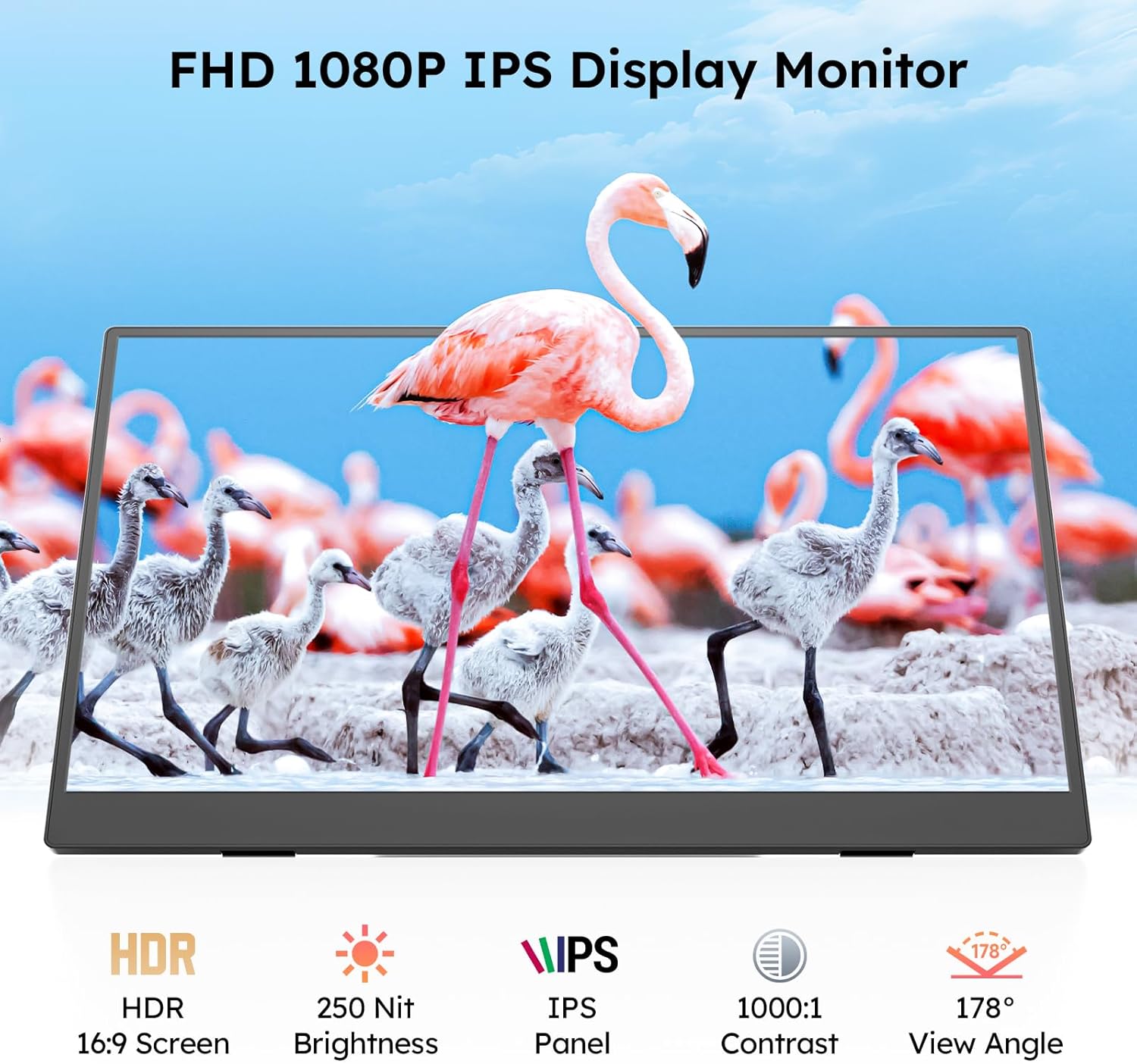
Image: The Dopesplay portable monitor features a 1080P IPS display with HDR support, 250 nits brightness, 1000:1 contrast, and a 178° viewing angle.
Maintenance
To clean the screen, use a soft, lint-free cloth. Avoid abrasive cleaners or solvents. Handle the monitor with care to prevent physical damage. When transporting, use the included protective bag.
Troubleshooting
Refer to the included user guide and warranty card for a detailed troubleshooting FAQ covering common issues like 'No Signal' or screen flickering. Ensure all cables are securely connected and that the monitor is receiving adequate power.
Specifications
| Feature | Detail |
|---|---|
| Brand | Dopesplay |
| Model | DR159 |
| Screen Size | 15.6 Inches |
| Resolution | 1920 x 1080 Pixels (FHD 1080p) |
| Display Technology | IPS |
| Refresh Rate | 60 Hz |
| Aspect Ratio | 16:9 |
| Image Brightness | 250 Candela |
| Image Contrast Ratio | 800:1 |
| Response Time | 0.1 Milliseconds |
| Hardware Interface | HDMI, USB Type C |
| Product Dimensions | 35 x 1.6 x 22 cm |
| Item Weight | 2.92 kg |
Warranty & Support
The Dopesplay portable monitor comes with a 12-month quality warranty and lifetime technical assistance. For any concerns, missing accessories, damaged items, or usage questions, please contact our support team for prompt assistance.


