
1. Introduction
Welcome to the future of wearable technology with your new Demabon AI Smart Glasses. These glasses integrate advanced features such as a high-resolution camera, real-time translation, AI object recognition, and a voice assistant, all within a lightweight and stylish design. This manual will guide you through the setup, operation, and maintenance of your device to ensure an optimal user experience.
2. What's in the Box
Please check the package contents to ensure all items are present:
- AI Smart Camera Glasses x1
- Glasses Instruction Manual x1
- USB Charging Cable x1
- Packaging Box x1
- Eyeglass Dust Pouch x1
- Glasses Cloth x1
- Silicone Ear Pads x2

Image: All items included in the Demabon AI Smart Glasses package.
3. Setup
3.1 Charging the Glasses
Before first-time use, ensure your glasses are fully charged. Connect the magnetic charging cable to the designated port on the temple of the glasses. The indicator light will show red during charging and turn blue when fully charged. A full charge typically takes approximately 40 minutes and provides up to 12 hours of music playback or over 7 days of standby time.
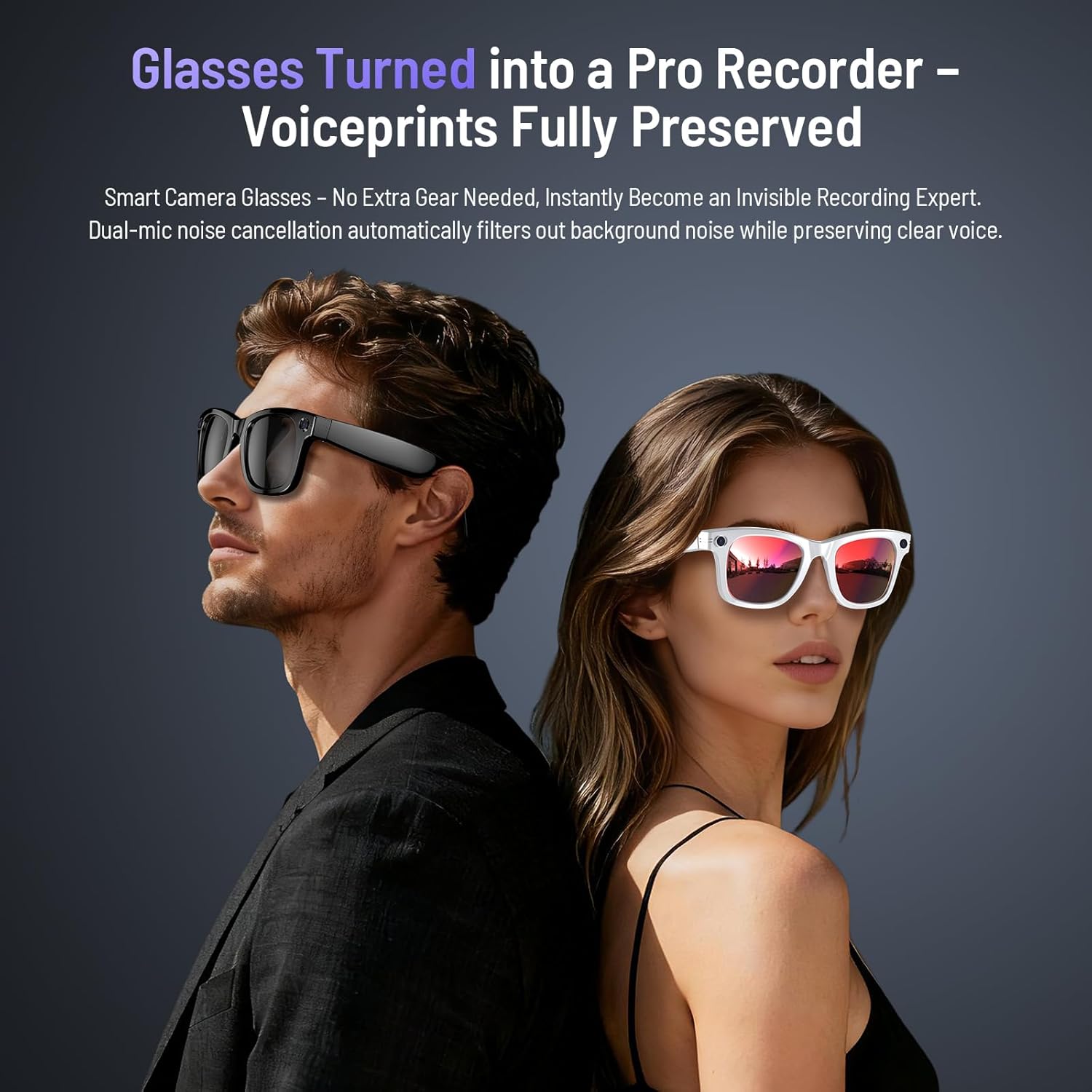
Image: Magnetic charging port on the glasses temple.
3.2 App Download and Pairing
To unlock the full potential of your Demabon AI Smart Glasses, download the companion app, "HeyCyan".
- Enable Bluetooth on your smartphone.
- Scan the QR code provided in the instruction manual or search for "HeyCyan" in your phone's app store (Google Play or Apple App Store).
- Open the "HeyCyan" app and tap "Connect Device".
- Select "DM-01" from the list of available devices to pair.
- Allow smart glasses to use wireless data if prompted. Once connected, all features will be available.

Image: Visual guide for app download and device pairing.
For direct app download, visit: http://fitcloud.hetangsmart.com/qrcode/
4. Operating Instructions
4.1 Power On/Off
Long press the front button on the right temple for 2 seconds to power on. Long press for 5 seconds to power off.
4.2 Photo and Video Recording
The Demabon AI Smart Glasses are equipped with an 8-megapixel HD camera and a three-axis anti-shake sensor, capable of capturing clear 4K videos and photos. The camera is discreetly located on the frame.
- Take Photo: Single-click the designated button on the temple.
- Record Video: Double-click the designated button to start recording. Double-click again to stop and save.
- Hands-Free Recording: Capture point-of-view video of activities without needing to hold a phone.
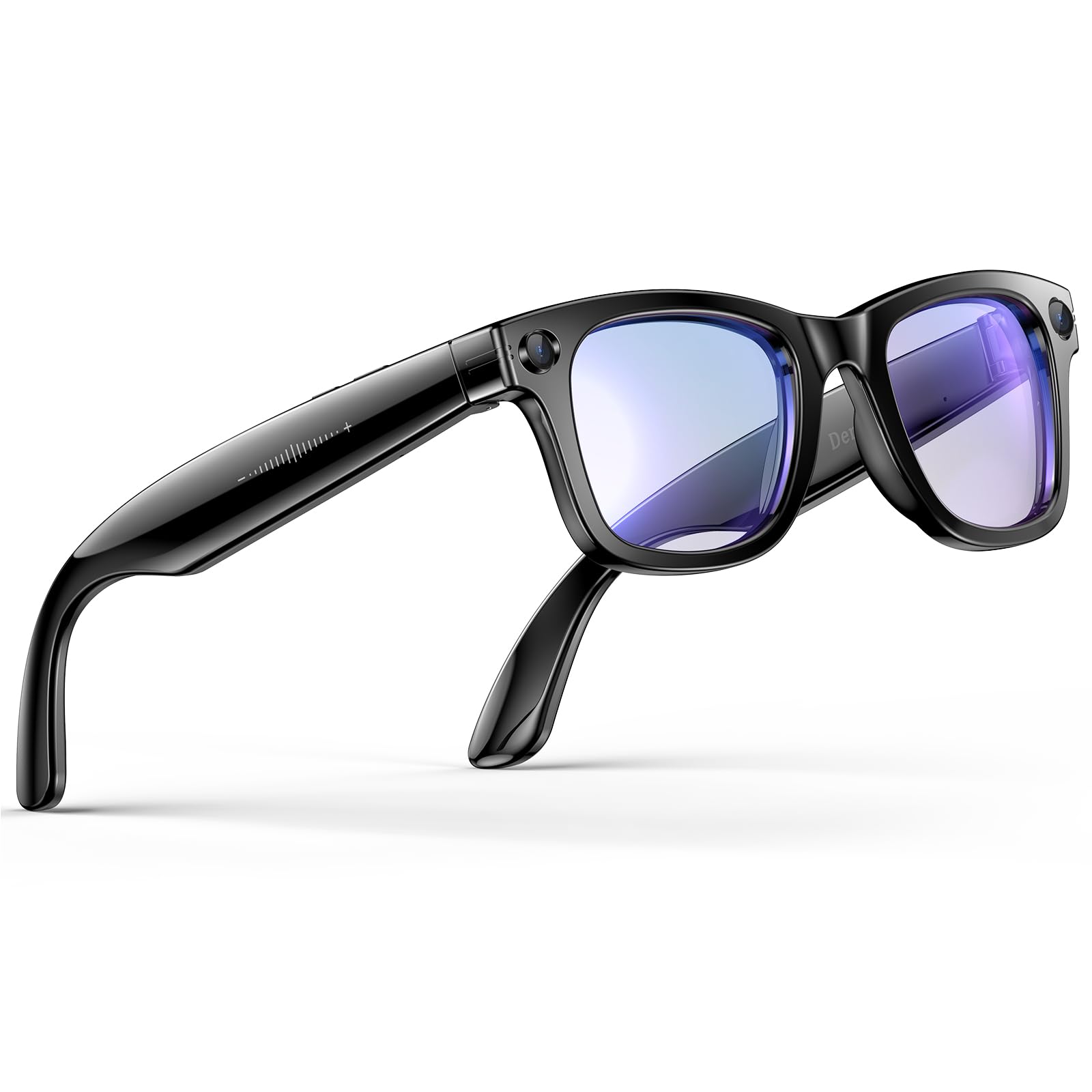
Image: 8MP camera lens with EIS stabilization technology.

Image: EIS Ultra-Stabilization for capturing vivid moments.
4.3 AI Voice Assistant
Activate your personal AI assistant by saying "HeyCyan". The intelligent voice assistant can provide emotional support, take notes, summarize meetings, or offer daily life advice.

Image: Interacting with the AI voice assistant for hands-free Q&A.
4.4 AI Object Recognition
The AI object recognition feature allows the glasses to instantly identify and provide information about landmarks, plants, animals, or everyday objects. This feature is permanently free.
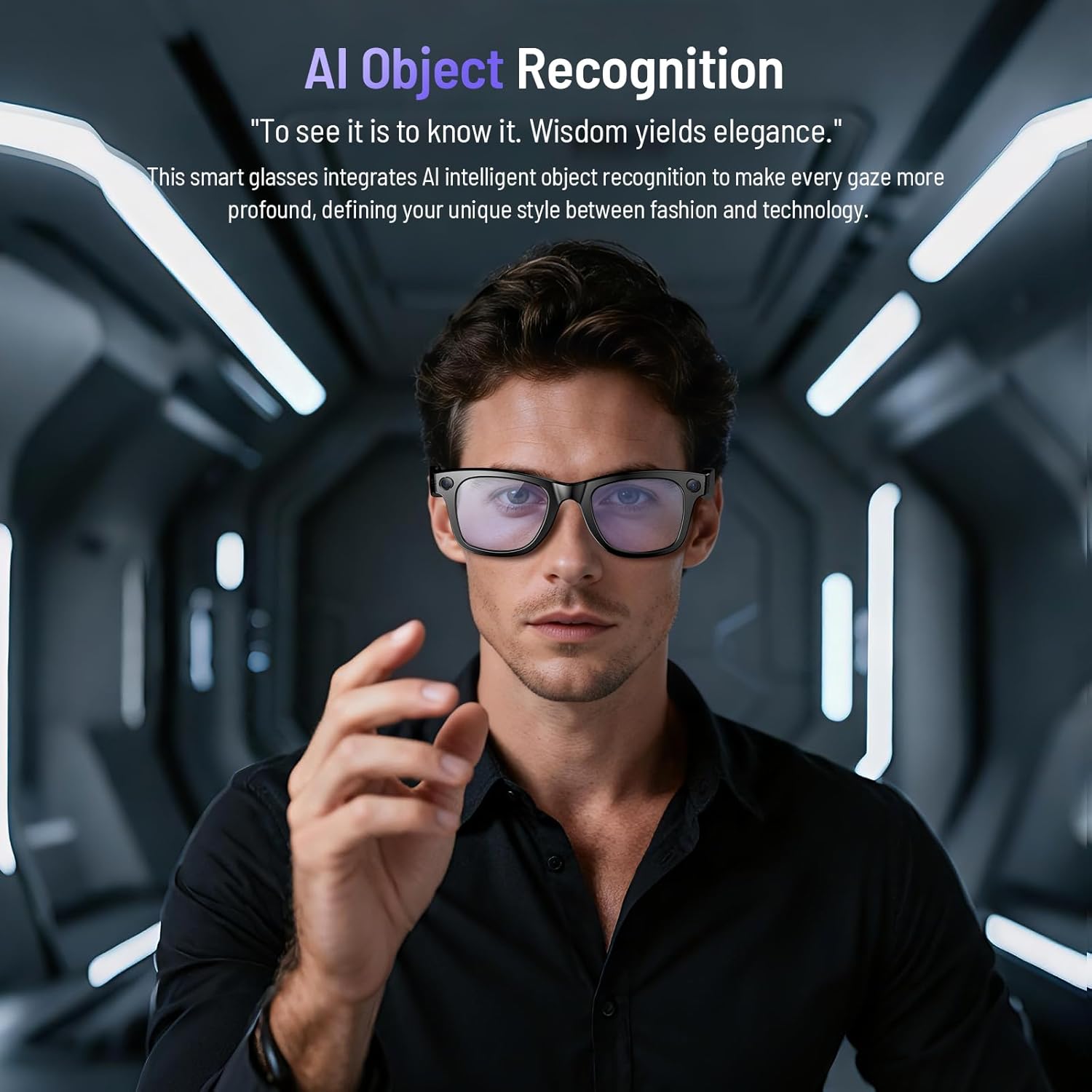
Image: AI Object Recognition in action, identifying items in the user's view.
4.5 Real-Time Translation
Break language barriers with seamless simultaneous translation. These glasses make communication effortless for business, travel, or social interactions.
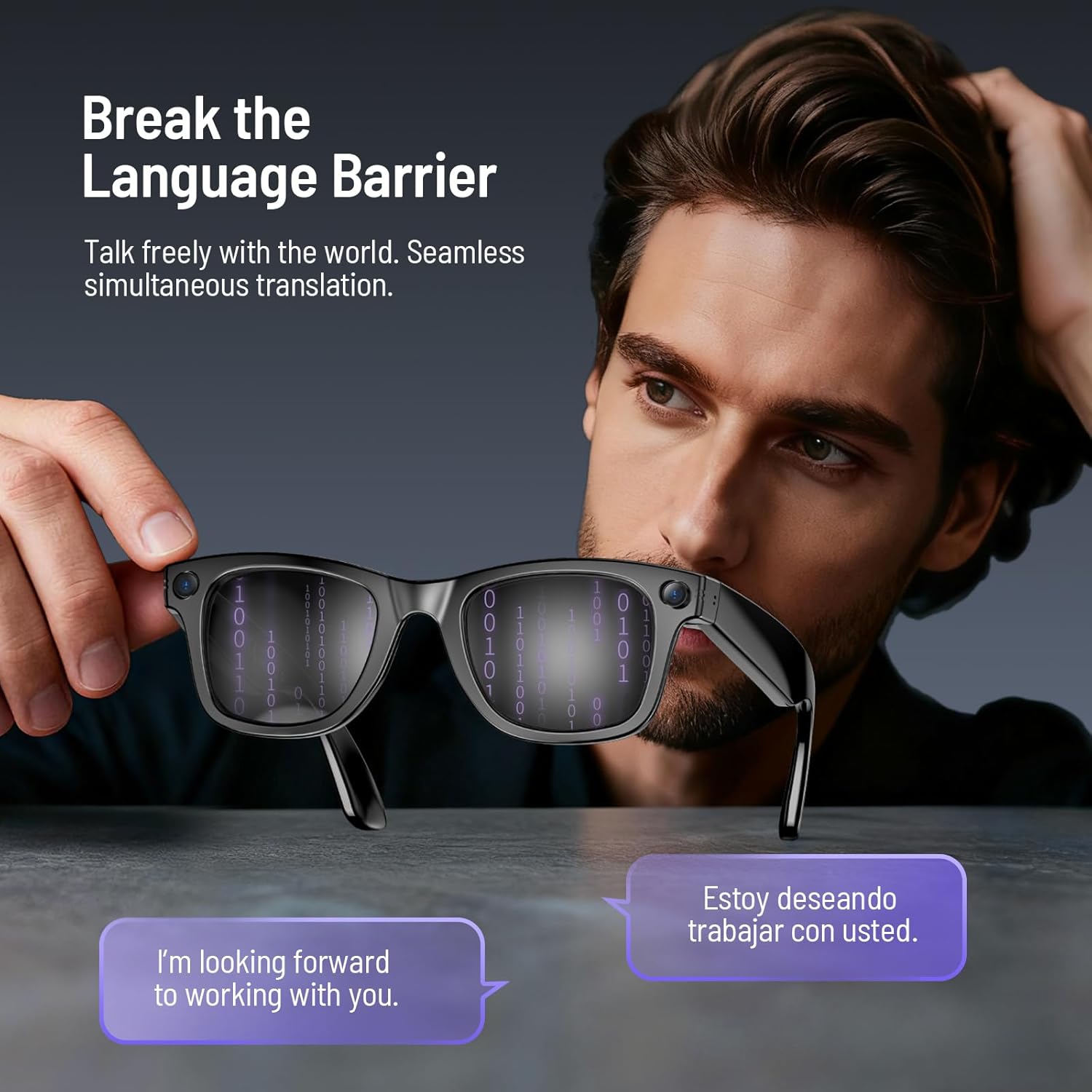
Image: Real-time translation feature displayed on the glasses lenses.
4.6 Music Playback and Calls
Enjoy crystal-clear audio for music and Bluetooth calls with dual-microphone noise cancellation and surround sound.
- Answer/Reject Calls: Single button press.
- Play/Pause Music: Double-touch.
- Adjust Volume: Swipe on the touch area.

Image: Dual-microphone noise cancellation for clear audio during calls.
4.7 Wearing Detection
The intelligent sensing system allows you to customize the "Automatically stop recognition when glasses are removed" feature in the companion app. When enabled, the system pauses to save energy. When disabled, it continues to operate even when removed.

Image: Smart wearing detection system for power saving.
5. Lenses
The Demabon AI Smart Glasses feature detachable lenses, allowing for quick and easy style changes. They are available with blue light blocking lenses, sunglasses lenses, or red coated lenses.
Image: Detachable multi-color lenses for different styles and functions.
6. Maintenance
To ensure the longevity and optimal performance of your Demabon AI Smart Glasses, follow these maintenance guidelines:
- Cleaning: Use the provided glasses cloth to gently clean the lenses and frame. Avoid abrasive materials or harsh chemicals.
- Storage: Store the glasses in the provided protective case when not in use to prevent scratches and damage.
- Water Resistance: The glasses are IP67 waterproof, meaning they can resist sweat, rain, and everyday splashes. However, avoid submerging them in water or exposing them to high-pressure water.
- Temperature: Avoid exposing the glasses to extreme temperatures (hot or cold) for extended periods.
7. Troubleshooting
If you encounter any issues with your Demabon AI Smart Glasses, please refer to the following common solutions:
- Device Not Powering On: Ensure the glasses are fully charged. Long press the power button for 2 seconds.
- Pairing Issues: Ensure Bluetooth is enabled on your phone and the glasses are in pairing mode. Try restarting both devices and attempting to pair again.
- App Connectivity Problems: Verify your phone's Wi-Fi is enabled and stable. Ensure the HeyCyan app is updated to the latest version.
- Poor Audio Quality: Check the volume settings on both the glasses and your phone. Ensure the speakers are not obstructed.
- Recording Issues: Ensure sufficient storage space (32 GB internal memory). Check battery level.
- Factory Reset: If issues persist, you may perform a factory reset. Refer to the app's settings or the detailed instruction manual for specific steps.
8. Specifications
| Brand | Demabon |
| Model Number | Smart Glasses |
| Product Dimensions | 7.4 x 3.26 x 2.87 inches |
| Item Weight | 42 Grams (1.48 ounces) |
| Camera | 8-megapixel HD lens, 4K video recording, 3-axis anti-shake sensor |
| Memory Storage Capacity | 32 GB |
| Battery Capacity | 270 mAh |
| Battery Life | Up to 12 hours music playback, over 7 days standby time |
| Charging Time | Approx. 40 minutes |
| Waterproof Rating | IP67 |
| Connectivity Technology | Bluetooth, Wi-Fi (for fast file transfer) |
| Operating System Compatibility | Android and iOS systems |
| Special Features | Detachable lenses, AI Voice Wake-Up, AI Object Recognition, AI Intelligent Translation, Stabilized Video Recording, High-Definition Photos, Clear Audio Recording, Bluetooth Calling, Music Player, Wi-Fi Photo Transfer, Smart Wear Detection, UV 400 Protection, Dustproof |
9. Warranty and Support
Demabon AI Smart Glasses come with a three-year product warranty. We offer hassle-free returns and exchanges within 30 days of purchase. Our customer support team is available 24/7 to assist you with any questions or issues you may encounter. Please refer to your purchase documentation for specific warranty terms and contact information.


