
Introduction
Product Overview
The HopCycle Electric Scooter W3 Pro is designed for urban commuting, offering a blend of power, safety, and portability. It features a 500W peak motor, a top speed of 18 MPH, and a 42V 7.8AH battery providing up to 21 miles of range. The scooter is equipped with dual brakes, UL2272 certification for electrical safety, and IPX4 water resistance. Its 8.5-inch pneumatic tires ensure a comfortable ride, and the one-step folding mechanism allows for easy storage and transport.
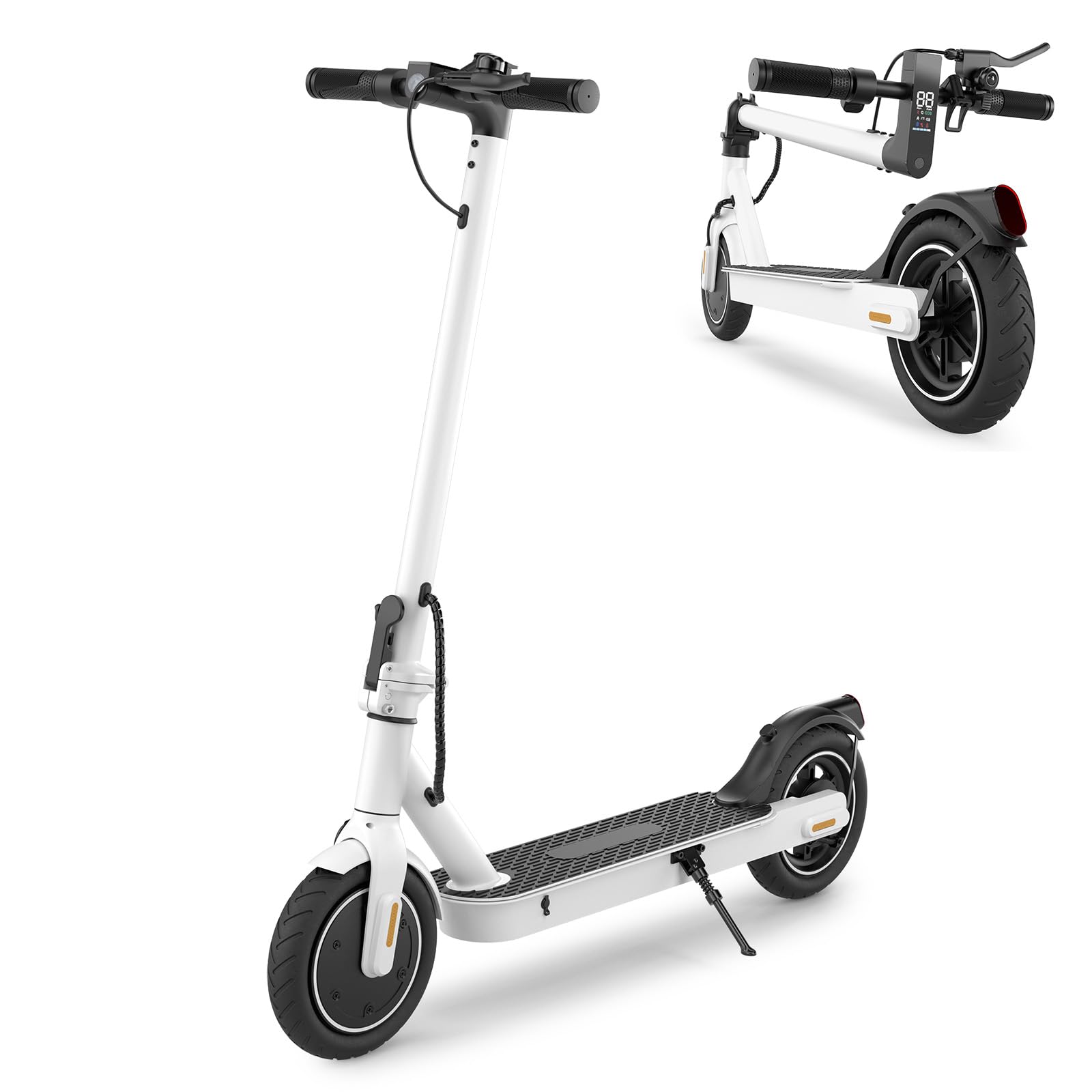
Figure 1: HopCycle Electric Scooter W3 Pro.
Safety Information
General Safety Guidelines
- Always wear a helmet and appropriate protective gear when riding.
- Familiarize yourself with local laws and regulations regarding electric scooter use.
- Do not ride in heavy rain, on icy surfaces, or through deep puddles. The scooter has IPX4 water resistance, meaning it can withstand light splashes, but is not fully waterproof.
- Maintain a safe distance from other vehicles and pedestrians.
- Avoid riding under the influence of alcohol or drugs.
- Ensure all components are securely fastened before each ride.
- This product is UL2272 certified, ensuring electrical and fire safety.
- The scooter is designed for adults and teens, with a maximum weight limit of 265 pounds.
What's in the Box
Package Contents
The HopCycle Electric Scooter W3 Pro package includes:
- One (1) HopCycle Electric Scooter
- One (1) User Manual
- One (1) Screw Driver
- Screws for assembly
Setup
Unfolding the Scooter
To unfold the scooter:
- Place the scooter on a flat surface.
- Locate the folding mechanism latch near the base of the steering column.
- Release the latch and carefully lift the steering column until it locks into the upright position. Ensure the locking mechanism is fully engaged.
- Secure the handlebar by ensuring it is firmly attached and all screws are tightened using the provided screwdriver.

Figure 2: Unfolding and Portability. The image illustrates the scooter in both folded and unfolded states, highlighting its compact design for easy transport and storage.
Initial Charging
Before first use, fully charge the scooter's battery. The charging time is approximately 5 hours.
- Locate the charging port on the scooter.
- Connect the charger to the charging port, then plug the charger into a standard electrical outlet.
- The indicator light on the charger will typically show red during charging and turn green when fully charged.
- Disconnect the charger once charging is complete.
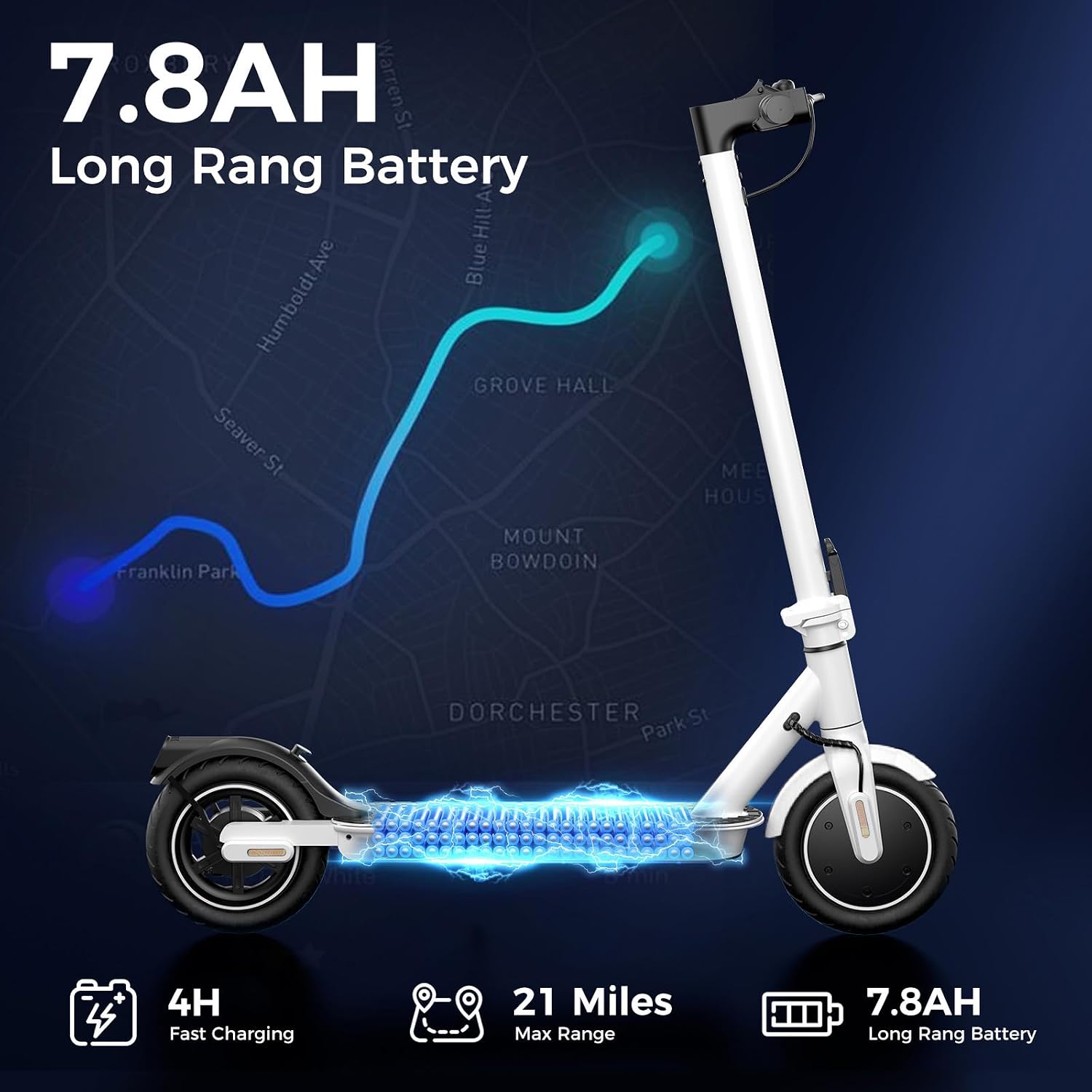
Figure 3: Battery Specifications. This image details the scooter's 7.8AH battery, 4-hour fast charging capability, and a maximum range of 21 miles.
Operating Instructions
Powering On and Off
To power on the scooter, press and hold the power button on the LED display for a few seconds. To power off, press and hold the power button again.
Understanding the LED Smart Display
The LED Smart Display provides essential riding information:
- Speed Display: Shows current speed in km/h or mph.
- Riding Mode: Indicates the selected speed mode (e.g., ECO, D, S).
- Headlight Indicator: Shows if the headlight is on.
- Motor Overheating Warning: Alerts if the motor temperature is too high.
- Error Occurred Indicator: Displays if a system error is detected.
- Cruise Control: Indicates if cruise control is active.
- Battery Level: Shows the remaining battery charge.
- Power Button: Used for powering on/off and cycling through modes.

Figure 4: LED Smart Display. This image provides a detailed view of the scooter's digital display and its various indicators.
Riding Modes
The scooter offers multiple riding modes to suit different preferences and conditions:
- ECO Mode: Energy-saving mode for extended range, typically lower speed (e.g., 6 MPH).
- D Mode: Standard drive mode for balanced speed and range (e.g., 12 MPH).
- S Mode: Sport mode for maximum speed and acceleration (up to 18 MPH).
Press the power button briefly to cycle through the riding modes.
Braking System
The scooter is equipped with a dual braking system for effective stopping power:
- Electronic Brake: Activated by the left brake lever.
- Disc Brake: Activated by the right brake lever.
For optimal stopping, apply both brakes simultaneously and gradually. Avoid sudden, hard braking, especially at high speeds, to prevent loss of control.
Tires and Ride Comfort
The 8.5-inch pneumatic tires are designed to absorb shocks and provide a strong grip across various surfaces, contributing to a smoother and more stable ride.

Figure 5: Pneumatic Tires. This image demonstrates the scooter's 8.5-inch pneumatic tires and their suitability for various terrains.

Figure 6: Motor and Tire Details. This image highlights the scooter's 500W peak motor and 8.5-inch pneumatic tires, along with speed and load capacity.
Maintenance
Battery Care
- Charge the battery regularly, even if the scooter is not in use, to maintain battery health.
- Avoid completely draining the battery before recharging.
- Store the scooter in a cool, dry place away from direct sunlight and extreme temperatures.
Tire Maintenance
- Regularly check tire pressure and inflate to the recommended PSI (refer to tire sidewall for specific pressure).
- Inspect tires for wear, punctures, or damage before each ride.
Cleaning and Storage
- Clean the scooter with a damp cloth. Do not use high-pressure water jets or immerse the scooter in water.
- Ensure the charging port cover is securely closed to prevent water ingress.
- Store the scooter in a dry, indoor environment when not in use.
Brake System Check
- Periodically check the brake levers for proper tension and responsiveness.
- Inspect brake pads for wear and replace if necessary.
Troubleshooting
Common Issues and Solutions
| Problem | Possible Cause | Solution |
|---|---|---|
| Scooter does not power on | Low or depleted battery; Loose battery connection; Faulty power button | Charge the battery fully; Check battery connections; Contact support if issue persists |
| Reduced range or speed | Low tire pressure; Overloaded scooter; Riding uphill frequently; Cold weather; Battery degradation | Inflate tires to correct pressure; Ensure weight limit is not exceeded (265 lbs); Ride on flatter terrain; Battery performance may decrease in cold weather; Consider battery replacement if significantly degraded |
| Brakes feel weak | Worn brake pads; Loose brake cable; Air in hydraulic system (if applicable) | Inspect and replace brake pads; Adjust brake cable tension; Consult a professional for hydraulic brake issues |
| Unusual noises during operation | Loose components; Debris in wheels/motor; Worn bearings | Check all screws and fasteners; Inspect wheels and motor for obstructions; Contact support for internal component issues |
Specifications
Technical Details
| Feature | Detail |
|---|---|
| Brand | HopCycle |
| Model Name | W3 Pro |
| Motor Power | 500W (Peak) |
| Top Speed | 18 MPH |
| Battery | 42V 7.8AH Lithium |
| Max Range | 21 Miles |
| Charging Time | 5 Hours |
| Weight Limit | 265 Pounds |
| Tire Size | 8.5 Inches |
| Tire Type | Pneumatic |
| Brake Style | Dual Braking Systems (Electronic & Disc) |
| Water Resistance | IPX4 |
| Frame Material | Aluminum |
| Product Dimensions (L x W x H) | 43" x 17" x 47" |
| Safety Certification | UL2272 |

Figure 7: Scooter Dimensions. This image provides detailed measurements of the scooter in its operational and folded configurations.
Warranty Information
The HopCycle Electric Scooter W3 Pro comes with a 1-year limited warranty. This warranty covers manufacturing defects and material flaws under normal use. Please retain your proof of purchase for warranty claims. For detailed terms and conditions, refer to the official HopCycle website or contact customer support.
Customer Support
For any questions, technical assistance, or warranty claims, please contact HopCycle customer support. You can find contact information on the official HopCycle website or through your retailer.
Online Resources: Visit the HopCycle Store on Amazon