
1. Product Overview
The JAJALUYA Sound Bar 100W is a versatile 2-in-1 speaker system designed to enhance your audio experience. It features Bluetooth 5.3 technology for stable wireless connections and offers multiple wired connectivity options including HDMI-ARC, Optical, AUX, and USB. This soundbar can be used as a single unit or split into two independent speakers for a wider stereo soundstage. It is compatible with various devices such as Smart TVs, PCs, and projectors, and includes provisions for wall mounting.

Image 1.1: The JAJALUYA Sound Bar in a unified configuration, designed for Smart TVs.
2. Safety Information
Please read all safety instructions carefully before using this product. Keep this manual for future reference.
- Do not expose the device to rain, moisture, or extreme temperatures.
- Do not open the casing. Refer all servicing to qualified personnel.
- Ensure proper ventilation around the soundbar.
- Use only the power adapter supplied with the device.
- Keep the soundbar away from heat sources and direct sunlight.
- Clean the device with a dry, soft cloth. Do not use liquid cleaners.
3. Package Contents
Verify that all items listed below are included in your package:
- JAJALUYA Sound Bar (SM-2160-DE15006)
- Power Adapter
- Remote Control
- Optical Cable
- AUX Cable
- Wall Mounting Kit (screws, anchors)
- User Manual
4. Product Features
4.1. 2-in-1 Detachable Design
The soundbar offers exceptional versatility, allowing it to function as a single, unified soundbar or to be effortlessly split into two independent wireless speakers. This design provides true stereo separation for an immersive surround sound experience, adapting to your space and usage needs.
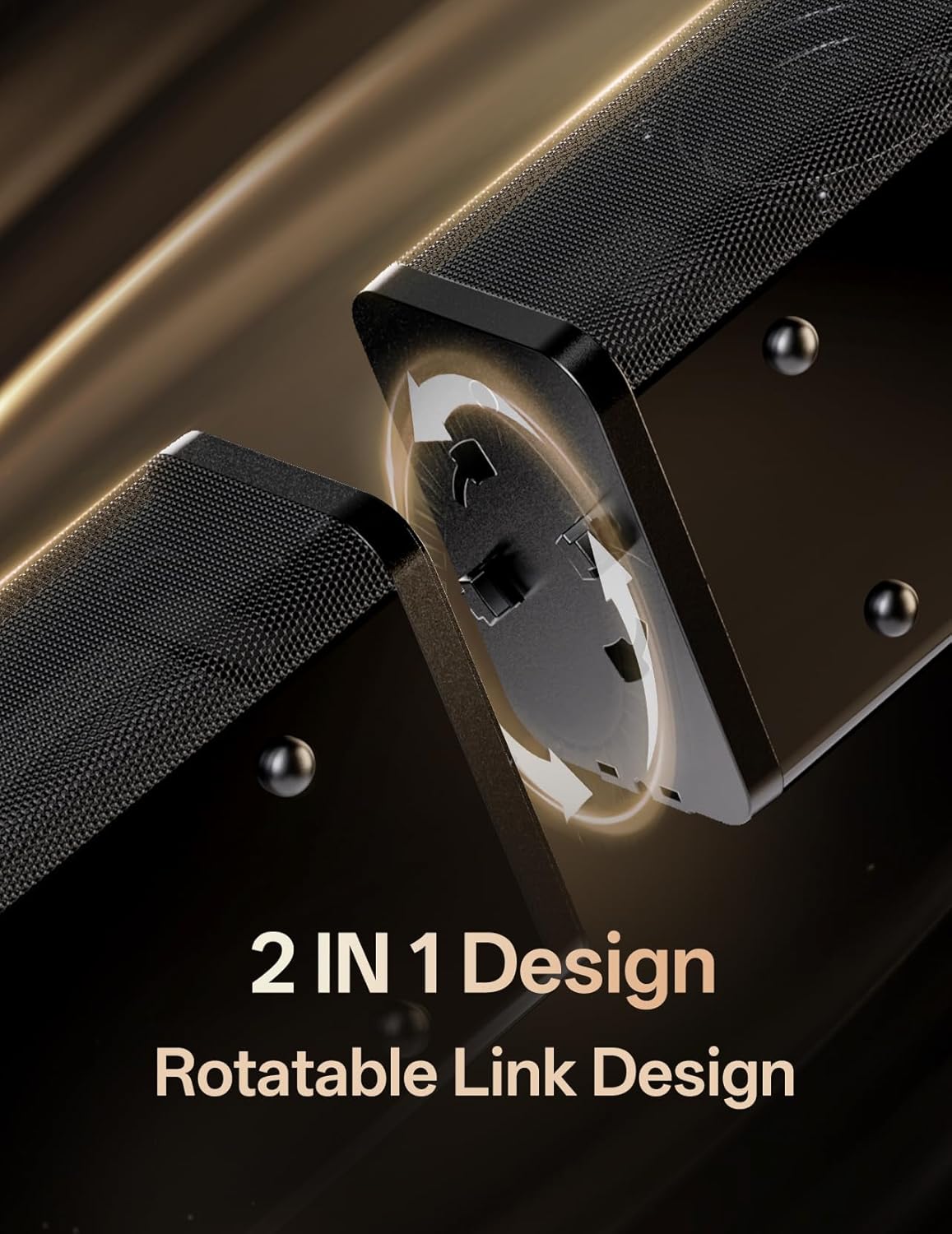
Image 4.1: Illustration of the soundbar's rotatable link design, allowing it to split into two separate units.
4.2. Bluetooth 5.3 Connectivity
Benefit from premium wireless connectivity powered by the latest Bluetooth 5.3 chip. This technology ensures highly stable signal transmission, significantly reduced latency for seamless audio-visual synchronization in games and movies, and increased energy efficiency for longer listening sessions.
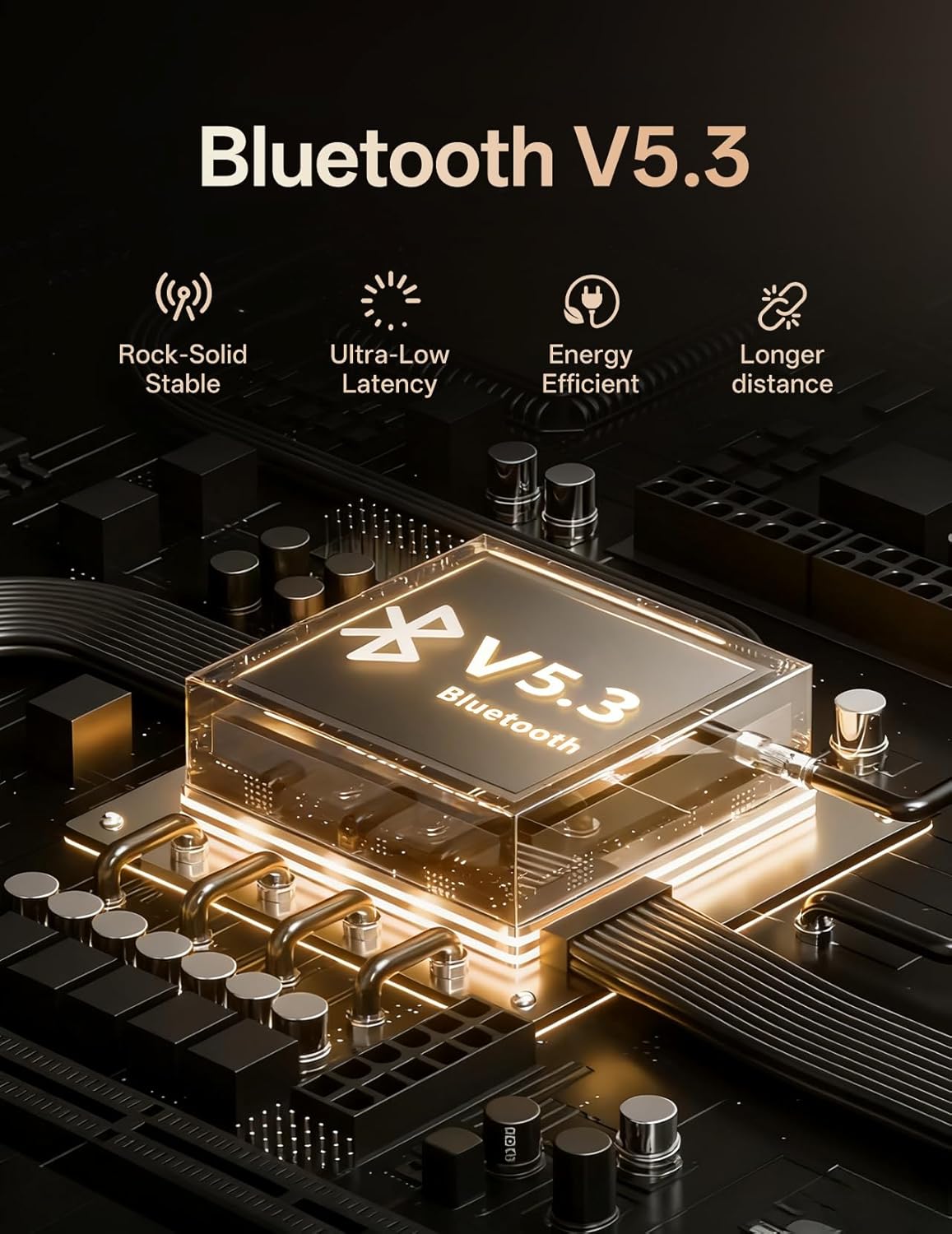
Image 4.2: Visual representation of the Bluetooth V5.3 chip, highlighting its stability, low latency, and energy efficiency.
4.3. Integrated Digital Signal Processor (DSP)
Enhance your audio experience with the integrated Digital Signal Processor (DSP), which delivers refined, distortion-free sound. Choose from seven expertly tuned EQ modes—Bass Boost, Movie, Music, Voice, and others—to optimize playback for any type of media.
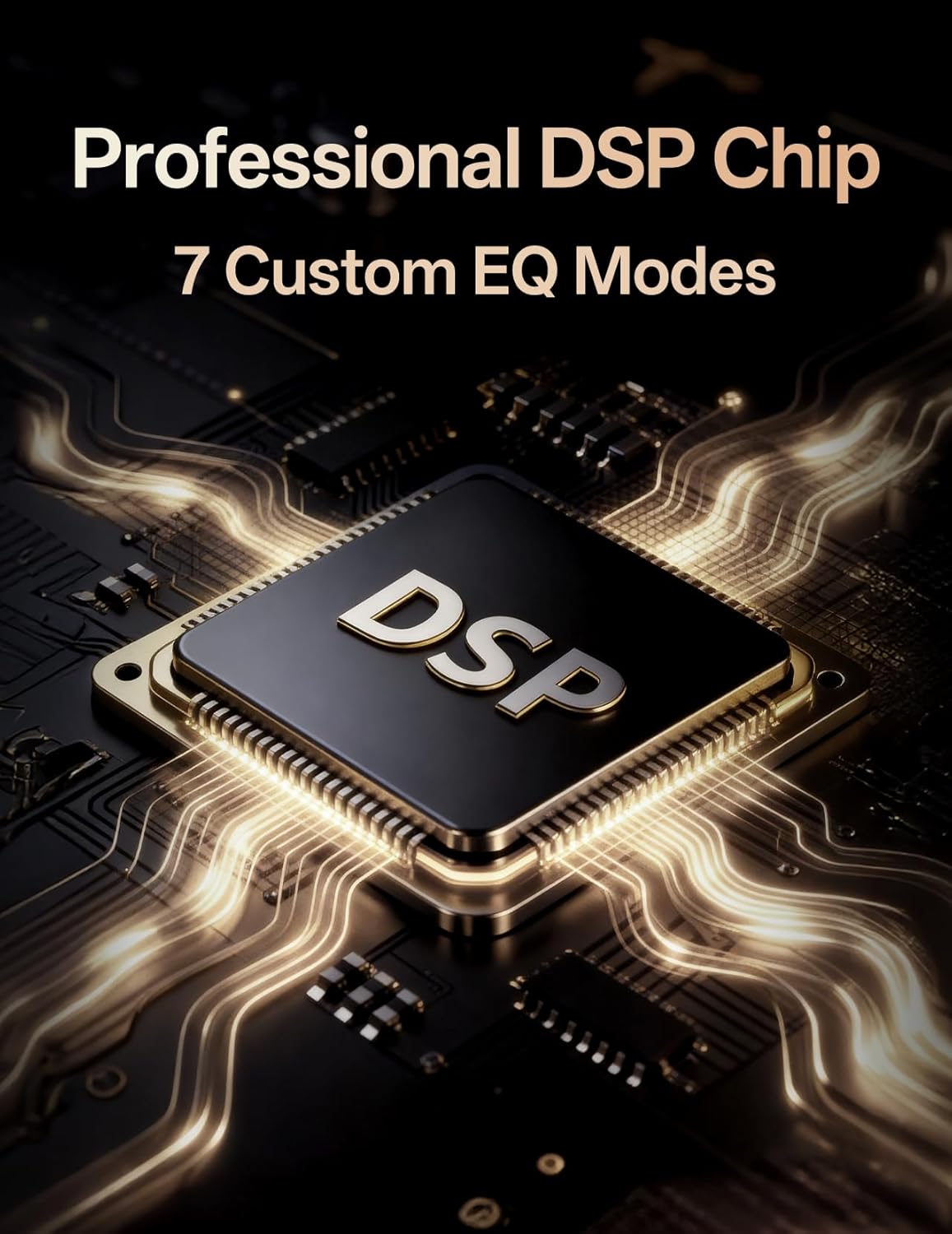
Image 4.3: Depiction of the Professional DSP Chip, indicating its role in providing 7 custom EQ modes for optimized sound.
4.4. High-Quality Speaker Configuration
Immerse yourself in rich, detailed sound. Designed with high-quality drivers and enhanced bass technology, this system delivers crystal-clear highs and deep, resonant lows without distortion—whether you're watching movies, playing games, or listening to music. The soundbar features 4 full-range speakers and 2 advanced bass diaphragms.

Image 4.4: Close-up view of the soundbar's internal components, showing the 4 full-range speakers and 2 advanced bass diaphragms.
4.5. Wide Compatibility
The soundbar offers multiple connection options, including HDMI-ARC, Optical, AUX, and USB ports, ensuring compatibility with a wide range of devices.

Image 4.5: Rear view of the soundbar's connectivity panel, displaying ports for HDMI/ARC, USB, AUX IN, Optical, and Bluetooth indicator.
5. Setup Guide
5.1. Unpacking
- Carefully remove all components from the packaging.
- Retain the packaging for future transport or storage.
- Inspect all items for any signs of damage. If any damage is found, do not use the product and contact customer support.
5.2. Soundbar Configuration (Unified/Split)
The soundbar can be used in two configurations:
- Unified Soundbar: Connect the two halves of the soundbar by aligning the connectors and rotating until they lock securely. This creates a single, powerful soundbar unit.
- Split Speakers: Separate the two halves of the soundbar. Each half will function as an independent wireless speaker, providing a wider stereo soundstage. Ensure both halves are powered and within range for optimal performance.
5.3. Placement
The soundbar can be placed freestanding or mounted on a wall.
- Freestanding: Place the soundbar on a stable, flat surface in front of your TV. Ensure there are no obstructions blocking the sound. Dedicated speaker stands are available for the split configuration.
- Wall Mounting: Use the provided wall mounting kit. Mark the desired positions on the wall, drill pilot holes, insert anchors, and secure the soundbar using the keyhole slots on the back. Ensure the wall can support the weight of the soundbar.

Image 5.1: A dedicated speaker stand for one half of the soundbar in its split configuration.
5.4. Connecting to Power
- Connect the power adapter to the DC IN port on the soundbar.
- Plug the power adapter into a wall outlet.
- The power indicator light will illuminate.
5.5. Connecting to Audio Sources
To ensure proper operation, both the soundbar and the connected device (e.g., TV) must be activated simultaneously during connection. Verify that the selected cable and audio system are configured in the same operating mode.
- HDMI ARC: Connect an HDMI cable from the HDMI ARC port on the soundbar to the HDMI ARC port on your TV. Select HDMI ARC input on the soundbar.
- Optical: Connect an Optical cable from the OPTICAL port on the soundbar to the Optical output port on your TV or audio source. Select OPTICAL input on the soundbar.
- AUX: Connect an AUX cable from the AUX IN port on the soundbar to the audio output port on your device. Select AUX input on the soundbar.
- USB: Insert a USB drive into the USB port to play audio files directly. The soundbar will automatically switch to USB input.
- Bluetooth: See Section 6.4 for Bluetooth pairing instructions.
6. Operating Instructions
6.1. Power On/Off
- Press the Power button on the soundbar or remote control to turn the device on or off.
6.2. Input Selection
- Press the Input/Source button on the soundbar or remote control to cycle through available input modes (HDMI ARC, Optical, AUX, USB, Bluetooth).
6.3. Volume Control
- Press the Volume + or Volume - buttons on the soundbar or remote control to adjust the volume.
6.4. Bluetooth Operation
- Turn on the soundbar and select Bluetooth mode using the Input/Source button. The Bluetooth indicator will flash.
- Enable Bluetooth on your device (smartphone, tablet, etc.).
- Search for "JAJALUYA Sound Bar" in your device's Bluetooth list and select it to pair.
- Once connected, the Bluetooth indicator will stop flashing and remain solid.
- You can now play audio from your device through the soundbar.
6.5. EQ Modes
- Press the EQ button on the remote control to cycle through the seven available sound modes: Bass Boost, Movie, Music, Voice, etc.
7. Maintenance
7.1. Cleaning
- Always unplug the soundbar from the power outlet before cleaning.
- Use a soft, dry, lint-free cloth to wipe the surfaces of the soundbar.
- Do not use liquid cleaners, aerosols, or abrasive cleaning agents, as they may damage the finish or internal components.
7.2. Storage
- If storing the soundbar for an extended period, unplug it from the power source.
- Store it in a cool, dry place, away from direct sunlight and extreme temperatures.
- It is recommended to store the soundbar in its original packaging to protect it from dust and physical damage.
8. Troubleshooting
If you encounter any issues with your soundbar, please refer to the following common problems and solutions:
| Problem | Possible Cause | Solution |
|---|---|---|
| No power | Power cable not connected; Power outlet not working | Ensure power cable is securely connected. Try a different power outlet. |
| No sound | Incorrect input selected; Volume too low; Mute activated; Cable not connected properly | Select the correct input source. Increase volume. Deactivate mute. Check all cable connections. Ensure TV audio output is set correctly. |
| Bluetooth pairing failed | Soundbar not in pairing mode; Device Bluetooth off; Out of range | Ensure soundbar is in Bluetooth pairing mode (flashing indicator). Turn on Bluetooth on your device. Move device closer to the soundbar. |
| Remote control not working | Batteries depleted; Obstruction between remote and soundbar | Replace batteries. Remove any obstructions. Ensure remote is pointed directly at the soundbar's sensor. |
If the problem persists after trying these solutions, please contact customer support.
9. Specifications
| Feature | Detail |
|---|---|
| Brand | JAJALUYA |
| Model Name | SM-2160-DE15006 |
| Speaker Type | Soundbar (2-in-1 Detachable) |
| Max Speaker Output Power | 60 Watts |
| Connectivity Technology | Bluetooth 5.3, HDMI-ARC, Optical, AUX, USB |
| Special Features | Detachable TV Soundbars, Integrated DSP, 7 EQ Modes |
| Mounting Type | Freestanding, Wall Mountable |
| Product Dimensions (D x W x H) | 10.5 cm x 98 cm x 7 cm |
| Included Components | Soundbar, Power Adapter, Remote Control, Optical Cable, AUX Cable, Wall Mounting Kit |
10. Warranty and Support
This product comes with a standard manufacturer's warranty. For detailed warranty information, please refer to the warranty card included in your package or contact JAJALUYA customer support.
For technical assistance, troubleshooting, or any other inquiries, please visit the official JAJALUYA website or contact their customer service department. Contact information can typically be found on the product packaging or the official website.