
Introduction
The Demabon Upgraded Ai Smart Bluetooth Glasses are designed to integrate advanced technology seamlessly into your daily life. Featuring an 800w anti-shake camera for 1080p video recording, AI real-time translation, open-back headphone audio, and a voice assistant, these glasses offer a versatile and hands-free experience. This manual will guide you through the setup, operation, and maintenance of your new smart glasses.
What's in the Box
- AI Smart Camera Glasses x1
- Glasses Instruction Manual x1
- USB Charging Cable x1
- Packaging Box x1
- Eyeglass Dust Pouch x1
- Glasses Cloth x1
- Silicone Ear Pads x2

Image: The package includes AI Smart Camera Glasses, a user manual, USB charging cable, packaging box, eyeglass dust pouch, glasses cloth, and silicone ear pads.
Setup
Power On/Off
To power on the glasses, long press the front button on the right temple for 2 seconds. To power off, long press the same button for 5 seconds.
Charging
The device can also be activated by charging. During charging, the indicator light will be red and will turn blue once charging is complete. The 270mAh battery provides up to 12 hours of music playback and over 7 days of standby time.

Image: The 270mAh battery provides extended usage with up to 12 hours of music playback and over 7 days of standby time.
App Installation & Pairing
Install the "HeyCyan" app by scanning the QR code in the manual or searching for "HeyCyan" on Google Play or the App Store. Once installed, enable Bluetooth on your phone, open the "HeyCyan" app, and tap "Connect Device". Select your glasses (e.g., "DM-01") to pair. Allow the smart glasses to use wireless data for full functionality.

Image: Step-by-step guide to connect your AI Translation Glasses: Enable Bluetooth, scan QR code or search 'HeyCyan' app, open app, select device, go to phone's Bluetooth settings to pair, allow smart glasses to use wireless data.
For app download, scan the QR code below:
HeyCyan App QR Code LinkOperating Instructions
Camera Functions (Photo & Video)
The glasses are equipped with an 8-megapixel HD lens and a three-axis anti-shake sensor, capable of taking clear photos and 4K videos. A soft indicator light next to the flash rhythmically pulses to indicate recording status.
- Take a Photo: Short press the front button on the right temple.
- Start Recording Video: Double-press the front button on the right temple. The shooting indicator light stays on during recording.
- Stop Recording Video: Short press the front button to exit and save the video.

Image: The smart glasses feature an 8-megapixel camera with Electronic Image Stabilization (EIS) for clear photos and stable 4K video recording.

Image: EIS Ultra-Stabilization ensures every moment is captured clearly, even during fast-paced activities.
Video: This video serves as a user guide for the G2 Pro AI Glasses, demonstrating key functions and operations.
Video: This video demonstrates the smart glasses' built-in video recording functionality, capturing footage from a first-person perspective.
AI Voice Assistant
The intelligent voice assistant can quickly execute commands for emotional support, note-taking, meeting summaries, or daily life advice. Simply say "HeyCyan" to wake it up.
- Voice Wake-up: Say "HeyCyan".
- Button Wake-up: Short press the rear button on the right temple when connected with your phone.

Image: Woman wearing Demabon Smart Glasses interacting with AI voice assistant, showing a question and answer via speech bubbles.

Image: The AI voice assistant provides smart answers and identifies objects, enhancing daily experiences.
Video: This video provides a live demonstration of interacting with the AI Voice Assistant, highlighting its responsiveness and capabilities.
AI Object Recognition
The smart glasses offer permanently free AI object recognition. Whether it's a landmark, a plant, an animal, or an everyday object, the glasses instantly identify and provide information, transforming the world into an accessible encyclopedia.
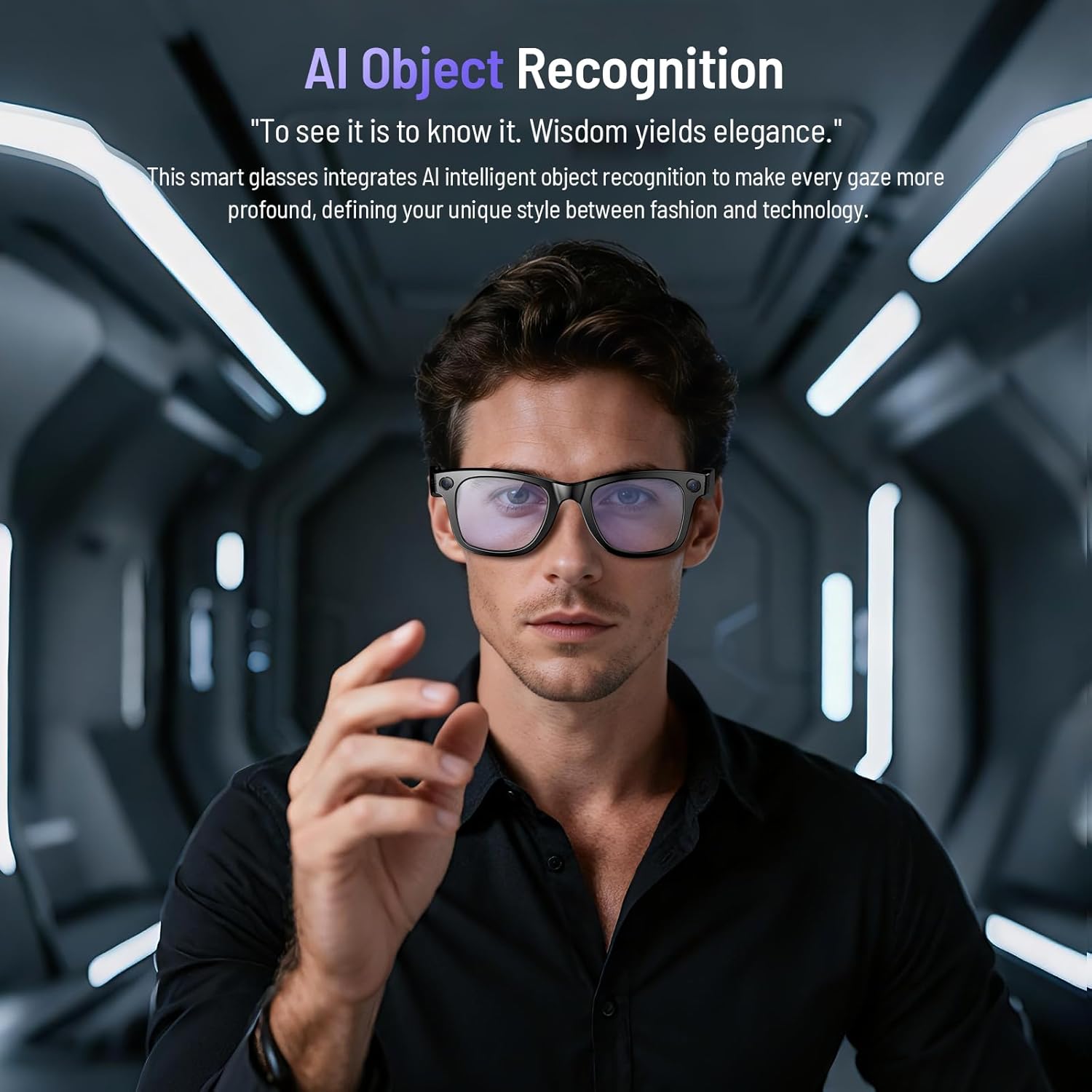
Image: AI object recognition identifies landmarks, plants, animals, and everyday objects, providing instant information.
AI Real-Time Translation
These translation glasses make communication effortless and confident. After quick pairing with your smartphone app, instant online translation is activated. The glasses' microphone and app work seamlessly to complete the "Listen-Translate-Play" process in seconds. Supports 26 languages and offers 1-on-1 and simultaneous translation.
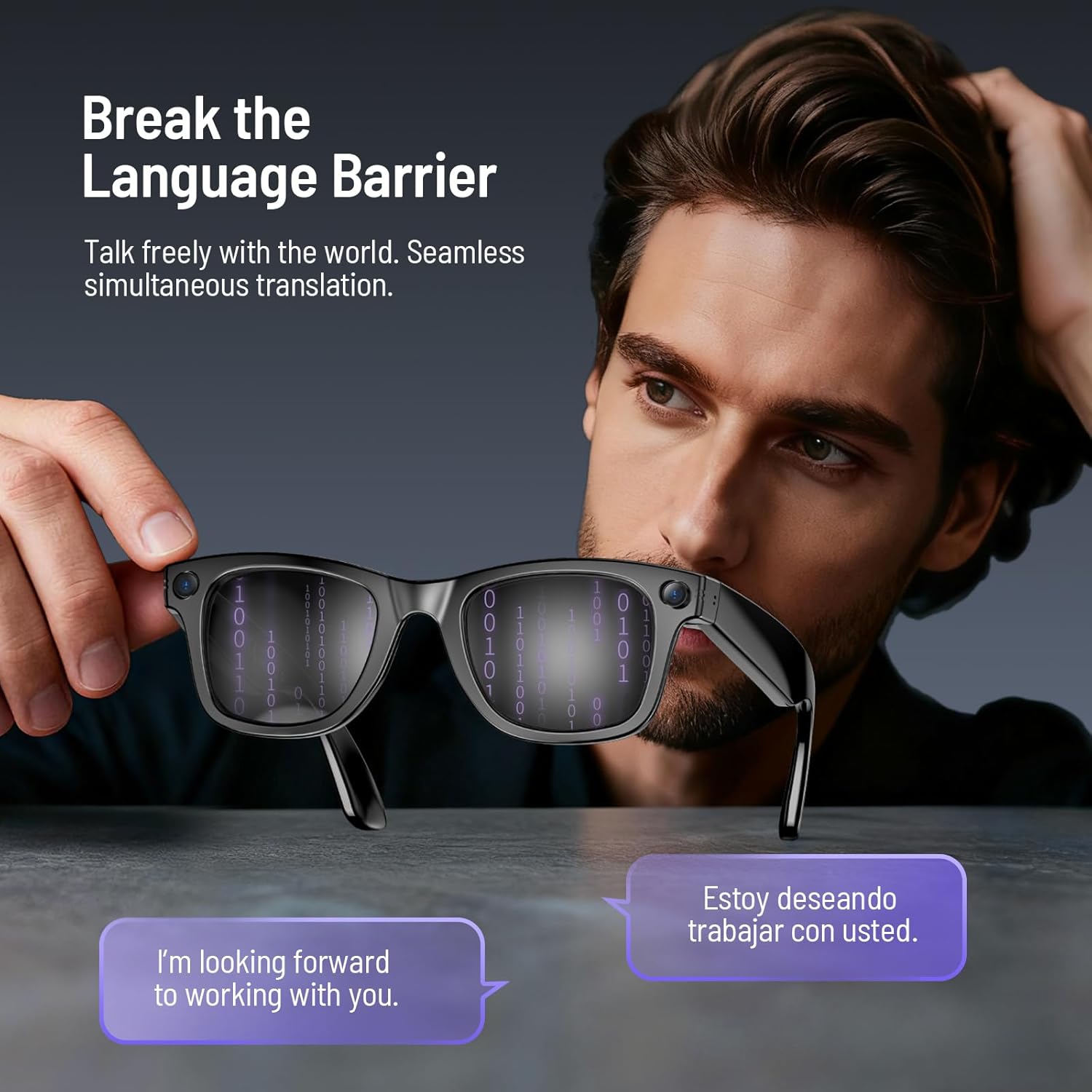
Image: Man holding Demabon Smart Glasses with binary code on lenses, showing real-time translation of text from English to Spanish.
Video: This video serves as a user guide for the G2 Pro AI Glasses, demonstrating key functions and operations, including translation.
Music & Call Controls
Enjoy crystal-clear audio whether you're making a Bluetooth call or playing music, thanks to dual-microphone noise cancellation and surround sound. The touchpad on the temple allows for easy control.
- Answer/Reject Calls: Easily answer or reject calls with a single button.
- Play/Pause Music: Double-touch the touchpad.
- Adjust Volume: Slide forward on the touchpad to increase volume, slide backward to decrease volume.
- Switch to Next Song: Long press the touchpad.
- Switch to Previous Song: Triple-tap the touchpad.

Image: Man wearing white Demabon Smart Glasses, with a speech bubble indicating clear audio during a call due to dual-mic noise cancellation.

Image: Experience 3D immersive sound with rich vocals and clear background music, creating an authentic live concert atmosphere.
Video: This video serves as a user guide for the G2 Pro AI Glasses, demonstrating key functions and operations, including call and music controls.
Smart Wear Detection
The smart glasses feature an intelligent sensing system. You can customize the "Automatically stop recognition when glasses are removed" feature in the companion app. When enabled, the system stops when you remove your glasses, saving energy. When disabled, it continues to work even when you're away, meeting diverse usage scenarios.

Image: The intelligent sensing system allows customization of 'Auto-Pause Recognition When Removed' to save energy or continue operation.
Wi-Fi File Transfer
Beyond Bluetooth, these smart glasses come with a built-in Wi-Fi module that enables 10x faster file transfer compared to traditional Bluetooth. After capturing photos, videos, or audio, simply tap to share – no cables needed. Ensure your phone's Wi-Fi is enabled before importing.

Image: Built-in WiFi module enables 10x faster file transfer than Bluetooth, allowing instant sharing of photos, videos, or audio without cables.
Video: This video serves as a user guide for the G2 Pro AI Glasses, demonstrating key functions and operations, including Wi-Fi file transfer.
Maintenance
Lens Replacement
The Demabon AI smart glasses feature detachable lenses, allowing you to easily switch between different styles in 2 seconds. This enables you to adapt your glasses for various visual scenarios, such as using sunglasses, anti-blue light lenses, or red coated lenses.

Image: Demabon AI Smart Glasses with various detachable lens options: sunglasses, anti-blue light lenses, and red coated lenses.
Video: This video provides a step-by-step guide on how to replace the lenses of your Demabon smart glasses.
Waterproofing
The smart glasses are IP67 waterproof, effectively resisting sweat, rain, and everyday splashes. This provides greater peace of mind when wearing them during sports and outdoor activities.
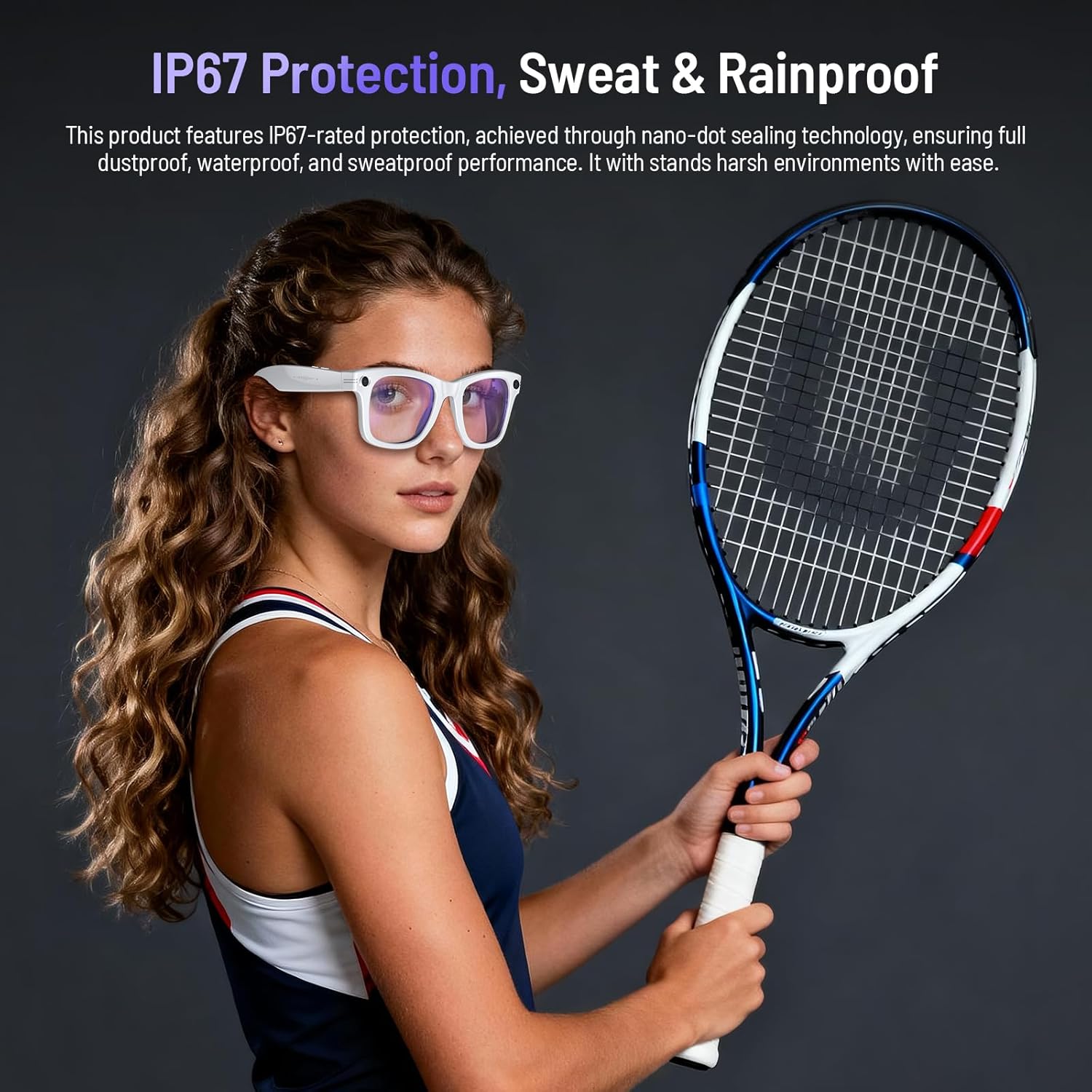
Image: Woman playing tennis wearing white Demabon Smart Glasses, emphasizing IP67 protection against sweat and rain.
Cleaning
Use the provided glasses cloth to gently clean the lenses and frame. Avoid using harsh chemicals that may damage the device.
Troubleshooting
Factory Reset
If you encounter persistent issues, you can perform a factory reset. Long press the front button on the right temple for 10 seconds to initiate a factory reset. All files stored in the glasses will be cleared.
Video: This video serves as a user guide for the G2 Pro AI Glasses, demonstrating key functions and operations, including factory reset.
General Issues
For other issues, please refer to the "HeyCyan" app for tips and guides, or contact customer support for assistance.
Specifications
- Product Dimensions: 7.4 x 3.26 x 2.87 inches
- Item Weight: 42 Grams (1.48 ounces)
- Item Model Number: B0FW4PKWC3
- Batteries: 1 Nonstandard Battery (included)
- Manufacturer: Demabon
- Memory Storage Capacity: 32 GB
- Operating System: Compatible with Android and iOS systems
- Special Features: Lenses are removable, Lightweight, AI Voice Wake-Up, AI Object Recognition, AI Intelligent Translation, Stabilized Video Recording, High-Definition Photos, Clear Audio Recording, Bluetooth Calling, Music Player, Wi-Fi Photo Transfer, Smart Wear Detection, UV 400 Protection, IP67 Waterproof and Dustproof
- Battery Capacity: 270 Milliamp Hours
- Connectivity Technology: Bluetooth
- Wireless Communication Standard: Bluetooth
- Battery Cell Composition: Lithium Ion
- GPS: No GPS
- Shape: Rectangular
Warranty and Support
Demabon smart glasses offer hassle-free returns and exchanges within 30 days of purchase. A three-year product warranty is provided for manufacturing defects. For any issues or questions, 24/7 customer support is available. Our team is always online, ready to answer your questions and resolve your issue.