
1. Introduction
This manual provides essential information for setting up, operating, and maintaining your new Daewoo 55DM55QV QLED Smart TV. Please read it thoroughly before using the television to ensure safe and optimal performance.
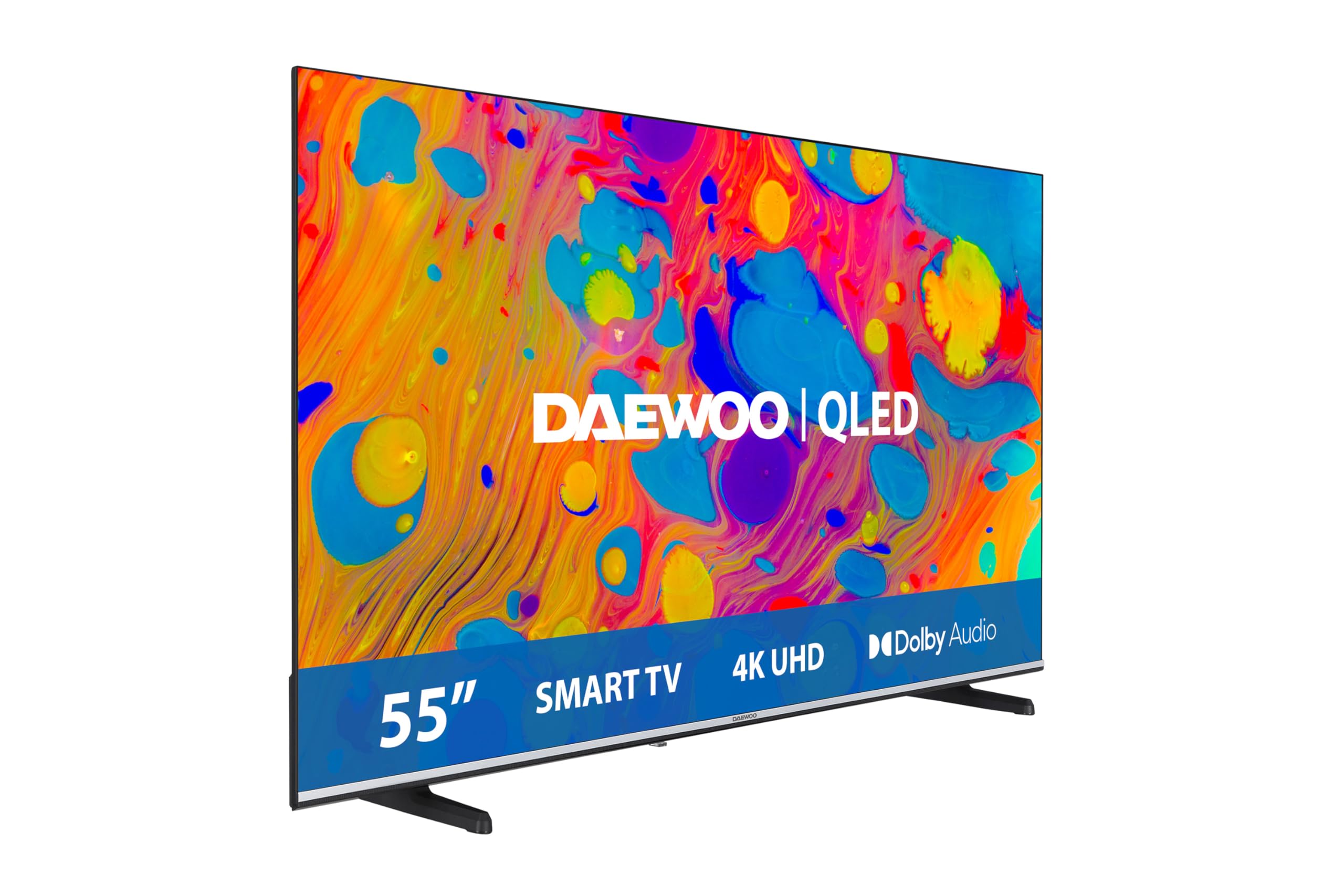
Figure 1: Front view of the Daewoo 55DM55QV QLED Smart TV.
2. Safety Information
Always follow these basic safety precautions when using your television:
- Do not expose the TV to rain or moisture.
- Do not open the TV casing; refer all servicing to qualified personnel.
- Ensure proper ventilation around the TV.
- Keep the TV away from heat sources and direct sunlight.
- Use only the power cord and accessories supplied by the manufacturer.
- Unplug the TV during lightning storms or when unused for long periods.
3. Package Contents
Verify that all items are included in your TV package:
- Daewoo 55DM55QV QLED Smart TV
- Remote control and batteries
- User Manual (this document)
- H.265/HEVC (codec information, likely refers to built-in support)
- Power cable
- Side stand components
4. Setup
4.1 Attaching the Stand
Carefully place the TV screen-down on a soft, flat surface. Attach the side stands to the designated slots on the bottom of the TV using the provided screws. Ensure they are securely fastened.
4.2 Initial Power-On
- Connect the power cable to the TV and a wall outlet.
- Press the power button on the TV or remote control.
- Follow the on-screen instructions to select your language, country, and perform initial channel scanning.
4.3 Network Connection
To access Smart TV features, connect your TV to the internet:
- Wi-Fi: Navigate to the network settings, select your Wi-Fi network, and enter the password.
- Ethernet: Connect an Ethernet cable from your router to the LAN port on the TV.
5. Operating Instructions
5.1 Remote Control Functions
The remote control allows you to navigate menus, change channels, adjust volume, and access Smart TV applications. Refer to the remote control diagram in your physical manual for specific button layouts.
5.2 Basic Navigation
Use the arrow keys on your remote to navigate through menus and options. Press the "OK" or "Enter" button to confirm selections. The "Back" button returns to the previous screen.
6. Smart TV Features
Your Daewoo 55DM55QV is equipped with a Smart TV system, providing access to a wide range of online content and services.
6.1 Accessing Applications
Easily access popular streaming applications such as Netflix, Prime Video, YouTube, Disney+, and Movistar+ directly from the Smart TV interface. The system offers intuitive navigation for movies, series, sports, and music.

Figure 2: The QLED display showcasing vibrant colors and detail.
6.2 Voice Control with Alexa
The TV is compatible with Alexa-enabled devices, allowing you to control your television using voice commands. Ensure your Alexa device is properly linked to the TV for this functionality.
6.3 Screen Sharing
Project photos, videos, apps, or games from your mobile device to the TV screen instantly and wirelessly. This feature allows for easy content sharing from compatible devices.

Figure 3: Illustrates the screen sharing functionality from a smartphone to the TV.
7. Connectivity
The Daewoo 55DM55QV offers comprehensive connectivity options for all your devices.
- HDMI Ports: Connect gaming consoles, Blu-ray players, and other HDMI-enabled devices.
- USB Ports: Play media files from USB drives or connect compatible peripherals.
- Wi-Fi: Integrated Wi-Fi for wireless internet access.
- Ethernet: For a stable wired internet connection.

Figure 4: Demonstrates the TV's versatile connectivity with multiple devices.
8. Gaming Features
Enhance your gaming experience with features designed for optimal performance:
- Game Mode: Activates settings to reduce input lag and optimize picture quality for gaming.
- High Refresh Rate: The 120Hz refresh rate ensures smooth motion during fast-paced gaming.
9. Audio and Video Technologies
Experience superior picture and sound quality with advanced technologies:
- QLED 4K Ultra HD: Delivers vibrant colors, deep blacks, and optimized contrast with 4K UHD resolution and HDR compatibility.
- Dolby Vision & Dolby Atmos: Provides an immersive cinematic experience with enhanced realism, optimized brightness, and three-dimensional surround sound.
- HDR10: Offers vivid colors and real details, with deeper blacks, more intense light, and a chromatic range that brings content to life.
- Frameless Design: A minimalist, almost frameless design maximizes the screen area and elegantly integrates into your home environment.

Figure 5: Close-up of a TV screen highlighting Ultra HD details.

Figure 6: Visual comparison of image quality with and without HDR10.

Figure 7: Illustrates the frameless design of the television.
10. Maintenance
10.1 Cleaning the Screen
Gently wipe the screen with a soft, lint-free cloth. For stubborn marks, slightly dampen the cloth with water or a specialized screen cleaner. Avoid harsh chemicals.
10.2 Cleaning the Casing
Use a soft, dry cloth to clean the TV casing. Do not use abrasive cleaners or solvents.
11. Troubleshooting
If you encounter issues with your TV, refer to the following common problems and solutions:
| Problem | Possible Cause | Solution |
|---|---|---|
| No power | Power cable disconnected | Check power cable connection to TV and outlet. |
| No picture, but sound is present | Incorrect input source selected | Press the "Input" button on the remote to select the correct source. |
| No sound, but picture is present | Volume muted or too low | Increase volume or unmute. Check audio output settings. |
| Smart TV apps not loading | No internet connection | Check Wi-Fi or Ethernet connection. Restart router. |
If the problem persists, contact customer support.
12. Specifications
Key technical specifications for the Daewoo 55DM55QV QLED Smart TV:
- Manufacturer: Daewoo
- Model Number: 55DM55QV
- Screen Size: 55 Inches
- Display Technology: QLED
- Resolution: 4K (3840 x 2160 pixels)
- Refresh Rate: 120 Hz
- Special Feature: Game Mode
- Connectivity Technology: Ethernet, HDMI, USB, Wi-Fi
- Aspect Ratio: 16:9
- Product Dimensions: 26.5 x 122.7 x 74.8 cm; 12.9 kg
- Country of Origin: Turkey

Figure 8: Product Information Sheet (Ficha de Información del Producto) detailing technical parameters and energy efficiency.
For more detailed energy information, visit the official EPREL database: EPREL Product Page

Figure 9: Energy Label showing energy efficiency class D for SDR and G for HDR, with consumption values.
13. Warranty and Support
Your Daewoo 55DM55QV QLED Smart TV comes with a manufacturer's warranty. Please retain your proof of purchase for warranty claims.
- Return Policy: This product can be returned within 30 days.
- Customer Service: Specialized customer service is available for assistance.
- Spare Parts Availability: Minimum 7 years from the date of introduction in the market.
- Software/Firmware Updates: Minimum 8 years from the date of introduction in the market.
For further assistance, please refer to the contact information provided in your product documentation or visit the official Daewoo support website.


