Introduction
This manual provides essential instructions for setting up, operating, and maintaining your Samsung Galaxy Watch 8 (2025) 44mm Bluetooth Smartwatch. Please read this guide thoroughly to ensure proper use and to maximize the features of your device.
What's in the Box
Verify that all items are present in your product packaging:
- Watch Body
- Watch Band
- Charging Cable
- User Manual (this document)
Setup
1. Initial Charging
Before first use, fully charge your Galaxy Watch 8. Connect the provided charging cable to the watch and a power source. The watch display will indicate charging status.
2. Powering On and Pairing
Press and hold the Power key to turn on the watch. Follow the on-screen instructions to pair your watch with a compatible smartphone via Bluetooth. You will need to download the Samsung Wearable app on your smartphone to complete the setup process.

Image: The Samsung Galaxy Watch 8, 44mm Bluetooth model, in Silver with a white band. The watch face shows the time and date, illustrating the device's sleek design.
3. Initial Configuration
Within the Samsung Wearable app, you can customize watch settings, install apps, and configure health tracking features. Ensure your watch is connected to Wi-Fi or LTE (if applicable) for software updates and full functionality.
Operating the Device
Navigation
The Galaxy Watch 8 features a responsive touchscreen for navigation. Swipe left, right, up, or down to access different screens and widgets. Use the physical buttons on the side for power, back, and home functions.
Health and Fitness Tracking
The watch offers advanced features to monitor your health and fitness.
- Advanced Sleep Coaching: Track your sleep patterns and receive personalized guidance to improve sleep quality. The watch analyzes sleep stages and provides insights for optimal rest.

Image: The Galaxy Watch 8 screen showing 'Bedtime guidance' with a suggested sleep time between 11:00 PM and 11:30 PM, indicating its sleep coaching feature.
- Running Coach: Receive real-time feedback and analysis during your runs. The Running Coach helps you optimize your performance and offers programs for various distances, such as 5Ks and marathons.
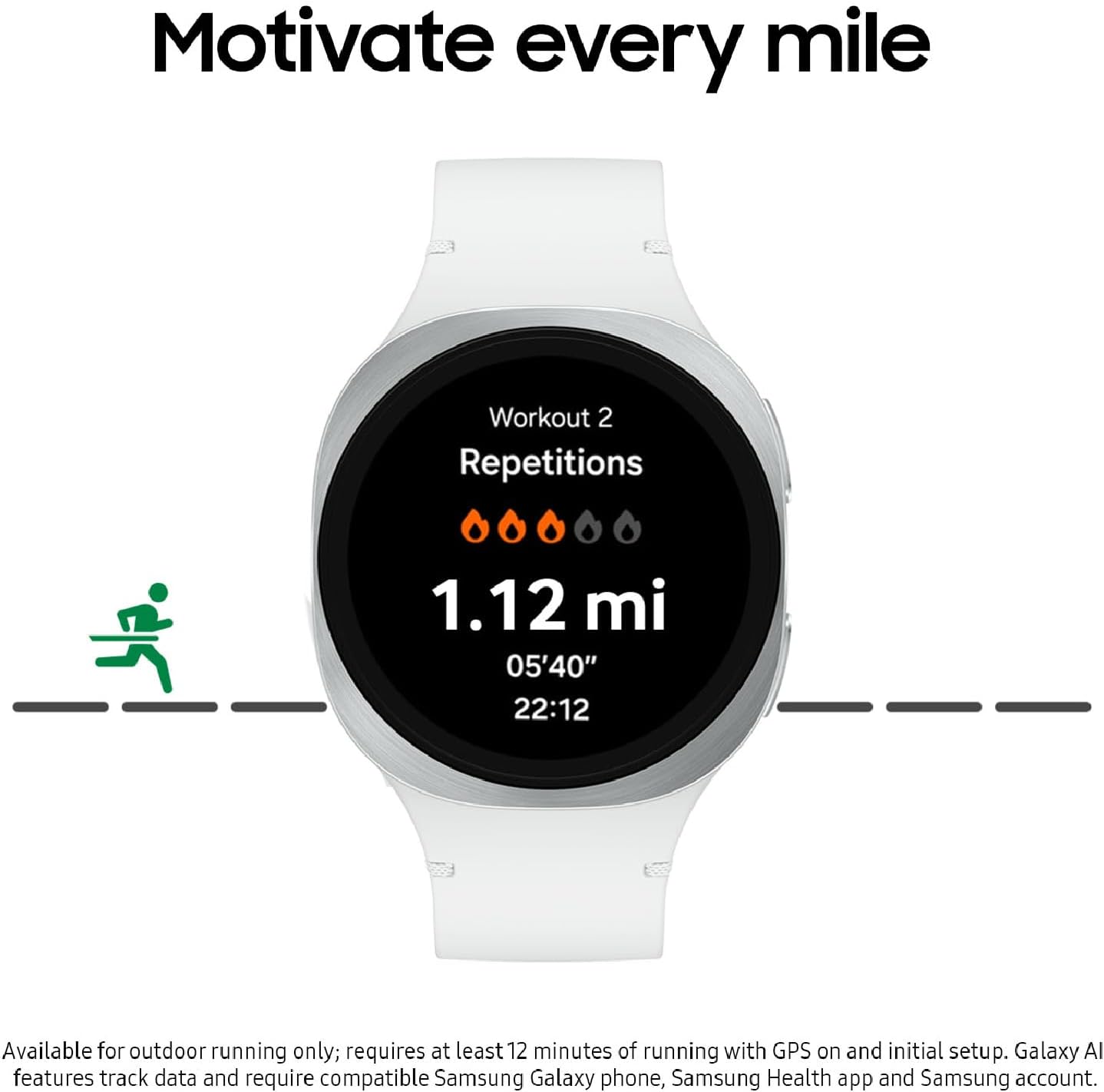
Image: The Galaxy Watch 8 screen displaying 'Workout 2' with metrics like repetitions, distance (1.12 mi), and pace (05'40"), demonstrating its running coach functionality.
- Heart Rate Tracking: Continuously monitor your heart rate throughout the day and during workouts.
- Vascular Load Monitoring: Gain insights into your stress levels and the factors influencing them, such as diet and sleep.
- Energy Score with Galaxy AI: Start your day informed with a summary of your overall health, based on yesterday's sleep, activity, and heart rate data.
Smart Features
- Personal AI Assistant: Utilize the integrated AI assistant for hands-free help with tasks, reminders, and information retrieval.

Image: The Galaxy Watch 8 screen showing 'Ask Google Gemini', indicating the availability of a personal AI assistant for voice commands and queries.
- Improved Interface: The updated interface provides clear and concise updates at a glance, including sports scores, news, and weather.
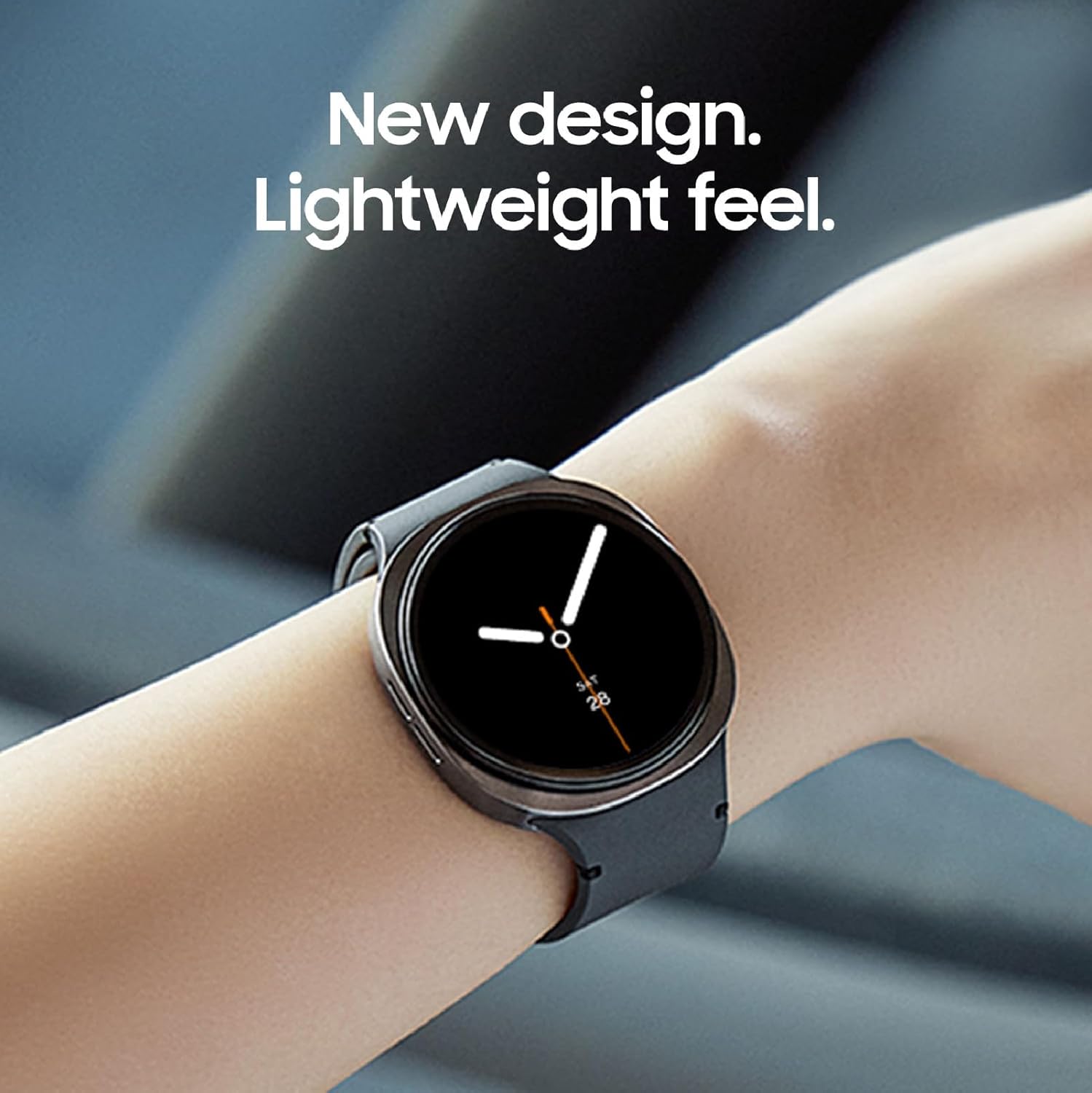
Image: Three Galaxy Watch 8 units showcasing different health and wellness screens, such as 'Health' with an energy score and 'Wellness' with mindfulness data, highlighting the improved interface for quick information access.
Battery Life
The Galaxy Watch 8 features an improved battery designed to last through your day, supporting continuous tracking of steps, heart rate, and notifications.

Image: The Galaxy Watch 8 positioned over a collage of images representing daily activities such as running, urban exploration, and sleeping, illustrating its capability to power through various routines.
Maintenance
Cleaning Your Watch
Regularly clean your watch and band to prevent skin irritation and maintain performance. Use a soft, lint-free cloth. For stubborn dirt, slightly dampen the cloth with water. Avoid harsh chemicals or abrasive materials.
Charging Best Practices
Use only the charging cable provided by Samsung. Avoid exposing the watch or charger to extreme temperatures. Do not charge the watch if it is wet.
Software Updates
Keep your watch's software updated to ensure optimal performance, security, and access to new features. Updates can be managed through the Samsung Wearable app on your smartphone.
Troubleshooting
If you encounter issues with your Galaxy Watch 8, try the following steps:
- Watch not turning on: Ensure the watch is fully charged.
- Connectivity issues: Check Bluetooth on your smartphone and ensure the watch is within range. Restart both devices.
- App synchronization problems: Verify that the Samsung Wearable app is up to date and running in the background on your smartphone.
- Inaccurate health data: Ensure the watch is worn snugly on your wrist. Clean the sensors on the back of the watch.
For more detailed troubleshooting or persistent issues, refer to the Samsung support website or contact customer service.
Specifications
| Model Number | SM-L330NZSAXAA |
| Product Dimensions | 7.4 x 2.72 x 1.73 inches |
| Item Weight | 1.19 ounces (33.8 Grams) |
| Screen Size | 1.47 Inches |
| Memory Storage Capacity | 32 GB |
| Operating System | Wear OS powered by Samsung |
| Battery Capacity | 435 Milliamp Hours |
| Connectivity Technology | Bluetooth |
| Wireless Communication Standard | 802.11a/b/g/n/ac |
| GPS | Built-in GPS |
| Shape | Round |
| Special Feature | Activity Tracker, Lightweight |
Warranty and Support
Your Samsung Galaxy Watch 8 comes with a 2-Year Warranty, covering manufacturing defects. For warranty claims or technical support, please visit the official Samsung support website or contact their customer service. Keep your proof of purchase for warranty validation.
For additional resources and frequently asked questions, visit Samsung Support.