
1. Important Safety Instructions
Please read all instructions carefully before using your POPCHOSE Steam Cleaner. Failure to follow these instructions may result in electric shock, fire, or serious injury.
- Always ensure the appliance is unplugged from the power outlet before filling with water, cleaning, or performing maintenance.
- Do not leave the appliance unattended when plugged in. Unplug from outlet when not in use and before servicing.
- Do not direct steam at people, animals, or electrical appliances. Steam is very hot and can cause burns.
- Use only clean tap water or distilled water. Do not use demineralized water or water containing additives.
- Keep the appliance out of reach of children and pets.
- The appliance features an automatic shut-off function when the water tank is empty to prevent overheating.
- Always ensure the nozzle is pointed away from you when operating.
2. Package Contents
Verify that all items are present in your package:
- POPCHOSE Steam Cleaner Main Unit
- Accessory Nozzle (1)
- Scouring Pad Brush (2)
- Steel Brush (1)
- Plastic Brush (2)
- Grout Brush (1)
- Squeegee (can be separated) (1)
- Flat Scraping Tool (1)
- Extension Hose and Nozzle (1)
- Cleaning Cloths (2)
- Measuring Cup (1)

Image: POPCHOSE Steam Cleaner main unit and all accessories laid out.
3. Product Overview
Familiarize yourself with the main components of your steam cleaner.

Image: Main unit of the POPCHOSE Steam Cleaner, highlighting key features like the handle, nozzle, and control panel.

Image: Illustration showing the detachable and visible water tank for easy refilling.
4. Setup Instructions
4.1 Attaching Accessories
- Select the appropriate accessory for your cleaning task (e.g., brush for grout, squeegee for windows).
- Align the arrow on the accessory with the arrow on the main unit's nozzle.
- Push the accessory fully in until it clicks securely into place. Turn to lock if applicable.
Video: Demonstrates attaching various accessories to the steam cleaner for different cleaning tasks.
4.2 Filling the Water Tank
- Ensure the steam cleaner is unplugged.
- Press the release buttons on each side of the tank simultaneously to detach the water tank.
- Open the water tank cap.
- Using the provided measuring cup, fill the tank with up to 500ml of clean tap water or distilled water. Do not overfill.
- Close the water tank cap securely and reattach the tank to the main unit until it clicks.

Image: A person filling the detachable water tank of the steam cleaner from a faucet.
4.3 Adding Detergent (Optional)
For enhanced cleaning power, especially on heavy grease or stubborn dirt, you can add detergent:
- Open the detergent dispenser cap on the main unit.
- Using the measuring cup, add approximately 25ml of your preferred detergent into the dispenser.
- Close the detergent dispenser cap securely.
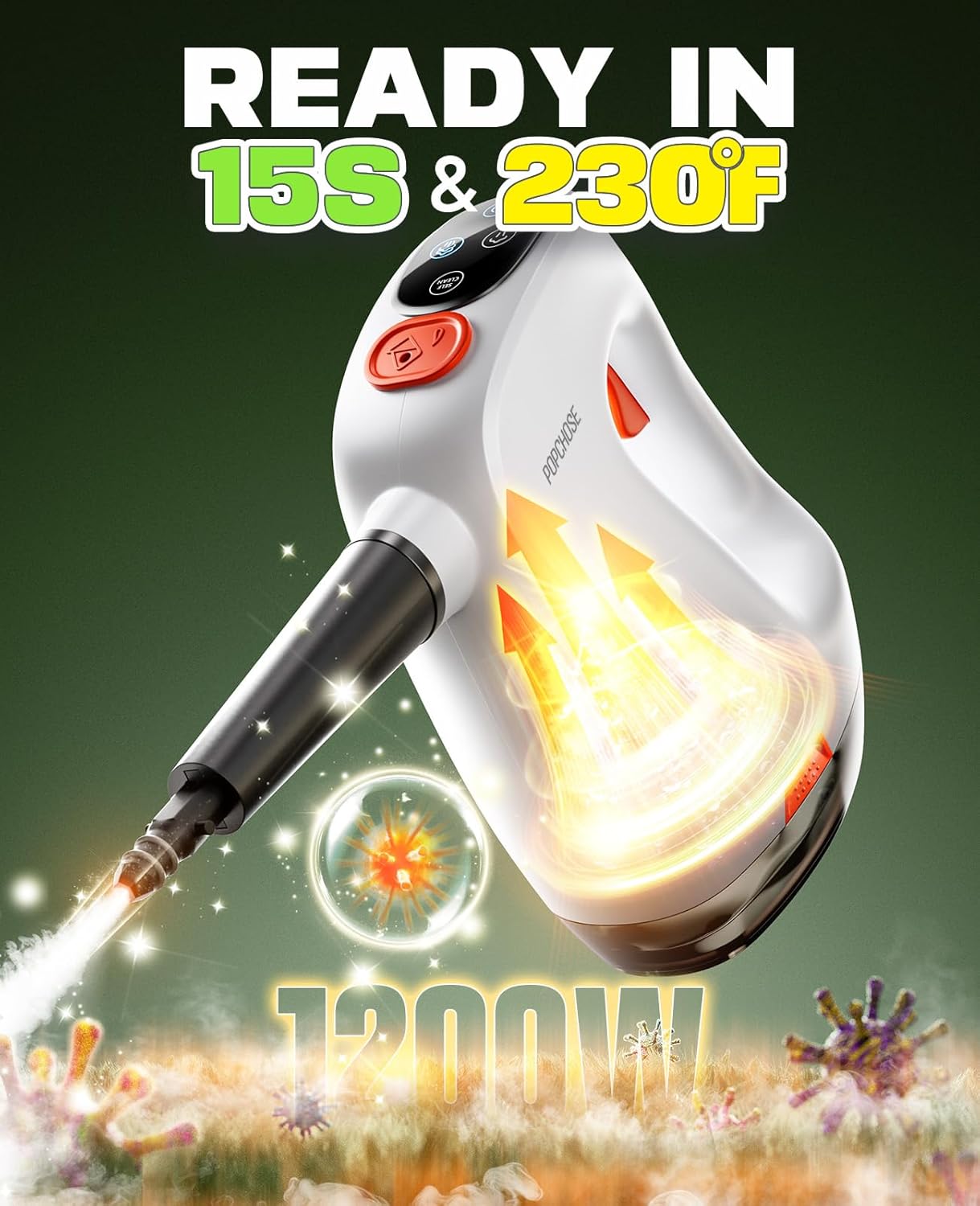
Image: A person pouring detergent into the dedicated dispenser of the steam cleaner.
5. Operating Instructions
5.1 Powering On and Heating Up
- Plug the steam cleaner into a grounded electrical outlet.
- Press the power button. The indicator light will illuminate.
- The unit will heat up in approximately 15 seconds, reaching up to 230°F. The indicator light will change when ready.
Video: Demonstrates the rapid 15-second heat-up time of the handheld steam cleaner.
5.2 Adjusting Steam Levels
The steam cleaner offers two power levels:
- Low Mode: Ideal for delicate surfaces like upholstery, fabrics, or light cleaning tasks.
- High Mode: For heavy-duty cleaning, such as tough shower grout, hard water buildup, or kitchen grease.
Press the steam level button to toggle between low and high modes.

Image: Visual representation of the steam cleaner's dual modes for powerful and gentle cleaning.
5.3 Using the Detergent Spray
If you have added detergent, press the Detergent Spray Button to mix steam with the cleaning solution. This creates a powerful foam that helps break down grease and dirt more effectively.
Video: Short demonstration of the detergent spray function in action.
5.4 Cleaning Various Surfaces
The POPCHOSE Steam Cleaner is versatile for many surfaces:
- Kitchen: Stoves, countertops, sinks, microwaves. Use appropriate brushes for tough grime.
- Bathroom: Grout, tiles, showers, sinks. The grout brush is specifically designed for this.
- Windows/Glass: Attach the squeegee for streak-free cleaning.
- Fabrics/Upholstery: Use the fabric tool with a cleaning cloth for refreshing sofas, curtains, car seats, and mattresses.
- Floors: For spot cleaning or small areas, use the appropriate brush.

Image: Demonstrates cleaning a dirty stove top using the steam cleaner with a brush attachment.

Image: Close-up of the steam cleaner effectively cleaning grout lines.

Image: A person cleaning a window using the steam cleaner with the squeegee attachment.
Video: Shows the lightweight and portable nature of the steamer, used for various cleaning tasks around the home.
6. Maintenance
6.1 Self-Clean Mode
After cleaning, activate the Self-Clean Mode to flush any remaining residue from the internal pipes. This process takes approximately 1-2 minutes and helps maintain the appliance's performance and longevity.

Image: Illustration showing the self-clean feature flushing residue from the steam cleaner's pipes.
6.2 Emptying and Storing
- Unplug the appliance and allow it to cool completely.
- Remove the water tank and empty any remaining water.
- Clean any used attachments with water and mild soap, then allow them to dry.
- Store the steam cleaner and its accessories in a cool, dry place.
7. Troubleshooting
If you encounter any issues, refer to the table below for common problems and solutions.
| Problem | Possible Cause | Solution |
|---|---|---|
| No steam or low steam output | Water tank empty; Unit not heated sufficiently; Nozzle clogged. | Refill water tank; Wait for 15 seconds for heating; Clean nozzle. |
| Water leaking from unit | Water tank not properly secured; Overfilled water tank. | Ensure tank is clicked into place; Do not overfill. |
| Detergent not dispensing | Detergent dispenser empty; Detergent spray button not pressed. | Refill detergent dispenser; Press the detergent spray button during operation. |
8. Specifications
| Feature | Detail |
|---|---|
| Brand | POPCHOSE |
| Model | steamer cleaner |
| Wattage | 1200 watts |
| Heat-Up Time | 15 seconds |
| Steam Temperature | Up to 230°F |
| Water Tank Capacity | 500 Milliliters (16.9 oz) |
| Continuous Steam Time | Up to 18 minutes (on low mode) |
| Power Source | Corded Electric |
| Special Features | Detergent Dispenser, Removable Water Tank, Self-Clean Mode, Adjustable Steam, Dry Burning Auto Turn-off |
9. Warranty and Support
Your POPCHOSE Steam Cleaner is covered by a manufacturer's warranty. For detailed warranty information, product support, or to purchase replacement parts, please refer to the contact information provided in your product packaging or visit the official POPCHOSE website.
For further assistance, please contact POPCHOSE customer service.


