
1. Introduction
Thank you for choosing the Aurotlu Q16-H3 Open Ear Wireless Earbuds. These earbuds are designed to provide a comfortable listening experience while maintaining awareness of your surroundings. Featuring Bluetooth 5.4 connectivity, IPX7 waterproofing, and a long-lasting battery, they are suitable for various activities including workouts and daily use. This manual provides detailed instructions for setup, operation, maintenance, and troubleshooting to ensure optimal performance.
2. What's in the Box
- 2 x Aurotlu Q16-H3 Open Ear Headphones (Left and Right)
- 1 x Wireless Charging Case
- 1 x USB Type-C Charging Cable
- 1 x User Manual
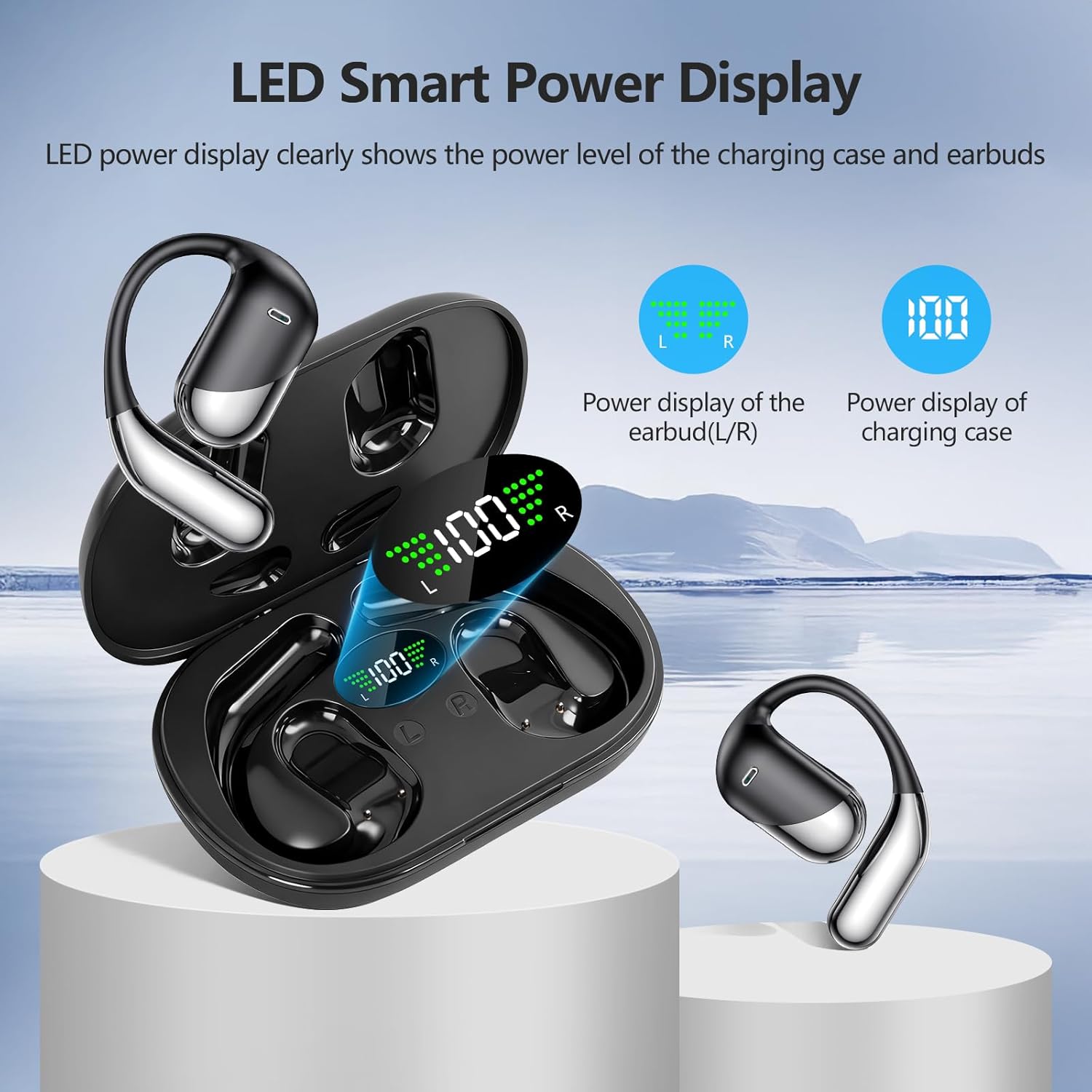
Image: Contents of the Aurotlu Q16-H3 package, showing the earbuds and charging case.
3. Product Overview
3.1 Earbud Design
The Aurotlu Q16-H3 earbuds feature an open-ear design that rests comfortably over your ear, allowing you to hear ambient sounds while enjoying audio. This design prevents discomfort from prolonged wear and enhances safety in outdoor environments.
3.2 Charging Case with LED Display
The compact charging case not only protects your earbuds but also provides multiple recharges. It features an LED digital display that clearly indicates the battery level of both the charging case and each individual earbud (L/R).
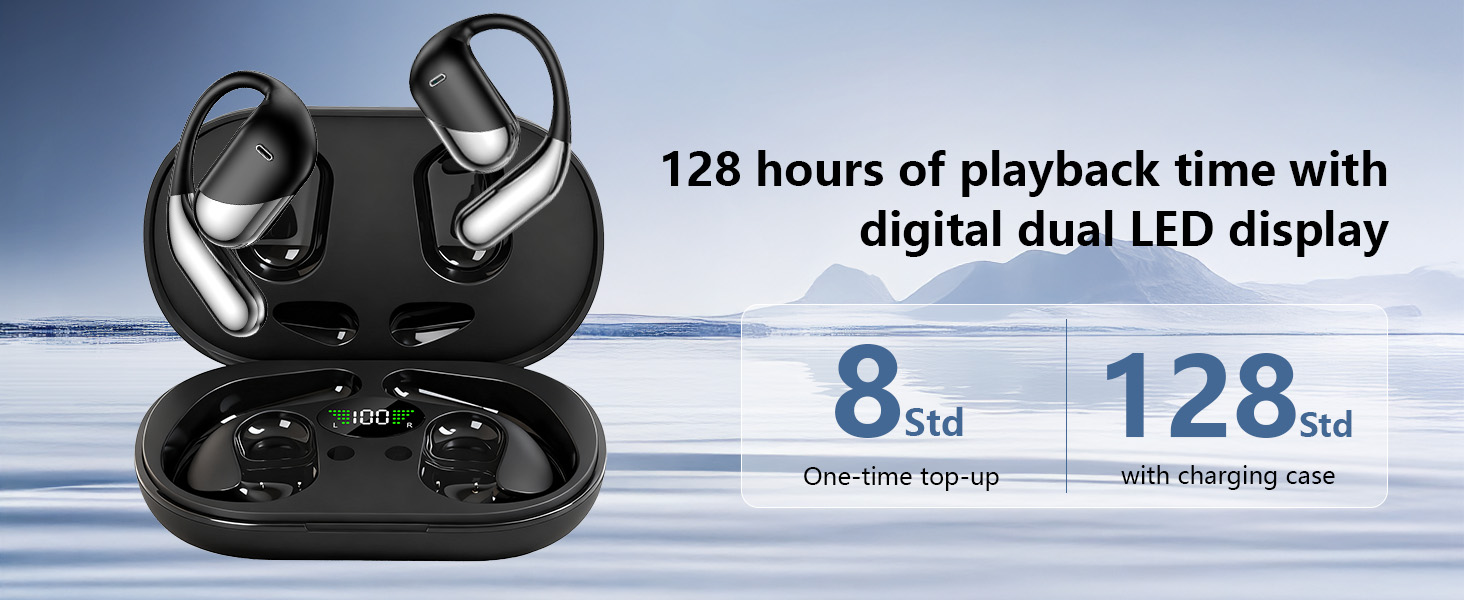
Image: The charging case displaying battery levels for the case and individual earbuds.
4. Setup
4.1 Charging the Earbuds and Case
- Place the earbuds into the charging case, ensuring they are correctly seated. The LED display on the case will show their charging status.
- Connect the Type-C charging cable to the charging port on the case and plug the other end into a USB power adapter (not included).
- The charging case can be fully charged in approximately 1 hour. The earbuds will charge automatically when placed in the powered case.
A full charge provides up to 12 hours of continuous playtime for the earbuds, with the charging case offering an additional 48 hours, totaling up to 60 hours of playtime.
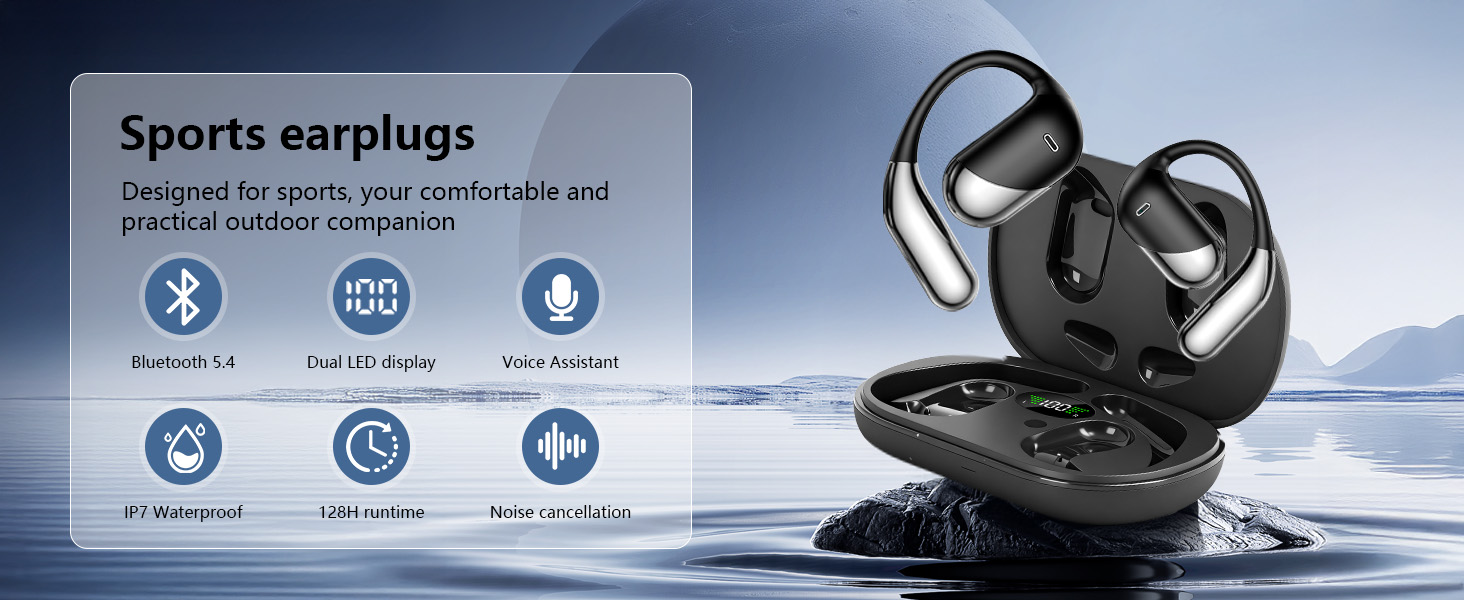
Image: Visual representation of the earbuds' battery life and charging capabilities.
4.2 Bluetooth Pairing
- Ensure the earbuds are charged.
- Open the charging case. The earbuds will automatically enter pairing mode, indicated by a flashing LED light.
- On your device (smartphone, tablet, etc.), enable Bluetooth and search for available devices.
- Select "Q16" or "Aurotlu Q16-H3" from the list of devices.
- Once connected, the LED indicator on the earbuds will stop flashing, and your device will confirm the connection.
The earbuds utilize Bluetooth 5.4 technology for a stable and fast connection with ultra-low latency.
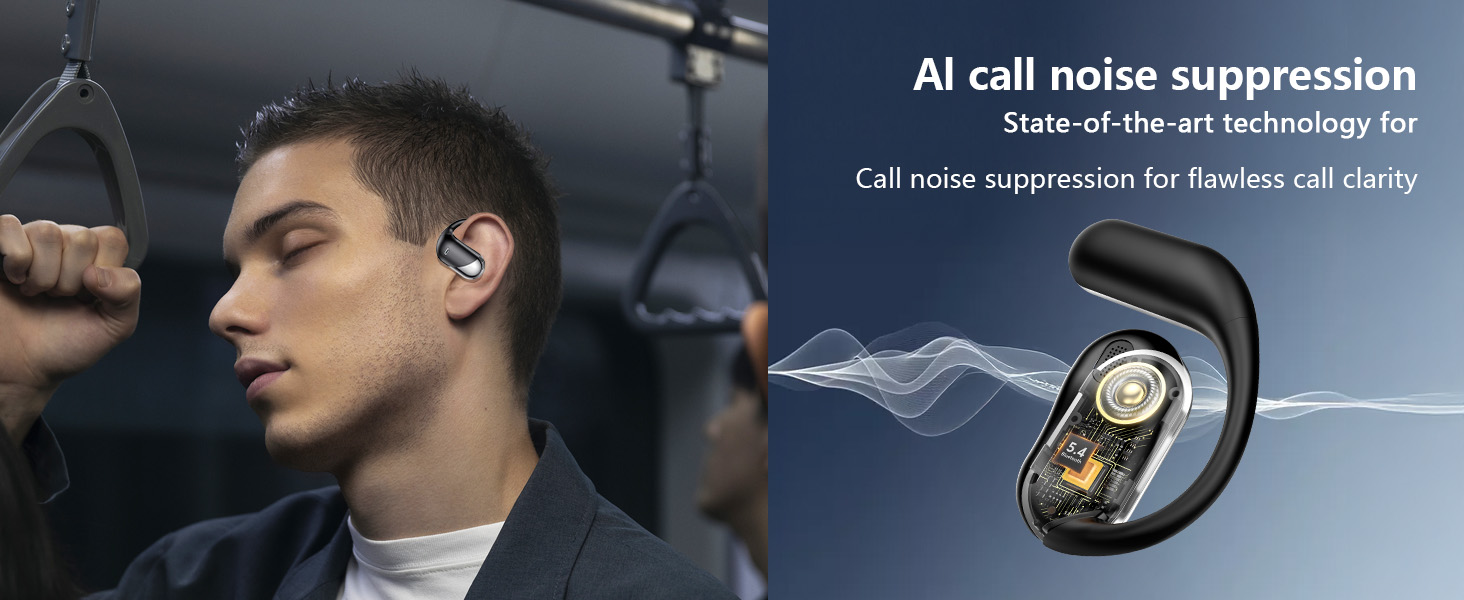
Image: Illustration of the one-step Bluetooth pairing process with a mobile device.
5. Operating Instructions
5.1 Wearing the Earbuds
Gently hook the earbuds over your ears, ensuring the speaker portion rests comfortably near your ear canal without entering it. Adjust for a secure and comfortable fit. The ergonomic design is intended for extended wear without discomfort.
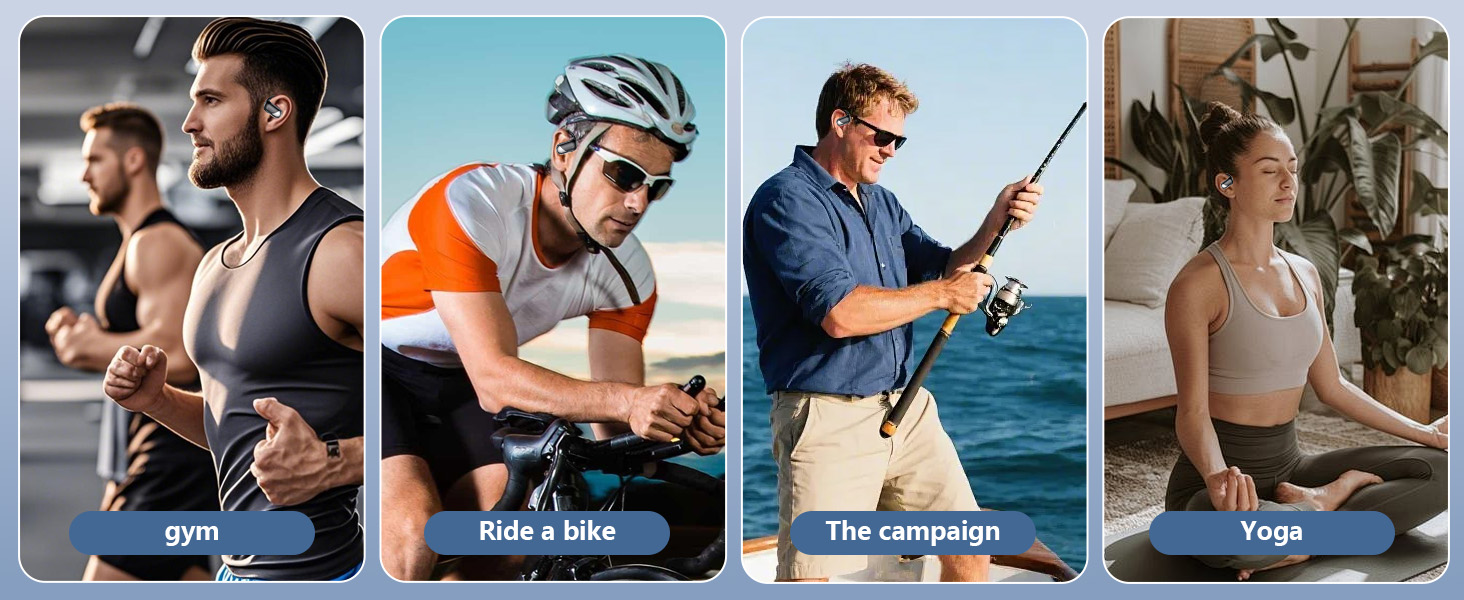
Image: Individuals wearing the open-ear earbuds during exercise, cycling, fishing, and yoga, demonstrating the secure fit.
5.2 Touch Controls
The earbuds feature intuitive touch controls for managing audio playback and calls:
- Play/Pause: Single tap on either L/R earbud.
- Previous Track: Triple tap on the Left earbud.
- Next Track: Triple tap on the Right earbud.
- Volume Up: Long tap on the Right earbud.
- Volume Down: Long tap on the Left earbud.
- Answer Call: Short tap on either L/R earbud.
- Hang Up Call: Long tap on either L/R earbud.
- Activate Voice Assistant: Double tap on either L/R earbud.
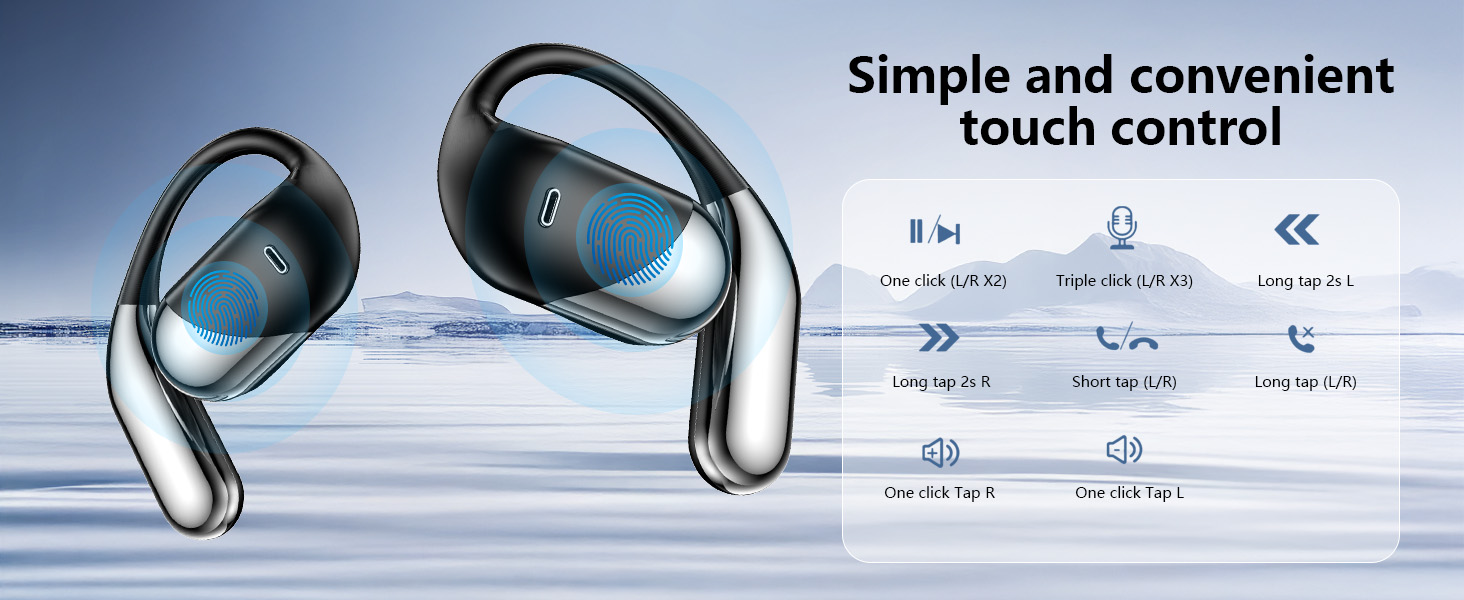
Image: Diagram illustrating the various touch control gestures and their corresponding functions on the earbuds.
5.3 Call Functions
The built-in microphone and advanced drivers ensure clear communication during calls. Use the touch controls to answer, end, or reject calls.
5.4 Music Playback
With 16.3mm dynamic drivers, the earbuds deliver rich stereo sound. Control playback (play, pause, skip tracks, adjust volume) using the touch controls.
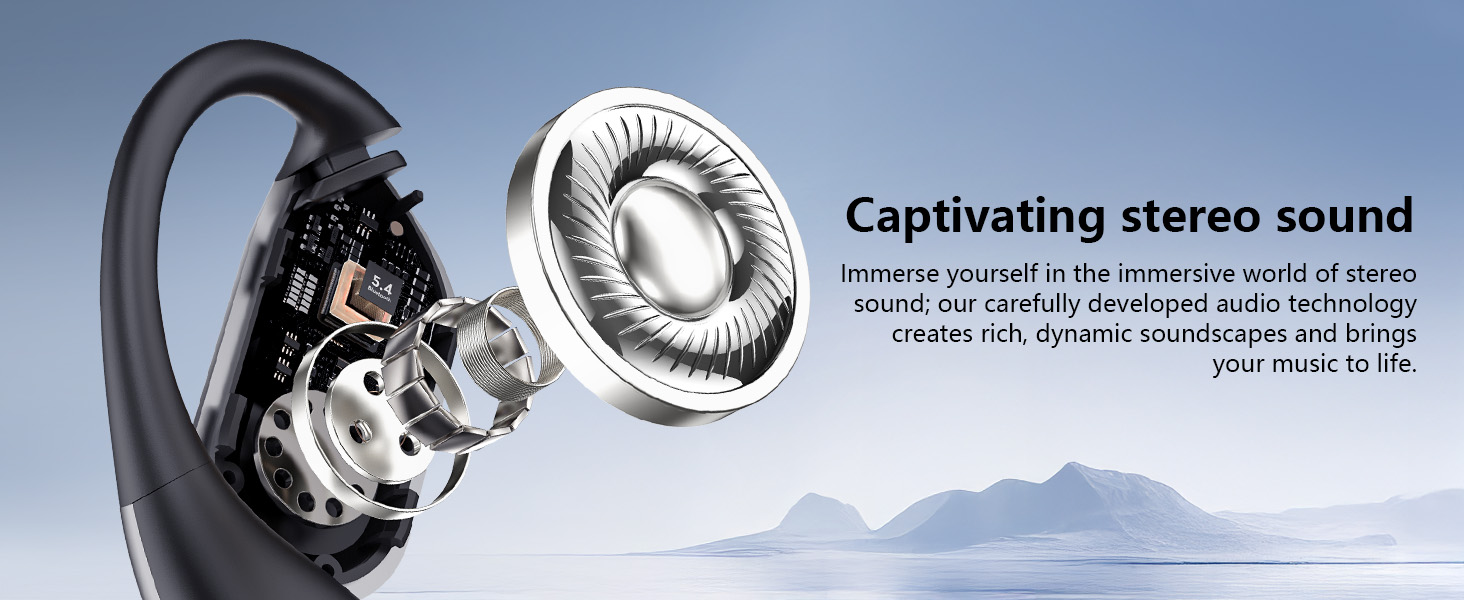
Image: An exploded view of an earbud highlighting the 16.3mm dynamic driver responsible for stereo sound.
6. Maintenance
6.1 Cleaning
- Wipe the earbuds and charging case with a soft, dry, lint-free cloth.
- Do not use abrasive cleaners, alcohol, or chemical solvents.
- Ensure charging contacts are clean and dry for optimal charging.
6.2 Water Resistance
The earbuds are IPX7 waterproof, meaning they can withstand immersion in water up to 1 meter for 30 minutes. They are resistant to sweat and splashes, making them suitable for workouts. However, the charging case is not waterproof. Do not submerge the charging case.
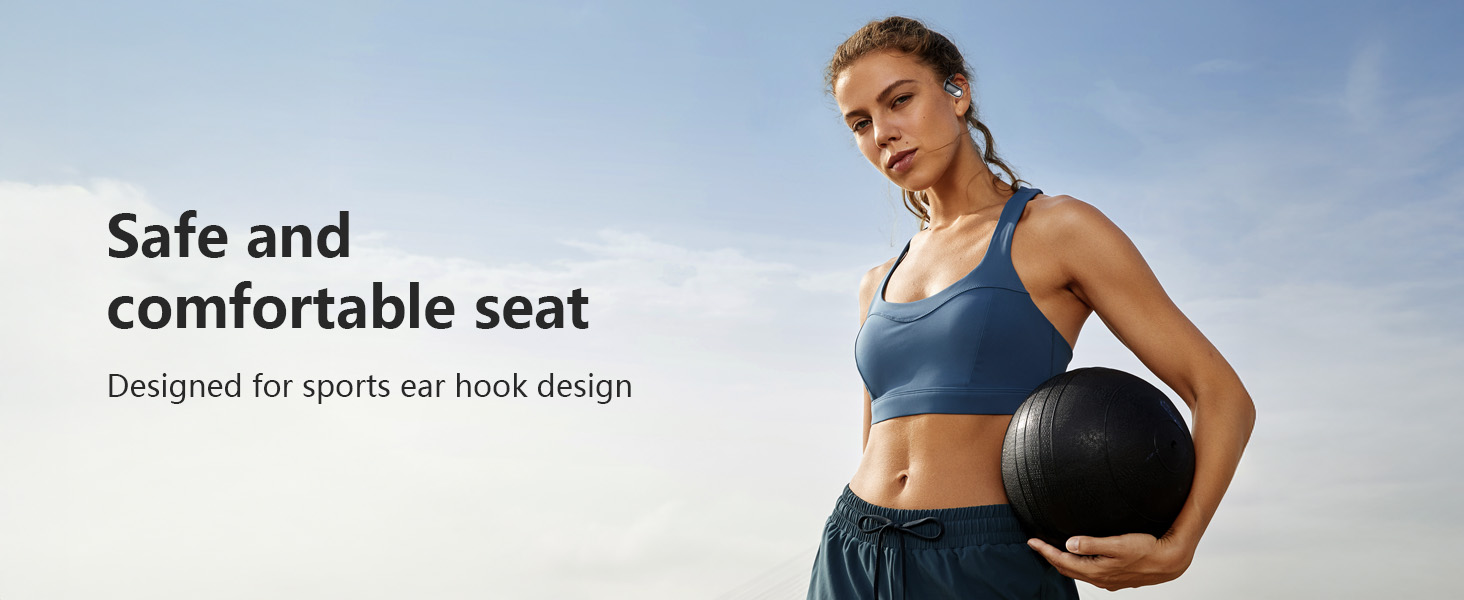
Image: The earbuds shown with water splashes, illustrating their IPX7 waterproof and sweatproof capabilities.
6.3 Storage
When not in use, store the earbuds in their charging case to protect them and keep them charged. Store in a cool, dry place away from extreme temperatures.
7. Troubleshooting
- Earbuds not pairing: Ensure both earbuds are in the charging case, then open the lid to activate pairing mode. Check your device's Bluetooth settings and try reconnecting.
- Only one earbud working: Place both earbuds back into the charging case, close the lid for 5 seconds, then open it again. This often resets the connection between them.
- No sound: Check the volume level on both your device and the earbuds. Ensure the earbuds are properly connected to your device.
- Charging issues: Clean the charging contacts on both the earbuds and the case. Ensure the charging cable is securely connected and the power source is functional.
- Poor call quality: Ensure the microphone is not obstructed. Move closer to your connected device to improve signal strength.
8. Specifications
| Brand | Aurotlu |
| Model Number | Q16-H3 |
| Connectivity Technology | Wireless (Bluetooth) |
| Bluetooth Version | 5.4 |
| Ear Placement | On Ear (Open Ear Design) |
| Water Resistance Level | IPX7 (Earbuds only) |
| Battery Life (Earbuds) | Up to 12 hours (single charge) |
| Total Playtime (with Case) | Up to 60 hours |
| Charging Time (Case) | Approx. 1 hour |
| Control Method | Touch |
| Audio Driver Type | Dynamic Driver (16.3mm) |
| Frequency Range | 20Hz - 20,000Hz |
| Material | Plastic, Silicone |
9. Warranty and Support
9.1 Warranty Information
The Aurotlu Q16-H3 Open Ear Wireless Earbuds come with a 3-month manufacturer's warranty from the date of purchase. This warranty covers manufacturing defects. Please retain your proof of purchase for warranty claims.
9.2 Customer Support
For any questions, technical assistance, or warranty inquiries, please contact Aurotlu customer support through the retailer where the product was purchased or refer to the contact information provided on the product packaging or official website.