1. Important Safety Instructions
Please read all instructions carefully before using the pooboo Under Desk Elliptical Machine. Retain this manual for future reference.
- Intended Use: This machine is designed for seated leg exercise only. Do not stand on the pedals.
- Placement: Use the machine on a flat, stable surface. Ensure adequate space around the unit.
- Power Source: Use only the provided power cord. Ensure the power outlet matches the machine's voltage requirements.
- Children and Pets: Keep children and pets away from the machine during operation.
- Medical Conditions: Consult a physician before starting any exercise program, especially if you have pre-existing medical conditions.
- Maintenance: Do not attempt to service the machine beyond the maintenance instructions provided in this manual. Contact customer support for repairs.
2. Product Components
The pooboo Under Desk Elliptical Machine comes fully assembled. Please check the package contents:
- 1 × Under Desk Elliptical Machine
- 1 × Remote Control
- 1 × Power Cord
- 1 × User Manual (this document)
- 1 × Non-Slip Mat
- 1 × Set of Pedal Straps
- 1 × Set of Resistance Cables
3. Setup
The pooboo Under Desk Elliptical Machine is designed for immediate use with no assembly required.
- Unpacking: Carefully remove the elliptical machine and all accessories from the packaging.
- Placement: Place the elliptical machine on a flat, stable surface under your desk or in your desired exercise area. Ensure there is enough clearance for your legs to move freely.
- Non-Slip Mat: For added stability and floor protection, place the provided non-slip mat underneath the elliptical machine.
- Power Connection: Connect the power cord to the machine's power input and then plug it into a standard electrical outlet.
- Remote Control: Ensure the remote control has batteries installed (if not pre-installed) and is ready for use. The machine features a built-in storage slot for the remote.
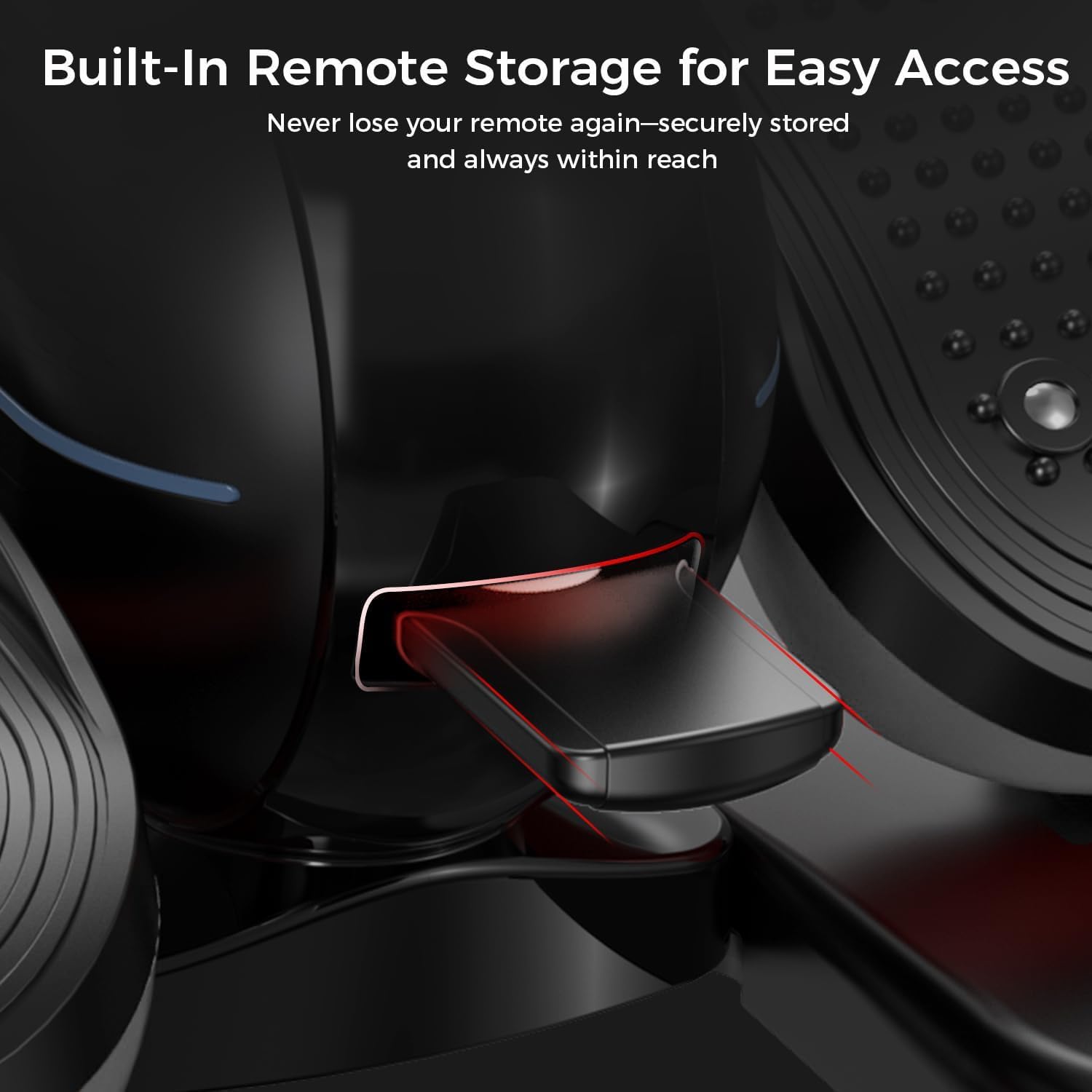
Figure 3.1: Built-in remote storage for convenient access.
4. Operating Instructions
4.1 Powering On/Off
- To power on, press the POWER button on the remote control. The digital display will illuminate.
- To power off, press the POWER button again.
4.2 Digital Display and Handle
The machine features a 2-in-1 handle and digital monitor. The monitor can be adjusted for optimal viewing angle.
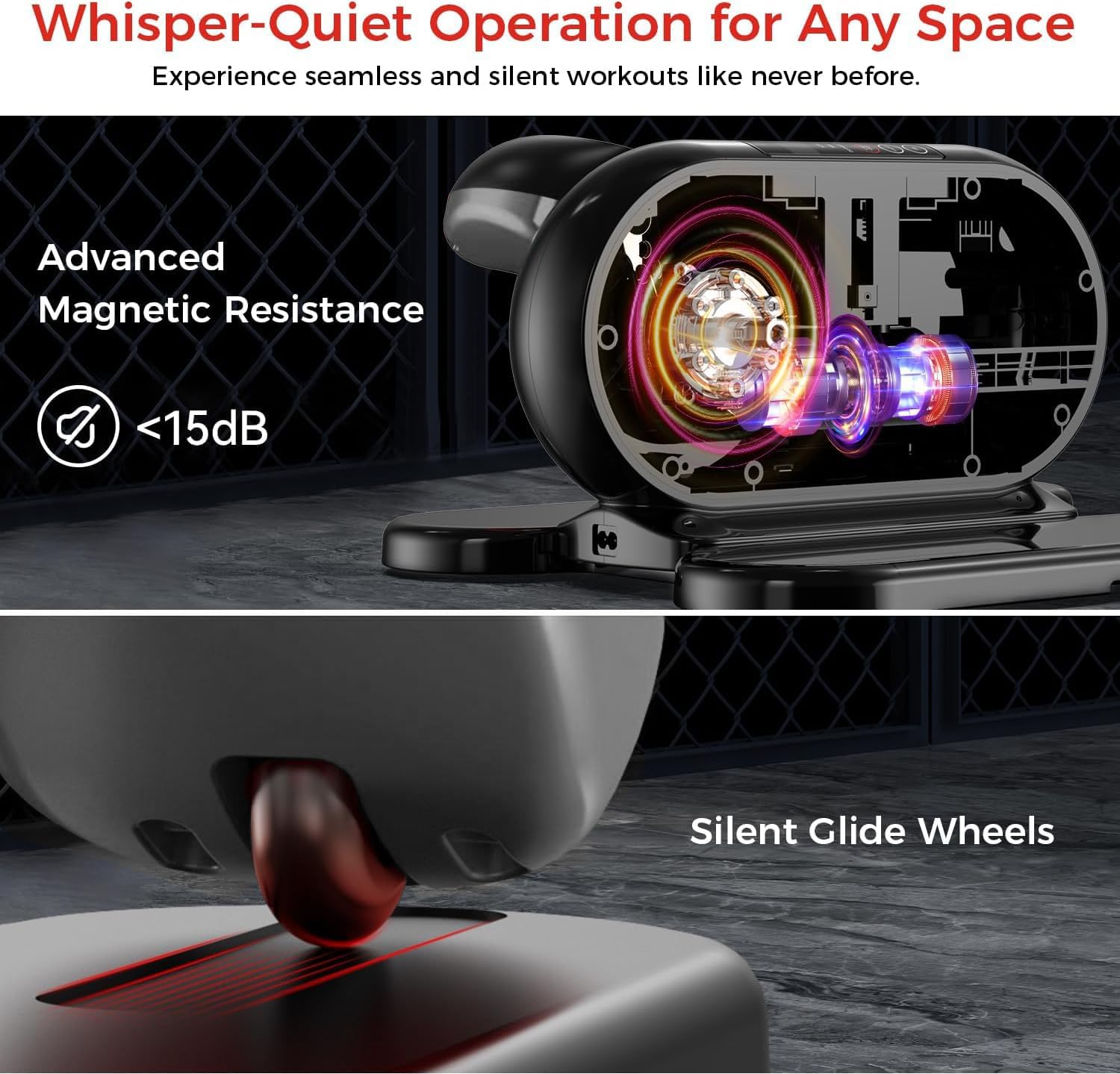
Figure 4.1: Adjustable monitor and integrated handle for portability.
The digital display shows various workout metrics:
- SCAN: Cycles through all metrics automatically.
- SPEED: Current speed of pedal rotation.
- TIME: Duration of the current workout session.
- DISTANCE: Estimated distance covered.
- CALORIE: Estimated calories burned.
- COUNTER: Total number of rotations.

Figure 4.2: Digital display metrics for tracking progress.
4.3 Using the Remote Control
The remote control allows you to manage all functions without bending down.
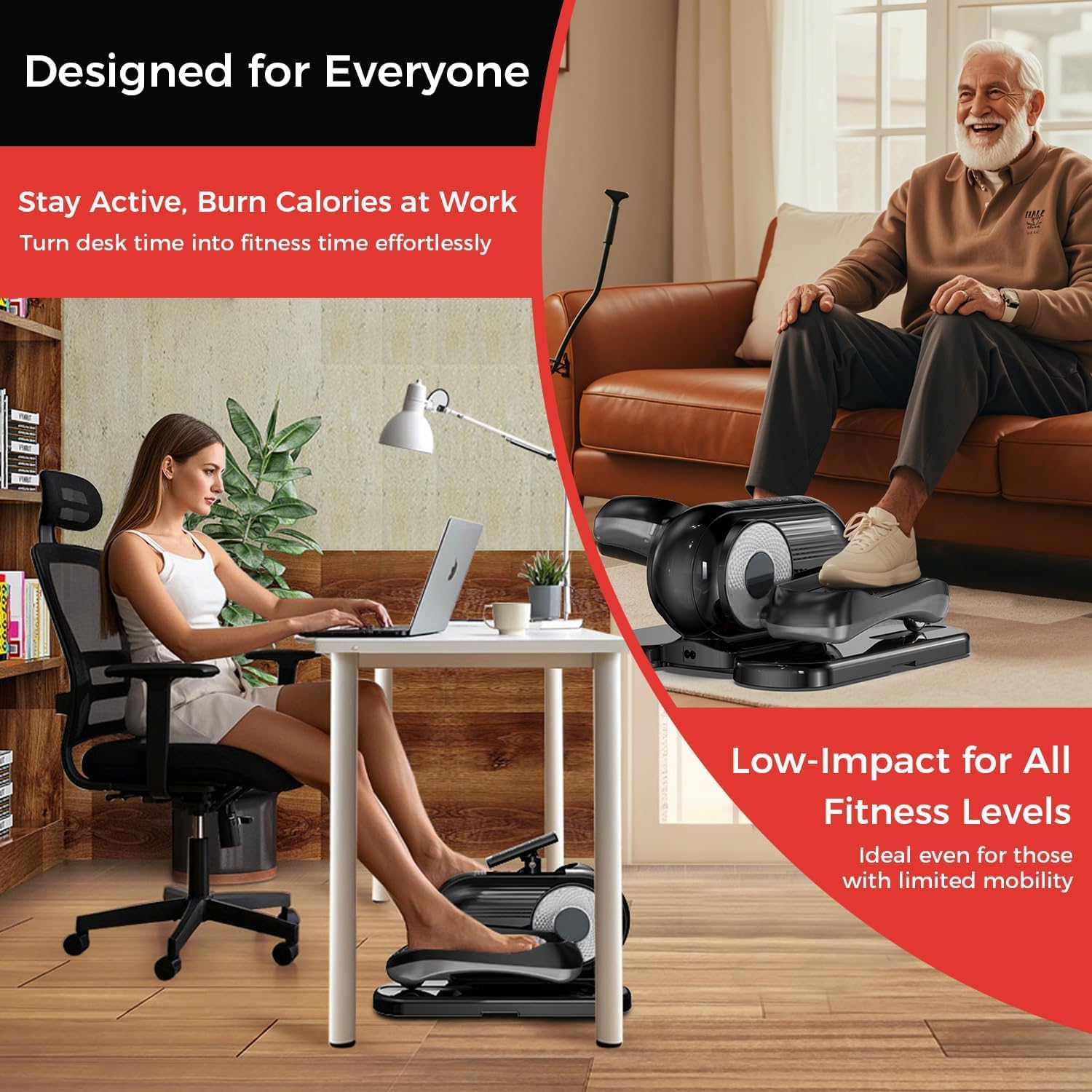
Figure 4.3: Remote control for convenient operation.
- START/STOP: Press to begin or pause the exercise.
- MODE: Switches between Auto Mode (P1-P12) and Manual Mode (1-12 speed levels).
- DIRECTION: Changes the pedal rotation direction (forward or reverse).
- SPEED (+/-): In Manual Mode, increases or decreases the speed level.
- FUNCTION: Cycles through display metrics (Time, Speed, Distance, Calorie, Counter).
4.4 Exercise Modes
- Auto Mode (P1-P12):
Select this mode for pre-programmed workout routines. Each program (P1 to P12) offers varying speeds and durations. Use the MODE button to cycle through programs.
- Manual Mode (1-12 Speed Levels):
In Manual Mode, you can manually adjust the speed from level 1 (slowest) to 12 (fastest) using the SPEED (+/-) buttons on the remote. You can also set the desired workout time.
4.5 Changing Direction
Press the DIRECTION button on the remote control to switch between forward and reverse pedal motion. This allows for targeting different muscle groups.
5. Maintenance
Regular maintenance ensures the longevity and optimal performance of your elliptical machine.
- Cleaning: Wipe down the machine with a soft, damp cloth after each use to remove dust and sweat. Do not use abrasive cleaners or solvents.
- Storage: Store the machine in a cool, dry place away from direct sunlight and extreme temperatures.
- Power Cord: Inspect the power cord regularly for any signs of damage. If damaged, discontinue use and contact customer support.
- Moving the Machine: Utilize the integrated handle for easy portability when moving the machine.
6. Troubleshooting
If you encounter any issues, please refer to the following common troubleshooting steps:
| Problem | Possible Cause | Solution |
|---|---|---|
| Machine does not power on. | Power cord not properly connected. Power outlet not functioning. | Ensure the power cord is securely plugged into both the machine and a working electrical outlet. Try a different outlet. |
| Remote control is unresponsive. | Batteries are low or incorrectly inserted. Obstruction between remote and machine. | Replace remote control batteries. Ensure batteries are inserted with correct polarity. Remove any objects blocking the remote's signal path to the machine. |
| Pedals are not moving smoothly. | Debris caught in mechanism. Machine not on a level surface. | Inspect for any foreign objects and remove them. Ensure the machine is placed on a flat, stable surface. |
| Display is not showing correct metrics. | Sensor issue. Machine needs reset. | Power off the machine, unplug it for 30 seconds, then plug it back in and power on. If the issue persists, contact customer support. |
If the problem persists after attempting these solutions, please contact pooboo customer support.
7. Specifications
| Feature | Detail |
|---|---|
| Model Name | E38101 |
| Brand | pooboo |
| Color | Black |
| Product Dimensions (LxWxH) | 18"D x 15"W x 11"H |
| Material | Alloy Steel |
| Resistance Mechanism | Magnetic |
| Number of Resistance Levels | 12 |
8. Warranty Information
The pooboo Under Desk Elliptical Machine Model E38101 comes with a 1 Year Manufacturer Warranty from the date of purchase.
This warranty covers defects in materials and workmanship under normal use. It does not cover damage resulting from misuse, accident, unauthorized modification, or failure to follow the instructions in this manual.
Please retain your proof of purchase for warranty claims.
9. Customer Support
For any questions, technical assistance, or warranty claims, please contact pooboo customer support.
Contact details (e.g., website, email, phone number) are typically provided on the product packaging or the official brand website.
Please have your model number (E38101) and proof of purchase ready when contacting support.


