
Introduction
This manual provides detailed instructions for the safe and effective use of your Generic Rotating Massager MY89002. Please read this manual thoroughly before operating the device and retain it for future reference.
The MY89002 is a versatile massager featuring 10 distinct rotating modes, designed for a customizable experience. It offers convenient control options via a dedicated remote control and a smartphone application. Constructed from premium smooth silicone, the device is also waterproof, allowing for use in various environments. It is USB rechargeable and provides approximately one hour of operation per full charge.
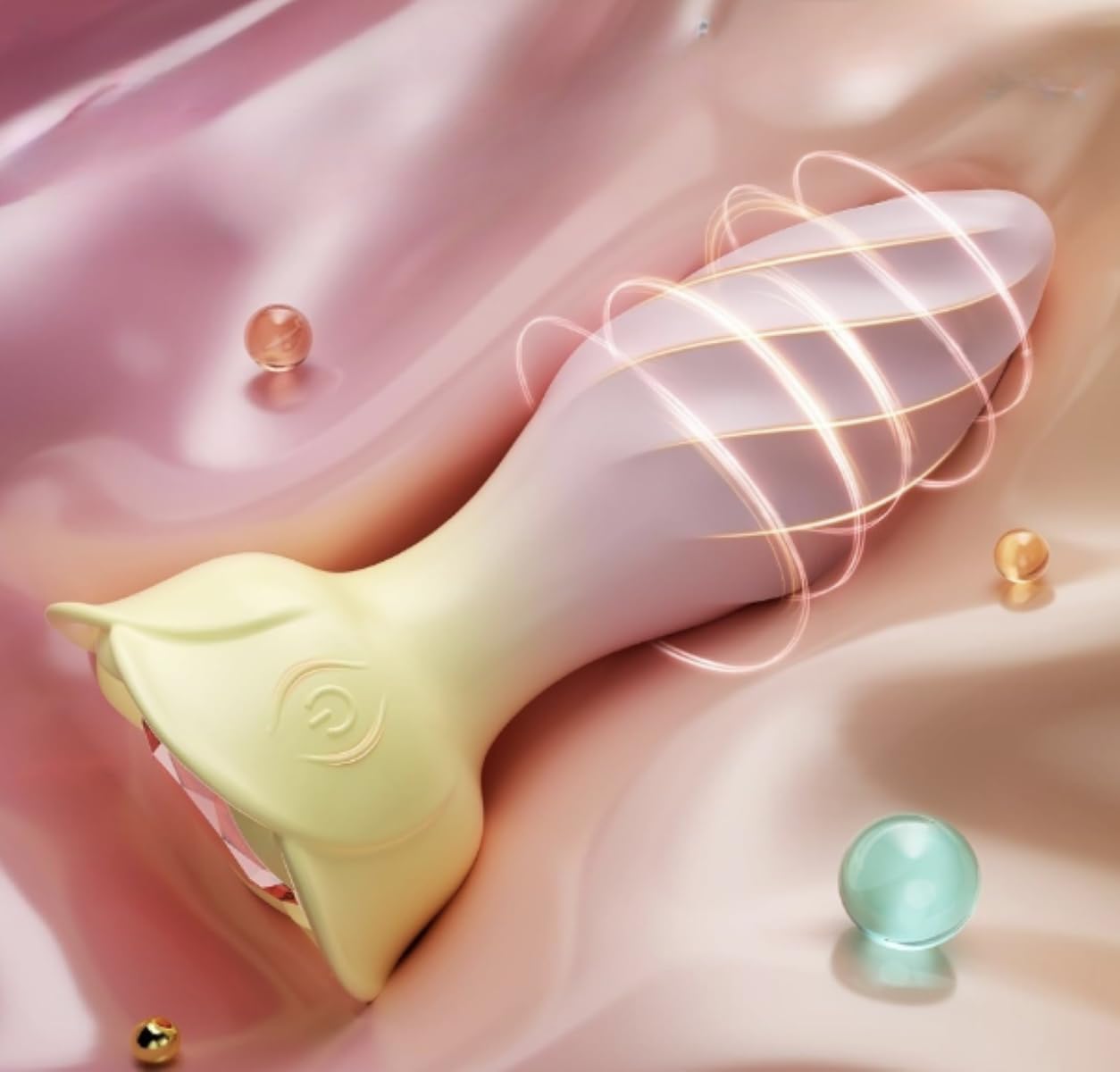
Image: The MY89002 Rotating Massager, showcasing its ergonomic design and smooth silicone finish, with subtle glowing effects indicating its operational state.
Safety Information
- Do not use if you have any medical conditions that may be exacerbated by massage. Consult a physician before use if you have concerns.
- Keep out of reach of children.
- Do not use on swollen, inflamed, or broken skin.
- Discontinue use immediately if you experience any discomfort or pain.
- Use only the provided USB charging cable.
- Do not attempt to disassemble or modify the device.
- Clean the device thoroughly before and after each use as per the maintenance instructions.
Package Contents
Please check the package for the following items:
- 1 x Generic Rotating Massager MY89002
- 1 x Remote Control
- 1 x USB Charging Cable
- 1 x User Manual (this document)
Setup
Initial Charging
- Before first use, fully charge the massager.
- Connect the USB charging cable to the charging port on the massager.
- Connect the other end of the USB cable to a standard USB power adapter (not included) or a computer USB port.
- The indicator light on the massager will illuminate during charging and turn off or change color when fully charged. A full charge typically takes 1-2 hours.
Remote Control Battery Installation
The remote control may come with a battery pre-installed or require installation. If required, open the battery compartment and insert the specified battery type, ensuring correct polarity.
Operating Instructions

Image: The MY89002 Rotating Massager shown alongside its remote control, with visual indicators representing the 10 available rotating modes.
Power On/Off
- To turn on the massager, press and hold the power button on the device or the remote control for 2-3 seconds.
- To turn off the massager, press and hold the power button again for 2-3 seconds.
Mode Selection
- Once powered on, short press the mode button on the device or the remote control to cycle through the 10 different rotating modes.
- Each press will switch to the next mode. Find the mode that best suits your preference.
Remote Control Usage
The remote control allows for convenient, hands-free operation. Ensure the remote is within range of the massager for optimal functionality. Use the power button to turn the device on/off and the mode button to change rotation patterns.
App Connectivity
The MY89002 can also be controlled via a dedicated smartphone application. Follow these steps to connect:
- Download the official application from your smartphone's app store (search for "MY89002" or refer to the QR code on the product packaging).
- Ensure your smartphone's Bluetooth is enabled.
- Turn on the MY89002 massager.
- Open the application and follow the on-screen instructions to pair your device.
- Once paired, you can control the massager's power and modes directly from the app, often with additional customization options.
Maintenance and Cleaning

Image: The MY89002 Rotating Massager being rinsed under water, illustrating its waterproof design for easy cleaning.
Proper maintenance ensures the longevity and hygiene of your massager.
- Cleaning: The MY89002 is waterproof. Clean the device thoroughly before and after each use with warm water and a mild, toy-safe soap. Rinse thoroughly and pat dry with a lint-free cloth. Do not use cleaners containing alcohol, petroleum, or acetone.
- Storage: Store the massager in a clean, dry place away from direct sunlight and extreme temperatures. Keep it separate from other materials that might damage the silicone.
- Charging Port: Ensure the charging port is completely dry before connecting the USB cable for charging.
Troubleshooting
| Problem | Possible Cause | Solution |
|---|---|---|
| Device does not turn on. | Low battery; Device not properly charged. | Charge the device fully using the provided USB cable. Ensure the charging cable is securely connected. |
| Device does not respond to remote control. | Remote control battery low or depleted; Remote out of range; Interference. | Replace the remote control battery. Ensure the remote is close to the massager. Avoid obstructions between the remote and device. |
| App cannot connect to the device. | Bluetooth not enabled; Device not powered on; App not updated. | Ensure Bluetooth is active on your phone. Turn on the massager. Update the app to the latest version. Try restarting both the device and your phone. |
| Device stops working unexpectedly. | Low battery; Overheating protection activated. | Recharge the device. Allow the device to cool down if it has been in continuous use for an extended period. |
Specifications
- Model: MY89002
- Brand: Generic
- Material: Premium Smooth Silicone
- Modes: 10 Rotating Modes
- Control: Remote Control, Smartphone App
- Power: USB Rechargeable
- Battery Life: Approximately 1 hour per charge
- Waterproof: Yes
- Product Care: Hand Wash
- ASIN: B0FVMBLK4X
- Manufacturer: Viktoriss
- First Available Date: October 10, 2025
Warranty and Support
For warranty information and customer support, please refer to the documentation provided at the point of purchase or contact the retailer directly. As this is a Generic branded product, specific warranty terms may vary by seller.
Statements regarding dietary supplements have not been evaluated by the FDA and are not intended to diagnose, treat, cure, or prevent any disease or health condition. This product is not a medical device.
