
Product Overview
The eMylo Zigbee 3.0 USB Dongle Plus Gateway is a universal Zigbee USB flash drive designed to act as a central coordinator for your smart home devices. It eliminates the need for multiple brand-specific Zigbee hubs by providing a single, powerful gateway for Home Assistant, Open HAB, Zigbee2MQTT, and other open-source platforms.
Key features include:
- Universal ZigBee Gateway: Control all your Zigbee sub-devices locally without needing different brand hubs.
- Multi-platform Support: Pre-flashed with EZNet 6.10.3 or EmberZNet 7.5.0 firmware, compatible with Home Assistant, ioBroker, Domoticz, Jeedom, and Zigbee2MQTT.
- Wide Compatibility: Supports various sub-devices and router firmware to extend network range, including lights, smart door sensors, plugs, switches, and bulbs.
- Easy Installation: Plug-and-play setup via USB on Raspberry Pi, NUC, or other mini-PCs, with automatic recognition by Home Assistant and Zigbee2MQTT.
- Scalability: Official firmware supports 32 Zigbee sub-devices by default, configurable up to 100.

Image: The eMylo Zigbee 3.0 USB Dongle Plus Gateway with its antenna.
Setup
The eMylo Zigbee 3.0 USB Dongle Plus is designed for straightforward installation, allowing you to quickly integrate it into your smart home system.
1. Initial Connection
Simply plug the Zigbee USB dongle into an available USB port on your host device (e.g., Raspberry Pi, NUC, or PC running Home Assistant). The device is typically recognized automatically.
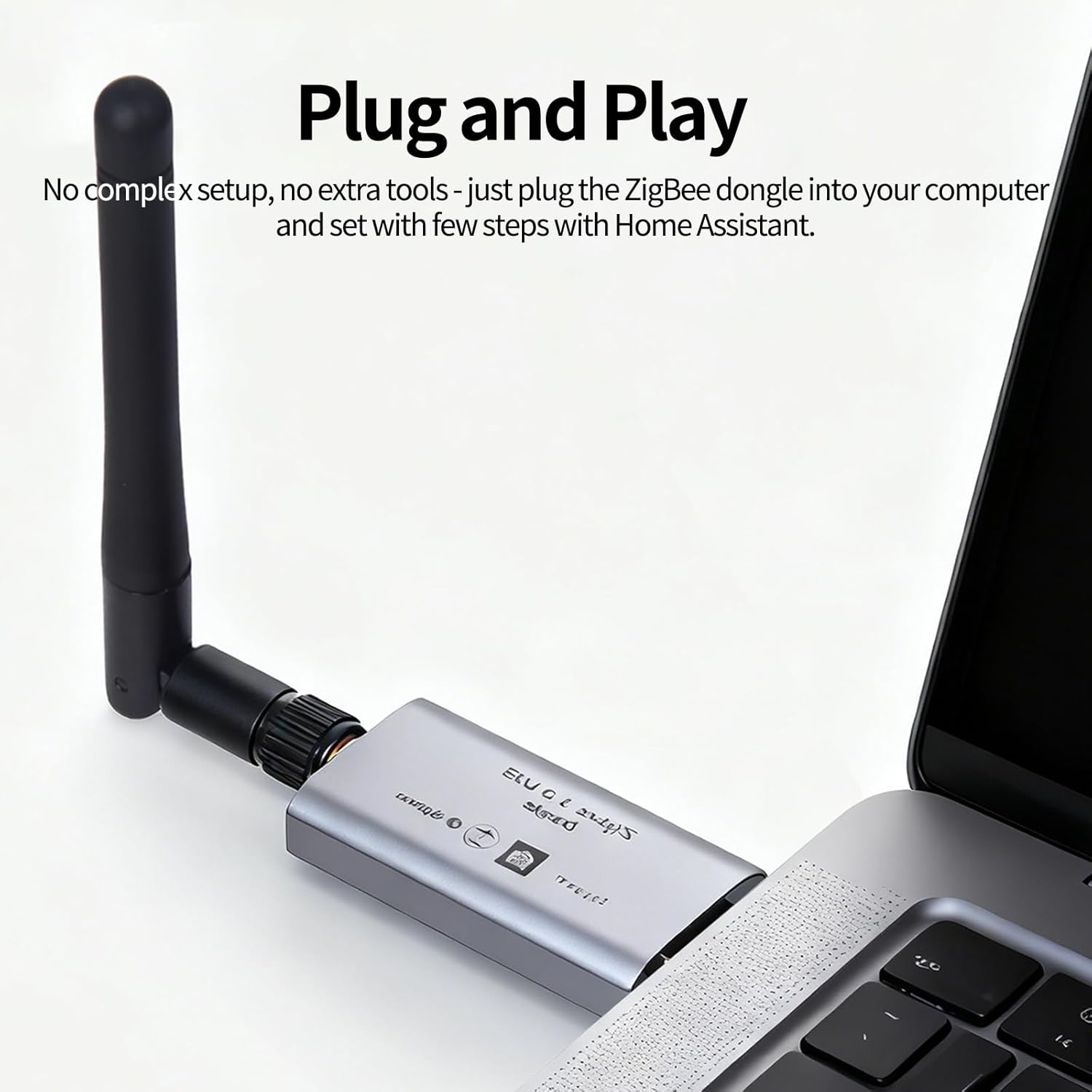
Image: The Zigbee USB Dongle plugged into a laptop, illustrating its plug-and-play nature.
2. Home Assistant Integration
Once connected, your Home Assistant instance should automatically discover the dongle. Follow the on-screen prompts to configure it as a Zigbee coordinator.
Video: This video demonstrates how to set up the Zigbee 3.0 USB Dongle Plus with Home Assistant, including automatic device discovery and configuration.
3. Firmware and Mode Selection
The dongle comes pre-flashed with Zigbee coordinator firmware. Depending on your needs, you may flash it with router firmware to extend your Zigbee network range or with Matter/Thread firmware for broader smart home compatibility.

Image: Overview of the dongle's features, including its pre-flashed firmware, +20dBm output gain, rotatable antenna, and EFR32MG21 chip.
Operating
The eMylo Zigbee 3.0 USB Dongle Plus allows you to manage a wide array of Zigbee sub-devices and can be configured for various roles within your smart home ecosystem.
1. Managing Zigbee Devices
Once configured, you can use your chosen smart home platform (e.g., Home Assistant) to pair and control Zigbee sub-devices such as lights, smart door sensors, plugs, switches, and bulbs. The dongle's 20dBm signal range ensures robust connectivity throughout your home.
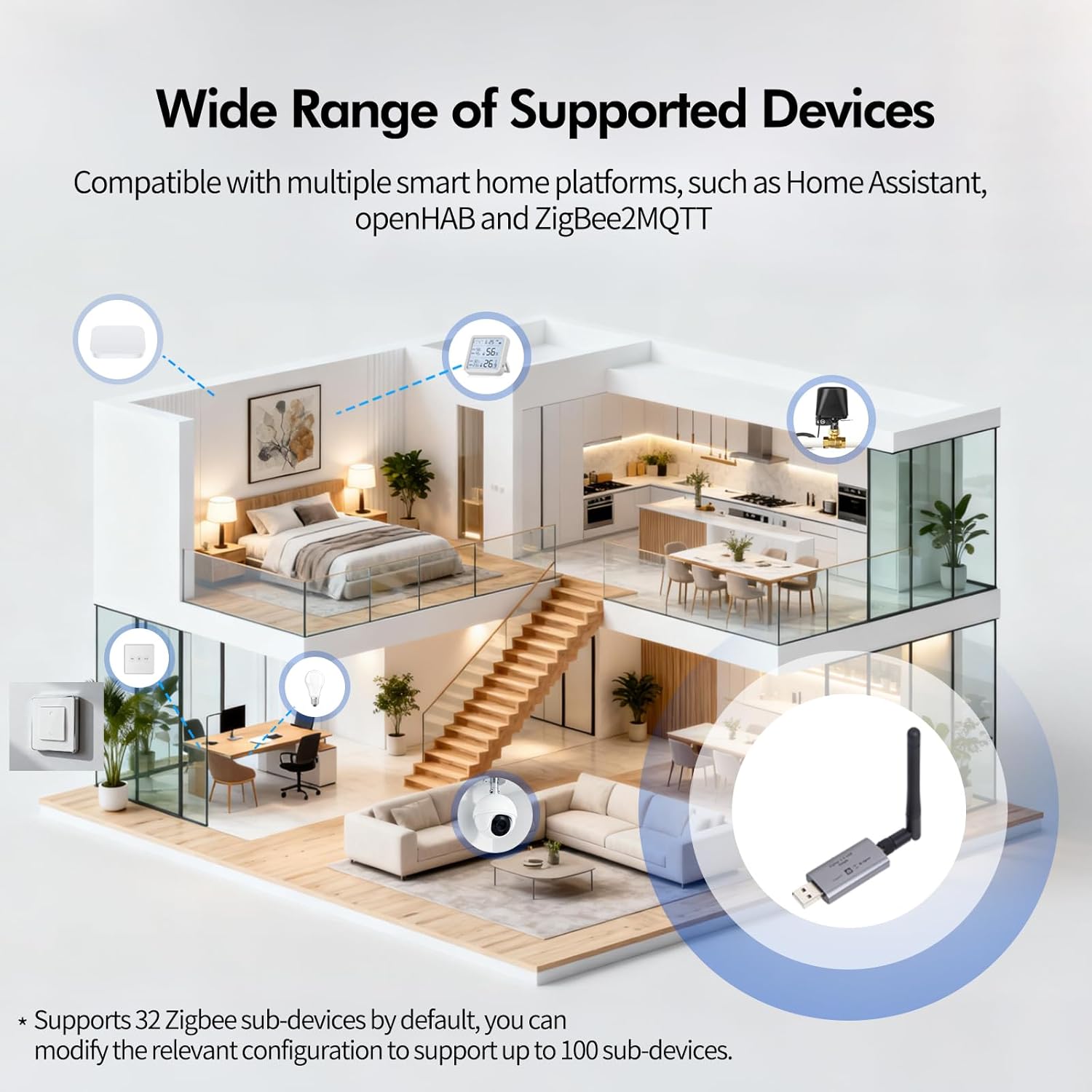
Image: An illustration showing the wide range of Zigbee devices that can be supported and managed by the dongle within a smart home environment.

Image: Visual representation of the dongle's 20dBm signal range, indicating its capability for further signal transmission.
2. Device Capacity
The official firmware supports up to 32 Zigbee sub-devices by default. This can be modified in the relevant configuration settings to support up to 100 sub-devices, allowing for expansion of your smart home network.
3. Advanced Modes (Matter/Thread)
For advanced users, the dongle can be flashed with Matter/Thread firmware, enabling it to function as a Thread Border Router. This expands its capabilities to integrate with Matter-over-Thread devices, further enhancing your smart home's interoperability.
Video: Learn how to use the SLZB-06 (similar Zigbee dongle) as a Matter/Thread coordinator with Home Assistant, including firmware flashing and device pairing.
Maintenance
Regular maintenance is not typically required for the eMylo Zigbee 3.0 USB Dongle Plus. However, keeping its firmware updated is recommended to ensure optimal performance, security, and compatibility with the latest smart home standards and devices.
Firmware Updates
Periodically check the manufacturer's website or your smart home platform's documentation for available firmware updates. Follow the provided instructions carefully for any update procedures.
Video: This video guides you through the firmware upgrade process for a Zigbee USB-C Dongle, including important notices for successful completion.
Troubleshooting
If you encounter issues with your eMylo Zigbee 3.0 USB Dongle Plus, consider the following common solutions:
- Device Not Recognized: Ensure the dongle is securely plugged into a functional USB port. Try a different USB port or a different host device (PC, Raspberry Pi).
- Pairing Issues: When pairing new devices, ensure they are in pairing mode. If using Matter/Thread, verify that Bluetooth is enabled on your phone for initial connection and credential sharing.
- Firmware Upgrade Failure:
- Continuously press and hold the Boot button before upgrade, then plug into the USB port.
- During the upgrade process, do not touch the product to keep the product interface stable.
- When loading firmware, quickly operate to avoid too long intervals.
- If the upgrade fails, check if the serial port is correct. If it is correct but still does not work, replace the other serial port and try again.
- Connectivity Problems: Check the physical connection of the dongle and its antenna. Ensure there are no major obstructions or sources of interference.
- Device Limit: Remember the default limit of 32 sub-devices. If you have more, ensure you have modified the configuration to support up to 100 devices.
Specifications
Below are the technical specifications for the eMylo Zigbee 3.0 USB Dongle Plus Gateway:
- Model: Zigbee 3.0 USB Dongle
- Brand: eMylo
- Manufacturer: eMylo
- Hardware Interface: USB
- Color: Silver
- Compatible Devices: Desktop (and other mini-PCs like Raspberry Pi, NUC)
- Data Link Protocol: IEEE 802.15.4 (Zigbee 3.0)
- Item Weight: 0.96 ounces (approx. 0.06 Pounds)
- Package Dimensions: 3.9 x 1.8 x 0.9 inches

Image: Detailed product parameters including dimensions, working temperature, input, shell material, and wireless protocol.
Warranty
Please refer to the product packaging or the official eMylo website for specific warranty information regarding your Zigbee 3.0 USB Dongle Plus Gateway. Standard warranties typically cover manufacturing defects for a limited period from the date of purchase.
Support
For further assistance, technical support, or to access updated documentation and firmware, please visit the official eMylo website or contact their customer service. You may also find helpful resources within the community forums of Home Assistant, Zigbee2MQTT, or Open HAB.