1. Introduction
This manual provides detailed instructions for the safe and efficient operation of your BYINTEK T5 Max Projector. Please read this manual thoroughly before using the product and retain it for future reference. The BYINTEK T5 Max is designed to deliver a high-quality visual and audio experience for home entertainment, outdoor camping, and various social gatherings.
2. Product Overview
2.1 Key Features
- Full HD 1080p Resolution with 4K Support: Experience crisp, clear images with vibrant colors.
- 1000 ANSI Lumens Brightness: Enjoy clear viewing even in well-lit environments.
- Sealed Optical Engine: Protects internal components from dust, ensuring longer lifespan and stable performance.
- Automatic Focus and 6D Keystone Correction: Instant and precise image adjustment for optimal viewing from various angles.
- Integrated Stereo Speakers with Bluetooth 5.0: Delivers rich audio and allows connection to external audio devices or use as a standalone Bluetooth speaker.
- Android TV 11.0 OS: Access a wide range of streaming applications and content.
- Multi-functional Connectivity: Supports Wi-Fi 2.4G for screen mirroring (iPhone/Android), HDMI, and USB inputs.
2.2 Product Components
The BYINTEK T5 Max Projector package typically includes:
- BYINTEK T5 Max Projector
- Remote Control
- Power Adapter
- User Manual (this document)

Figure 1: Front view of the BYINTEK T5 Max Projector, showcasing the lens and auto-focus sensor.
3. Setup
3.1 Unpacking and Placement
- Carefully remove all components from the packaging.
- Place the projector on a stable, flat surface. Ensure adequate ventilation around the projector.
- Position the projector at the desired distance from the projection surface (wall or screen). The optimal projection distance varies based on desired screen size. Refer to the specifications section for projection ratios.
3.2 Power Connection
- Connect the power adapter to the projector's power input port.
- Plug the power adapter into a suitable electrical outlet.
- The projector will typically enter standby mode, indicated by an LED light.
3.3 Initial Power On
Press the power button on the projector or the remote control to turn on the device. The projector will initiate its startup sequence, including automatic focus and keystone correction.
4. Operating Instructions
4.1 Automatic Focus and Keystone Correction
The BYINTEK T5 Max features advanced TOF technology for instant automatic focus and 6D keystone correction. When the projector is moved or powered on, it will automatically adjust the image for clarity and a perfect rectangular shape.
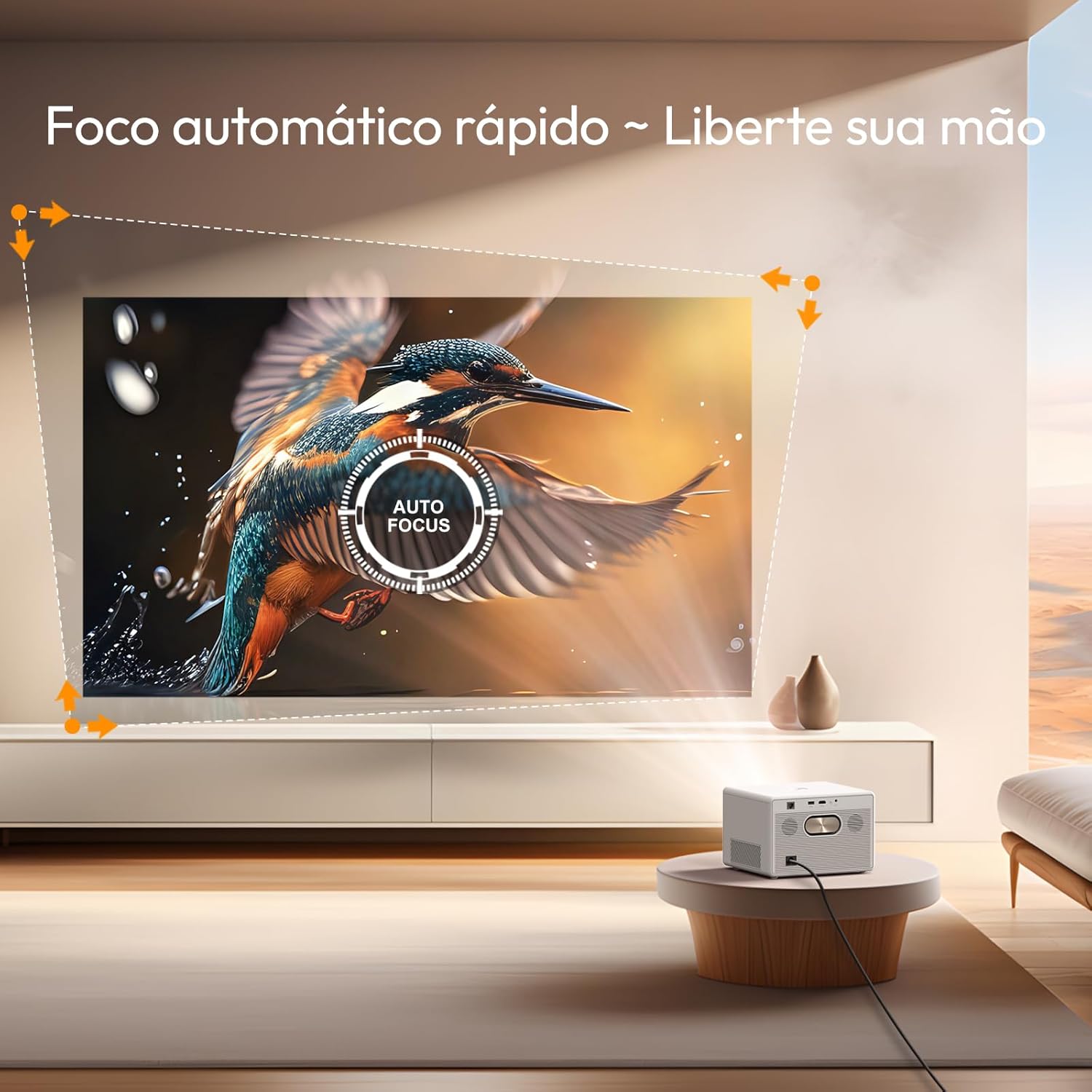
Figure 2: The projector automatically adjusts focus for a clear image.

Figure 3: Automatic keystone correction ensures a perfectly rectangular image from various projection angles.
4.2 Navigating Android TV 11.0
The projector comes with Android TV 11.0 OS, providing access to a wide range of applications and streaming services. Use the remote control to navigate the interface, select apps, and manage settings.
- Home Screen: Displays recommended content, installed apps, and system settings.
- App Store: Download additional applications from the Google Play Store.
- Settings: Adjust network, display, sound, and system preferences.

Figure 4: The Google TV interface provides access to a variety of entertainment options.
4.3 Connectivity Options
The BYINTEK T5 Max offers multiple ways to connect your devices:
- Wi-Fi (2.4G): Connect to your home network for internet access and screen mirroring.
- Go to Settings > Network & Internet to connect to a Wi-Fi network.
- For screen mirroring, select the appropriate option from the projector's menu (e.g., "Screen Cast" or "Mirroring") and follow the instructions on your smartphone (iPhone/Android).
- HDMI: Connect external devices such as laptops, gaming consoles, or Blu-ray players.
- Connect an HDMI cable from your device to the projector's HDMI port.
- Select the HDMI input source from the projector's input menu.
- USB: Play media files directly from a USB drive.
- Insert a USB drive into the projector's USB port.
- Navigate to the file manager or media player application on the Android TV interface to access your files.
- Bluetooth 5.0: Connect to external Bluetooth speakers or headphones for enhanced audio, or use the projector as a Bluetooth speaker.
- To connect to an external audio device: Go to Settings > Remote & Accessories > Add accessory and pair your Bluetooth device.
- To use the projector as a Bluetooth speaker: Select the Bluetooth speaker mode from the projector's menu.

Figure 5: The projector supports various applications including screen casting, gaming, and watching sports.
4.4 Audio Output
The projector features integrated stereo speakers for immersive sound. For a more personalized audio experience, connect external speakers or headphones via Bluetooth.

Figure 6: The projector's built-in stereo speakers provide powerful audio.
5. Maintenance
Proper maintenance ensures the longevity and optimal performance of your BYINTEK T5 Max Projector.
5.1 Cleaning the Lens
- Use a soft, lint-free cloth specifically designed for optical lenses.
- Gently wipe the lens surface to remove dust or smudges. Avoid using abrasive materials or harsh cleaning chemicals.
5.2 Dust Prevention (Sealed Optical Engine)
The BYINTEK T5 Max features a sealed optical engine, which significantly reduces the risk of dust entering and affecting image quality. While this design minimizes maintenance, it is still recommended to keep the projector in a clean environment and periodically wipe the exterior casing with a soft, dry cloth.
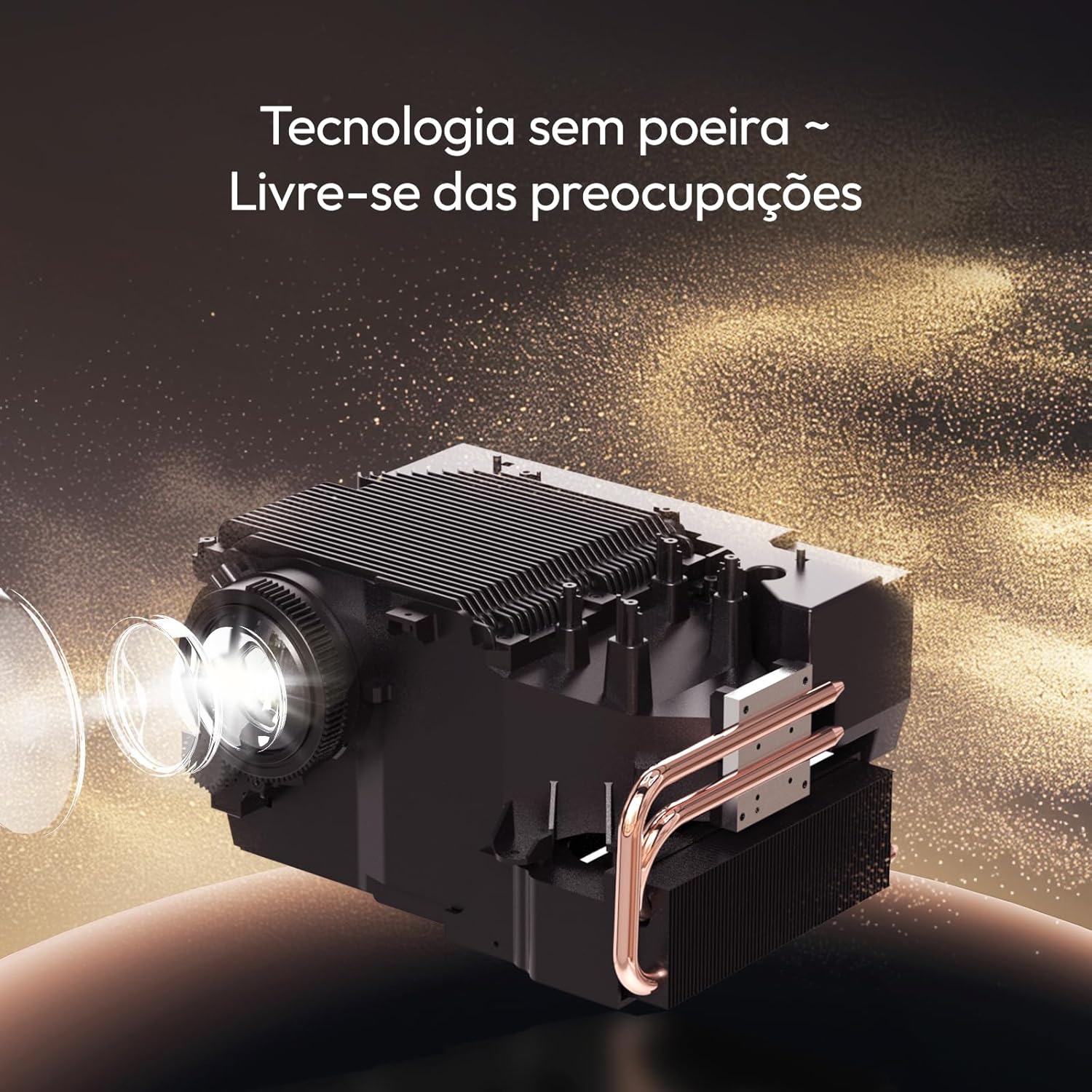
Figure 7: The sealed optical engine design prevents dust accumulation, enhancing durability and image stability.
5.3 Ventilation
Ensure that the projector's ventilation vents are not blocked. Proper airflow is crucial to prevent overheating and maintain performance.
6. Troubleshooting
If you encounter issues with your projector, refer to the following common problems and solutions:
| Problem | Possible Cause | Solution |
|---|---|---|
| No image displayed | Power cable disconnected, incorrect input source, device not powered on. | Check power connection. Ensure the projector is powered on. Select the correct input source (HDMI, USB, etc.). |
| Image is blurry | Projector out of focus, lens dirty. | Allow auto-focus to recalibrate. Clean the projector lens. |
| Image is distorted (not rectangular) | Keystone correction needed. | The projector should automatically apply 6D keystone correction. If not, check settings for manual adjustment options. |
| No sound | Volume too low, external audio device not connected, incorrect audio output selected. | Increase volume. Check Bluetooth connection to external speakers. Ensure internal speakers are selected if no external device is desired. |
| Cannot connect to Wi-Fi | Incorrect password, out of range, router issue. | Verify Wi-Fi password. Move projector closer to the router. Restart router and projector. |
If the problem persists after attempting these solutions, please contact customer support.
7. Specifications
| Brand | Byintek |
| Model | T5 Max |
| Display Technology | LED |
| Brightness | 1000 ANSI Lumens |
| Native Resolution | 1920 x 1080 Pixels (Full HD) |
| Supported Resolution | Up to 4K |
| Contrast Ratio | 15000:1 |
| Aspect Ratio | 16:9, 4:3 |
| Operating System | Android TV 11.0 |
| Connectivity | Wi-Fi (2.4G), Bluetooth 5.0, HDMI, USB |
| Special Features | Automatic Focus, 6D Keystone Correction, Sealed Optical Engine, Portable |
| Dimensions (Product) | 19.5 x 22.5 x 15 cm |
| Weight (Product) | 2.62 Kilograms |
| Power Source | AC |
| Refresh Rate | 60 Hz |

Figure 8: Projection distance guide for various screen sizes.
8. Warranty and Support
Your BYINTEK T5 Max Projector comes with a manufacturer's warranty and dedicated customer support.
8.1 Warranty Information
- Manufacturer's Warranty: The product includes a one-year manufacturer's warranty.
- Extended Warranty: Extended warranty options may be available for purchase. Please refer to your purchase documentation for details.

Figure 9: BYINTEK offers a 365-day warranty and local technical support.
8.2 Technical Support
For technical assistance, troubleshooting beyond this manual, or warranty claims, please contact BYINTEK customer support. Contact information can typically be found on the official BYINTEK website or your purchase receipt.
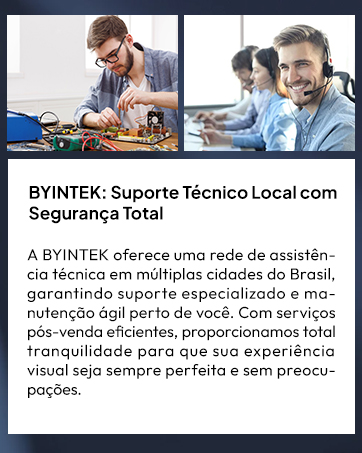
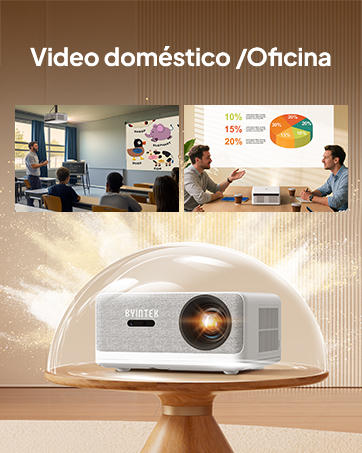
Figure 10: BYINTEK provides local technical support and customer service.


