Introduction
This manual provides detailed instructions for the proper use and care of your SKMEI Model 2305 Quartz Skeleton Watch. Please read this manual thoroughly to ensure optimal performance and longevity of your timepiece. The SKMEI 2305 features a unique skeleton dial, precise quartz movement, and 50M water resistance, making it suitable for various daily activities.
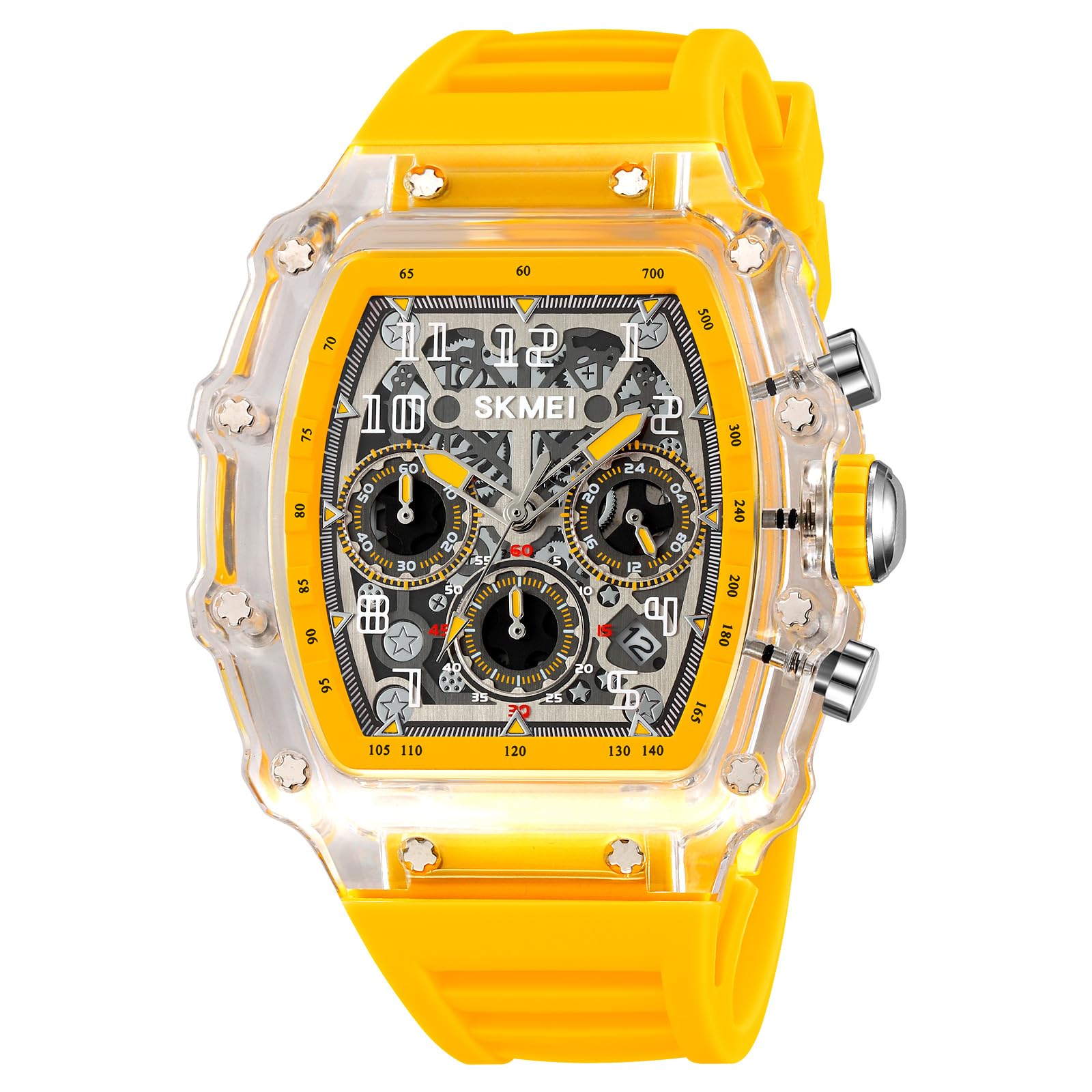
Image: The SKMEI Model 2305 watch in yellow, worn on a wrist, showcasing its design.
Product Features
- 50M Water Resistance: Designed for daily use, including hand washing, rain exposure, and swimming. Not suitable for diving or hot water activities.
- Comfortable Silicone Strap: Provides a pleasant wearing experience for extended periods.
- Precise Quartz Movement: Ensures accurate timekeeping for reliability.
- Durable PC Case: Constructed to withstand daily wear and tear.
- Skeleton Dial Design: Offers a unique aesthetic with visible internal components.
- Chronograph Functionality: Includes subdials for stopwatch features.
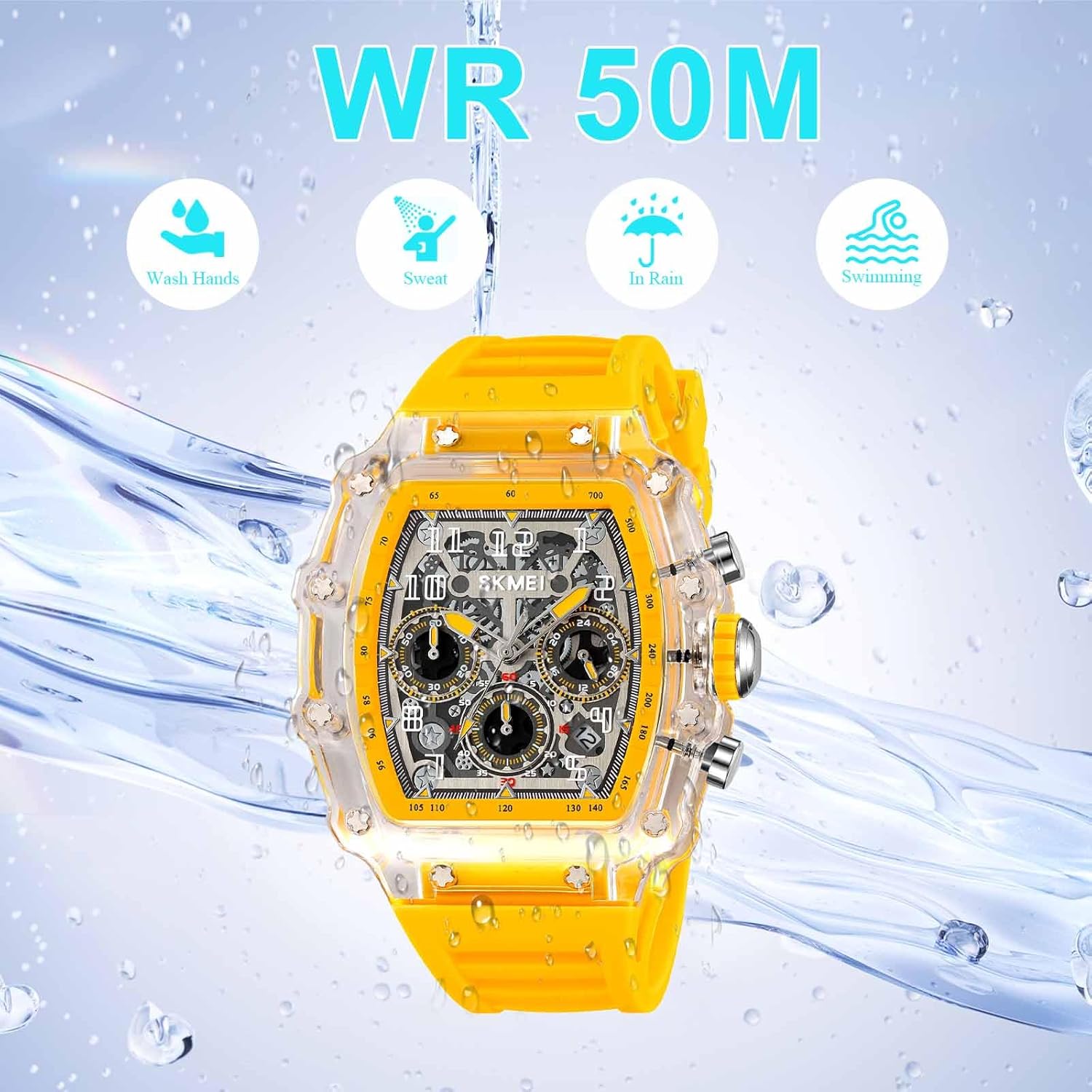
Image: Visual representation of the watch's 50M water resistance, showing icons for washing hands, sweat, rain, and swimming.
Setup Instructions
Setting the Time
- Pull the crown (the knob on the side of the watch) out to position 2.
- Turn the crown clockwise or counter-clockwise to set the hour and minute hands to the desired time.
- Once the time is set, push the crown back into position 1 (normal operating position).
Setting the Date
- Pull the crown out to position 1 (first click).
- Turn the crown clockwise or counter-clockwise to adjust the date.
- Once the date is set, push the crown back into the normal operating position.
- Note: Avoid setting the date between 9 PM and 3 AM, as this can interfere with the date change mechanism. If the date needs to be adjusted during this period, first set the time outside this range, adjust the date, then reset the time.
Video: An overview of the SKMEI 2305 watch, demonstrating its design, strap, back cover, and side buttons. This video can help visualize the crown and buttons mentioned in the setup instructions.
Operating Instructions
Water Resistance (50M / 5ATM)
Your SKMEI Model 2305 watch is rated for 50 meters (5 ATM) of water resistance. This means it is suitable for:
- Washing hands
- Exposure to rain
- Showering (brief, not prolonged exposure to hot water/steam)
- Swimming in shallow water
Important Precautions:
- Do NOT operate the crown or pushers while the watch is wet or submerged.
- Avoid exposure to hot water, steam, or extreme temperature changes, as this can compromise the water seals.
- Not suitable for diving, snorkeling, or high-impact water sports.
Using the Chronograph (Stopwatch)
The SKMEI 2305 features a chronograph function for measuring elapsed time. The watch typically has two pushers on the side, in addition to the crown.
- Start: Press the upper pusher (usually at 2 o'clock) to start the chronograph. The chronograph second hand will begin to move.
- Stop: Press the upper pusher again to stop the chronograph. The elapsed time will be indicated by the chronograph hands.
- Reset: After stopping the chronograph, press the lower pusher (usually at 4 o'clock) to reset all chronograph hands back to their zero positions.
- Lap Time (if applicable): Some chronographs allow for lap time measurement. Consult the specific movement instructions if your model supports this advanced feature.
Maintenance
Cleaning Your Watch
- Wipe the watch case and strap regularly with a soft, dry cloth to remove dust and dirt.
- For silicone straps, you can use a mild soap solution and a soft brush, then rinse thoroughly with clean water and dry completely.
- Avoid using harsh chemicals, solvents, or abrasive cleaners, as these can damage the watch's finish or seals.
Battery Replacement
Your SKMEI 2305 watch is powered by a quartz movement, which requires a battery (Battery Code: SR920SW). When the watch stops or the second hand starts skipping, it's an indication that the battery needs to be replaced.
- Battery replacement should ideally be performed by a qualified watch technician to ensure proper sealing and prevent damage to the movement.
- Improper battery replacement can compromise the watch's water resistance.
Storage
When not wearing your watch, store it in a cool, dry place away from direct sunlight, extreme temperatures, and strong magnetic fields.
Troubleshooting
- Watch Not Running: Check if the crown is fully pushed in. If it is, the battery may need replacement.
- Incorrect Time/Date: Refer to the "Setup Instructions" section to reset the time and date. Ensure the crown is fully pushed in after adjustment.
- Water Inside Watch: If you notice condensation or water droplets inside the watch, immediately take it to a professional watch repair service. Do not attempt to open it yourself, as this can cause further damage.
- Chronograph Not Resetting to Zero: If the chronograph hands do not reset to the 12 o'clock position, they may need calibration. This usually involves pulling the crown out to a specific position and using the pushers to adjust the hands. Consult a professional if unsure.
Specifications
| Feature | Detail |
|---|---|
| Brand | SKMEI |
| Model Number | SKMEI-2305 |
| Movement Type | Quartz |
| Water Resistance | 50M (5 ATM) |
| Case Material | PC (Polycarbonate) |
| Band Material | Silica gel (Silicone) |
| Clasp Type | Buckle (Stainless Steel) |
| Crystal Material | Glass |
| Product Dimensions | 9.45 x 1.74 x 2.05 inches |
| Item Length | 9.45 inches |
| Case Width | 44.3 mm |
| Case Thickness | 17.2 mm |
| Band Width | 25 mm |
| Watch Length | 240 mm |
| Weight | 6.35 ounces (63.2g) |
| Battery Code | SR920SW |
| Functions | Time, Date, Stopwatch (Chronograph) |

Image: A detailed diagram illustrating the dimensions and key specifications of the SKMEI Model 2305 watch.
Warranty and Support
For warranty information, technical support, or service inquiries regarding your SKMEI Model 2305 watch, please refer to the warranty card included with your purchase or contact SKMEI customer service directly through their official website or the retailer where the watch was purchased.
Always ensure that any repairs or battery replacements are carried out by authorized service centers to maintain the integrity of your watch, especially its water resistance.


