
1. Introduction
Thank you for choosing the Monyhigh S48 Wireless Earbuds. This manual provides detailed instructions for setting up, operating, maintaining, and troubleshooting your earbuds to ensure an optimal audio experience. Please read this manual thoroughly before use and retain it for future reference.
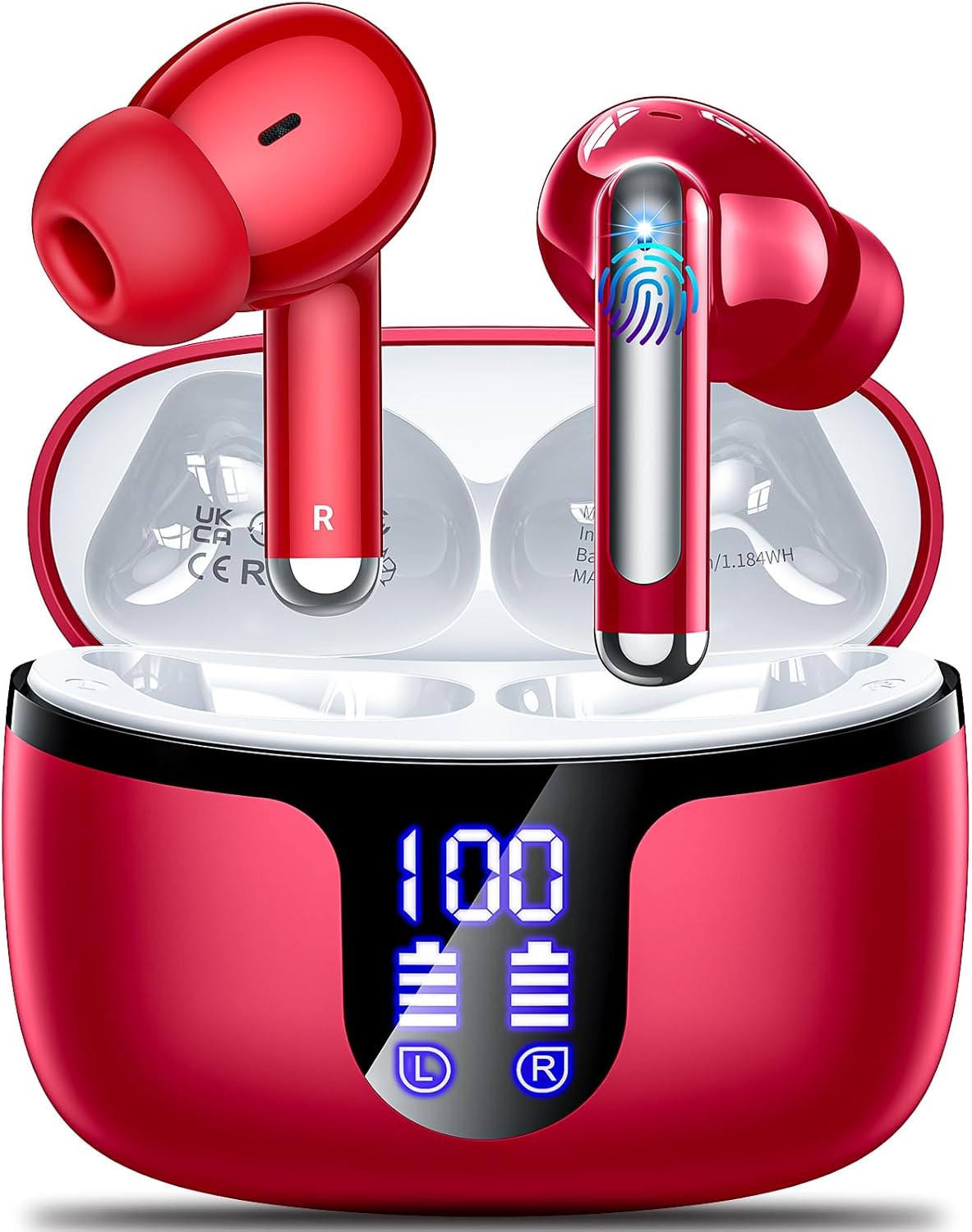
Image: Monyhigh S48 wireless earbuds in their charging case, featuring an LED digital display.
2. Package Contents
Verify that all items listed below are present in your package:
- Charging Case
- Wireless Earbuds (Left and Right)
- Extra Ear Tips (S/M/L sizes)
- USB-C Charging Cable
- User Manual
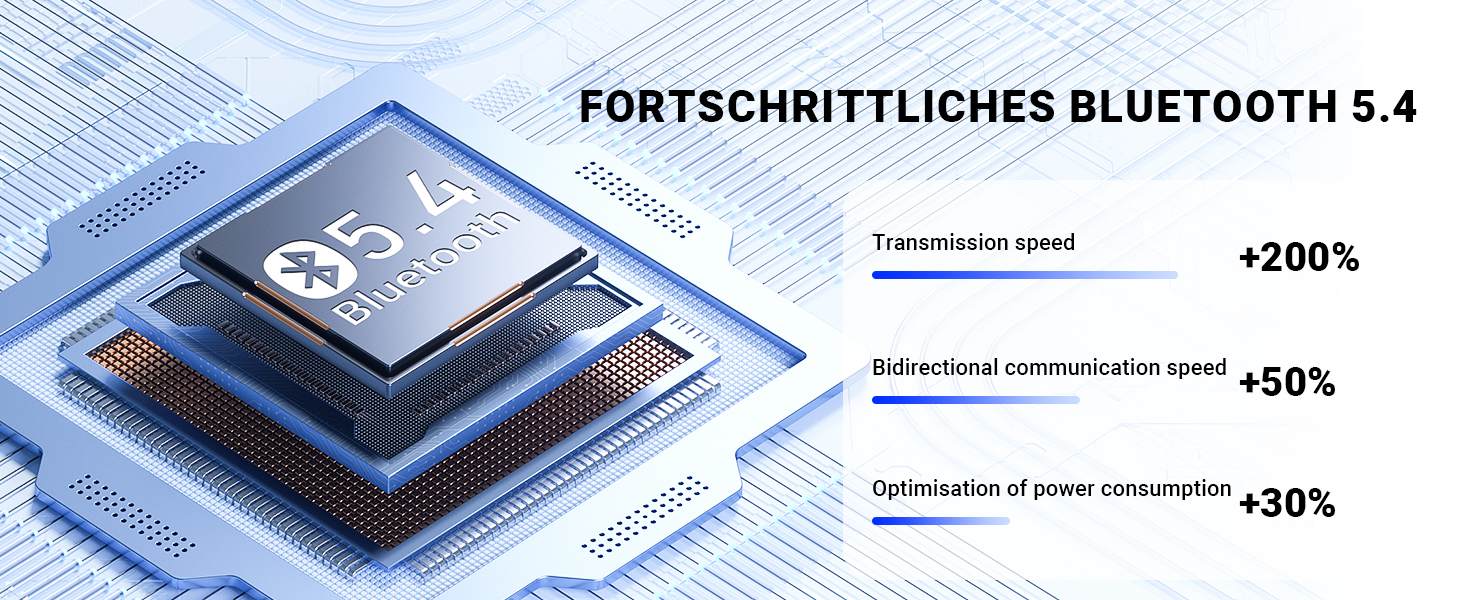
Image: Visual representation of the Monyhigh S48 earbud package contents.
3. Setup
3.1 Initial Charging
Before first use, fully charge the earbuds and the charging case. Connect the provided USB-C cable to the charging port on the case and a power source. The LED digital display on the case will show the charging status and battery percentage.

Image: LED Digital Power Display on the S48 charging case.

Image: Battery life overview, indicating 8 hours of music time and 42 hours total with the charging case.
3.2 Pairing with a Device
- Open the lid of the charging case. The earbuds will automatically power on and enter pairing mode.
- On your device (smartphone, tablet, etc.), enable Bluetooth and search for available devices.
- Select "S48" from the list of found devices to connect. A voice prompt will confirm successful pairing.
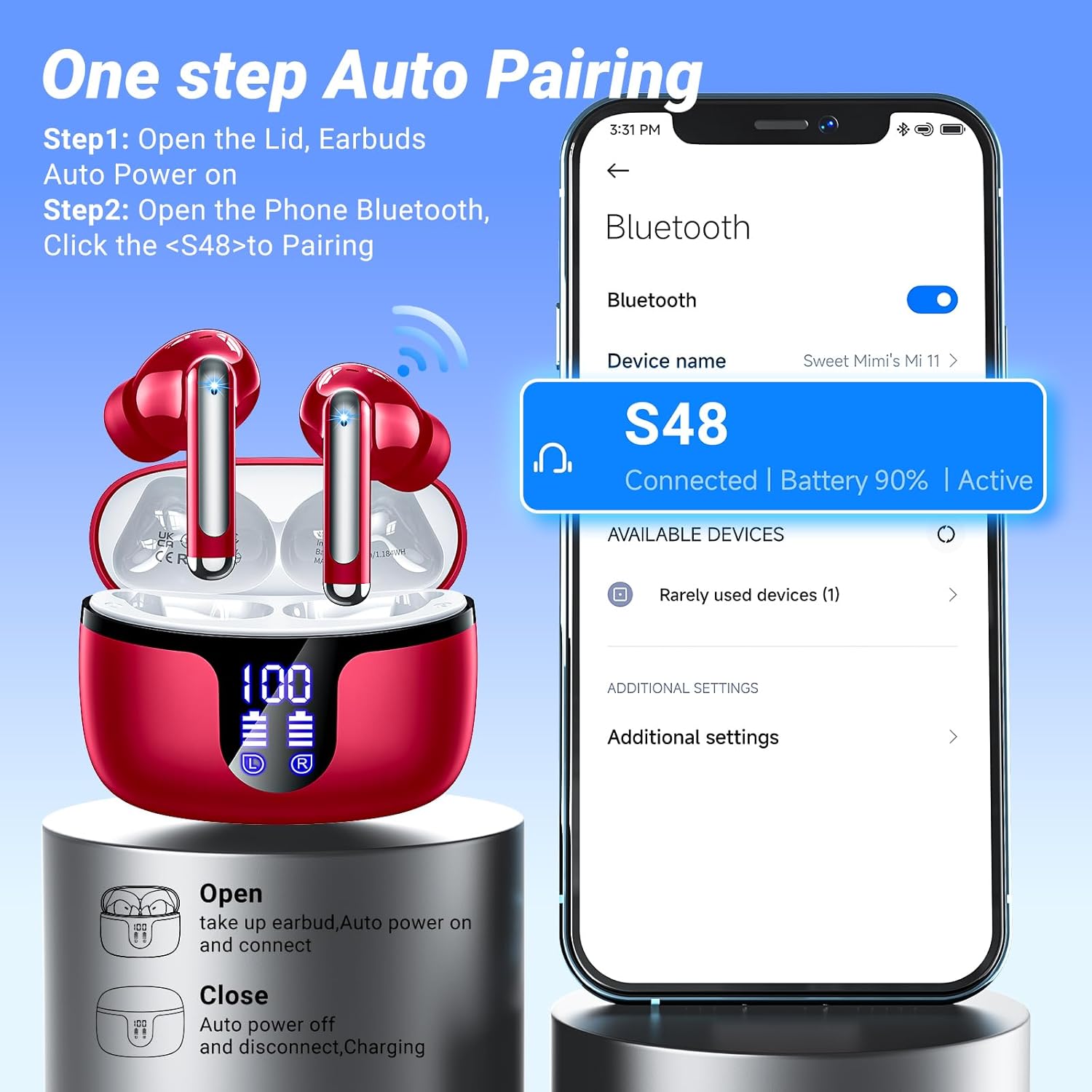
Image: One-step auto pairing process with a smartphone.
3.3 Wearing the Earbuds
Choose the ear tips that provide the most comfortable and secure fit. Insert the earbuds into your ear canal and gently twist them until they are snug. The ergonomic design ensures stability during various activities.
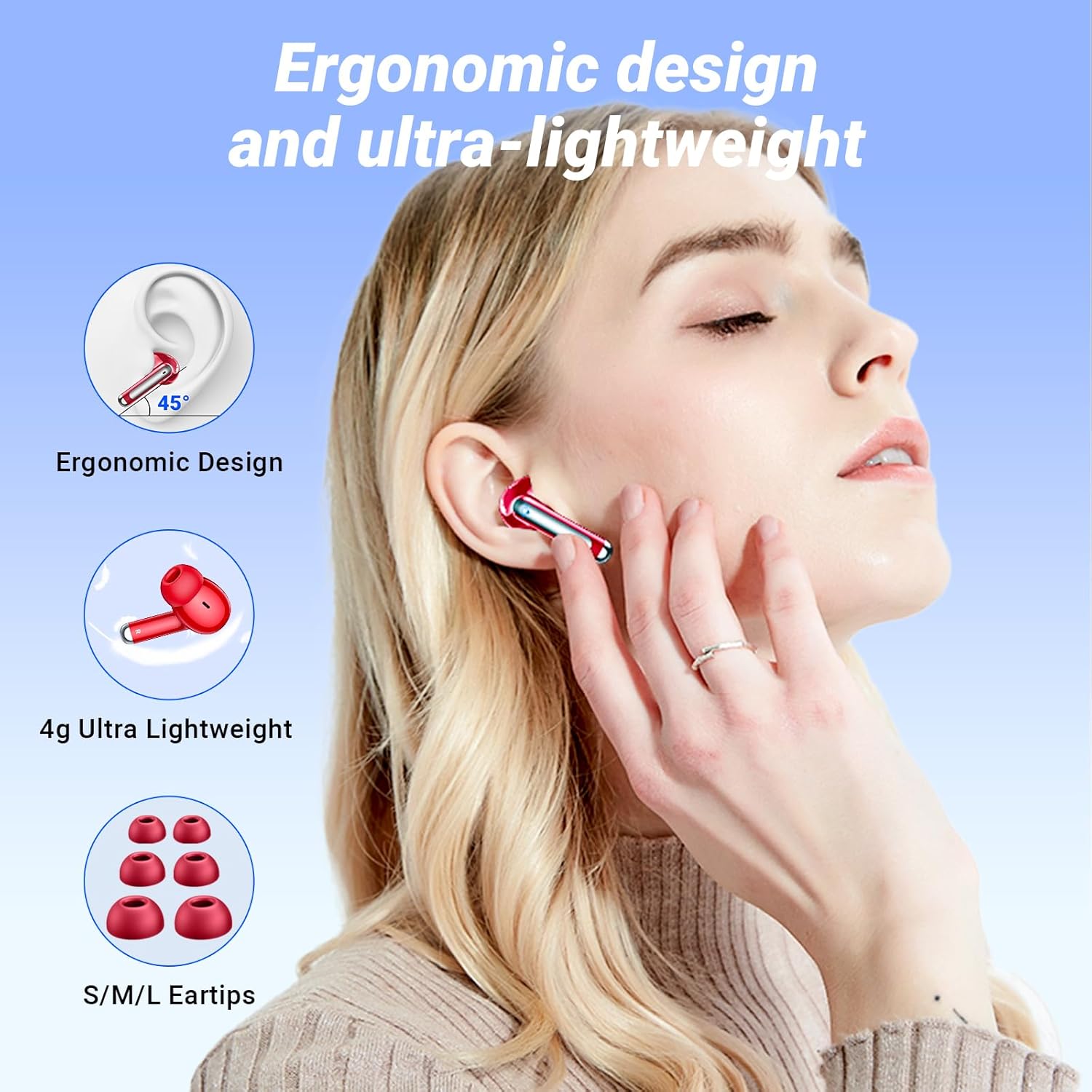
Image: Ergonomic design and lightweight fit of the S48 earbuds, with included S/M/L ear tips.
4. Operation
4.1 Power On/Off
- Power On: Open the charging case lid, or press and hold the touch control area for 2 seconds if earbuds are outside the case.
- Power Off: Place the earbuds back into the charging case and close the lid, or press and hold the touch control area for 5 seconds.
4.2 Touch Controls
The S48 earbuds feature intuitive touch controls for managing audio playback, calls, and voice assistant functions.

Image: Handy touch operation guide for S48 earbuds.
| Action | Left Earbud (L) | Right Earbud (R) |
|---|---|---|
| Play/Pause | Double-tap (L/R) | |
| Volume Up | Single-tap | N/A |
| Volume Down | N/A | Single-tap |
| Next Track | N/A | Press and hold for 2 seconds |
| Previous Track | Press and hold for 2 seconds | N/A |
| Answer/Hang Up Call | Double-tap (L/R) | |
| Reject Call | Press and hold for 2 seconds (L/R) | |
| Activate Voice Assistant | Triple-tap (L/R) | |
4.3 Call Management
The S48 earbuds feature Environmental Noise Cancellation (ENC) with 4 microphones for clear calls.
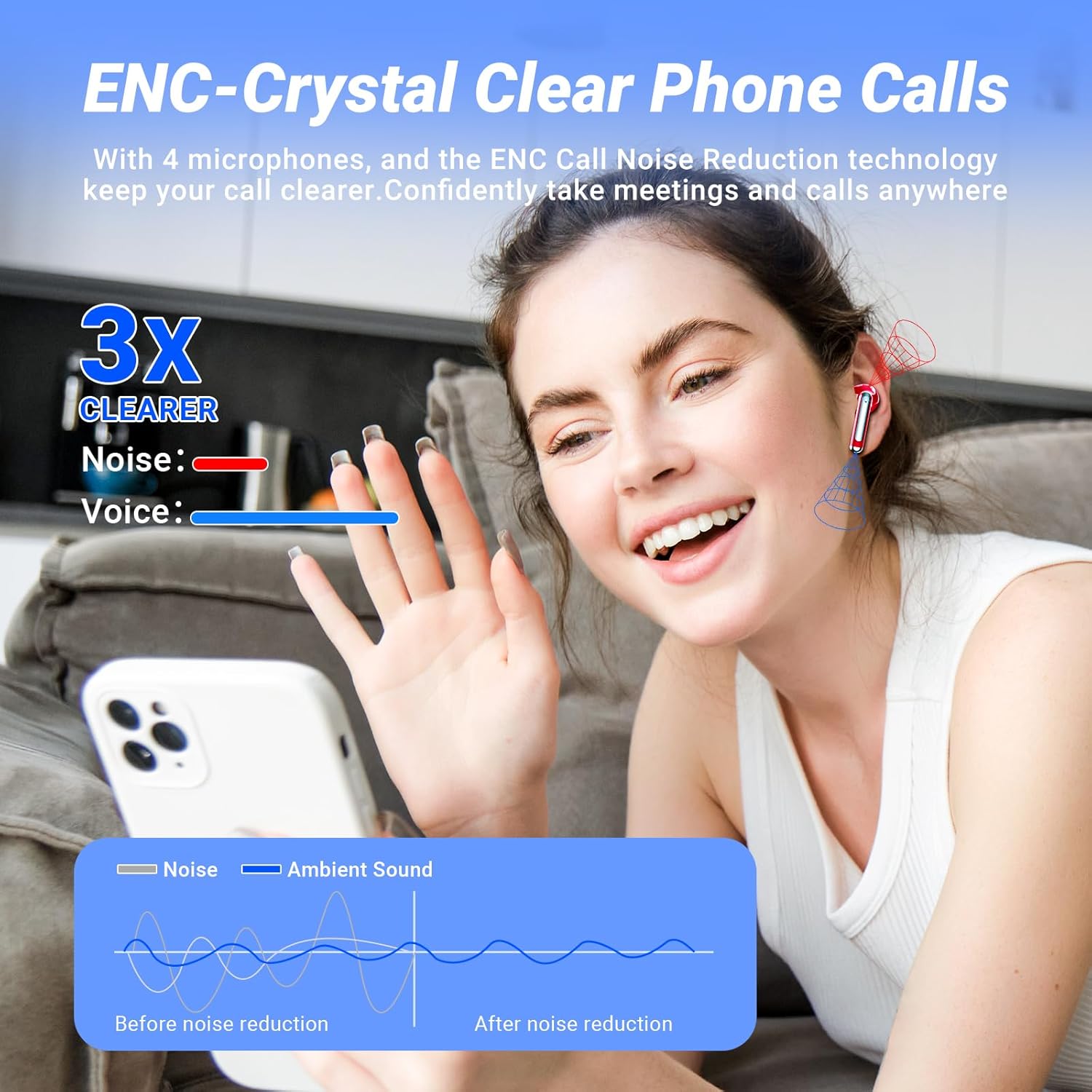
Image: ENC technology for crystal-clear phone calls, reducing background noise.
5. Maintenance
5.1 Cleaning
Regularly clean your earbuds and charging case to ensure optimal performance and hygiene. Use a soft, dry, lint-free cloth. Do not use abrasive cleaners or immerse the earbuds or case in water.
5.2 Water Resistance
The S48 earbuds are IPX7 waterproof, meaning they can withstand sweat and rain. However, the charging case is not waterproof. Avoid exposing the charging case to liquids.

Image: S48 earbuds demonstrating IPX7 waterproof capability.
5.3 Storage
When not in use, store the earbuds in their charging case to protect them and keep them charged. Store in a cool, dry place away from extreme temperatures.
6. Troubleshooting
| Problem | Possible Cause | Solution |
|---|---|---|
| Earbuds not pairing | Bluetooth off, earbuds not in pairing mode, interference | Ensure Bluetooth is on. Place earbuds in case, close, then open lid. Forget device on phone and re-pair. |
| No sound from one earbud | Low battery, connection issue, earbud not properly seated | Charge both earbuds. Re-pair. Clean earbud contacts. |
| Charging case not charging | Faulty cable, power source issue | Try a different USB-C cable and power adapter. Ensure connections are secure. |
| Low volume or poor sound quality | Improper fit, ear tips clogged, device volume low | Adjust earbud fit. Clean ear tips. Increase device volume. |
7. Specifications
| Feature | Detail |
|---|---|
| Model Name | S48 |
| Connectivity Technology | Wireless (Bluetooth) |
| Wireless Communication Technology | Bluetooth 5.4 |
| Bluetooth Range | 15 Meters |
| Battery Life (Earbuds) | Up to 8 Hours |
| Total Playtime (with Case) | Up to 42 Hours |
| Water Resistance Level | IPX7 Waterproof |
| Noise Control Features | ENC Noise Cancellation |
| Control Method | Touch |
| Earpiece Shape | Bud |
| Item Weight | 3.2 ounces |
| Manufacturer | Monyhigh |
8. Warranty and Support
8.1 Warranty Information
The Monyhigh S48 Wireless Earbuds come with an 18-month warranty from the date of purchase. This warranty covers manufacturing defects and ensures reliable performance. Please retain your proof of purchase for warranty claims.
8.2 Customer Support
For any questions, technical assistance, or warranty claims, please contact Monyhigh customer support through the retailer's platform or the contact information provided with your purchase. Our support team is available to assist you.