
Introduction
Thank you for purchasing the Intempo LED Blaze Speaker. This manual provides important information regarding the safe operation, setup, and maintenance of your speaker. Please read this manual thoroughly before use and retain it for future reference.
The Intempo LED Blaze Speaker is designed to deliver powerful audio with 100W PMPO output, featuring Bluetooth connectivity, five LED color modes, and a built-in karaoke function with an included microphone. It offers up to 10 hours of playback on a single charge, making it suitable for various indoor and outdoor settings.
Safety Instructions
- Read all instructions carefully before operating the speaker.
- Keep the speaker away from water, moisture, and extreme temperatures.
- Do not attempt to disassemble, repair, or modify the speaker. This will void the warranty.
- Use only the charging cable provided or a compatible charger with the specified voltage (DC5V).
- Ensure the speaker is placed on a stable surface to prevent accidental falls.
- Avoid prolonged exposure to very high volume levels to prevent hearing damage.
- Keep out of reach of children.
Package Contents
Please check the box for the following items:
- 1 x Intempo LED Blaze Speaker
- 1 x Wired Karaoke Microphone
- 1 x Charging Cable (USB)
- Instruction Manual (this document)

Image: The Intempo LED Blaze Speaker shown within its retail packaging, highlighting its features and included microphone.
Product Overview
Familiarize yourself with the various parts and controls of your Intempo LED Blaze Speaker.

Image: Top view of the speaker's control panel, indicating the mobile phone stand, volume control dial, and microphone input with an included microphone.

Image: A detailed view of the speaker's top control panel, showing buttons for mode, TWS, LED, microphone volume, EQ, record, and playback controls around a central volume knob.

Image: Top rear view of the speaker, displaying the DC5V charging port, TF card slot, USB port, AUX input, microphone input, and the power switch (OFF/ON).
Control Panel Functions:
- DC5V Port: For charging the speaker.
- TF CARD Slot: Insert a TF (MicroSD) card for music playback.
- USB Port: Insert a USB drive for music playback.
- AUX Input: Connect external audio devices via a 3.5mm audio cable.
- MIC Input: Connect the wired microphone.
- OFF/ON Switch: Power the speaker on or off.
- MODE Button: Switch between Bluetooth, TF Card, USB, and AUX modes.
- TWS Button: Activate True Wireless Stereo pairing (for connecting two Blaze speakers).
- LED Button: Cycle through LED light modes or turn them off.
- MIC Button: Adjust microphone volume.
- EQ Button: Select equalizer presets.
- REC Button: Record audio (requires a storage device).
- Volume Dial: Adjust the main speaker volume.
- Playback Controls: Play/Pause, Previous Track, Next Track.
Setup
Initial Charging:
- Before first use, fully charge the speaker. Connect the provided USB charging cable to the DC5V port on the speaker and the other end to a USB power adapter (not included) or a computer's USB port.
- The charging indicator light will illuminate. It will turn off or change color once fully charged.
- A full charge typically takes several hours.
Powering On/Off:
- To turn on the speaker, slide the OFF/ON switch to the ON position. You will hear an audible prompt.
- To turn off the speaker, slide the OFF/ON switch to the OFF position.
Operating Instructions
Bluetooth Pairing:
- Turn on the speaker. It will automatically enter Bluetooth pairing mode, indicated by a flashing LED or an audible prompt.
- On your mobile device (smartphone, tablet, etc.), enable Bluetooth and search for available devices.
- Select "Intempo Blaze" from the list of devices.
- Once paired, the speaker will indicate a successful connection, and the LED will stop flashing (or change pattern).
- You can now play audio from your device through the speaker. The effective range is up to 25 meters.
LED Light Modes:
The speaker features five LED color modes that react to your music, creating a dynamic visual experience.
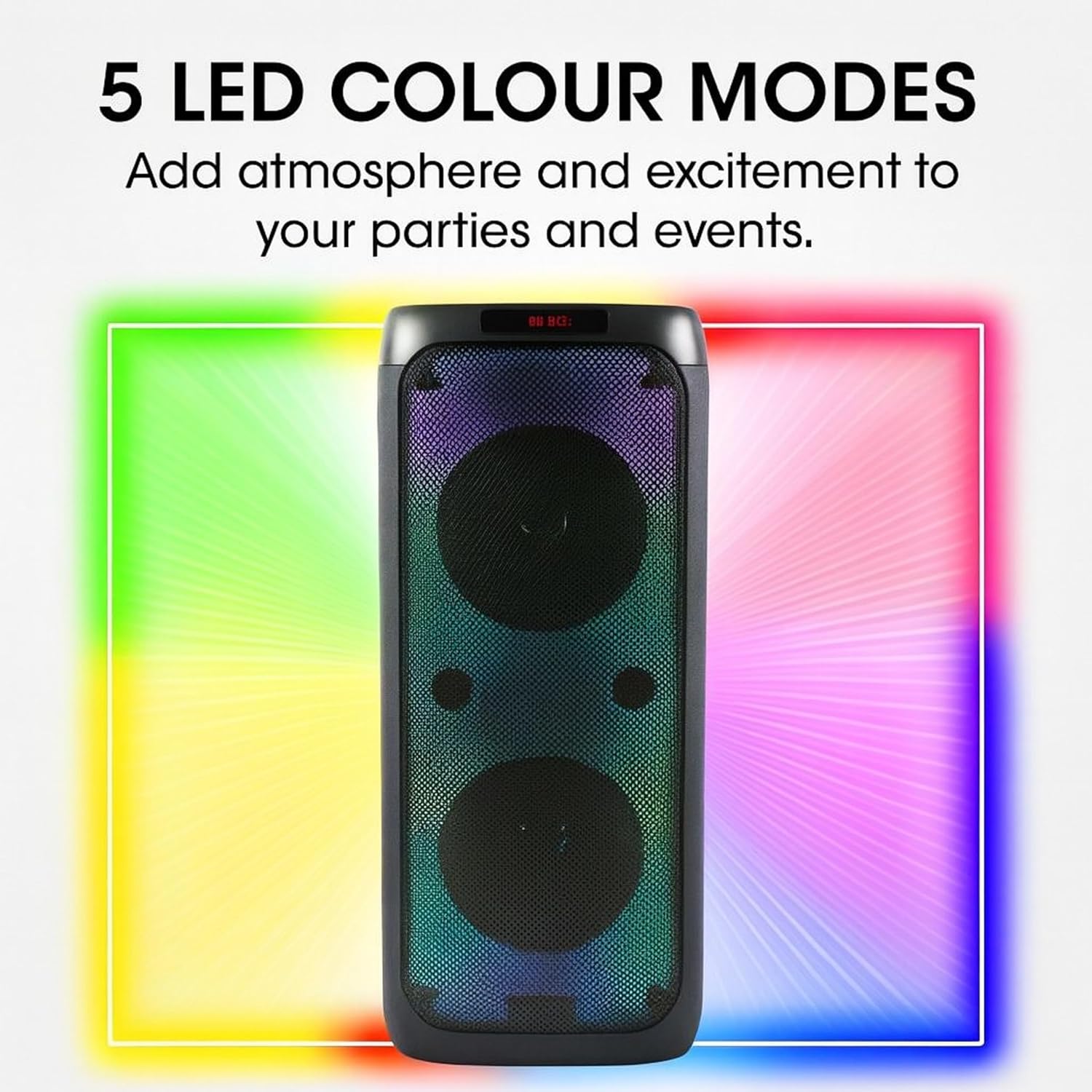
Image: The Intempo LED Blaze Speaker with a graphic overlay highlighting its capability of 5 LED colour modes, designed to add atmosphere.
- Press the LED button on the control panel to cycle through the available light modes.
- Continue pressing the LED button to turn the lights off.
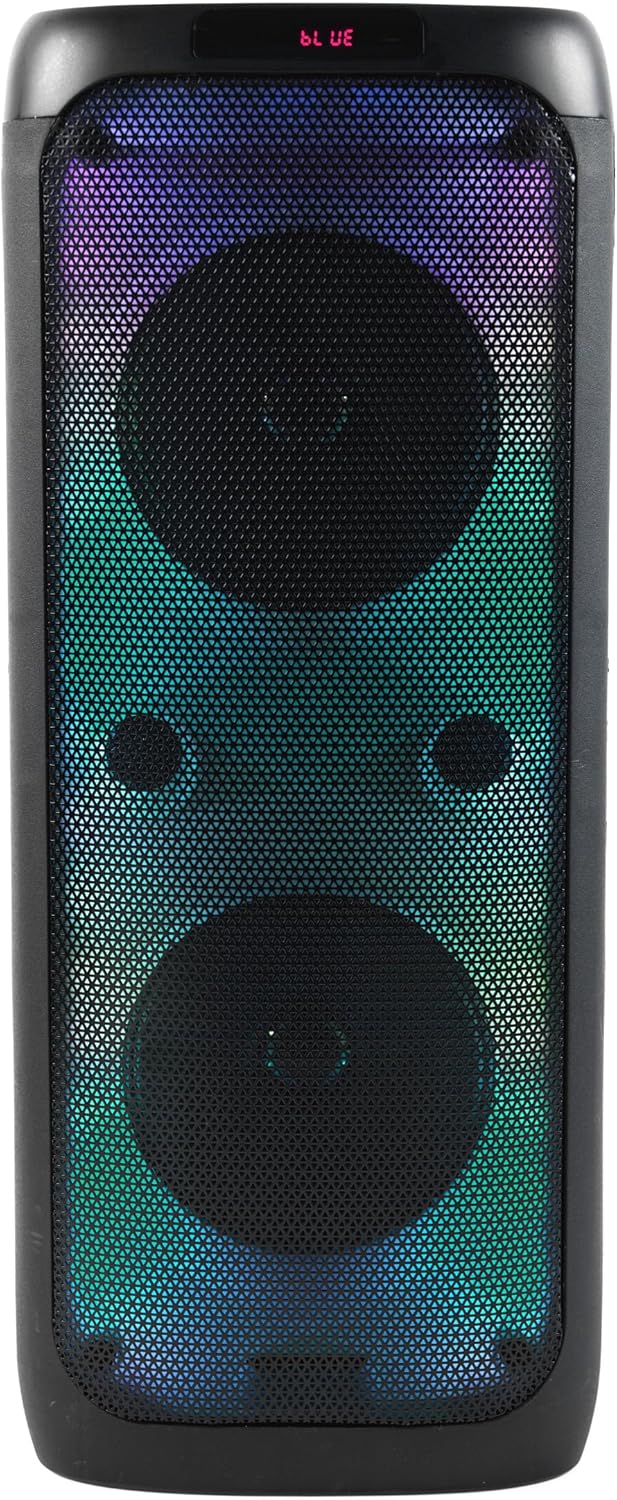
Image: Front view of the Intempo LED Blaze Speaker, showcasing its vibrant multi-color LED lights active behind the speaker grilles.

Image: Front view of the Intempo LED Blaze Speaker, displaying a dynamic rainbow-colored LED light pattern.
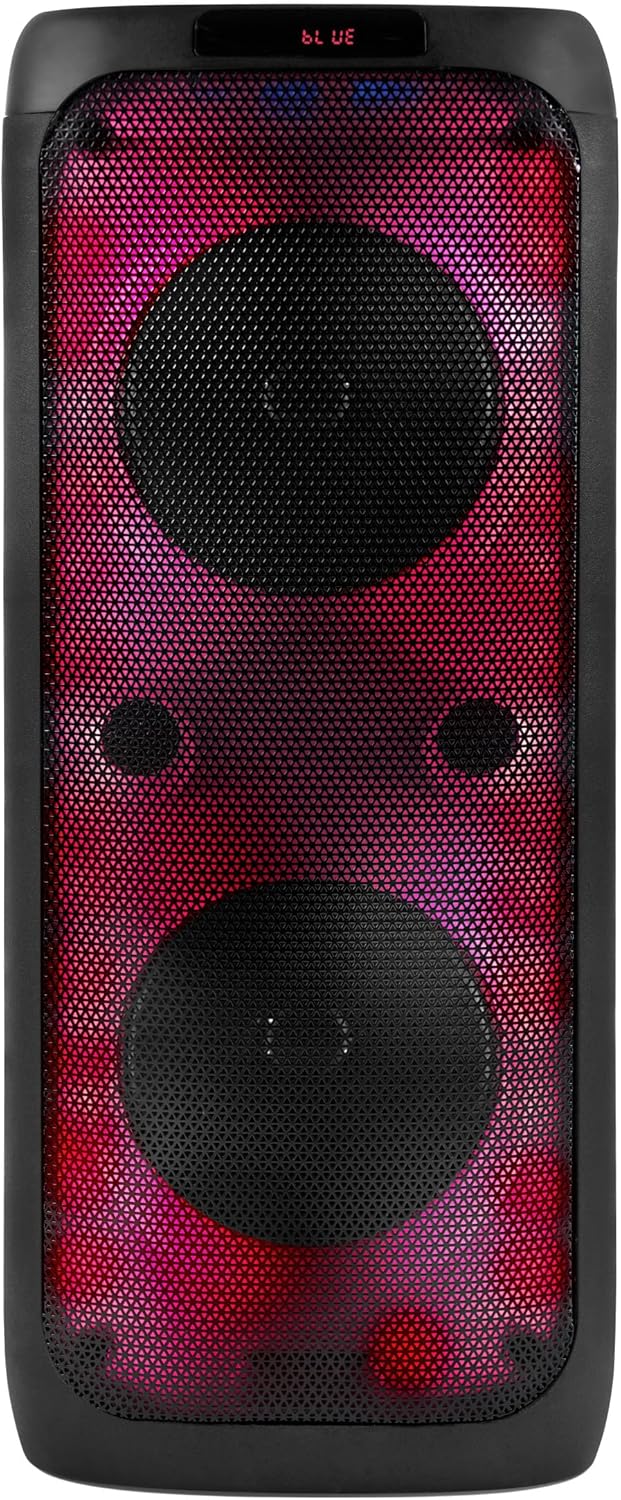
Image: Front view of the Intempo LED Blaze Speaker, illuminated with a striking red and purple LED light combination.
Karaoke Function:
- Connect the included wired microphone to the MIC Input port on the speaker's control panel.
- Adjust the microphone volume using the MIC button or dedicated control if available.
- Play music via Bluetooth, USB, TF card, or AUX, and sing along.
Using the Phone Stand:
The integrated phone stand allows you to conveniently place your smartphone or tablet while using the speaker.
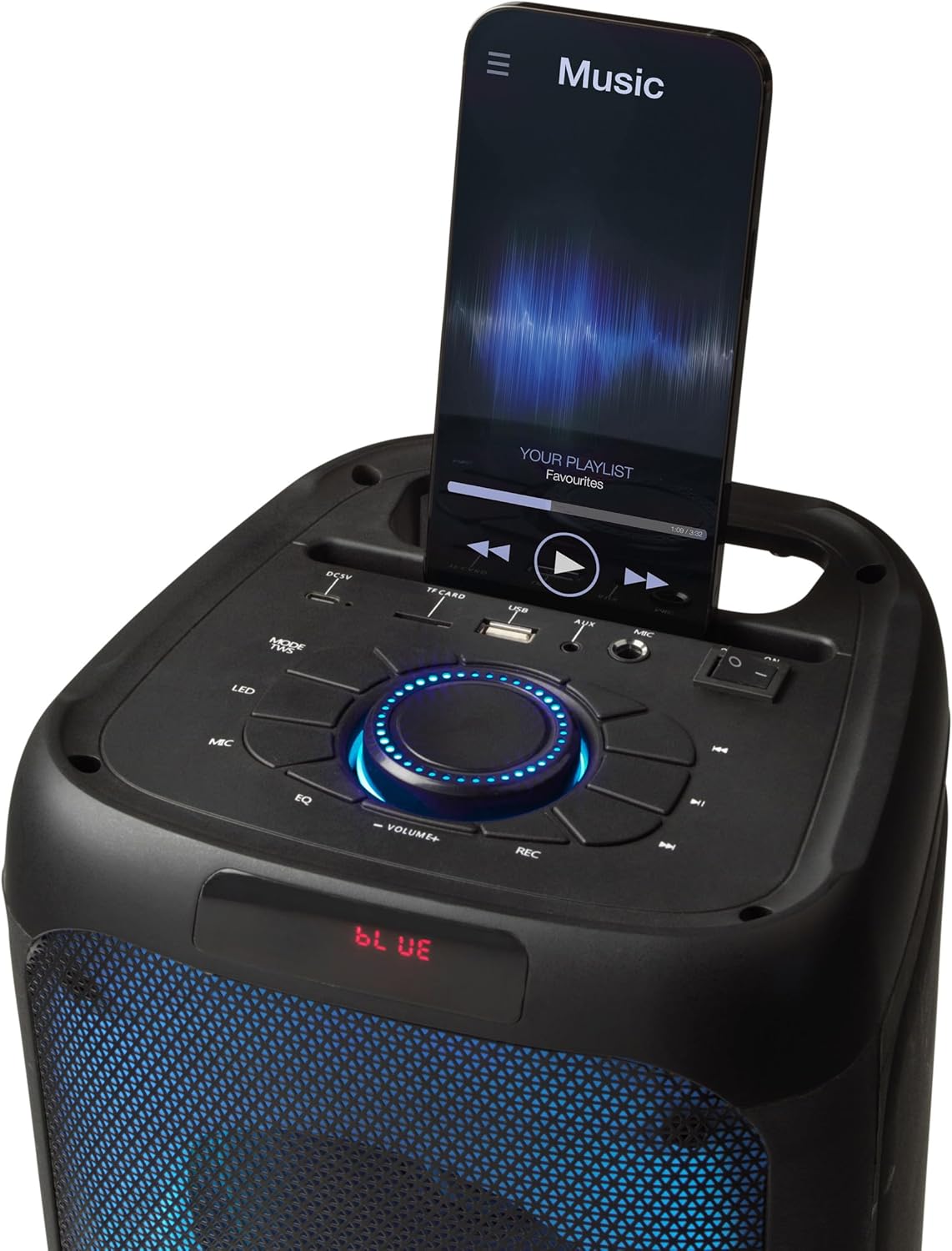
Image: The top panel of the Intempo LED Blaze Speaker, showing a smartphone securely placed in the integrated mobile phone stand, displaying a music application.
USB/TF Card Playback:
- Insert a USB drive or TF (MicroSD) card containing MP3 audio files into the respective port.
- Press the MODE button to switch to USB or TF Card mode. The speaker will automatically begin playing music.
- Use the playback controls (Play/Pause, Previous/Next Track) to manage your music.
AUX Input:
- Connect one end of a 3.5mm audio cable (not included) to the AUX Input port on the speaker.
- Connect the other end of the audio cable to the headphone jack or audio output of your external device.
- Press the MODE button to switch to AUX mode.
- Control playback and volume from your external device.
Volume Control:
- Rotate the central Volume Dial clockwise to increase volume and counter-clockwise to decrease volume.
Charging the Speaker
The Intempo LED Blaze Speaker is equipped with a 3000 mAh rechargeable battery, providing up to 10 hours of continuous playback.
- When the battery is low, the speaker may emit an audible warning or the LED indicator may change.
- Connect the USB charging cable to the DC5V port on the speaker and to a suitable USB power source.
- Allow the speaker to charge fully before disconnecting.
- Do not leave the speaker charging unattended for extended periods.
Maintenance
- Cleaning: Use a soft, dry cloth to clean the exterior of the speaker. Do not use abrasive cleaners, solvents, or harsh chemicals.
- Storage: When not in use for extended periods, store the speaker in a cool, dry place, away from direct sunlight and extreme temperatures.
- Battery Care: To prolong battery life, avoid fully discharging the battery frequently. Charge the speaker regularly, even if not in use.
Troubleshooting
| Problem | Possible Cause | Solution |
|---|---|---|
| Speaker does not turn on. | Battery is depleted. | Charge the speaker fully. |
| No sound. | Volume is too low; incorrect mode selected; device not connected. | Increase volume; press MODE button to select correct input; ensure Bluetooth device is paired or AUX/USB/TF is properly connected. |
| Bluetooth device cannot pair. | Speaker not in pairing mode; device too far; Bluetooth not enabled on device. | Ensure speaker is on and in Bluetooth mode; move device closer; enable Bluetooth on your device and search again. |
| Microphone not working. | Microphone not connected properly; microphone volume too low. | Ensure microphone is fully plugged into the MIC input; adjust microphone volume using the MIC button. |
Specifications
| Feature | Specification |
|---|---|
| Model Number | EE7515 |
| Brand | INTEMPO |
| Speaker Output Power | 100W PMPO |
| Connectivity Technology | Bluetooth |
| Bluetooth Range | Up to 25 meters |
| Battery Capacity | 3000 mAh |
| Playback Time | Up to 10 hours |
| LED Modes | 5 Color Modes |
| Inputs | USB, TF Card, AUX (3.5mm), Microphone (6.35mm) |
| Dimensions (L x W x H) | 25.5 x 25.5 x 53.4 cm |
| Weight | 4.36 kg |
| Material | Metal, Plastic |
| Power Source | Battery Powered (1 Non-standard Battery, included) |
Warranty and Support
This product is covered by a manufacturer's warranty. Please refer to the warranty card included with your purchase or contact the retailer for specific warranty terms and conditions.
For technical support, troubleshooting assistance beyond this manual, or inquiries regarding replacement parts, please contact Intempo customer service or your point of purchase.