
1. Introduction
Thank you for choosing the Trekora Vibration Plate Exercise Machine. This manual provides essential information for the safe and effective use of your new fitness equipment. This vibration plate is designed to provide a full-body workout, assist with lymphatic drainage, and promote overall fitness through high-frequency vibrations.
2. Safety Information
WARNING: Before starting any new exercise program, consult with your physician. Read all instructions carefully before use.
- Ensure the machine is placed on a stable, flat surface.
- Keep children and pets away from the machine during operation.
- Do not use if you are pregnant, have a pacemaker, or any other medical condition that may be affected by vibration.
- Maximum user weight capacity: 330 lbs (150 kg).
- Always wear appropriate athletic footwear when using the machine.
- Unplug the machine when not in use.
3. Package Contents
Your Trekora Vibration Plate package includes the following items:
- Trekora Vibration Plate Exercise Machine
- Remote Control
- Resistance Bands (2)
- Power Cord
- User Manual

Image: The Trekora Vibration Plate with its accessories: remote control, resistance bands, and user manual.
4. Product Overview
Familiarize yourself with the components of your vibration plate.
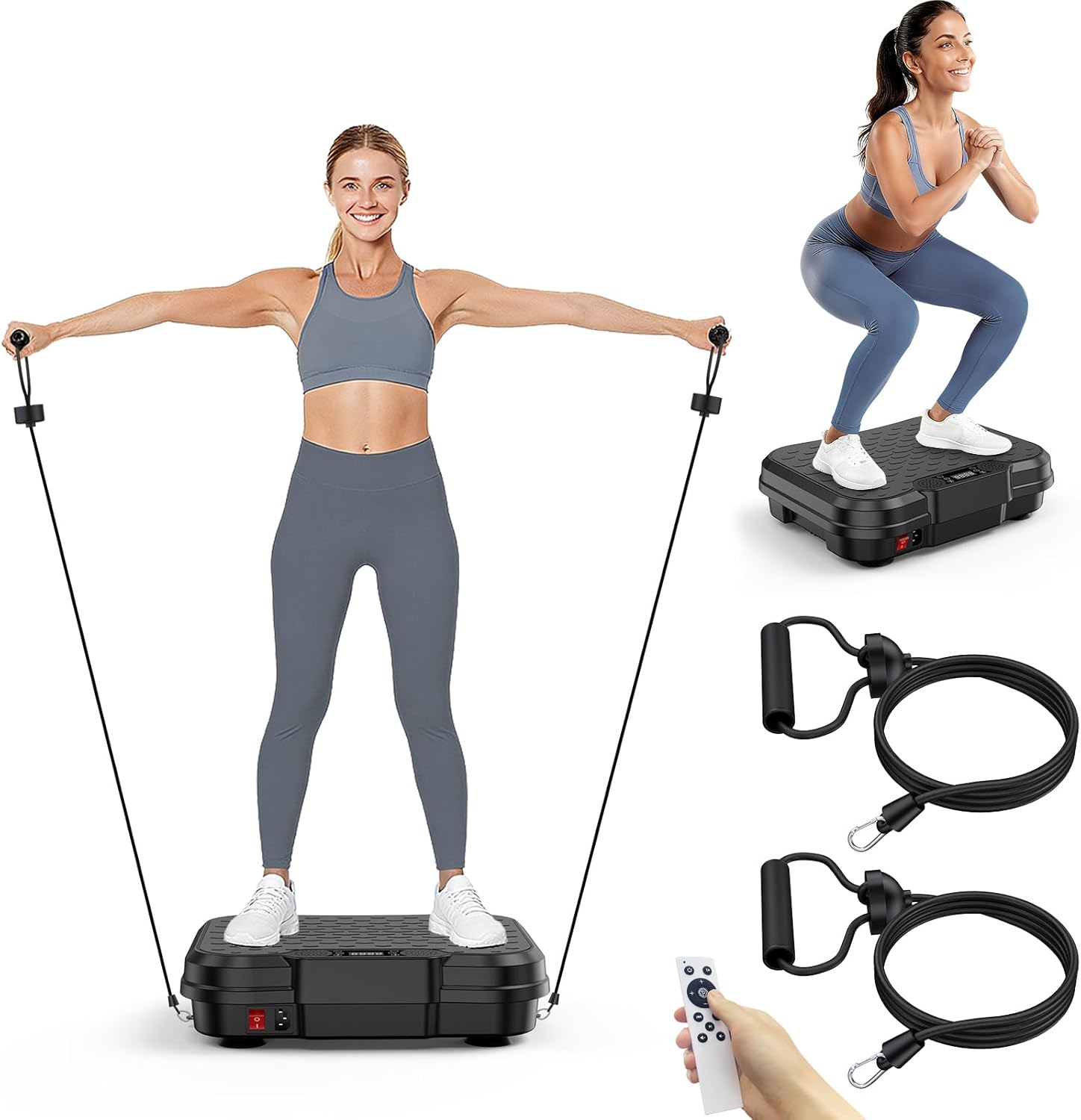
Image: A top-down view of the Trekora Vibration Plate, highlighting its compact design and control panel.
Control Panel
- LED Display: Shows time, speed, and program mode.
- Power Button: Turns the machine on/off.
- Speed +/-: Adjusts vibration intensity.
- Time +/-: Sets the duration of your workout.
- Program (P) Button: Cycles through pre-set workout programs.
- Mode (M) Button: Selects manual or automatic modes.
Remote Control
The remote control offers convenient operation from a distance.
- All functions available on the control panel are also on the remote.
- Dedicated buttons for Walking, Jogging, and Running modes for quick selection.
5. Setup
- Unpack: Carefully remove all components from the packaging.
- Placement: Place the vibration plate on a hard, level surface. Ensure there is enough space around the machine for safe movement.
- Power Connection: Plug the power cord into the machine and then into a grounded electrical outlet.
- Initial Check: Ensure the power switch on the machine is in the 'Off' position before plugging it in.
6. Operating Instructions
6.1 Power On/Off
- Flip the main power switch on the side of the machine to 'On'. The LED display will light up.
- Press the 'Power' button on the control panel or remote to start/stop the vibration.
6.2 Adjusting Speed and Time
- Use the 'Speed +' or 'Speed -' buttons to increase or decrease the vibration intensity (0-250 levels).
- Use the 'Time +' or 'Time -' buttons to set your desired workout duration (default is 10 minutes).
6.3 Pre-set Programs
- Press the 'P' button on the control panel or remote to cycle through 9 pre-set programs (P01-P09). Each program has varying speeds and durations.
- Alternatively, use the dedicated 'Walking', 'Jogging', or 'Running' buttons on the remote for quick access to specific intensity levels.
6.4 Using Resistance Bands
- Attach the resistance bands to the designated hooks on the sides of the machine.
- Use the bands for upper body exercises while standing or sitting on the plate.
Video: A seller demonstration of the Trekora Vibration Plate, showcasing its features and basic operation.
7. Exercise Guide
The Trekora Vibration Plate offers various ways to engage your muscles and enhance your workout. Adjust your foot position to change the intensity of the vibration.
7.1 Foot Positions for Intensity
- Walking Stance (Narrow): Feet closer together for a gentler vibration, ideal for warm-ups or recovery.
- Jogging Stance (Moderate): Feet shoulder-width apart for a medium intensity, suitable for general fitness.
- Running Stance (Wide): Feet wider apart for maximum vibration intensity, great for advanced workouts.

Image: A user demonstrates squats on the vibration plate, engaging leg and core muscles.
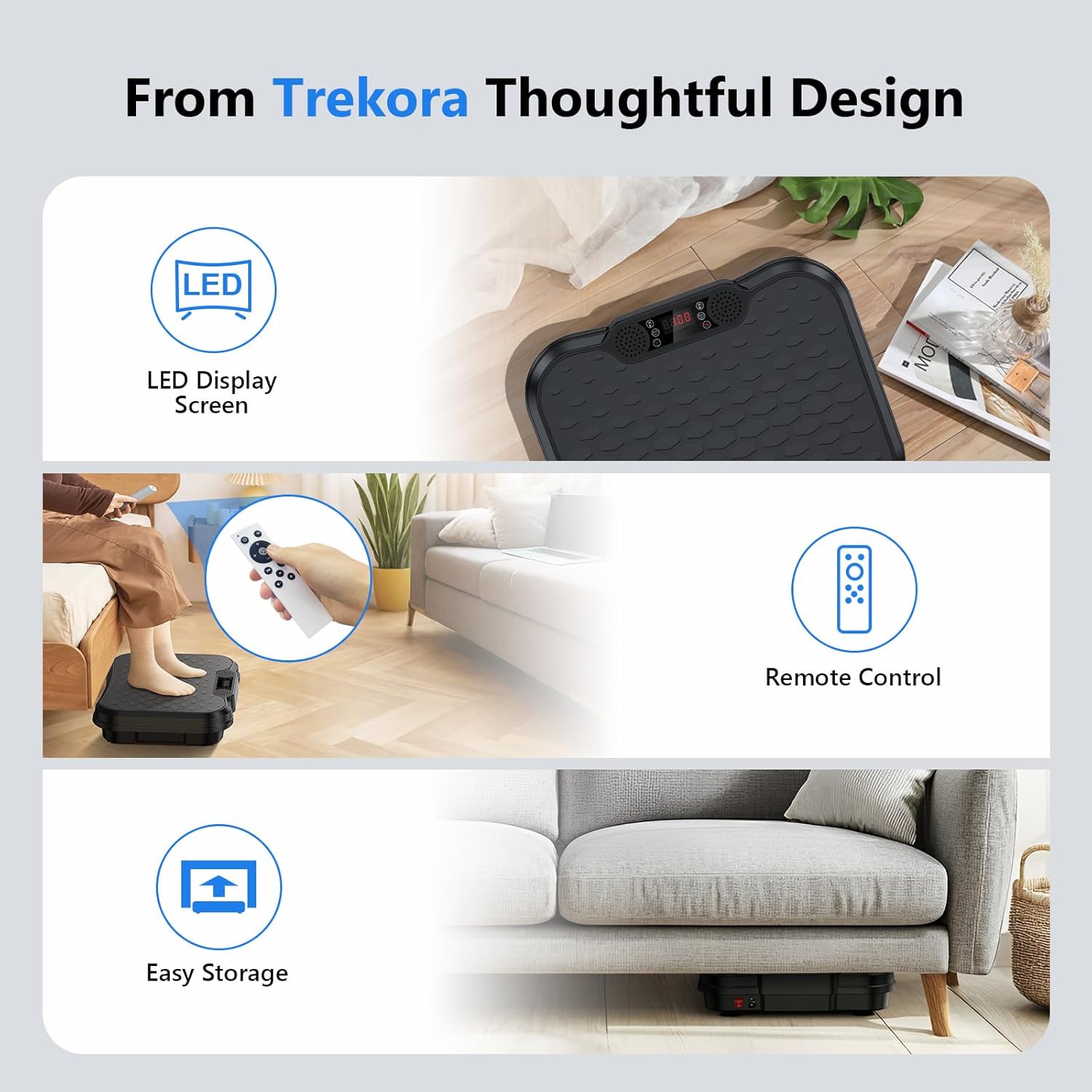
Image: A user performs a plank exercise with forearms on the vibration plate, intensifying core engagement.
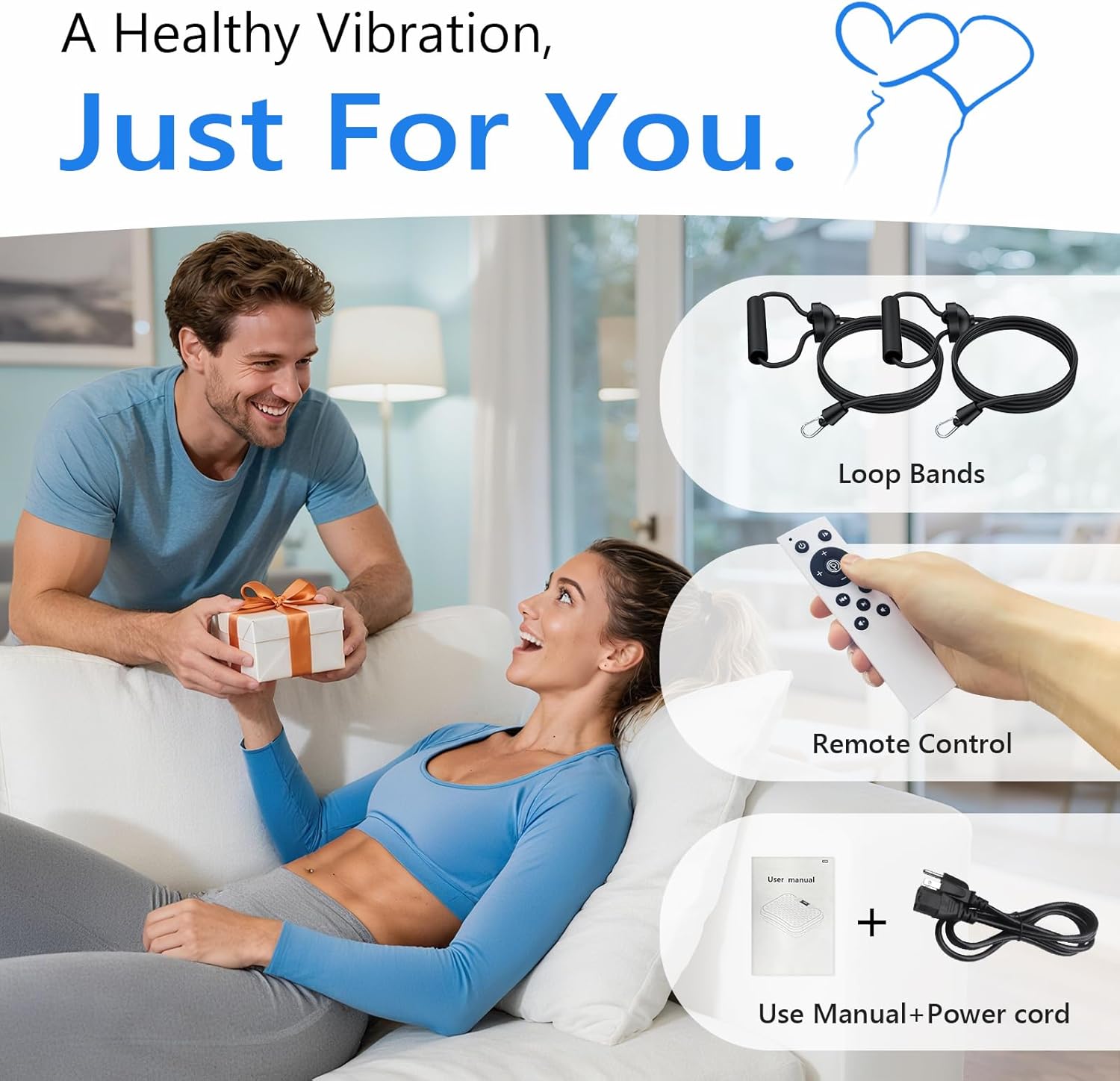
Image: A user seated with feet on the vibration plate, ideal for improving circulation and lymphatic flow.
Video: A seller demonstrating various exercises on the vibration plate, including standing, squatting, and using resistance bands.
8. Maintenance and Storage
- Cleaning: Wipe the machine with a soft, damp cloth after each use. Do not use abrasive cleaners.
- Storage: Store the machine in a cool, dry place away from direct sunlight. Its compact design allows for easy storage under furniture or in tight corners.
- Inspection: Regularly check the power cord and machine for any signs of damage.
9. Troubleshooting
If you encounter any issues, refer to the table below for common problems and solutions.
| Problem | Possible Cause | Solution |
|---|---|---|
| Machine does not power on. | Power cord not properly connected. Main power switch is off. | Check power cord connection. Ensure main power switch is 'On'. |
| No vibration. | Machine is paused or speed is set to zero. | Press 'Play/Start' button. Increase speed using 'Speed +' button. |
| Remote control not working. | Batteries are low or depleted. Obstruction between remote and machine. | Replace batteries. Ensure clear line of sight to the machine's sensor. |
10. Specifications
| Feature | Detail |
|---|---|
| Model Name | SZJ-SZ01 |
| Brand | Trekora |
| Item Weight | 13.55 Pounds (6.15 kg) |
| Product Dimensions (LxWxH) | 16.06 x 4.13 x 12.91 inches (40.8 x 10.5 x 32.8 cm) |
| Material | Acrylonitrile Butadiene Styrene (ABS) |
| Max User Weight | 330 lbs (150 kg) |
| Vibration Speed Levels | 0-250 |
| Exercise Modes | 9 Pre-set modes |
11. Warranty and Customer Support
The Trekora Vibration Plate Exercise Machine comes with a 1-year warranty. We are dedicated to providing outstanding support and ensuring every vibration plate machine delivers quality you can trust.
For any inquiries, concerns, or assistance with your product, please reach out to our professional after-sales team. We are available 7 days a week, 24 hours a day to provide comprehensive support.
Video: A seller highlights the great quality, features, and ease of use of the Trekora Vibration Plate.