
Tolatoyus TL16LCD
Tolatoyus TL16LCD Drone Battery User Manual
Model: TL16LCD | 3.7V 2200mAh Rechargeable Li-ion Battery
Introduction
This manual provides essential instructions for the safe and efficient use of your Tolatoyus TL16LCD 3.7V 2200mAh Rechargeable Li-ion Drone Battery. Please read this manual thoroughly before using the product to ensure proper operation and to prevent damage or injury. This battery is designed for compatibility with mainstream drone models such as TL16LCD and IDEA36LCD.
Safety Information
Lithium-ion batteries require careful handling. Failure to follow these safety guidelines can result in fire, personal injury, or property damage.
- Do not disassemble, puncture, or modify the battery.
- Do not expose the battery to water, fire, or extreme temperatures (above 60°C / 140°F or below 0°C / 32°F).
- Avoid dropping or subjecting the battery to severe impacts.
- Use only the provided USB charging cable and a compatible 5V/2A adapter for charging.
- Keep the battery away from children and pets.
- If the battery shows signs of swelling, leakage, or damage, discontinue use immediately and dispose of it properly.
- Do not short-circuit the battery terminals.
Package Contents
Verify that all items are present in your package:
- 1 x Tolatoyus TL16LCD 3.7V 2200mAh Li-ion Drone Battery
- 1 x USB Charging Cable
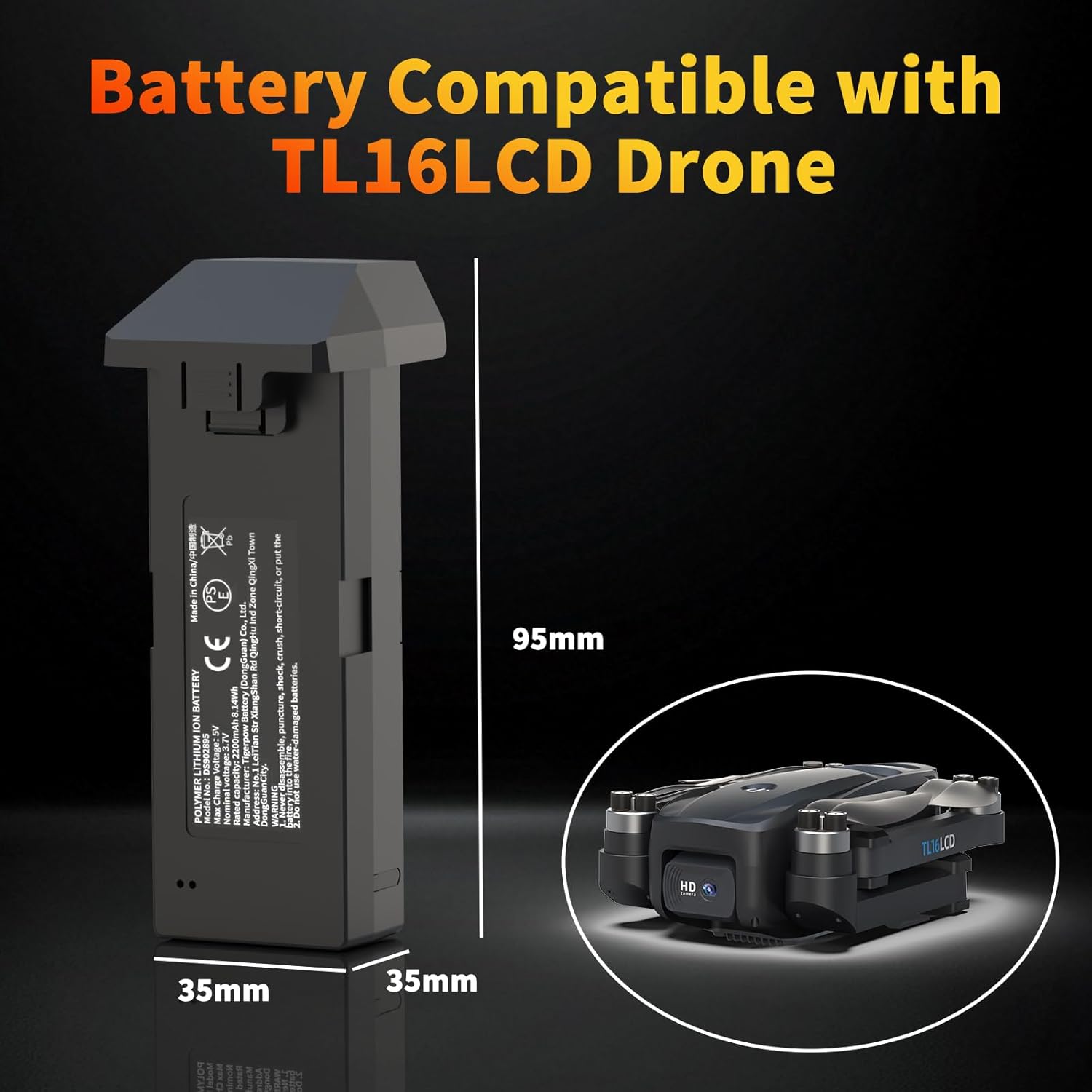
Image: The Tolatoyus TL16LCD drone battery shown alongside its included USB charging cable.
Specifications
| Feature | Detail |
|---|---|
| Brand | Tolatoyus |
| Model | TL16LCD |
| Battery Cell Composition | Lithium Polymer (Li-ion) |
| Voltage | 3.7V |
| Battery Capacity | 2200 mAh |
| Recommended Use | Drone (TL16LCD, IDEA36LCD compatible) |
| Dimensions | 95 x 38 x 35 mm (approx. 4.13 x 1.61 x 1.54 inches) |
| Item Weight | 52g (approx. 2.46 ounces) |
| Protection Features | Overload, Short-circuit, Overheating, Overcharge, Overcurrent Protection |
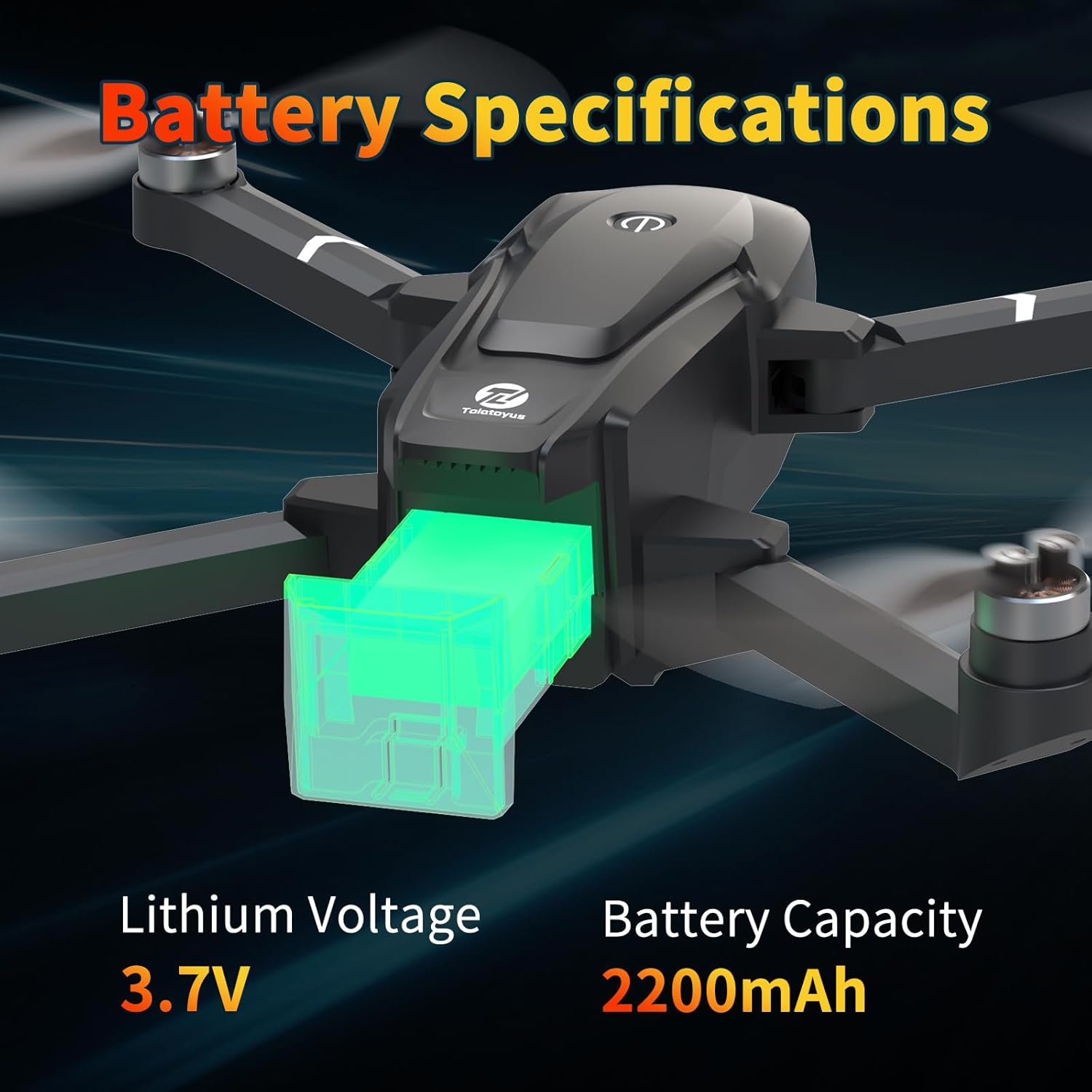
Image: Visual representation of the battery's key specifications, including 3.7V Lithium Voltage and 2200mAh Battery Capacity.
Setup
1. Initial Charging
Before first use, fully charge the battery. Refer to the 'Charging the Battery' section for detailed instructions.
2. Inserting the Battery into the Drone
- Ensure the drone is powered off.
- Locate the battery compartment on your drone (e.g., TL16LCD or IDEA36LCD).
- Align the battery with the compartment and gently slide it in until it clicks securely into place. Ensure the connectors are properly engaged.
- Close the battery compartment cover, if applicable.

Image: The Tolatoyus TL16LCD drone battery, ready for insertion into a compatible drone.
Operating
Powering On/Off
- To power on the drone with the battery inserted, follow your drone's specific power-on procedure (typically a short press followed by a long press of the power button).
- To power off, follow your drone's specific power-off procedure (typically a long press of the power button).
Monitoring Battery Life
The drone's remote control or companion app will display the current battery level. Always monitor the battery level during flight and land the drone before the battery is critically low to prevent unexpected power loss.
Charging the Battery
Use the provided USB charging cable to charge the battery. The battery features a built-in protection mechanism for safe charging.
- Connect the small end of the USB charging cable to the charging port on the battery.
- Connect the larger end of the USB cable to a compatible power source, such as a mobile power bank, laptop USB port, or a 10W (5V/2A) USB wall adapter (not included).
- The battery's indicator light will typically show charging status (e.g., red for charging, green for fully charged, or blinking patterns). Refer to your drone's manual for specific indicator light behavior.
- Charging time is approximately 120-150 minutes, depending on the power source.
- Once fully charged, disconnect the battery from the charging cable and power source.
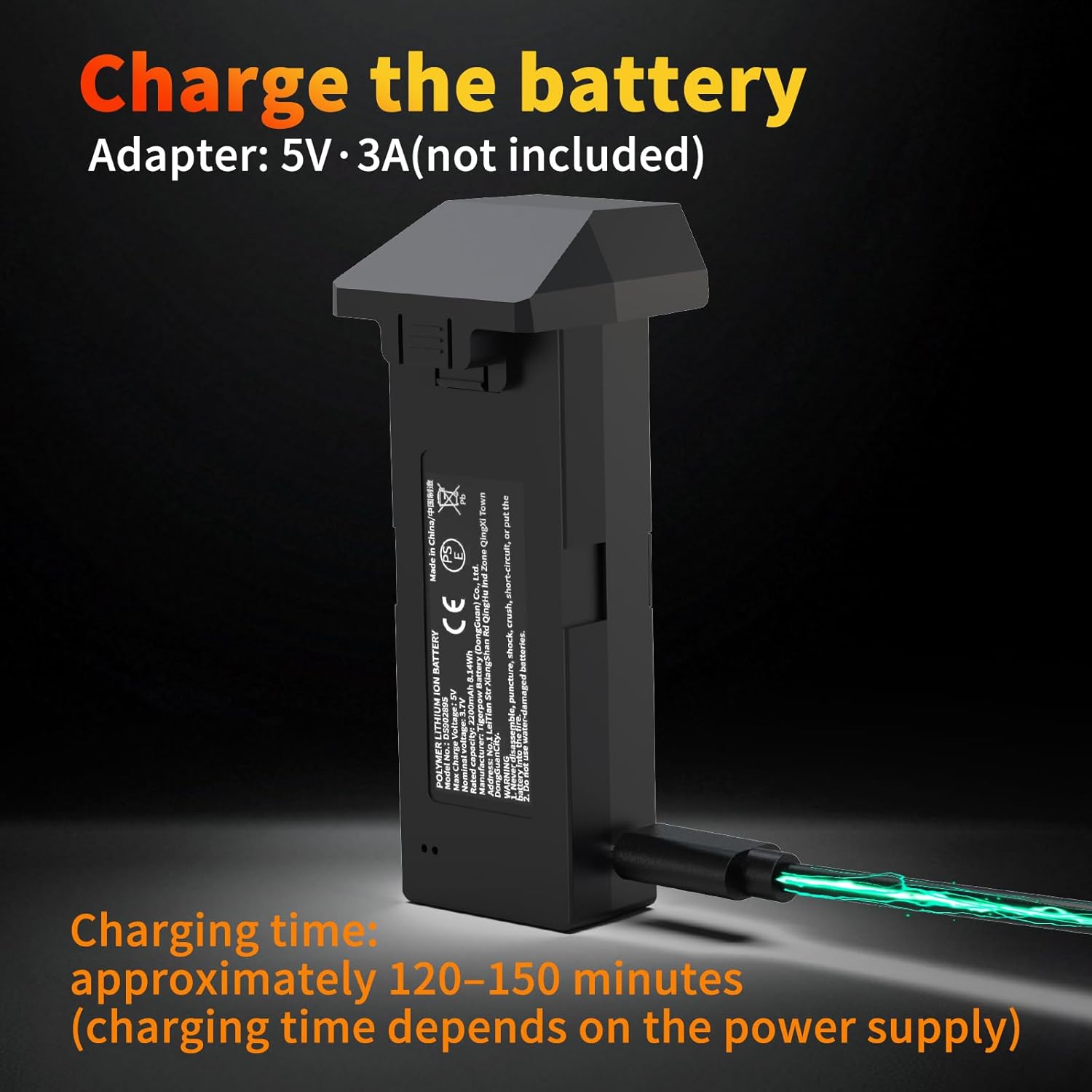
Image: The TL16LCD battery connected to a USB charging cable, illustrating the charging process. An adapter of 5V/3A (not included) is recommended.
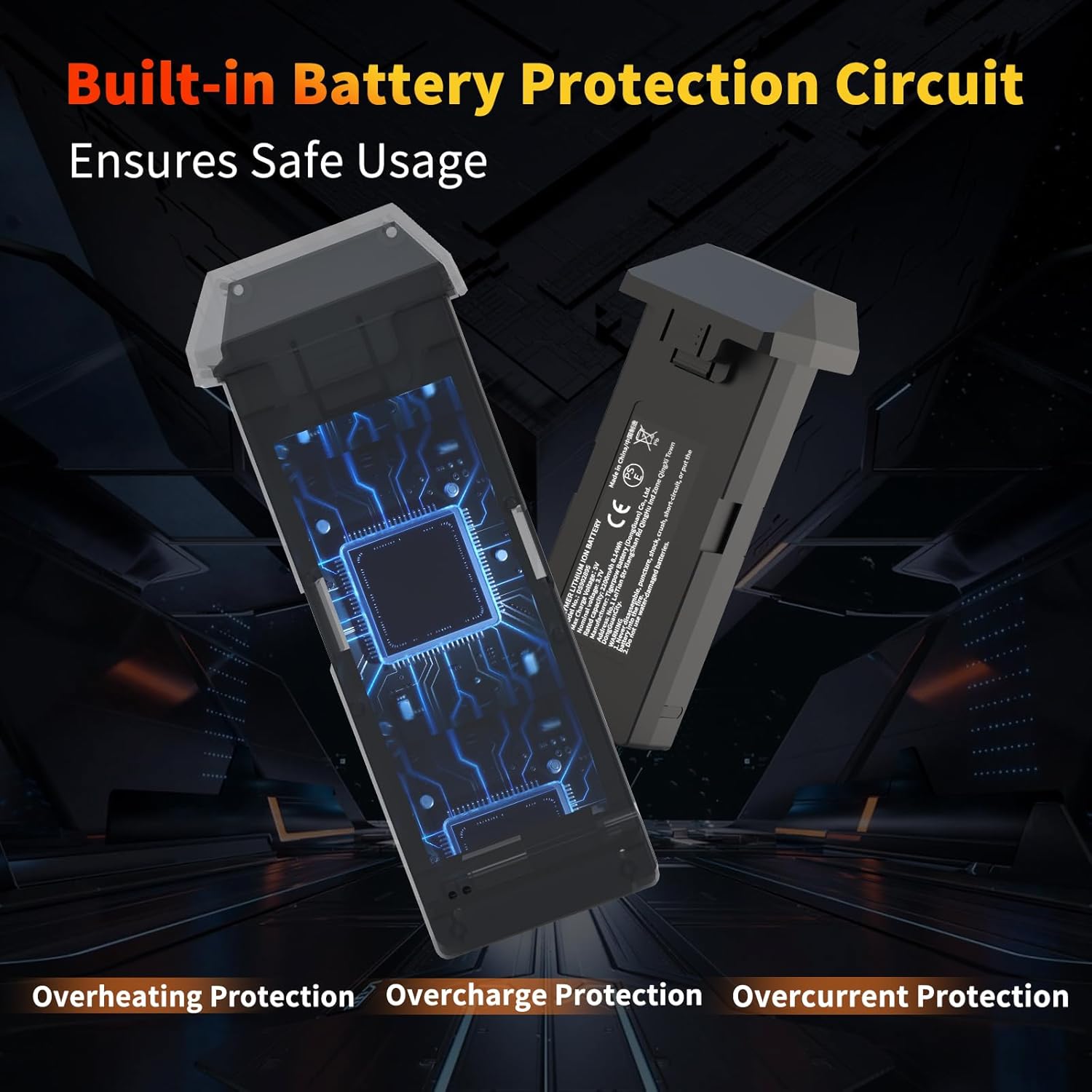
Image: Diagram showing the internal built-in battery protection circuit, which ensures safe usage by preventing overheating, overcharge, and overcurrent.
Maintenance
Storage
- Store the battery in a cool, dry place, away from direct sunlight and extreme temperatures.
- For long-term storage, it is recommended to discharge the battery to approximately 50-60% of its capacity.
- Avoid storing the battery fully charged or fully discharged for extended periods.
Cleaning
- Wipe the battery's exterior with a clean, dry, soft cloth.
- Do not use liquid cleaners or solvents.
- Ensure the charging contacts are clean and free of debris.
Battery Care Tips
- Do not overcharge or over-discharge the battery.
- If the battery becomes hot during use or charging, allow it to cool down before handling or recharging.
- Regularly inspect the battery for any signs of damage or swelling.
Troubleshooting
- Battery not charging:
-
- Ensure the USB cable is securely connected to both the battery and the power source.
- Try a different USB port or wall adapter.
- Verify the power source is providing sufficient power (e.g., 5V/2A).
- Check the charging cable for damage.
- Drone not powering on with battery:
-
- Ensure the battery is fully charged.
- Verify the battery is correctly inserted into the drone's compartment and securely connected.
- Check the battery for any visible damage.
- Consult your drone's specific manual for power-on procedures.
- Short flight time:
-
- Ensure the battery is fully charged before each flight.
- Battery performance can degrade over time with repeated charge cycles.
- Environmental factors like strong winds or cold temperatures can reduce flight duration.
Warranty and Support
For warranty information or technical support, please refer to the documentation provided with your original drone purchase or contact Tolatoyus customer service through their official website or the retailer where the product was purchased. Keep your proof of purchase for warranty claims.
Ask a question about this manual
Ask about setup, troubleshooting, compatibility, parts, safety, or missing instructions. Manuals+ will review the question and use this page’s manual context to help answer it.