1. Important Safety Instructions
Please read and save these instructions before operating the ECOSELF HAP602 Air Purifier. Failure to follow these instructions may result in electric shock, fire, or serious injury.
- Always unplug the air purifier before moving, cleaning, or performing any maintenance.
- Do not operate the appliance if the cord or plug is damaged. Contact customer support for assistance.
- Keep the air purifier away from water or other liquids. Do not use in wet environments.
- Do not block air inlets or outlets. Ensure adequate space around the unit for proper airflow.
- This appliance is for indoor use only.
- Do not allow children to operate the air purifier without supervision.
- Only use ECOSELF original replacement filters. Using non-original filters may void your warranty and affect performance.
2. Product Overview
The ECOSELF HAP602 Air Purifier is designed to improve indoor air quality through a multi-stage filtration system and real-time air quality monitoring.
2.1 Components
- Main Unit
- 3-Stage Filtration System (Pre-Filter, Activated Carbon Filter, Main Filter)
- Power Cord
- User Manual
2.2 Filtration System
The HAP602 utilizes a 3-stage filtration system to capture various airborne particles and odors.

Image: Diagram illustrating the 3-stage filtration system, including a Pre-Filter, Activated Carbon Filter, and Main Filter, designed to capture fur/hair, odor, and pollen.
- Pre-Filter: Captures larger particles such as dust, lint, and pet hair.
- Activated Carbon Filter: Absorbs odors, smoke, and volatile organic compounds (VOCs).
- Main Filter: A high-efficiency filter designed to capture fine particles like pollen, dust mites, and pet dander.
3. Setup
3.1 Unpacking
- Remove the air purifier from its packaging.
- Remove all plastic bags and protective materials.
3.2 Filter Installation
The filters may come pre-installed but wrapped in plastic. Remove all plastic packaging from the filters before use.
- Turn the air purifier upside down and twist the base cover counter-clockwise to unlock.
- Remove the base cover and carefully pull out the filter assembly.
- Remove all plastic packaging from each filter layer.
- Reinsert the filters into the air purifier, ensuring they are properly seated.
- Replace the base cover and twist clockwise to lock it securely.
3.3 Placement
Place the air purifier on a firm, level surface. Ensure there is at least 6 inches (15 cm) of space around all sides for optimal airflow.

Image: The ECOSELF HAP602 Air Purifier shown in different rooms, including a desk, living room floor, kitchen counter, and bedside table, demonstrating versatile placement options.
3.4 Power Connection
Plug the power cord into a standard electrical outlet (AC 120V/60Hz).
4. Operating Instructions
The ECOSELF HAP602 features an intuitive control panel for easy operation.

Image: A detailed view of the ECOSELF HAP602 control panel, displaying buttons for Power, Speed, Lock, Light, Timer, Filter Reset, and Auto mode, along with a digital PM2.5 display.
4.1 Power On/Off
- Press the Power button to turn the unit on or off.
4.2 Fan Speed Adjustment
- Press the Speed button repeatedly to cycle through fan speeds (Low, Medium, High).
4.3 Auto Mode and Air Quality Indicator
The air purifier features a built-in PM2.5 sensor and real-time display. In Auto Mode, the fan speed adjusts automatically based on detected air quality.

Image: The ECOSELF HAP602 Air Purifier displaying different air quality levels (Very Good, Good, Moderate, Bad) with corresponding PM2.5 values and color indicators (green, blue, yellow, red).
- Press the Auto button to activate Auto Mode.
- The indicator light on the display changes color to reflect air quality:
- Green: Very Good (0-50 µg/m³)
- Blue: Good (50-100 µg/m³)
- Yellow: Moderate (100-150 µg/m³)
- Red: Bad (>150 µg/m³)
4.4 Sleep Mode
Sleep Mode operates the air purifier at its lowest fan speed with minimal noise and turns off display lights for an undisturbed environment.

Image: The ECOSELF HAP602 Air Purifier placed on a bedside table in a dark room, emphasizing its quiet operation in Sleep Mode, with a visual representation of low noise levels (15dB, 20dB, 35dB).
- To activate Sleep Mode, press the Speed button until the Sleep Mode indicator is active or the fan speed is at its lowest setting and lights dim.
4.5 Child Lock
The Child Lock function prevents accidental changes to settings.
- Press and hold the Lock button for 3 seconds to activate or deactivate the Child Lock.
- When activated, all other buttons will be unresponsive.
4.6 Timer Function
- Press the Timer button repeatedly to set the operating time (e.g., 2H, 4H, 8H). The unit will automatically turn off after the set time.
4.7 Light Control
- Press the Light button to turn the display lights on or off.
5. Maintenance
5.1 Filter Replacement
The filter needs to be replaced every 3 to 6 months, depending on usage and air quality. The unit will indicate when a filter change is due.
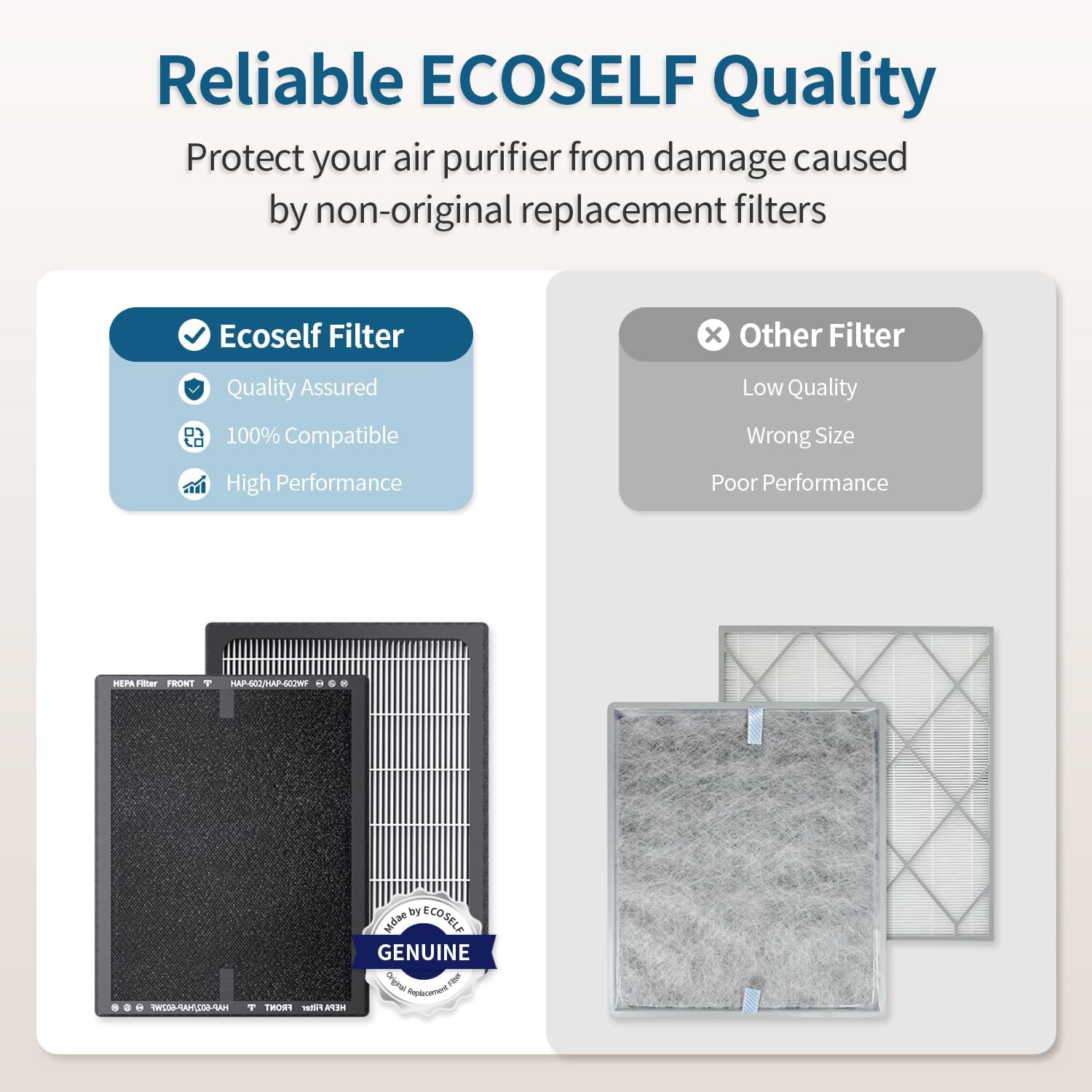
Image: A comparison showing an ECOSELF original filter with quality assurance and high performance versus a generic filter labeled as low quality and wrong size, emphasizing the importance of using genuine filters.
- Unplug the air purifier from the power outlet.
- Follow the steps in Section 3.2 to remove the old filter.
- Dispose of the old filter responsibly.
- Install a new ECOSELF original replacement filter, ensuring all plastic packaging is removed.
- Replace and lock the base cover.
- Plug in the air purifier.
- Press and hold the Filter Reset button for 3 seconds to reset the filter replacement indicator.
Note: Do not clean the filter with water or other liquids. The filter is not washable.
5.2 Cleaning the Exterior
- Wipe the exterior of the air purifier with a soft, dry cloth.
- Do not use abrasive cleaners or solvents.
6. Troubleshooting
| Problem | Possible Cause | Solution |
|---|---|---|
| Unit does not turn on | Not plugged in; Power outage; Child Lock active | Ensure power cord is securely plugged in; Check power supply; Deactivate Child Lock (press and hold Lock button for 3 seconds). |
| Weak airflow | Filter clogged; Air inlets/outlets blocked | Replace filter; Ensure no obstructions around the unit. |
| Unusual noise | Filter not installed correctly; Foreign object inside | Reinstall filter; Unplug and check for foreign objects. |
| Air quality indicator always red/yellow | High pollution in environment; Sensor dirty | Allow more time for purification; Clean the PM2.5 sensor (refer to manufacturer's guidelines if available, typically a small brush). |
7. Specifications
- Model: HAP602
- Brand: ECOSELF
- ASIN: B0FSZHG63R
- Filtration: 3-Stage (Pre-Filter, Activated Carbon, Main Filter)
- Coverage Area: Up to 2400 sq ft / 223 m² (refreshes every 30 minutes)
- Noise Level: As low as 20dB (Sleep Mode)
- Features: PM2.5 Sensor, Auto Mode, Sleep Mode, Child Lock, Timer, Adjustable Fan Speeds
- First Available: July 15, 2025
8. Warranty and Support
For warranty information and customer support, please refer to the warranty card included with your product or visit the official ECOSELF website. Ensure you have your model number (HAP602) and ASIN (B0FSZHG63R) ready when contacting support.