
Introduction
Thank you for choosing the AreShark MC02 Ergonomic Office Chair. This manual provides detailed instructions for assembly, operation, and maintenance to ensure you get the most comfortable and supportive experience from your new chair. The AreShark MC02 is designed for complete spinal alignment, featuring targeted support for the head, shoulders, back, hips, and arms, making it suitable for various activities like working, studying, or gaming.
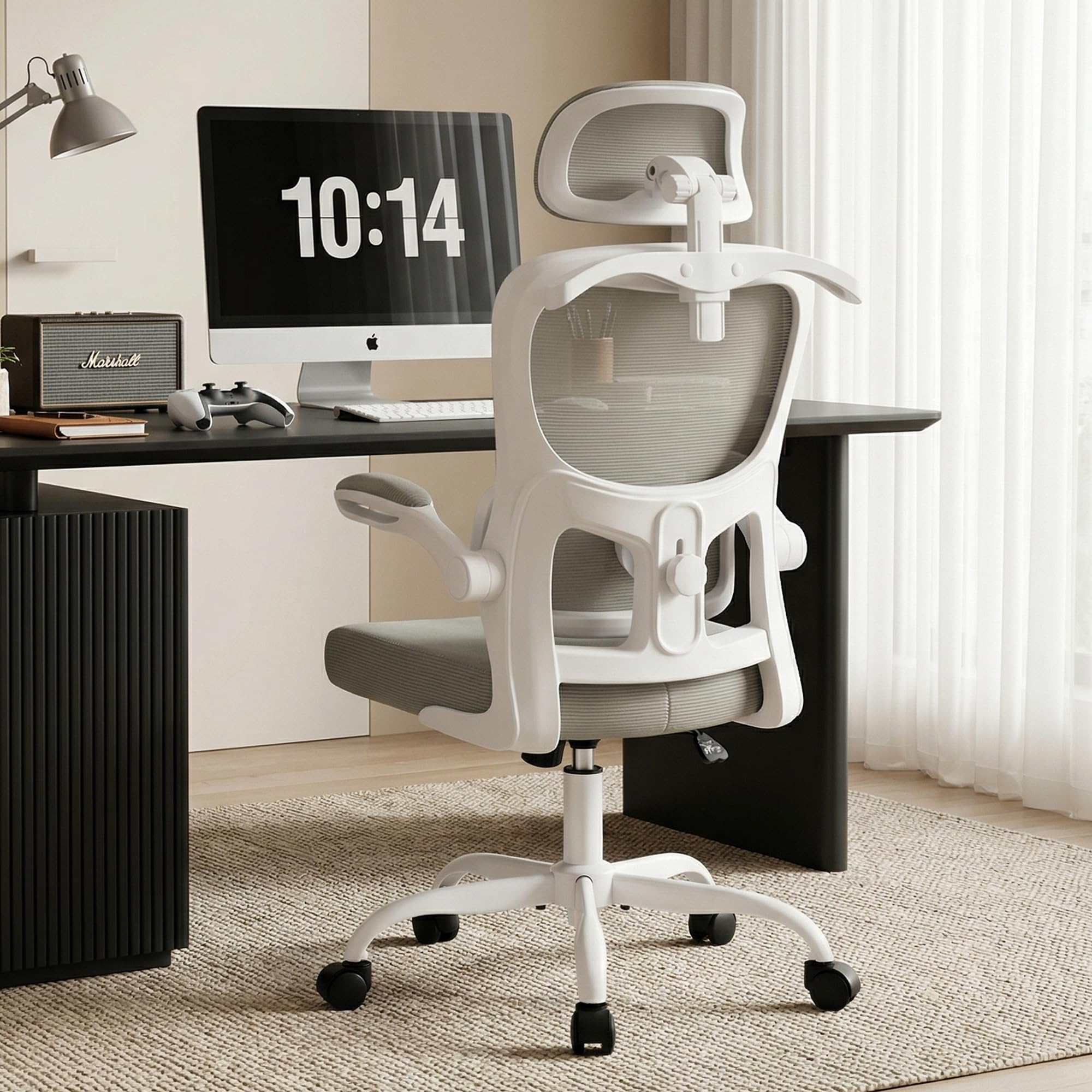
Image: The AreShark MC02 Ergonomic Office Chair in Grey, showcasing its modern design.
Safety Guidelines
Please read and understand all safety instructions before assembling and using the chair. Failure to do so may result in injury or damage to the product.
- Always follow the assembly instructions carefully to ensure safe use of the chair.
- Do not exceed the maximum weight recommendation of 300 lbs to prevent any safety hazards.
- Keep small parts away from children during assembly.
- Ensure all screws and bolts are tightened securely before use.
- Avoid standing on the chair or using it as a step stool.
Package Contents
Before beginning assembly, please verify that all components are present and undamaged. Refer to the installation video for a visual guide to the package contents.
Video: AreShark MC02 Ergonomic Office Chair Installation Video. This video demonstrates the unboxing and assembly process, including all package contents.
- Backrest with Lumbar Support
- Seat Cushion with Armrests (pre-attached)
- Headrest
- Gas Lift Cylinder
- Star Base
- 5 Casters (Wheels)
- Base Plate Mechanism
- Hardware Kit (screws, Allen wrench)

Image: All individual components of the AreShark MC02 Office Chair laid out before assembly.
Assembly Instructions
Most users can complete assembly in under 15 minutes. Follow these steps or refer to the official installation video for a visual guide.
Video: AreShark MC02 Ergonomic Office Chair Installation Video. This video provides a step-by-step guide for assembling the chair.
- Assemble the Base: Insert the 5 casters into the holes at the end of each leg of the star base. Place the gas lift cylinder into the center hole of the star base.
- Attach the Base Plate: Secure the base plate mechanism to the underside of the seat cushion using the provided screws. Ensure the front of the mechanism aligns with the front of the seat.
- Connect Seat to Base: Place the assembled seat cushion onto the gas lift cylinder.
- Attach Backrest: Align the backrest with the mounting points on the seat cushion and secure it with the appropriate screws.
- Install Headrest: Slide the headrest into its slot at the top of the backrest and secure it with the designated screws.
- Final Check: Ensure all connections are tight and the chair is stable before use.

Image: A detailed diagram illustrating the assembly steps for the AreShark MC02 Office Chair.
Operating Your Chair
The AreShark MC02 chair offers multiple adjustment options to customize your seating experience.
Seat Height Adjustment
Use the lever located under the right side of the seat to adjust the chair's height. Pull the lever up to raise the seat; release it at your desired height. To lower, sit on the chair, pull the lever up, and release when the seat reaches the desired position. The 3-stage gas lift system allows for a 4-inch seat height adjustment, with a range of 18.5" to 22.5".
Video: This video demonstrates the seat height adjustment mechanism of the AreShark MC02 chair.
Lumbar Support Adjustment
The dynamic lumbar support can be adjusted vertically by 2 inches to perfectly align with your spine's natural curve, reducing lower back fatigue. Locate the knob on the backrest and rotate it to move the lumbar support up or down.

Image: Close-up view of the adjustable lumbar support on the AreShark MC02 Office Chair.
Video: This video illustrates how to adjust the lumbar support on the AreShark MC02 chair.
Headrest Adjustment
The 2D headrest can be adjusted 3.2 inches vertically and rotated 90 degrees to provide optimal neck support. Simply grasp the headrest and move it to your preferred position.

Image: Demonstrates the vertical and rotational adjustment of the headrest on the AreShark MC02 Office Chair.
Video: This video shows how to adjust the 2D headrest for personalized neck support.
Tilt Function
The chair features a 30° tilt mechanism, allowing you to recline from 90° upright to 120° relaxed. Pull the lever (same as height adjustment) outwards to unlock the tilt, and push it inwards to lock the chair in an upright position. A tension-adjustable knob under the seat allows you to control the resistance of the recline.

Image: The AreShark MC02 Office Chair demonstrating its 90-120 degree tilt function for relaxation.
Video: This video demonstrates the tilt and recline functionality of the chair, including the tension adjustment knob.
Flip-Up Armrests
The armrests can be flipped up to 90 degrees, allowing the chair to be stored completely under most desks, saving space. When down, they provide soft elbow support.
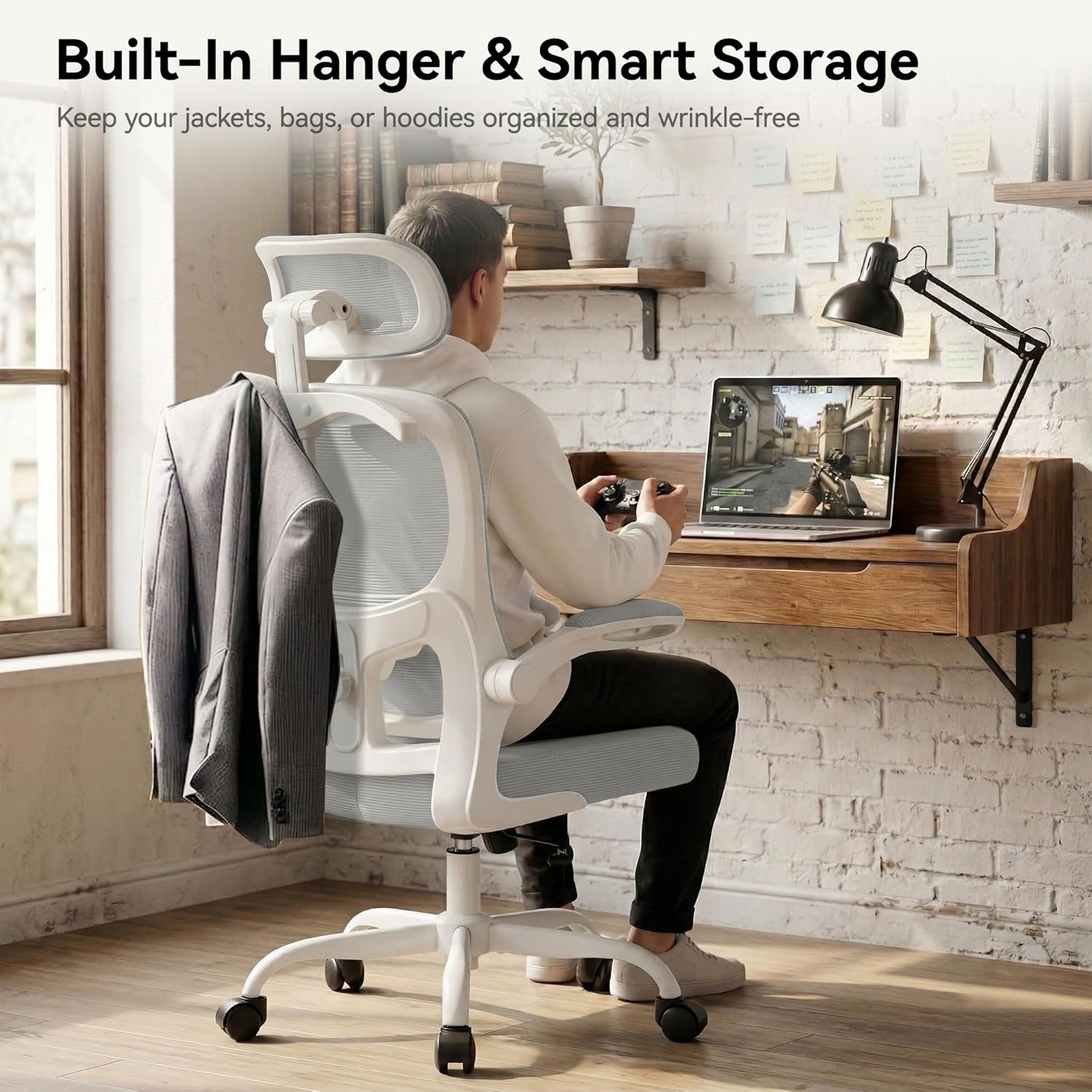
Image: The AreShark MC02 Office Chair with its armrests flipped up, illustrating its space-saving design.
Integrated Coat Hanger
A convenient built-in coat hanger is located on the backrest, perfect for holding jackets, bags, or hoodies without cluttering your workspace.

Image: The AreShark MC02 Office Chair featuring its integrated coat hanger on the backrest.
Care and Maintenance
To ensure the longevity and appearance of your AreShark MC02 Office Chair, follow these simple care instructions:
- Cleaning: Wipe all surfaces with a soft, damp cloth. Avoid using abrasive cleaners, harsh chemicals, or solvents, as these may damage the mesh or other materials.
- Inspection: Periodically check all screws and bolts to ensure they remain tight. Re-tighten if necessary.
- Casters: Keep the casters free of debris (hair, dust, etc.) to ensure smooth rolling.
- Mesh: For the breathable mesh, a soft brush or vacuum cleaner with a brush attachment can be used to remove dust.
Troubleshooting
If you encounter any issues with your AreShark MC02 Office Chair, please refer to the following common solutions:
- Chair not adjusting height: Ensure the gas lift lever is fully engaged or disengaged as required. Check if the gas lift cylinder is correctly installed in the base and seat mechanism.
- Chair wobbles: Verify that all assembly screws are securely tightened. Ensure the casters are fully inserted into the star base.
- Casters not rolling smoothly: Check for any hair or debris caught in the caster wheels and remove them.
- Backrest/Lumbar support feels loose: Re-check the screws connecting the backrest to the seat and ensure the lumbar adjustment knob is tightened.
If these steps do not resolve the issue, please contact customer support.
Product Specifications
| Feature | Specification |
|---|---|
| Brand | AreShark |
| Model Name | MC02 (Office Chair with Headrest) |
| Color | Grey |
| Material | Mesh, Sponge, Wood |
| Product Dimensions (D x W x H) | 25.2"D x 25.2"W x 53"H |
| Item Weight | 14.31 Kilograms |
| Maximum Weight Recommendation | 300 Pounds |
| Seat Height Range | 18.5" to 22.5" (4-inch adjustment) |
| Lumbar Support Adjustment | 2" Vertical Travel |
| Headrest Adjustment | 3.2" Vertical, 90° Rotation |
| Tilt Angle | 90° to 120° (30° tilt mechanism) |
| Arm Style | Flip-up Padded Armrests |
| Casters | Noise-free PU casters |
| Gas Lift | Class-3, BIFMA impact tested |
| Assembly Required | Yes |

Image: Detailed product dimensions for the AreShark MC02 Ergonomic Office Chair.
Warranty and Customer Support
The AreShark MC02 Ergonomic Office Chair comes with a 3-year service warranty. This warranty covers manufacturing defects and ensures long-term protection for your comfort.
For any questions, concerns, or warranty claims, please contact AreShark customer service through the retailer where you purchased the product or visit our official website for support contact information. Please have your purchase receipt and model number (MC02) ready when contacting support.
We are committed to providing you with a comfortable and reliable seating solution.