
1. Introduction
Thank you for choosing the CIVO Digital Sports Watch Model 8370. This watch is designed for an active lifestyle, offering a range of features including time display, date, stopwatch, alarm, countdown timer, dual time zone, and an LED backlight. This manual provides detailed instructions to help you understand and utilize all functions of your new watch.

Image 1.1: CIVO Sports Digital Watch for Men and Women.

Image 1.2: Front view of the CIVO Digital Sports Watch Model 8370 in white.
2. Safety Information
- Water Resistance: This watch is 5ATM water-resistant, suitable for hand washing, sweat, and rain. It is not suitable for showering, swimming, diving, or any underwater activities. Avoid pressing buttons underwater.
- Temperature: Avoid exposing the watch to extreme temperatures (hot or cold) for extended periods.
- Chemicals: Keep the watch away from solvents, detergents, perfumes, and other chemicals that may damage the strap or casing.
- Impact: Avoid strong impacts or dropping the watch, as this may damage internal components.
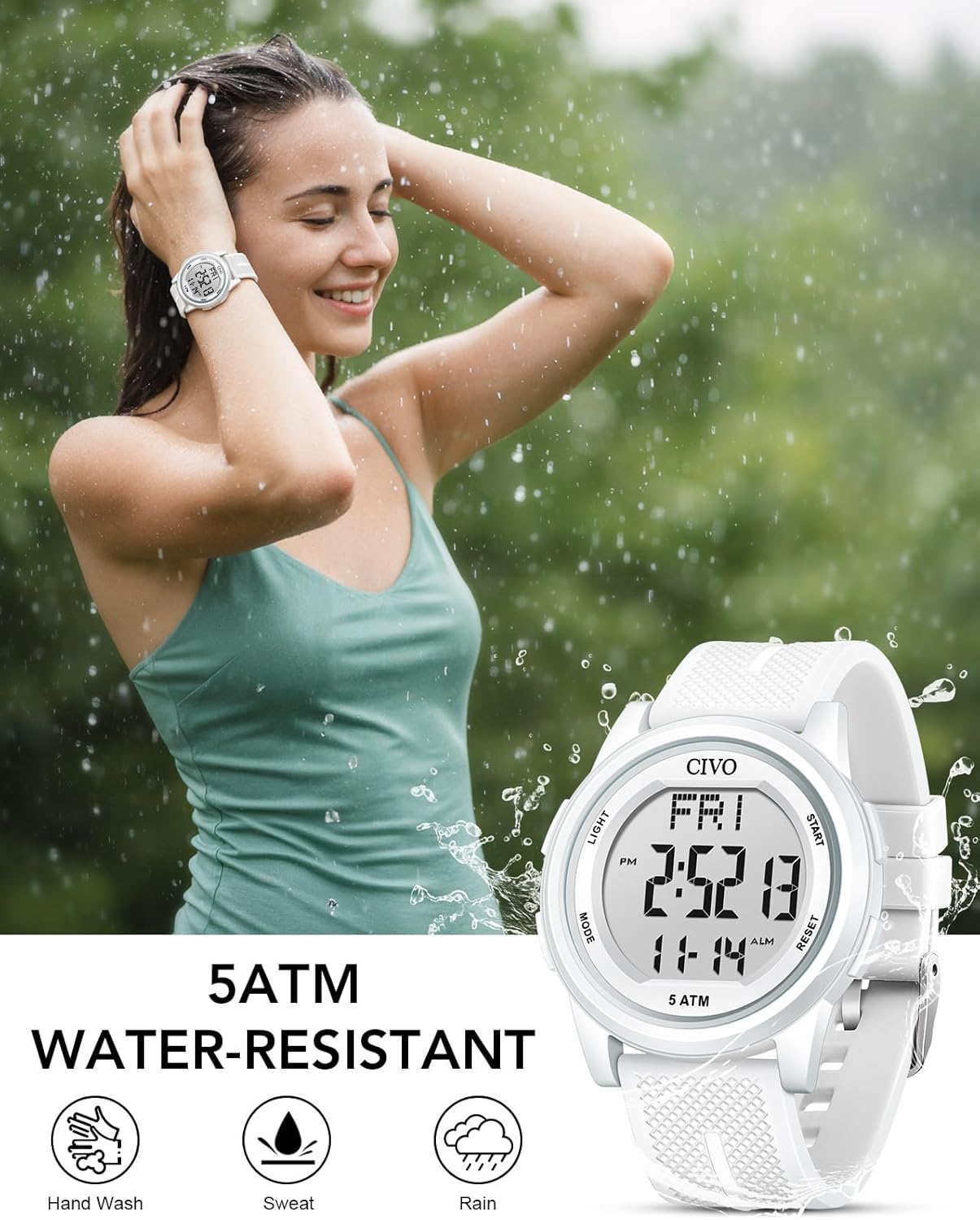
Image 2.1: The watch is 5ATM water-resistant, suitable for daily exposure to rain, splashes, and sweat.
3. Watch Components and Button Functions
Familiarize yourself with the watch's buttons and their primary functions:
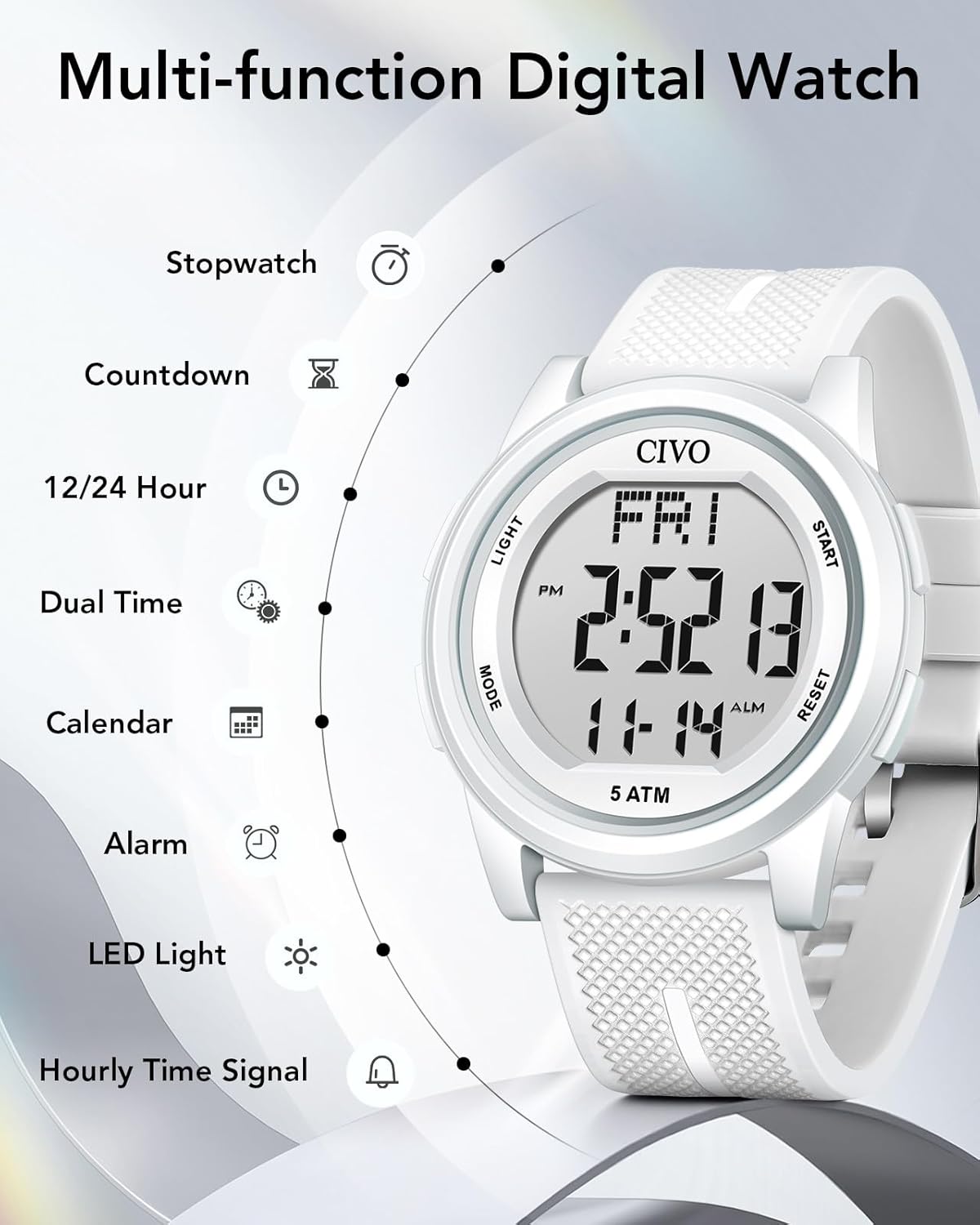
Image 3.1: Overview of watch buttons and functions.
- LIGHT Button: Activates the LED backlight.
- MODE Button: Cycles through different modes (Time, Stopwatch, Alarm, Countdown, Dual Time).
- START Button: Used to start/stop functions in Stopwatch mode, adjust values in setting modes.
- RESET Button: Used to reset functions in Stopwatch mode, select items in setting modes.
4. Setup and Basic Operation
4.1 Setting Time and Date
- From the Timekeeping mode, press the MODE button repeatedly until you enter the setting mode (usually indicated by flashing digits).
- Use the RESET button to cycle through the settings (seconds, hour, minute, year, month, day, 12/24-hour format).
- Use the START button to adjust the flashing value.
- Once all settings are correct, press the MODE button to exit the setting mode.
4.2 12/24-Hour Format
In the time setting mode, you can toggle between 12-hour (with AM/PM indicator) and 24-hour formats using the START button when the hour setting is flashing.
4.3 LED Backlight
Press the LIGHT button to illuminate the display for a few seconds. This feature is useful in low-light conditions.

Image 4.1: Normal display vs. LED Luminous Display.
5. Operating Advanced Features
5.1 Stopwatch Function
- Press the MODE button until the stopwatch mode is displayed (usually indicated by 'ST' or 'STOP').
- Press START to begin timing.
- Press START again to pause timing.
- Press RESET to clear the stopwatch to zero.
- To return to Timekeeping mode, press MODE.
5.2 Alarm Function
- Press the MODE button until the alarm mode is displayed (usually indicated by 'AL' or 'ALARM').
- Press RESET to select the hour or minute digits.
- Use the START button to adjust the flashing value.
- Press MODE to exit the alarm setting.
- To turn the alarm ON/OFF, press START while in alarm mode (without flashing digits). An alarm icon will appear/disappear.
5.3 Hourly Chime (Time Signal)
In the alarm mode, press RESET to toggle the hourly chime ON/OFF. An icon (often a bell) will indicate if it's active.
5.4 Dual Time Function
This feature allows you to keep track of a second time zone.
- Press the MODE button until the Dual Time mode is displayed (often 'DT' or 'DUAL').
- Press RESET to select the hour or minute digits.
- Use the START button to adjust the flashing value for the second time zone.
- Press MODE to exit the setting.

Image 5.1: Examples of Dual Time, Stopwatch, Alarm, and Hourly Time Signal in practical use.
6. Maintenance
6.1 Cleaning Your Watch
Wipe the watch case and strap regularly with a soft, dry cloth. For stubborn dirt, a slightly damp cloth can be used, followed by drying thoroughly. Avoid using harsh chemicals or abrasive materials.
6.2 Battery Replacement
The watch is powered by a nonstandard battery (included). When the display becomes dim or functions become erratic, it may be time for a battery replacement. It is recommended to have the battery replaced by a qualified watch technician to ensure water resistance integrity is maintained.
6.3 Strap Care
The soft silicone strap is designed for comfort and durability. Clean it with mild soap and water if necessary, and rinse thoroughly. Avoid prolonged exposure to direct sunlight or extreme heat to prevent material degradation.
7. Troubleshooting
- Display is blank or dim: The battery may be low or depleted. Replace the battery.
- Buttons are unresponsive: Ensure the watch is not in a locked mode (if applicable, refer to specific model features). If issues persist, a battery reset (by removing and reinserting the battery) might be necessary, or contact customer support.
- Time is inaccurate: Re-set the time and date. If the issue persists, the watch module may require service.
- Water inside the watch: Immediately stop using the watch and seek professional service. Do not attempt to dry it yourself, as this can cause further damage.
8. Specifications
| Feature | Detail |
|---|---|
| Model Number | 8370 |
| Water Resistance | 5ATM (50 meters) - Hand wash, sweat, rain. Not for swimming/diving. |
| Display Type | Digital LED |
| Movement | Quartz |
| Battery Type | 1 Nonstandard Battery (included) |
| Case Dimensions | 44mm diameter, 10mm thickness |
| Band Width | 22mm |
| Weight | Approximately 2.4 ounces |
| Functions | Time, Date, Day, Stopwatch, Alarm, Countdown Timer, Dual Time, LED Backlight, Hourly Chime, 12/24-hour format. |

Image 8.1: Detailed dimensions of the CIVO Digital Sports Watch.
9. Warranty and Support
CIVO is committed to ensuring your complete satisfaction. If you encounter any issues with your CIVO Digital Sports Watch Model 8370, please contact our dedicated customer support team. Refer to the product packaging or the official CIVO website for contact information.
Please retain your proof of purchase for any warranty claims. The warranty covers manufacturing defects under normal use conditions. Damage resulting from misuse, accidents, unauthorized repairs, or failure to follow instructions in this manual is not covered.


