
Cubitt Tracking Technologies Terra
Cubitt Terra Rugged Smartwatch User Manual
Model: Terra
1. Introduction
Welcome to the Cubitt Terra Rugged Smartwatch user manual. This document provides essential information for setting up, operating, and maintaining your device. The Cubitt Terra is designed for adventure, featuring robust construction, advanced GPS capabilities, and comprehensive health and fitness tracking.

Image 1.1: Front view of the Cubitt Terra Rugged Smartwatch.
2. Safety Information
Please read all safety instructions before using your Cubitt Terra Smartwatch to ensure safe and proper operation.
- Do not attempt to disassemble or modify the device. This may void the warranty and cause damage.
- Keep the device away from extreme temperatures, direct sunlight, and open flames.
- Avoid exposing the device to strong impacts or drops.
- Consult a medical professional before starting any new exercise regimen, especially if you have pre-existing health conditions.
- The device is water-resistant up to 5ATM, suitable for swimming and showering, but not for diving or high-pressure water activities.
- Use only the provided charging cable and adapter to prevent damage.
3. Package Contents
Verify that all items are present in your product packaging:
- Cubitt Terra Rugged Smartwatch
- Charging Cable
- User Manual (this document)
- DVD (as per product specifications, though typically not included with smartwatches, this is based on provided data)
4. Product Overview
Familiarize yourself with the physical components of your Cubitt Terra Smartwatch.

Image 4.1: Side view of the smartwatch, highlighting buttons and crown.
4.1 Key Features
- Rugged Design: Built to withstand extreme conditions, including resistance to heat, cold, shocks, and everyday wear.
- Dual-Band GPS (L1 + L5): Supports 5 GNSS systems (GPS, BDS, GLONASS, GALILEO, QZSS) for precise location tracking, even in challenging environments.
- 1.48” AMOLED Ultra-Bright Display: Features auto-brightness and 24-bit true color for clear visibility in various lighting conditions.
- Advanced Health & Training: Includes AI Coach, Readiness Score, VITA AI voice assistant, animated workout guides, 24/7 monitoring of HR, SpO₂, VO₂ Max, body temperature, stress, menstrual cycle, and sleep analysis with Sleep Score.
- Long Battery Life: 530 mAh battery provides up to 14 days of typical use or 26 hours with continuous GPS.
- Connectivity: Bluetooth 5.3 for calling, smart notifications, and offline music with direct TWS connection.
- Water Resistance: 5ATM rating for water immersion.
- Offline Maps: Ability to save routes and navigate without an internet connection.
- Flashlight: Built-in flashlight with white and red light options.
- Gorilla Glass Screen: Enhanced screen protection.
- Action Button: Dedicated button for quick access to workouts.

Image 4.2: The Cubitt Terra is built to withstand extreme conditions, featuring military-grade durability.
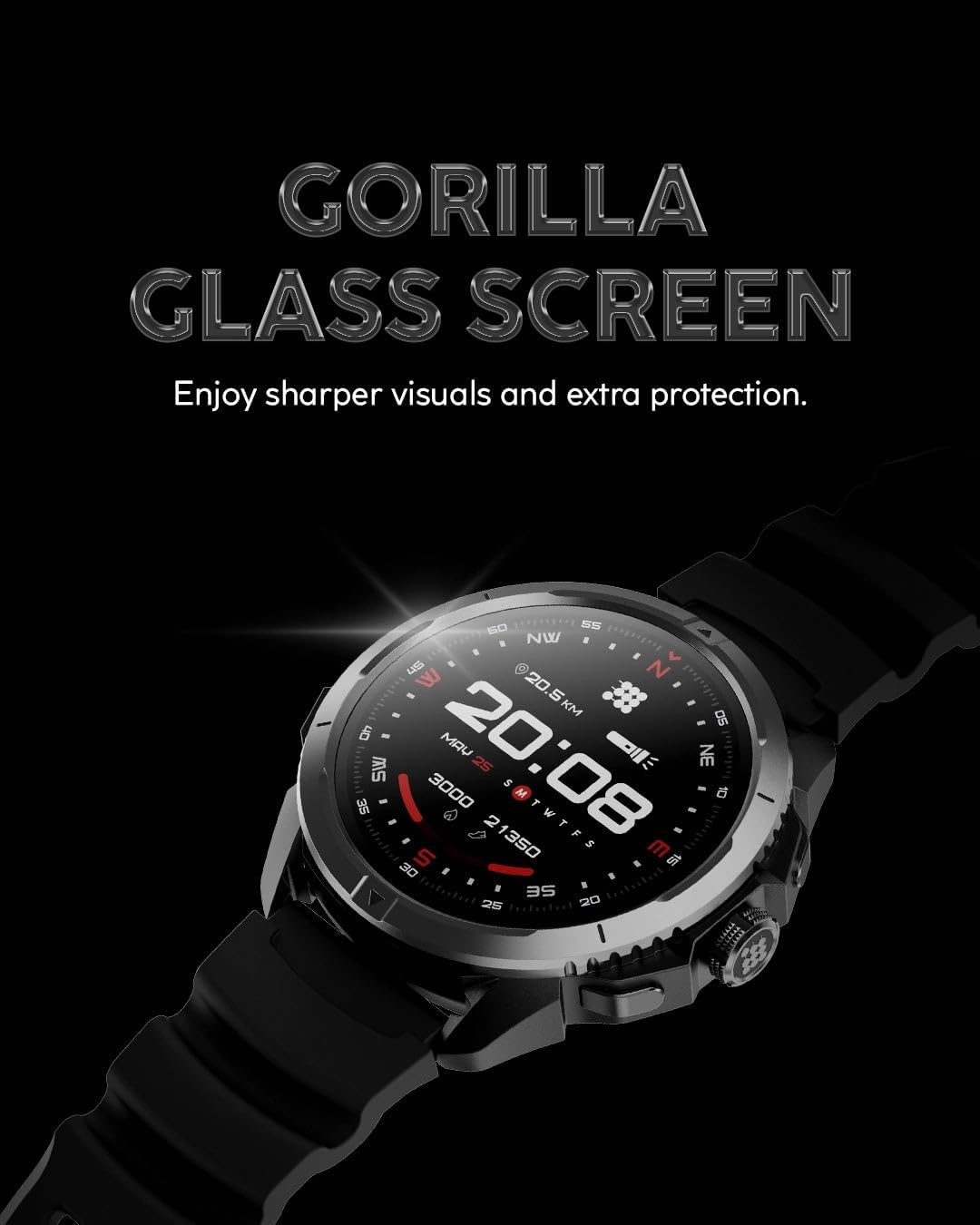
Image 4.3: The display is protected by Gorilla Glass for enhanced durability.
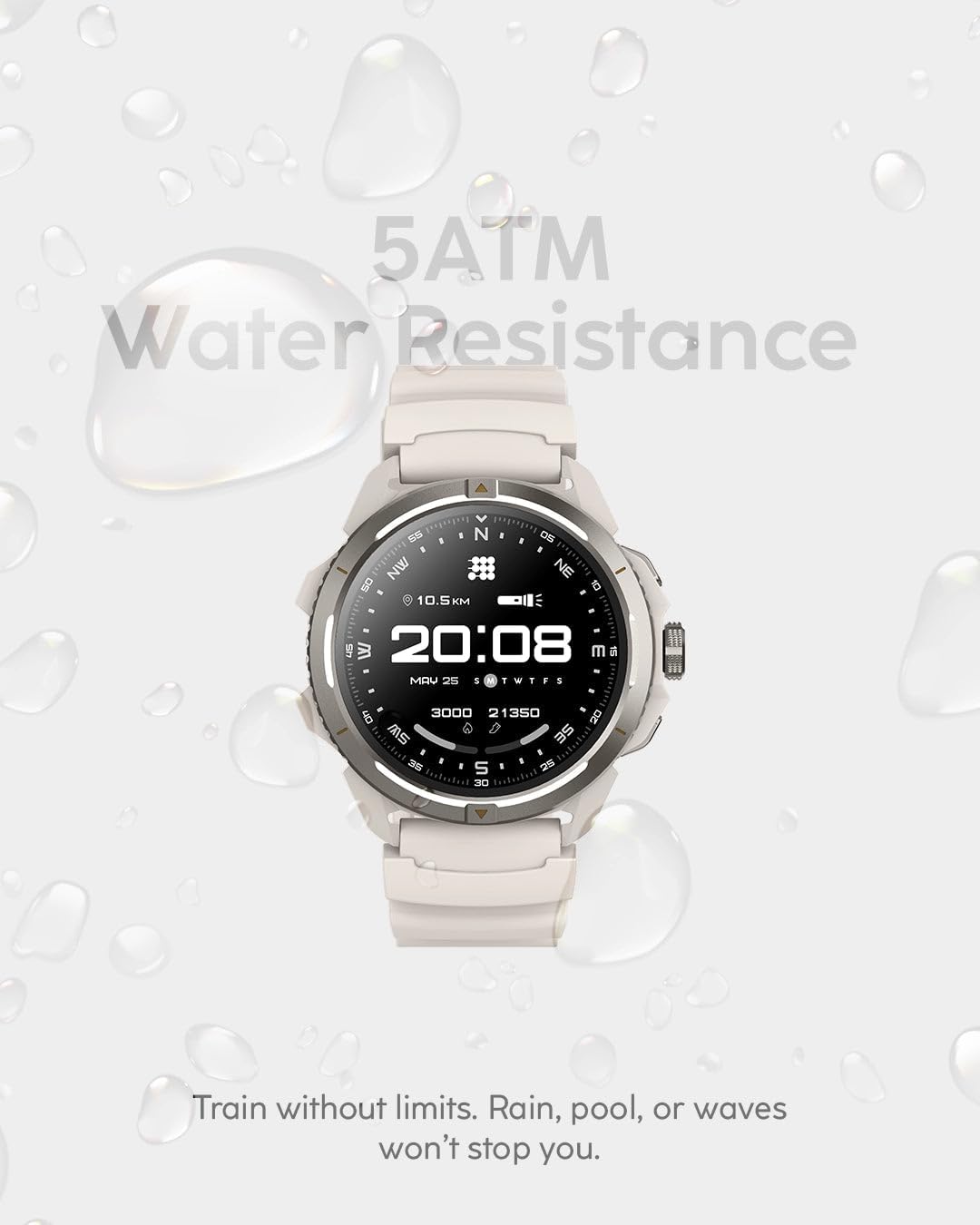
Image 4.4: The smartwatch offers 5ATM water resistance, suitable for various water activities.
5. Setup
5.1 Charging the Smartwatch
- Connect the charging cable to a USB power adapter (not included) or a computer's USB port.
- Attach the magnetic end of the charging cable to the charging contacts on the back of the smartwatch. Ensure it snaps into place securely.
- The watch display will indicate charging status. A full charge typically takes approximately 2 hours.
5.2 Pairing with Your Smartphone
- Download the Cubitt app from your smartphone's app store (iOS or Android).
- Ensure Bluetooth is enabled on your smartphone.
- Open the Cubitt app and follow the on-screen instructions to create an account or log in.
- In the app, select "Add Device" or similar option and choose the Cubitt Terra from the list of available devices.
- Confirm the pairing request on both your smartphone and the smartwatch.
6. Operating Instructions
6.1 Basic Navigation
- Swipe Up/Down: Scroll through menus and notifications.
- Swipe Left/Right: Access quick widgets or different watch faces.
- Tap: Select an item or confirm an action.
- Press Side Button: Return to the home screen or access the app list.
- Action Button: Press to quickly start a workout (customizable in settings).

Image 6.1: The dedicated Action Button provides quick access to workout modes.
6.2 GPS and Offline Maps
The Cubitt Terra features Dual-Band GPS for enhanced accuracy and supports offline maps.
- To use GPS, ensure you are in an open area for optimal signal reception.
- Access the "Navigation" or "Workout" app on your watch to initiate GPS tracking.
- For offline maps, download desired map regions via the Cubitt app on your smartphone while connected to Wi-Fi, then sync them to your watch.

Image 6.2: Integrated Dual-Band GPS allows for accurate route tracking and offline map usage.
6.3 Health and Fitness Tracking
The smartwatch continuously monitors various health metrics.
- Heart Rate (HR): View real-time heart rate data on the watch or in the app.
- Blood Oxygen (SpO₂): Manually measure SpO₂ or enable continuous monitoring in settings.
- Sleep Tracking: Wear the watch to bed for automatic sleep stage analysis and Sleep Score.
- Stress Monitoring: Tracks stress levels throughout the day.
- AI Coach & VITA AI: Access personalized workout guidance and use the voice assistant for queries.

Image 6.3: VITA AI acts as a virtual coach, providing guidance and interaction.
6.4 Bluetooth Calling and Music
- Bluetooth Calling: Once paired, you can answer calls directly from your watch. Ensure the watch is within Bluetooth range of your phone.
- Offline Music: Transfer music files to your watch via the Cubitt app. Connect TWS (True Wireless Stereo) earbuds directly to the watch for playback without your phone.
6.5 Flashlight Function
The smartwatch includes a built-in flashlight with both white and red light options.
- Access the flashlight feature from the quick settings menu or through the app list.
- Toggle between white and red light as needed.
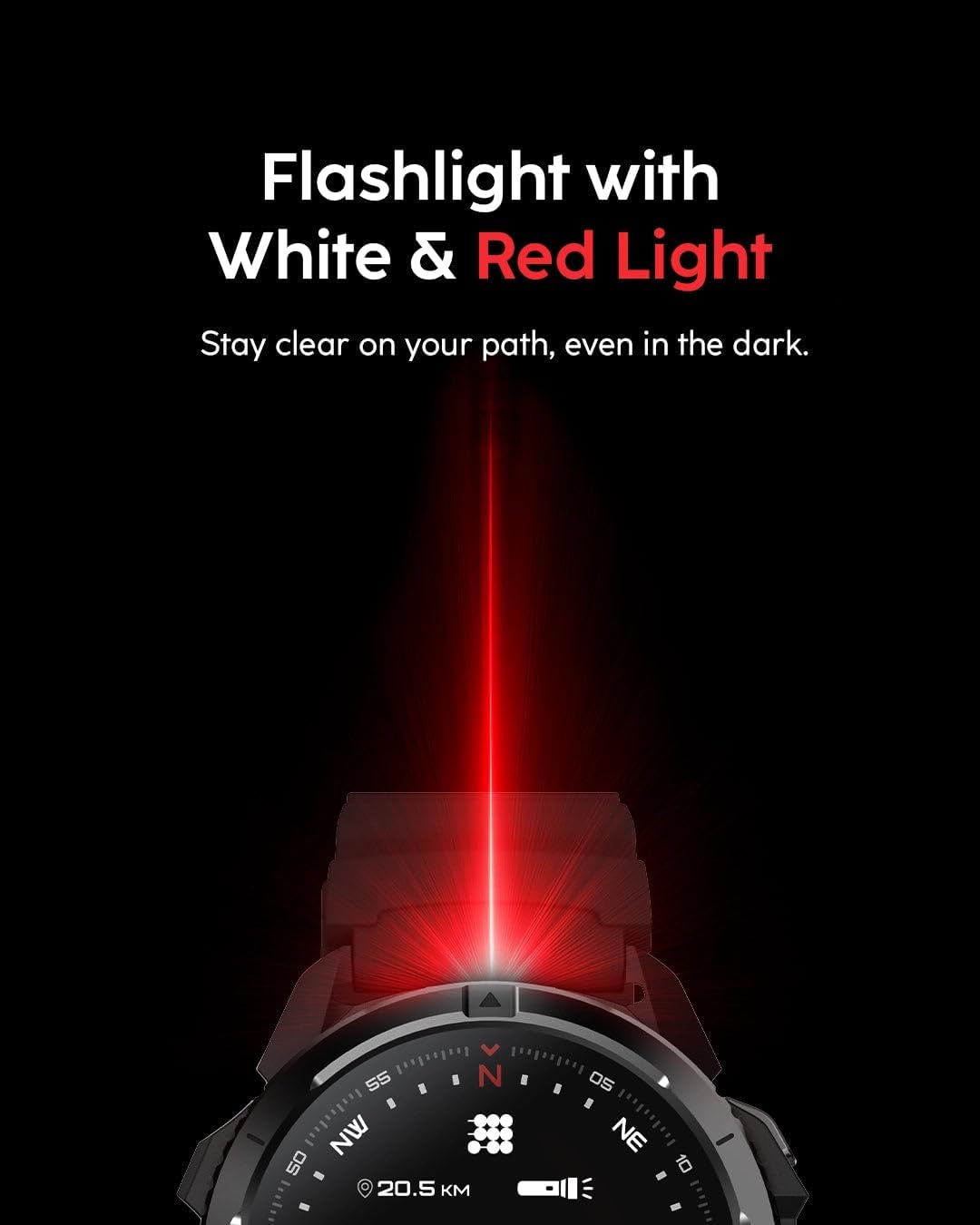
Image 6.4: The integrated flashlight provides illumination with both white and red light modes.
7. Maintenance
7.1 Cleaning Your Smartwatch
- Wipe the screen and body with a soft, lint-free cloth. If necessary, dampen the cloth slightly with water.
- For the strap, use mild soap and water, then rinse thoroughly and dry completely before wearing.
- Avoid using harsh chemicals, abrasive cleaners, or solvents, as these can damage the device.
7.2 Storage
When not in use for extended periods, store the smartwatch in a cool, dry place. Ensure it has at least a 50% charge to preserve battery health.
8. Troubleshooting
| Issue | Possible Solution |
|---|---|
| Watch not turning on | Ensure the watch is fully charged. Connect to the charger and wait a few minutes. |
| Cannot pair with smartphone |
|
| GPS not acquiring signal |
|
| Inaccurate health data |
|
| Short battery life |
|
9. Specifications
| Feature | Detail |
|---|---|
| Brand | Cubitt Tracking Technologies |
| Model | Terra |
| Display | 1.48 Inches AMOLED, 24-bit True Color |
| Operating System | AsteroidOS |
| Connectivity | Bluetooth 5.3 |
| GPS | Built-in Dual-Band GPS (L1+L5), supports 5 GNSS systems |
| Water Resistance | 5ATM |
| Battery Capacity | 530 mAh (Lithium Ion) |
| Battery Life (Typical) | Up to 14 days |
| Battery Life (GPS) | Up to 26 hours |
| Memory Storage Capacity | 4 GB |
| Product Dimensions | 4 x 3 x 7 inches |
| Item Weight | 8 ounces (0.5 Pounds) |
| Special Features | Multisport Tracker, Shockproof, Voice Control, Weather Forecast, Offline Maps, VITA AI, AI Coach, Readiness Score, Body Temperature, SpO₂, VO₂ Max, Flashlight |
| Color (This Model) | Obsidian Black |
10. Warranty and Support
For warranty information and customer support, please refer to the official Cubitt Tracking Technologies website or contact their customer service directly.
Manufacturer: Cubitt
Brand: Cubitt Tracking Technologies
Date First Available: September 25, 2025
For additional assistance, visit the Cubitt Tracking Technologies Store on Amazon.
Ask a question about this manual
Ask about setup, troubleshooting, compatibility, parts, safety, or missing instructions. Manuals+ will review the question and use this page’s manual context to help answer it.