1. Introduction
The Generic BTM-24 Car Battery Tester is a versatile diagnostic tool designed for testing 12V and 24V automotive and electric vehicle batteries. It provides comprehensive insights into battery performance, including battery life, starting power, load capacity, and charge status. This manual provides essential information for the safe and effective use of your BTM-24 battery tester.
2. Safety Information
Always prioritize safety when working with vehicle batteries. The BTM-24 tester incorporates advanced safety features to protect both the user and the device.
- Reverse Polarity Protection: The device is designed with internal input protection to prevent damage from incorrect battery terminal connections.
- Overvoltage Protection: Safeguards the tester from excessive voltage inputs.
- Poor Contact Protection: Minimizes risks associated with unstable connections.
Despite these features, always ensure proper connection and handle battery terminals with care to avoid sparks or short circuits. Wear appropriate personal protective equipment, such as safety glasses.

3. Package Contents
Verify that all items are present in your package:
- 1 x BTM-24 Car Battery Tester (Main Unit)
- 1 x USB Cable
- 1 x User Manual
4. Product Features
The BTM-24 Car Battery Tester is equipped with several features designed for efficient and accurate battery diagnostics:
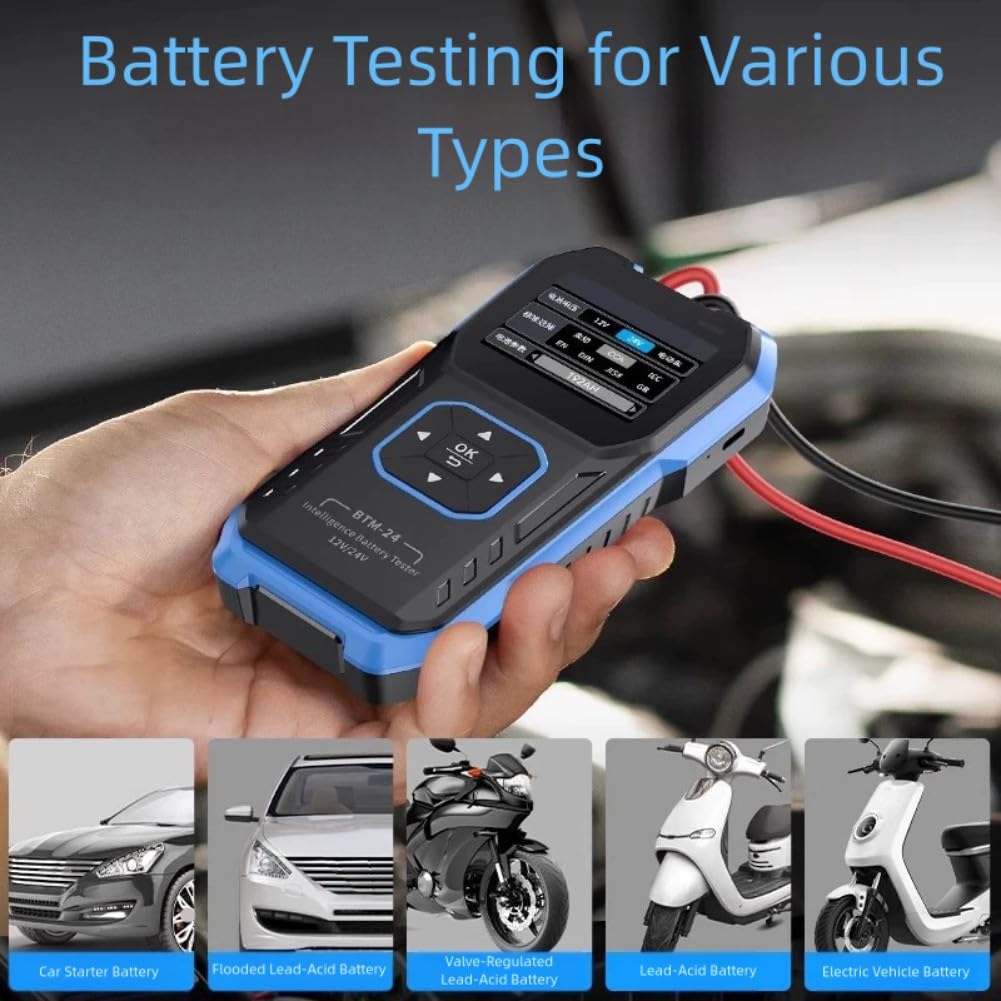
- 12V/24V Compatibility: Suitable for a wide range of vehicles, including cars and electric vehicles.
- Comprehensive Testing: Measures battery life, starting performance, load capacity, and charge status.
- One-Click Functionality: Simplifies the testing process, allowing quick diagnosis of battery conditions.
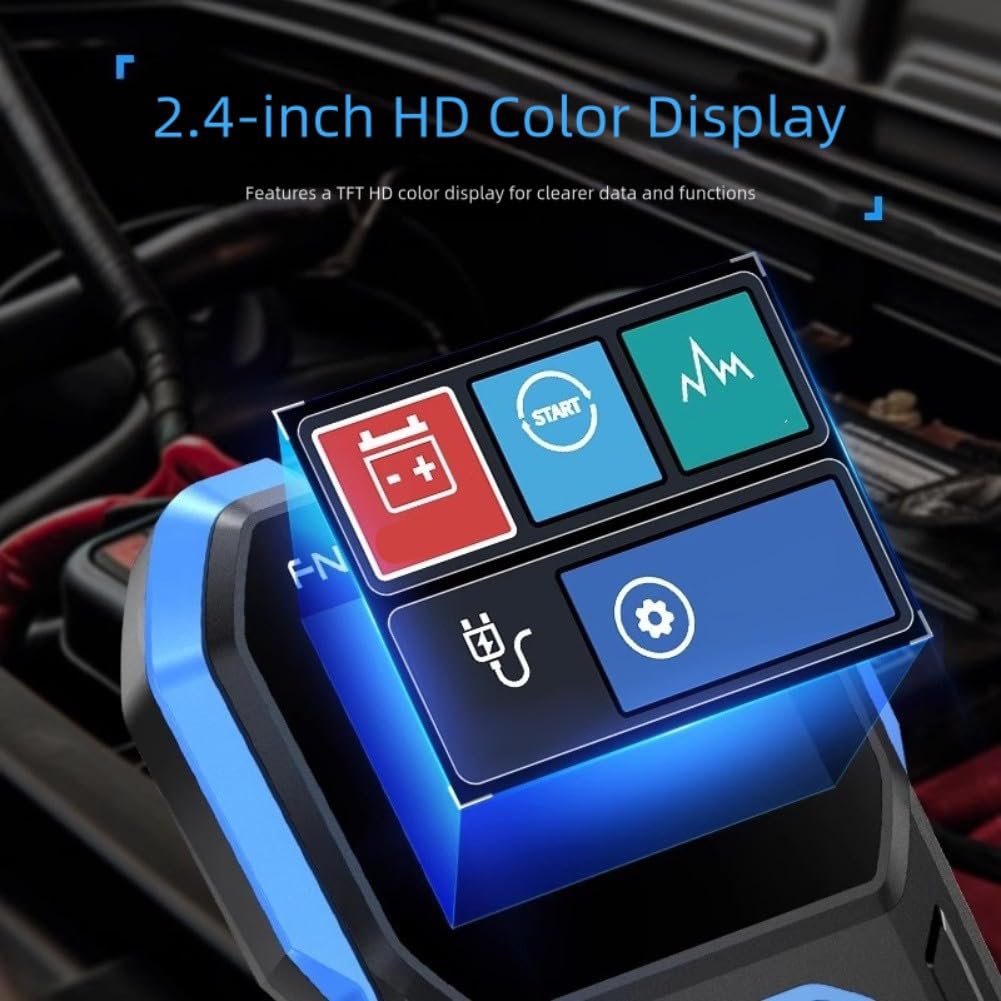
- 2.4-inch HD Color Display: Provides clear and easy-to-read data and function information.
- Enhanced Safety: Features reverse polarity and overvoltage protection.

5. Setup
Follow these steps to prepare your BTM-24 Car Battery Tester for use:
- Inspect the Device: Before first use, check the tester and cables for any visible damage.
- Prepare the Battery: Ensure the vehicle's ignition is off and all accessories are turned off. Clean the battery terminals if they are corroded to ensure a good connection.
- Connect the Clamps: Attach the red positive (+) clamp to the positive battery terminal. Attach the black negative (-) clamp to the negative battery terminal. Ensure a secure connection.
- Power On: The tester will automatically power on once correctly connected to the battery.

6. Operating Instructions
The BTM-24 tester offers a straightforward one-click testing process. Once connected, navigate the menu using the directional buttons and the 'OK' button.
- Select Test Type: The main screen will typically present options for different tests (e.g., Battery Test, Cranking Test, Charging Test). Use the arrow keys to highlight your desired test and press 'OK'.
- Perform Battery Test: For a standard battery health check, select 'Battery Test'. The tester will analyze the battery and display results for:
- Battery Life Measurement
- Battery Start Measurement
- Battery Load Measurement
- Battery Charging Measurement
- Interpret Results: The 2.4-inch HD color display will show the test results clearly. Refer to the specifications section for battery life percentage interpretations. A single test can reveal the battery's status and help avoid unnecessary replacements.
- Disconnect: After testing, disconnect the black negative (-) clamp first, followed by the red positive (+) clamp.


7. Maintenance
To ensure the longevity and accuracy of your BTM-24 Car Battery Tester:
- Cleaning: Wipe the device with a soft, dry cloth. Do not use abrasive cleaners or solvents.
- Storage: Store the tester in a cool, dry place away from direct sunlight and extreme temperatures.
- Cable Care: Regularly inspect the test cables and clamps for wear or damage. Replace if necessary.
- Software Updates: Check the manufacturer's website periodically for any available firmware updates.
8. Troubleshooting
If you encounter issues with your BTM-24 Car Battery Tester, refer to the following common problems and solutions:
- Tester does not power on:
- Ensure the clamps are correctly and securely connected to the battery terminals (red to positive, black to negative).
- Check the battery voltage; if it's too low, the tester may not power on.
- Inaccurate readings:
- Ensure battery terminals are clean and free of corrosion for optimal contact.
- Verify that the battery type selected on the tester (if applicable) matches the battery being tested.
- Error message displayed:
- Refer to the specific error code or message on the screen. If not covered in this manual, contact customer support.
9. Specifications
Key technical specifications for the BTM-24 Car Battery Tester:
| Specification | Description |
|---|---|
| Part Name | BTM-24 Car Battery Tester |
| Material | ABS |
| Screen Material | 2.4-inch Color TFT Display |
| Language | Chinese, English |
| Product Dimensions | 80.52 x 155.76 x 28.15 mm (approx. 15 x 10 x 4 cm) |
| Net Weight | ~220 g (as per product listing) / ~479 g (as per image) |
| Battery Compatibility | 12V / 24V Car and Electric Vehicle Batteries |
Battery Test Parameters:
- Low Battery Life: 0-60%
- Normal Battery Life: 60%-80%
- Excellent Battery Life: 80%-100%

10. Warranty and Support
Information regarding warranty coverage and customer support for the Generic BTM-24 Car Battery Tester is not provided in this manual. Please refer to the product packaging, the seller's website, or your purchase documentation for details on warranty terms and how to contact customer support for assistance.


