
PEFUPEW P114
PEFUPEW P114 Smart Watch Instruction Manual
Model: P114
Introduction
This manual provides detailed instructions for the PEFUPEW P114 Smart Watch. Please read this guide thoroughly to understand the features, setup, and operation of your new device. This smartwatch is designed to assist with fitness tracking, health monitoring, and communication.
What's in the Box
- Smart watch x1
- Black watch band x1
- Magnetic charger x1
- User manual x1
The package contains one PEFUPEW P114 Smart Watch, one black watch band, one magnetic charging cable, and this user manual.
Setup
1. Charging the Device
Before first use, fully charge your PEFUPEW P114 Smart Watch. Connect the magnetic charger to the charging points on the back of the watch and plug the USB end into a power adapter (not included) or a computer's USB port. A full charge typically takes 1.5-2 hours and provides up to 7 days of battery life or 30 days of standby time.

Place the magnetic charger on the back of the watch, ensuring proper alignment. The screen will indicate charging status. A full charge takes approximately 2 hours.
2. App Installation and Pairing
To unlock all features, download the 'Da Fit' app on your smartphone. The app is compatible with both Android and iOS devices. After installation, open the app and follow the on-screen instructions to pair your smartwatch via Bluetooth. Ensure Bluetooth is enabled on your phone.
During pairing, the app will guide you through connecting the watch for both data synchronization and call functionality. For call functionality, you may need to connect to the watch's Bluetooth audio profile separately within your phone's Bluetooth settings.
3. Customizing Watch Faces
The PEFUPEW P114 Smart Watch offers a variety of pre-installed watch faces. You can also customize your watch face using your own photos through the 'Da Fit' app. Navigate to the watch face section in the app to select or create a personalized display.
The smartwatch supports multiple watch faces, including customizable options. Use the Da Fit app to change or create new watch faces from your phone's photo album.
Operating the Smart Watch
1. Basic Navigation
The 1.85" TFT-color touch screen allows for intuitive navigation. Swipe left, right, up, or down to access different menus and features. Press the side button to return to the home screen or to power on/off the device.

The smartwatch features a vibrant 1.85-inch HD color touch screen for clear display and easy interaction.
2. Call Functionality
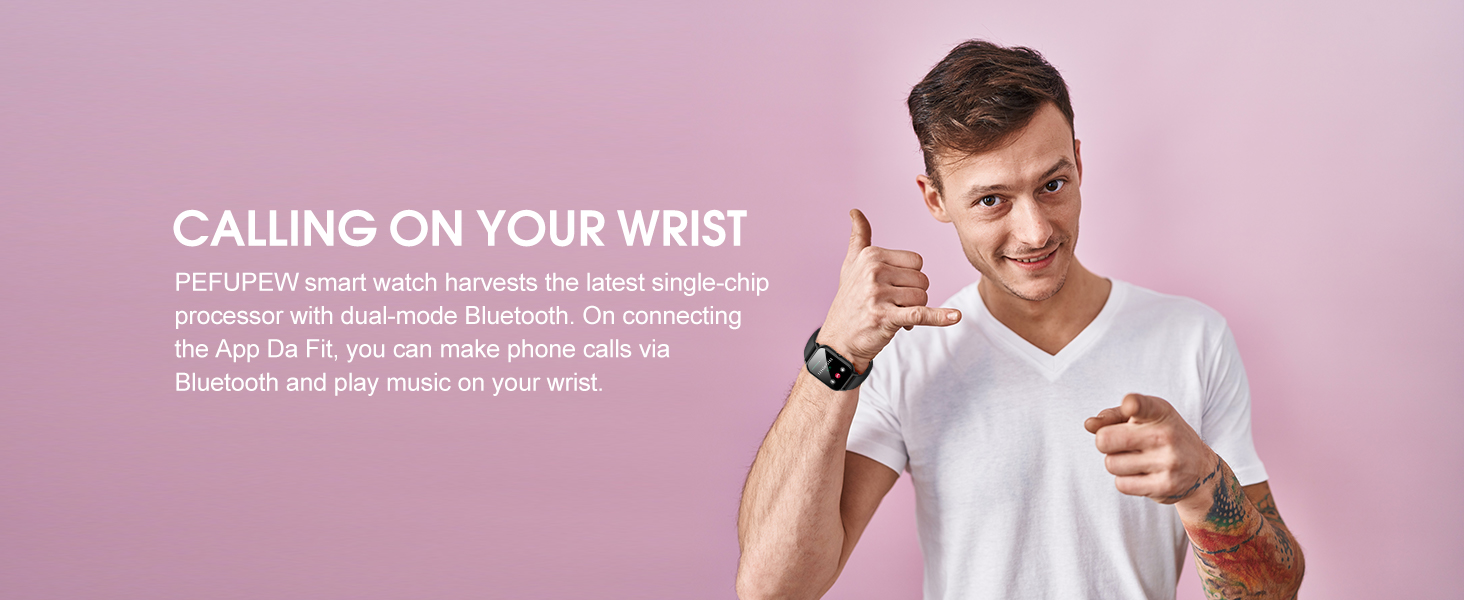
Once paired, you can make and receive calls directly from your smartwatch. The watch allows you to dial numbers, view call history, and access contacts. Ensure the Bluetooth audio connection is active for this feature.

The smartwatch supports Bluetooth phone calls, allowing users to dial, answer, and view call history directly from their wrist.
3. Notifications
Receive notifications for calls, messages, and various social media apps (e.g., Facebook, WhatsApp, Instagram) directly on your watch. Ensure notification permissions are granted in the 'Da Fit' app and your phone's settings.
The smartwatch displays notifications from various social media and messaging applications, keeping you connected.
4. Health Monitoring
The watch continuously monitors your heart rate and sleep patterns. Access detailed reports in the 'Da Fit' app to track your health trends and make informed lifestyle adjustments.
Heart Rate Monitoring
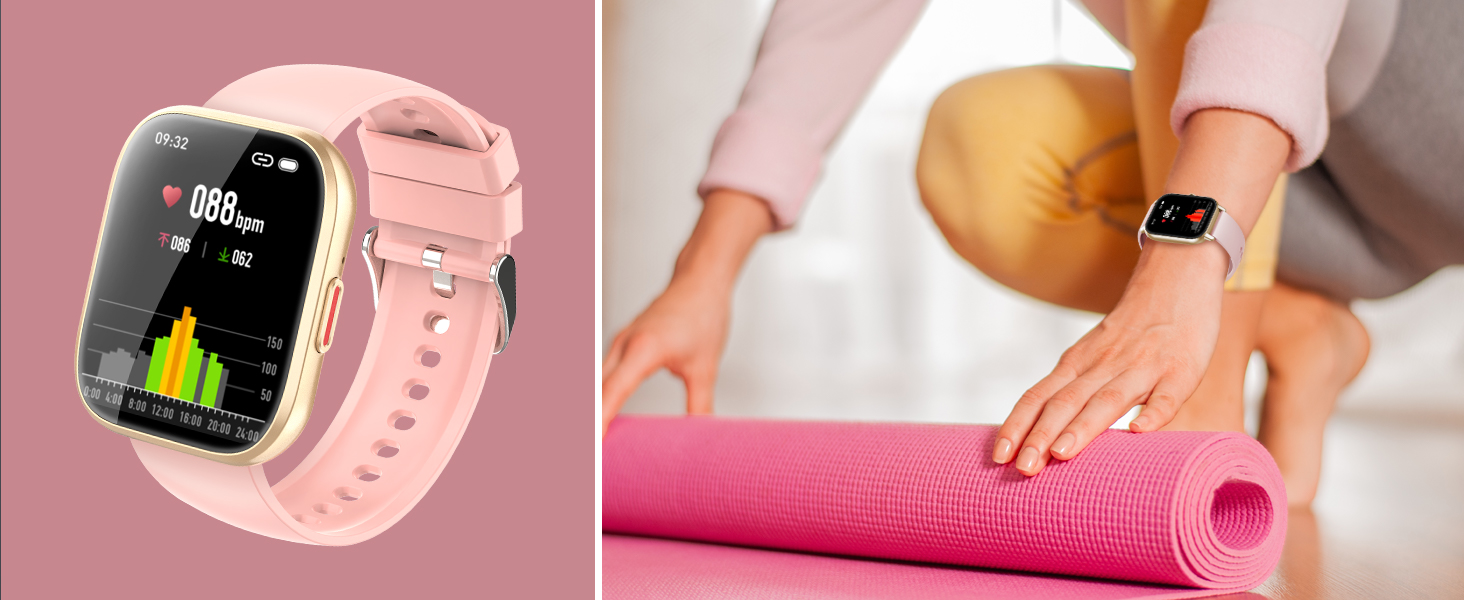
The HR sensor provides accurate heart rate data. View your current heart rate on the watch or historical data in the app.
Sleep Monitoring
The sleep tracking function records light, deep, and awake sleep stages, offering insights into your sleep quality.

The smartwatch monitors heart rate and sleep patterns, providing data on light sleep, deep sleep, and awake times to help improve rest quality.
5. Activity and Sport Modes
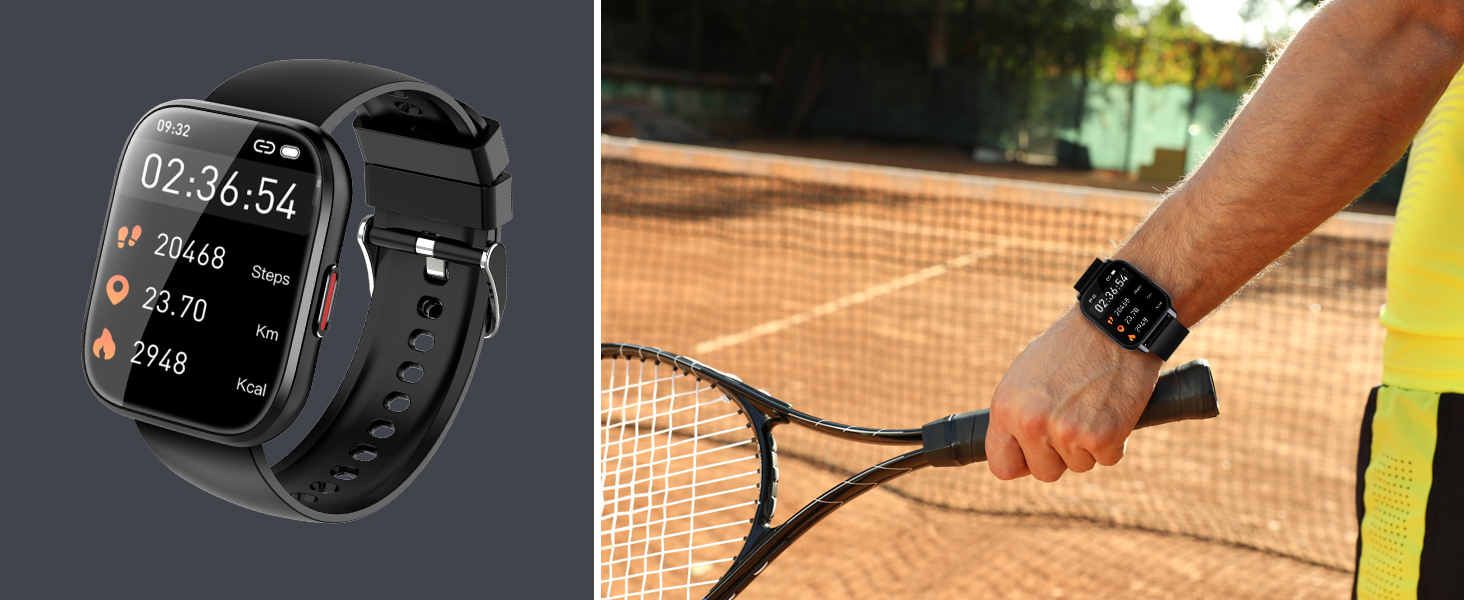
The PEFUPEW P114 Smart Watch supports 112 different exercise modes, including walking, running, cycling, basketball, yoga, and more. It tracks steps, distance, calories burned, and active hours in real-time.
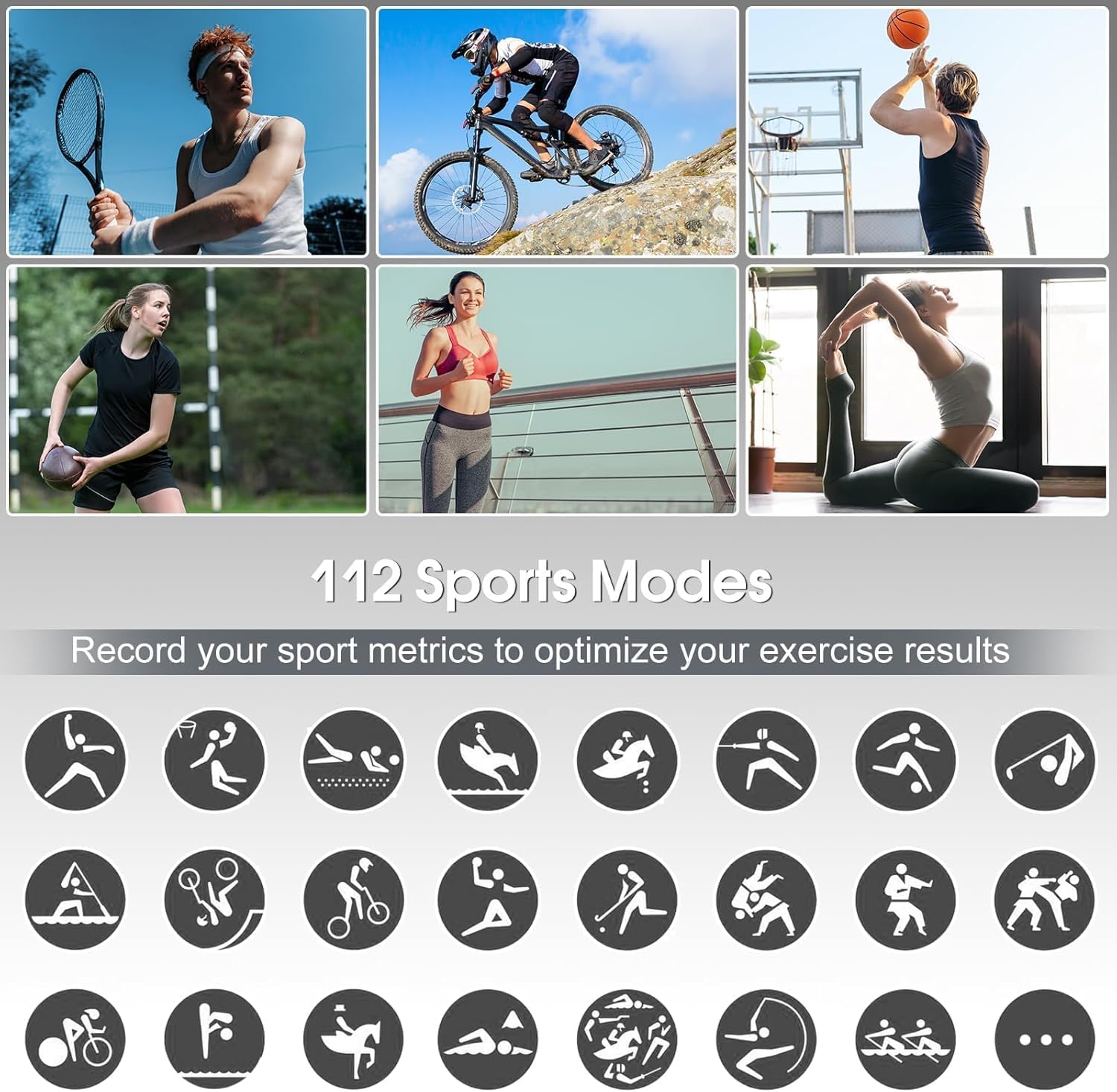
The smartwatch offers 112 sport modes to track various physical activities, monitoring metrics like heart rate, distance, speed, and calorie burn.
6. Weather Updates
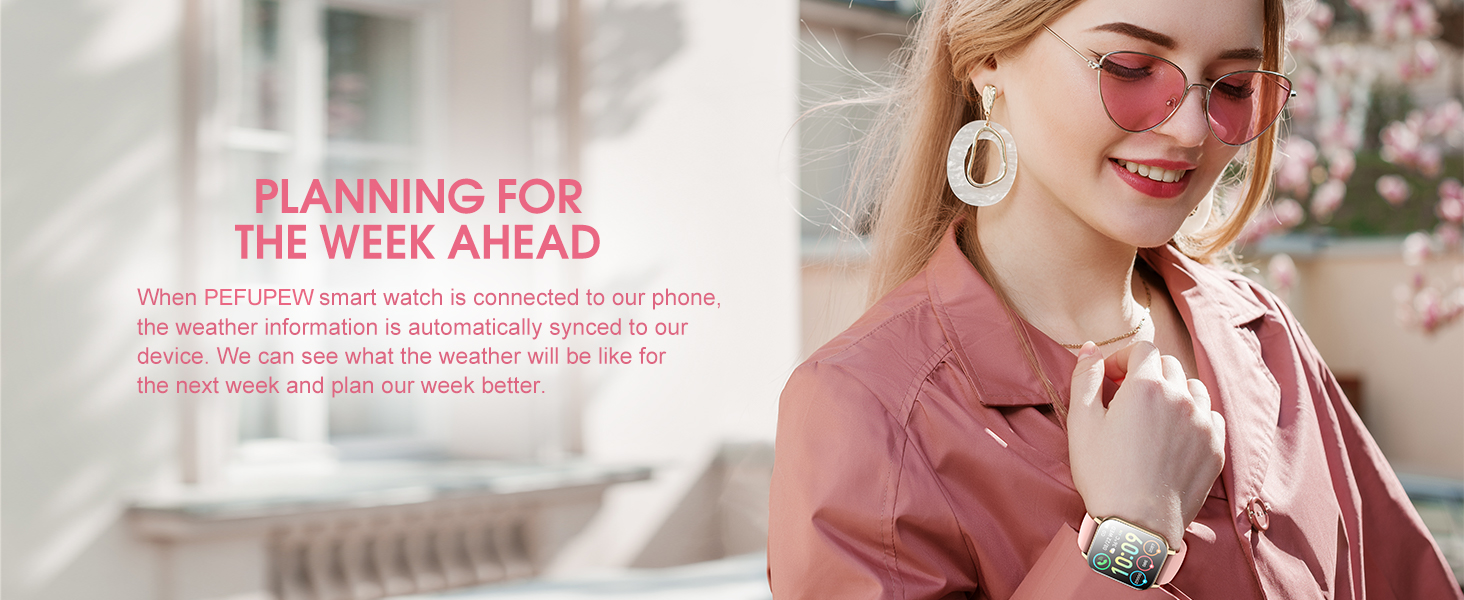
When connected to your phone, the watch displays synchronized weather information for the current day and the week ahead, helping you plan your activities.
The smartwatch provides weather updates for the current day and upcoming week when connected to a smartphone.
7. Remote Music and Camera Control
Control your smartphone's music playback and camera shutter directly from your watch. These features are accessible through dedicated functions on the smartwatch interface.
Maintenance
1. Waterproof Rating
The PEFUPEW P114 Smart Watch has an IP68 waterproof rating, making it suitable for daily activities like hand washing, showering, and swimming. Avoid prolonged exposure to hot water or seawater, as this may compromise the seal.

The smartwatch is IP68 waterproof, suitable for swimming, showering, and exposure to rain, but not recommended for hot water or seawater.
2. Cleaning
Regularly clean your watch and strap with a soft, dry cloth. If necessary, use a slightly damp cloth and mild soap, then dry thoroughly. Avoid harsh chemicals or abrasive materials.
3. Battery Care
To prolong battery life, avoid fully discharging the watch frequently. Charge it when the battery level is low. Store the watch in a cool, dry place when not in use for extended periods.
Troubleshooting
- Watch not turning on: Ensure the watch is fully charged. Connect it to the magnetic charger and check for the charging indicator.
- Cannot pair with phone: Make sure Bluetooth is enabled on your phone and the 'Da Fit' app is open. Restart both the watch and your phone, then try pairing again.
- Notifications not appearing: Verify that notification permissions are enabled for the 'Da Fit' app in your phone's settings. Also, check the app's settings to ensure notifications are enabled for desired applications.
- Inaccurate health data: Ensure the watch is worn snugly on your wrist, not too tight or too loose. Clean the sensor on the back of the watch.
- Call function not working: Confirm that the watch's Bluetooth audio profile is connected in your phone's Bluetooth settings, in addition to the main data connection.
Specifications
| Feature | Detail |
|---|---|
| Model Name | P114 |
| Brand | PEFUPEW |
| Screen Size | 1.85 Inches |
| Operating System | Android Wear 2.9 (Note: This refers to compatibility, not necessarily the OS running on the watch) |
| Special Features | Activity Tracker, Multisport Tracker, Notifications, Phone Call, Touchscreen |
| Connectivity Technology | Bluetooth |
| Waterproof Rating | IP68 |
| Battery Life | Up to 7 days (typical use), 30 days (standby) |
| Charging Time | 1.5-2 hours |
| Item Weight | 2.89 ounces |
| Package Dimensions | 6.06 x 3.43 x 0.75 inches |
Warranty and Support
For warranty information and technical support, please refer to the contact details provided on the product packaging or the official PEFUPEW website. Keep your purchase receipt for warranty claims.
Ask a question about this manual
Ask about setup, troubleshooting, compatibility, parts, safety, or missing instructions. Manuals+ will review the question and use this page’s manual context to help answer it.