
Introduction
Welcome to the user manual for your Lidary Translator Earbuds. These wireless Bluetooth earbuds are designed to provide instant translation in multiple languages, high-fidelity audio, and active noise reduction, making communication and entertainment seamless. This manual will guide you through the setup, operation, maintenance, and troubleshooting of your device.
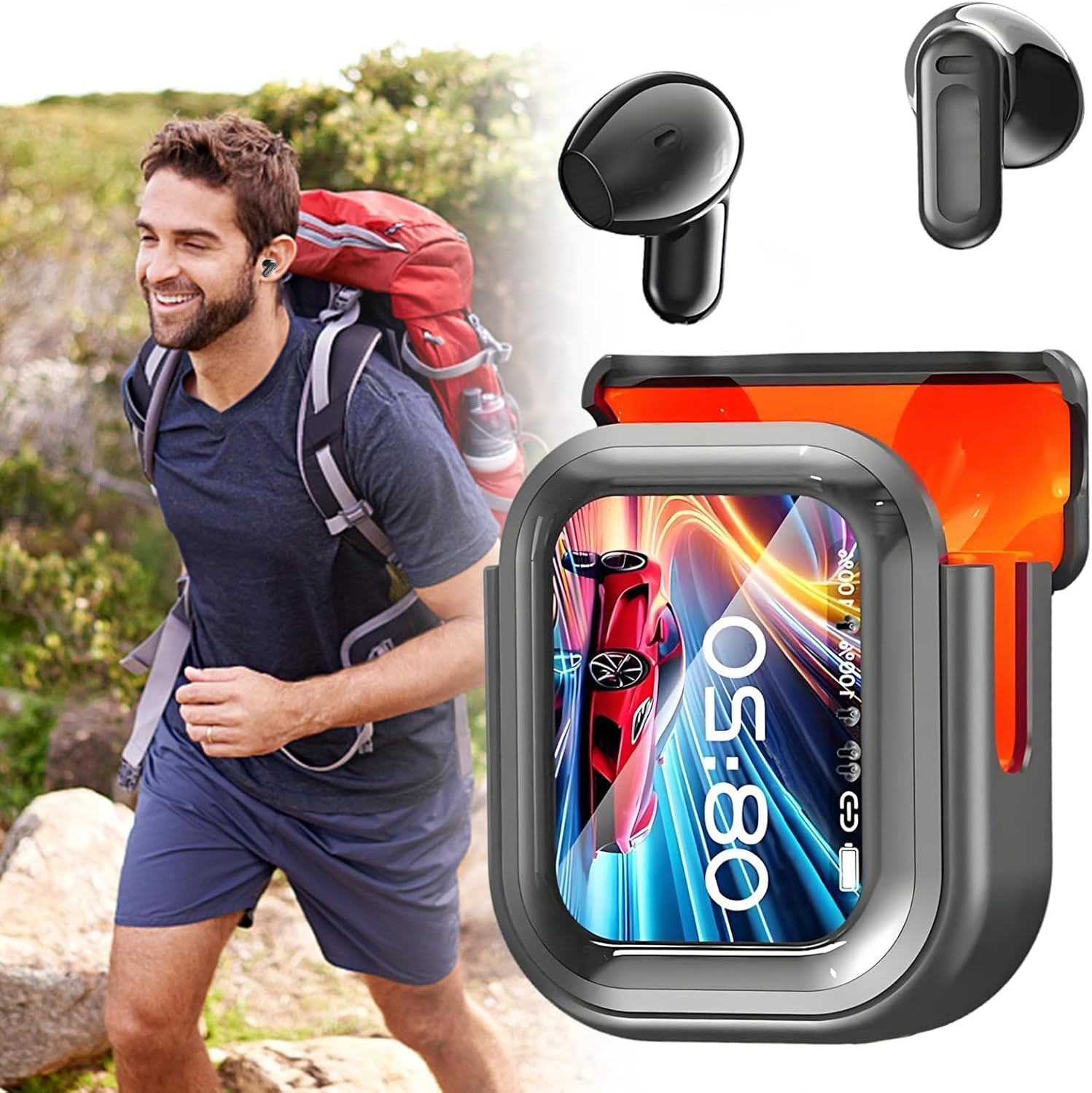
Image: A man enjoying outdoor activities while wearing the Lidary Translator Earbuds. The accompanying charging case shows the time and battery level on its LED screen.
Setup
1. Charging the Earbuds and Case
Before first use, fully charge your Lidary Translator Earbuds and their charging case.
- Place the earbuds into the charging case.
- Connect the charging case to a power source using the provided USB cable.
- The LED screen on the charging case will indicate the charging status. A full charge for the case can take up to 8 hours.
- Once fully charged, the earbuds provide approximately 6 to 8 hours of use, and the charging case extends this to up to 48 hours.

Image: The charging case's LED screen showing battery capacity and estimated usage times for talking and standby.
2. Bluetooth Pairing
To connect your earbuds to a device:
- Ensure the earbuds are charged and removed from the charging case. They will automatically enter pairing mode.
- On your smartphone, tablet, laptop, or computer, enable Bluetooth.
- Search for available Bluetooth devices and select "Lidary Earbuds" (or similar name) from the list.
- Once connected, you will hear an audio prompt, and the earbuds will be ready for use.

Image: A visual representation of the Bluetooth 6.0 chip, highlighting the advanced wireless communication technology integrated into the earbuds.
Operating Instructions
1. Touch Controls
The Lidary Translator Earbuds feature intuitive touch controls for various functions. The charging case also has an LCD touchscreen for direct control.
- Play/Pause Music: Single tap on either earbud.
- Next Track: Double tap on the right earbud.
- Previous Track: Double tap on the left earbud.
- Answer/End Call: Single tap on either earbud.
- Reject Call: Press and hold either earbud for 2 seconds.
- Activate Voice Assistant: Triple tap on either earbud.
- Translation Mode: Specific gestures or app interaction (refer to the companion app for detailed translation controls).

Image: A user demonstrating comfortable wear of the earbuds and interaction with the charging case's LCD screen.
2. Instant Translation Function
The earbuds support instant translation in up to 140 languages, utilizing an AI engine for real-time communication.
- App Requirement: The translation feature typically requires a dedicated companion application installed on your smartphone. Download the official Lidary app from your device's app store.
- Mode Selection: Within the app, select the desired translation mode (e.g., conversation mode, interpreter mode).
- Language Selection: Choose the source and target languages for translation.
- Real-time Translation: Speak into your earbud's microphone, and the translated audio will be played through the other earbud or your connected device.
- Offline Translation: Some languages may support offline translation; ensure necessary language packs are downloaded via the app.

Image: A woman interacting with her smartphone while wearing the earbuds, illustrating the use of the companion app for features like translation.
3. Active Noise Reduction (ANC)
The earbuds feature active noise reduction up to 48 dB to minimize environmental sounds, enhancing your listening experience for music, calls, and translations.
- Activating ANC: This feature can typically be toggled on/off via the touch controls (refer to the app or specific gestures) or through the companion app.
- Adaptive Noise Reduction: The earbuds may feature adaptive noise reduction, adjusting to your environment.
Maintenance
1. Cleaning
Regular cleaning ensures optimal performance and hygiene.
- Use a soft, dry, lint-free cloth to wipe the earbuds and charging case.
- For stubborn dirt, slightly dampen the cloth with water or a mild, non-abrasive cleaner.
- Do not use harsh chemicals, alcohol, or abrasive materials.
- Clean the charging contacts on both the earbuds and the case periodically with a dry cotton swab.
2. Water Resistance
The earbuds are rated IPX7 for water and sweat resistance, making them suitable for workouts and light rain.
- IPX7 Rating: This means the earbuds can withstand immersion in water up to 1 meter for 30 minutes. However, it is not recommended for swimming or prolonged submersion.
- IPX4 Rating (as per some visuals): While the product description states IPX7, some visual materials may indicate IPX4. An IPX4 rating means protection against splashing water from any direction. For best practice, treat the earbuds as IPX4 to ensure maximum longevity and avoid intentional submersion.
- Ensure the earbuds are completely dry before placing them back into the charging case to prevent damage to the charging contacts.
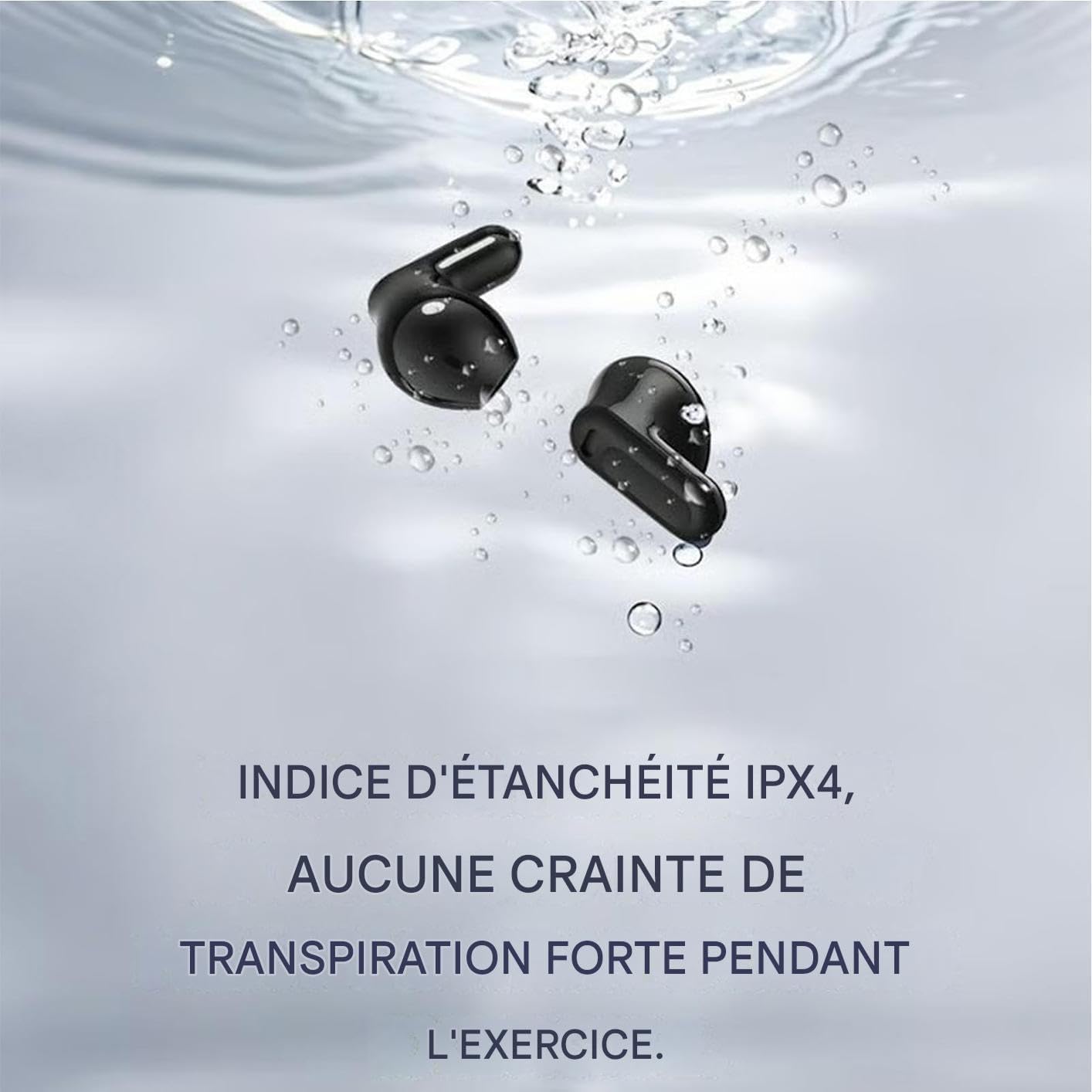
Image: The earbuds partially submerged in water, demonstrating their water-resistant design. Note: While the image suggests water exposure, the product's IPX7 rating indicates protection against immersion, but it's best to avoid unnecessary water exposure.
3. Storage
Store the earbuds in their charging case when not in use to protect them and keep them charged. Avoid extreme temperatures and direct sunlight.
Troubleshooting
If you encounter issues with your Lidary Translator Earbuds, try the following solutions:
- Earbuds not pairing/connecting:
- Ensure both earbuds are charged.
- Turn off and on Bluetooth on your device.
- Forget the device ("Lidary Earbuds") from your device's Bluetooth settings and try pairing again.
- Ensure the earbuds are out of the charging case when attempting to pair.
- No sound or low volume:
- Check the volume level on both your connected device and the earbuds.
- Ensure the earbuds are properly seated in your ears.
- Clean any debris from the earbud speakers.
- Reconnect the earbuds to your device.
- Translation not working or inaccurate:
- Ensure the earbuds are properly connected to the companion app.
- Verify your internet connection (if using online translation).
- Check that the correct source and target languages are selected in the app.
- Speak clearly and at a moderate pace. Rapid speech may affect accuracy.
- Ensure the companion app is up-to-date.
- Restart the app and reconnect the earbuds.
- Note that translation functionality may require a connected smartphone and can experience latency, especially with fast-paced conversations.
- Charging case screen unresponsive:
- Ensure the charging case has sufficient power.
- Try restarting the case by closing and reopening it, or by connecting it to a power source.
- Earbuds not charging:
- Ensure the charging cable is securely connected to both the case and the power source.
- Clean the charging contacts on both the earbuds and the case.
- Try a different USB cable or power adapter.
Specifications
| Feature | Detail |
|---|---|
| Model Name | DFYJ237496KY |
| Brand | Lidary |
| Connectivity Technology | Wireless (Bluetooth) |
| Bluetooth Version | 6.0 (implied by image, not explicitly in specs) |
| Control Method | Tactile (Touch) |
| Earbud Battery Life | 6 to 8 hours |
| Total Battery Life (with case) | Up to 48 hours |
| Charging Time (Case) | Approximately 8 hours (as per specification, may vary) |
| Water Resistance Rating | IPX7 (as per feature bullets, some visuals suggest IPX4) |
| Noise Cancellation | Active Noise Reduction (up to 48 dB), Adaptive Noise Reduction |
| Driver Size | 13 mm Titanium Driver |
| Translation Languages | Up to 140 languages (via AI engine) |
| Compatible Devices | Smartphone, Computer, Laptop, Tablet |
| Impedance | 80 Ohms |
| Ear Placement | In-ear |
| Charging Case Dimensions | Approx. 7cm (H) x 5cm (W) x 2.5cm (D) (from image) |

Image: A diagram illustrating the approximate dimensions of the earbuds and their charging case.
Warranty Information
Specific manufacturer warranty details were not provided in the product information. Please refer to the retailer or your purchase documentation for warranty terms and conditions. It is recommended to retain your proof of purchase for any warranty claims.
Support
For further assistance, technical support, or inquiries not covered in this manual, please contact the Lidary customer support team or the retailer from whom you purchased the product.
- Check the official Lidary website for FAQs, updated manuals, or contact information.
- Ensure your companion app is updated to the latest version for the best performance and access to new features.