
1. Introduction
Thank you for choosing the Lidary HTC Translator Earbuds Model DFYJ237496KY. These wireless Bluetooth earbuds are designed to provide a high-fidelity audio experience combined with advanced features such as instant translation, active noise cancellation, and intuitive touch controls. With their ergonomic design and durable, waterproof construction, they are suitable for various activities, from daily commutes to international travel.
Key features include:
- Instant Translation: Real-time translation in up to 140 languages, online or offline.
- Active Noise Cancellation: Deep noise reduction (up to 48 dB) for clear audio and calls.
- High-Fidelity Sound: Equipped with 13mm titanium drivers for immersive audio.
- Intuitive Touch Control: LCD touch screen on the charging case for easy access to over 20 functions.
- Durable and Waterproof: IPX7 certification for resistance to water and sweat.
- Extended Battery Life: Up to 8 hours of earbud use and 48 hours with the charging case.
2. Package Contents
Please ensure all items are present in your package:
- 1x Pair of Lidary HTC Translator Earbuds
- 1x Charging Case with LED Touch Screen
- 1x Wrist Strap
- 1x Charging Cable (not explicitly listed but implied)
- 1x User Manual (this document)
3. Setup
3.1 Charging the Earbuds and Case
Before first use, fully charge the earbuds and the charging case.
- Place the earbuds into the charging case.
- Connect the charging cable to the charging port on the case and to a USB power source.
- The LED screen on the case will indicate the charging status. A full charge takes approximately 8 hours for the case and earbuds combined.
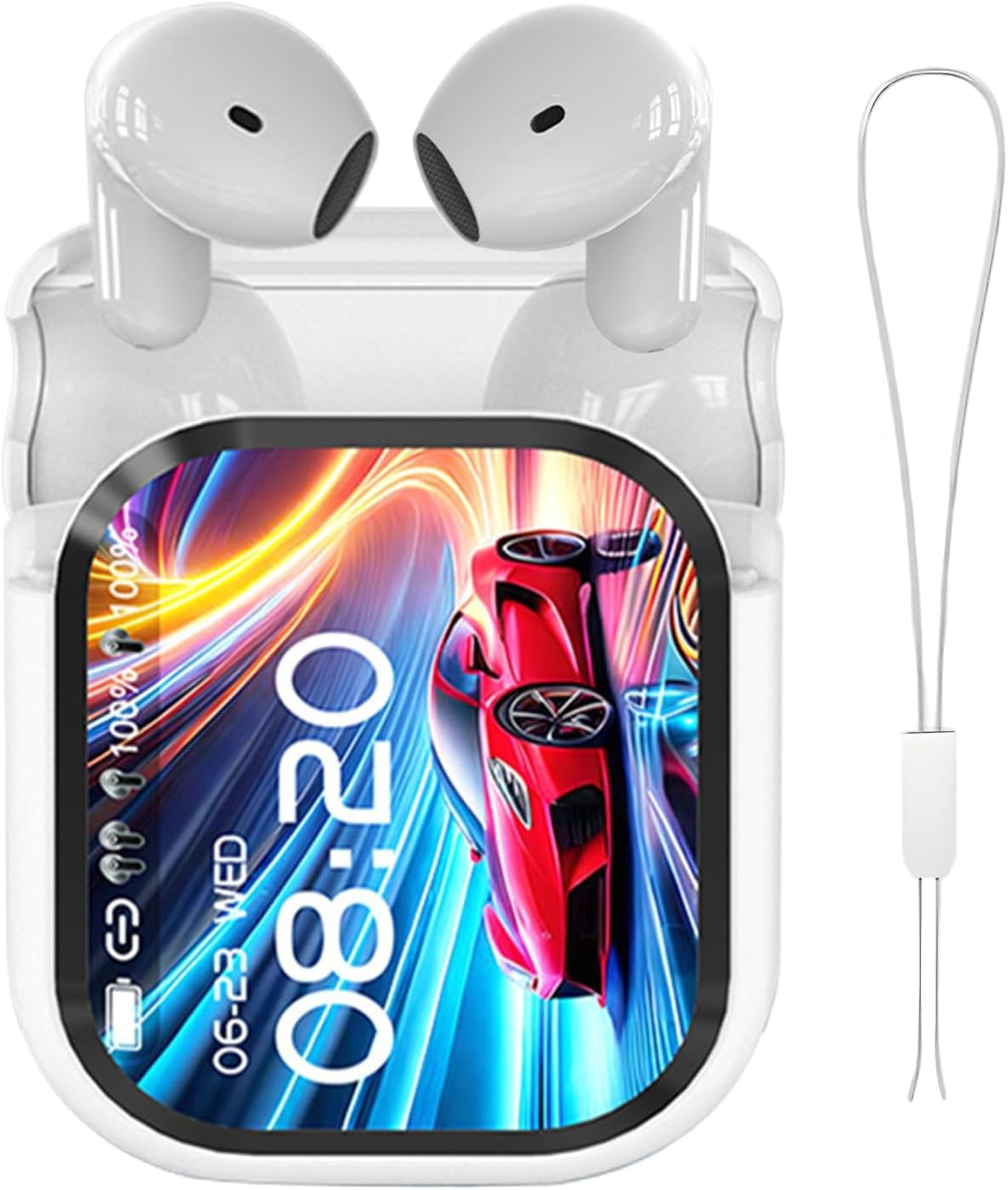
Image: The Lidary HTC Translator Earbuds securely placed within their charging case. The case features a prominent LED touch screen that displays the current time, battery levels for both the earbuds and the case, and connection indicators. A wrist strap is attached to the case for portability.
3.2 Bluetooth Pairing
To connect your earbuds to a device (phone, tablet, computer):
- Ensure the earbuds are charged and inside the charging case.
- Open the charging case. The earbuds will automatically enter pairing mode.
- On your device, enable Bluetooth and search for available devices.
- Select "Lidary HTC Earbuds" (or similar name) from the list.
- Once connected, the LED screen on the case and an audio prompt in the earbuds will confirm successful pairing.

Image: A detailed view of a microchip, prominently featuring the 'Bluetooth 6.0' logo. This image illustrates the advanced wireless communication technology integrated into the Lidary HTC Translator Earbuds, ensuring stable and efficient connectivity with compatible devices.
4. Operating Instructions
4.1 Touch Controls on Earbuds
The earbuds feature touch-sensitive surfaces for controlling audio playback, calls, and other functions:
- Play/Pause: Single tap on either earbud.
- Next Track: Double tap on the right earbud.
- Previous Track: Double tap on the left earbud.
- Answer/End Call: Single tap on either earbud.
- Reject Call: Press and hold either earbud for 2 seconds.
- Activate Voice Assistant: Triple tap on either earbud.
- Toggle Noise Cancellation/Transparency Mode: Press and hold the left earbud for 2 seconds.
4.2 Using the LED Touch Screen on the Charging Case
The charging case's LCD touch screen provides access to various functions, including music control, translation settings, alarms, and more. Navigate the interface by swiping and tapping.
4.3 Instant Translation Function
The earbuds support real-time translation in up to 140 languages. To use this feature:
- Ensure the earbuds are connected to your device.
- Access the translation function via the charging case's LED screen or a dedicated app (if applicable, refer to app instructions).
- Select the source and target languages.
- Speak into the earbud's microphone, and the translated audio will be played back in real-time.

Image: The Lidary HTC Translator Earbuds charging case, with its LED screen prominently displaying the text "Headphones AI Can translate into 134 languages." Around the case, various greetings like "Hello," "Bonjour," "Hallo," and "Hola" are shown in different languages, illustrating the earbuds' instant translation capability.
4.4 Active Noise Cancellation (ANC)
The earbuds feature active noise cancellation to reduce ambient sounds, enhancing your listening experience and call clarity. Toggle ANC on/off or switch to transparency mode using the touch controls on the left earbud or through the charging case's screen.
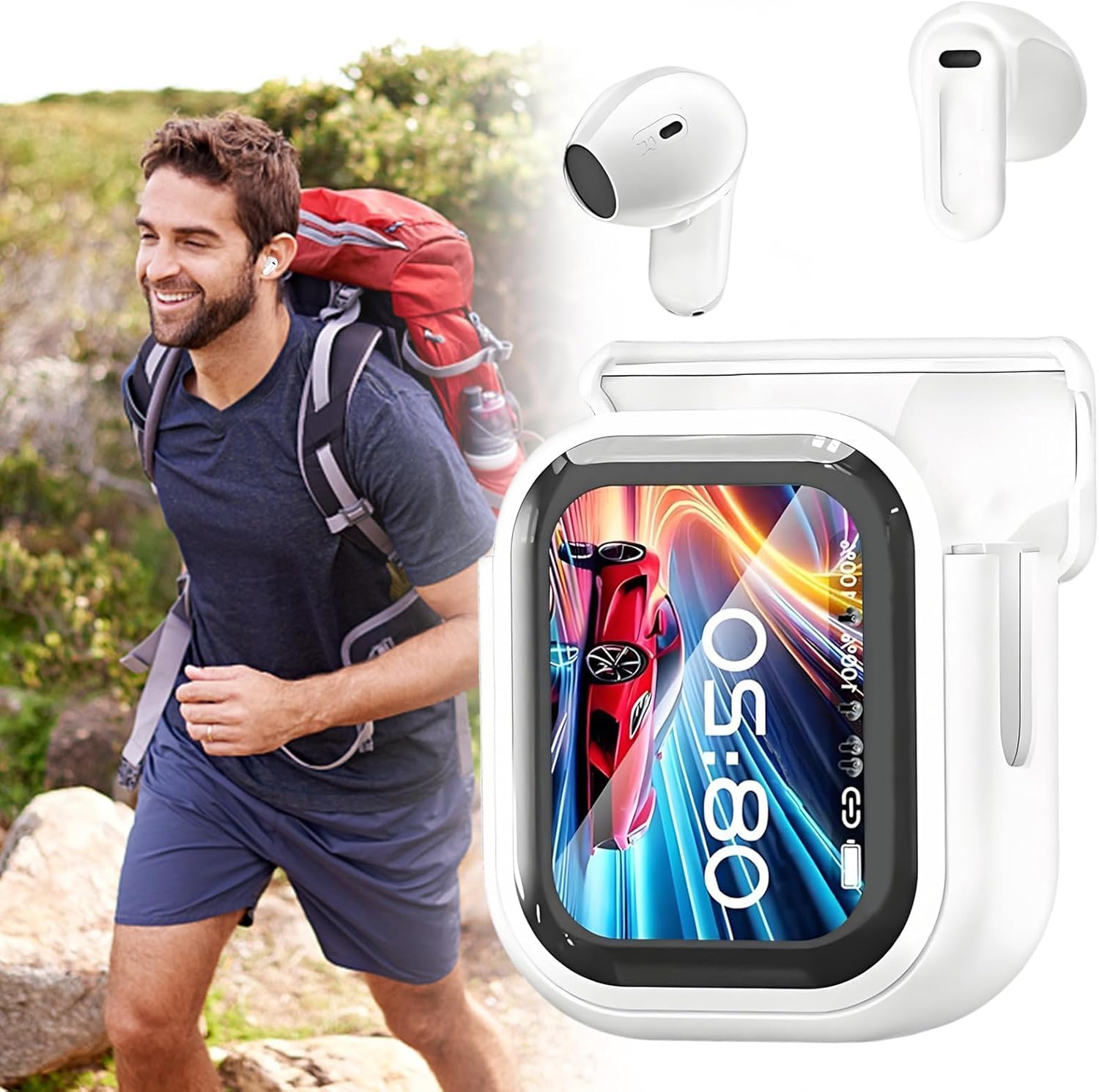
Image: A man enjoying a hike in a natural outdoor setting, wearing the Lidary HTC Translator Earbuds. The image also shows a separate depiction of the earbuds and their charging case with the LED screen, highlighting their suitability for active lifestyles and clear audio in various environments.
5. Maintenance
5.1 Cleaning
To maintain optimal performance and hygiene:
- Gently wipe the earbuds and charging case with a soft, dry, lint-free cloth.
- Do not use abrasive materials, solvents, or spray cleaners.
- Clean the ear tips regularly to prevent wax buildup, which can affect sound quality.
5.2 Water Resistance
The earbuds are IPX7 rated, meaning they are resistant to water and sweat. This makes them suitable for workouts and light rain. However, they are not designed for swimming or prolonged submersion in water. Ensure the charging port is dry before charging.
6. Troubleshooting
If you encounter issues with your Lidary HTC Translator Earbuds, refer to the following common solutions:
- No Sound/Poor Sound Quality:
- Ensure earbuds are charged.
- Check Bluetooth connection and volume levels on both earbuds and your device.
- Clean ear tips and earbud speakers.
- Try re-pairing the earbuds with your device.
- Earbuds Not Pairing:
- Ensure earbuds are charged and in pairing mode (open case).
- Turn off and on Bluetooth on your device.
- Forget the device in your Bluetooth settings and try pairing again.
- Ensure no other devices are connected to the earbuds.
- Translation Not Working:
- Verify internet connection if using online translation.
- Check language settings in the translation interface.
- Ensure the microphone is not obstructed.
- Charging Issues:
- Ensure the charging cable is securely connected.
- Try a different charging cable or power adapter.
- Clean the charging contacts on the earbuds and inside the case.
If the issue persists, please contact customer support.
7. Specifications
- Model Number: DFYJ237496KY
- Brand: Lidary
- Connectivity: Wireless Bluetooth
- Bluetooth Version: 6.0 (implied from image)
- Control Method: Touch (earbuds), LCD Touch Screen (case)
- Earbud Battery Life: 6 to 8 hours
- Total Battery Life (with case): Up to 48 hours
- Charging Time: Approximately 8 hours (for case and earbuds)
- Water Resistance: IPX7
- Noise Cancellation: Active Noise Cancellation (up to 48 dB)
- Translation Languages: Up to 140 languages
- Compatible Devices: Phone, Computer, Laptop, Tablet
- Earbud Driver: 13mm Titanium
- Color: White
- Weight: 100g (charging case with earbuds)

Image: A diagram illustrating the dimensions of the Lidary HTC Translator Earbuds charging case. The case measures approximately 7cm (2.76in) in height, 5cm (1.97in) in width, and 2.5cm (0.98in) in depth, providing a clear visual reference for its compact size.
8. Warranty and Support
For warranty information and customer support, please refer to the documentation provided at the point of purchase or contact your retailer. Information regarding manufacturer's warranty and spare parts availability is not explicitly provided in this manual. For any technical assistance or inquiries, please reach out to Lidary customer service.