
1. Introduction
The MangoKit SR-L is a versatile audio device offering WiFi Internet Radio, FM Radio, Podcast playback, and Bluetooth streaming capabilities. It features a full-color display, 150 presets, and can be powered by mains or batteries for portable use. This manual provides detailed instructions for setting up and operating your SR-L radio.
2. Product Features
- FM & Internet Radio: Access a wide range of local and global stations with clear digital sound.
- Bluetooth & Podcast Playback: Stream audio from your devices via Bluetooth or enjoy podcasts directly on the radio.
- 150 Presets: Store up to 150 favorite stations across FM and Internet Radio for quick access.
- Alarm Clock Radio with Sleep Timer: Wake up to your preferred station or a buzzer, with snooze and sleep timer functions.
- Mains or Battery Powered: Operate using the included mains adapter or 4 AA batteries (not included) for up to 10 hours of portable listening.
- Full Colour Display: Provides clear information and easy navigation.
3. Package Contents
- MangoKit SR-L WiFi Internet Radio
- Power Adapter
- User Manual (this document)
4. Setup Guide
4.1 Powering On Your Radio
The SR-L radio can be powered by the included mains adapter or 4 AA batteries (not included).
- Mains Power: Connect the power adapter to the DC IN port on the back of the radio and plug it into a wall outlet.
- Battery Power: Open the battery compartment on the back and insert 4 AA batteries, ensuring correct polarity. Close the compartment securely.
Extend the telescopic antenna for optimal FM reception.

Image: The MangoKit SR-L radio demonstrating its portability, suitable for outdoor use with battery power.
4.2 Initial Setup and WiFi Connection
Upon first power-on, the radio will guide you through the initial setup process.
- Language Selection: Use the navigation controls to select your preferred language.
- Time/Date: Set the current time and date.
- Network Setup: The radio will scan for available WiFi networks. Select your network from the list.
- Enter Password: Use the rotary knob and buttons to enter your WiFi password. Confirm your selection.
- Connection Confirmation: The radio will attempt to connect to the network. Once successful, a confirmation message will appear.

Image: A detailed view of the radio's user-friendly controls and clear display, essential for navigation and setup.
5. Operating Instructions
5.1 Controls Overview
Familiarize yourself with the main controls:
- Power/Volume Knob: Press to turn on/off, rotate to adjust volume.
- Menu Button: Access the main menu.
- Back Button: Return to the previous screen.
- Source Button: Switch between Internet Radio, FM, Bluetooth, and Podcast modes.
- Navigation Buttons (Up/Down/Left/Right): Navigate through menus and lists.
- OK/Select Button (center of knob): Confirm selections.
- Preset Buttons (1, 2, 3+): Quickly access saved favorite stations.
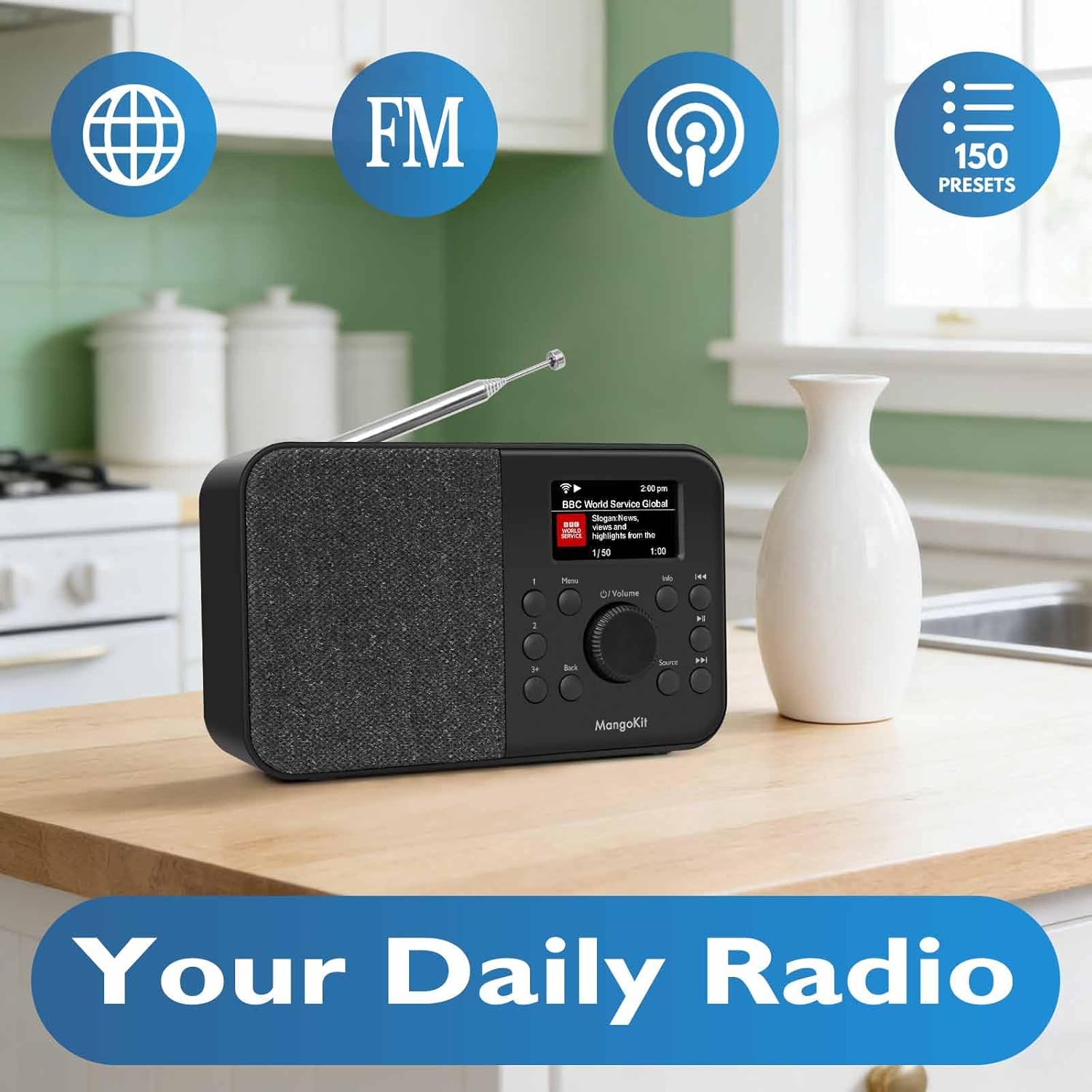
Image: The MangoKit SR-L radio highlighting its core functionalities: Internet Radio, FM, Podcast, and 150 Presets.
5.2 Internet Radio
- Press the Source button until "Internet Radio" is selected.
- Use the navigation buttons to browse stations by location, genre, or search.
- Press OK/Select to choose a station.
- To save a preset, tune to the desired station, then press and hold one of the Preset buttons (1, 2, or 3+). Follow the on-screen prompts to save.
5.3 FM Radio
- Press the Source button until "FM Radio" is selected.
- Use the navigation buttons to manually tune or press and hold to auto-scan for the next available station.
- To save a preset, tune to the desired station, then press and hold one of the Preset buttons (1, 2, or 3+). Follow the on-screen prompts to save.
5.4 Bluetooth Streaming
- Press the Source button until "Bluetooth" is selected. The radio will enter pairing mode.
- On your mobile device, enable Bluetooth and search for "MangoKit SR-L".
- Select the radio to pair. Once connected, you can stream audio from your device.
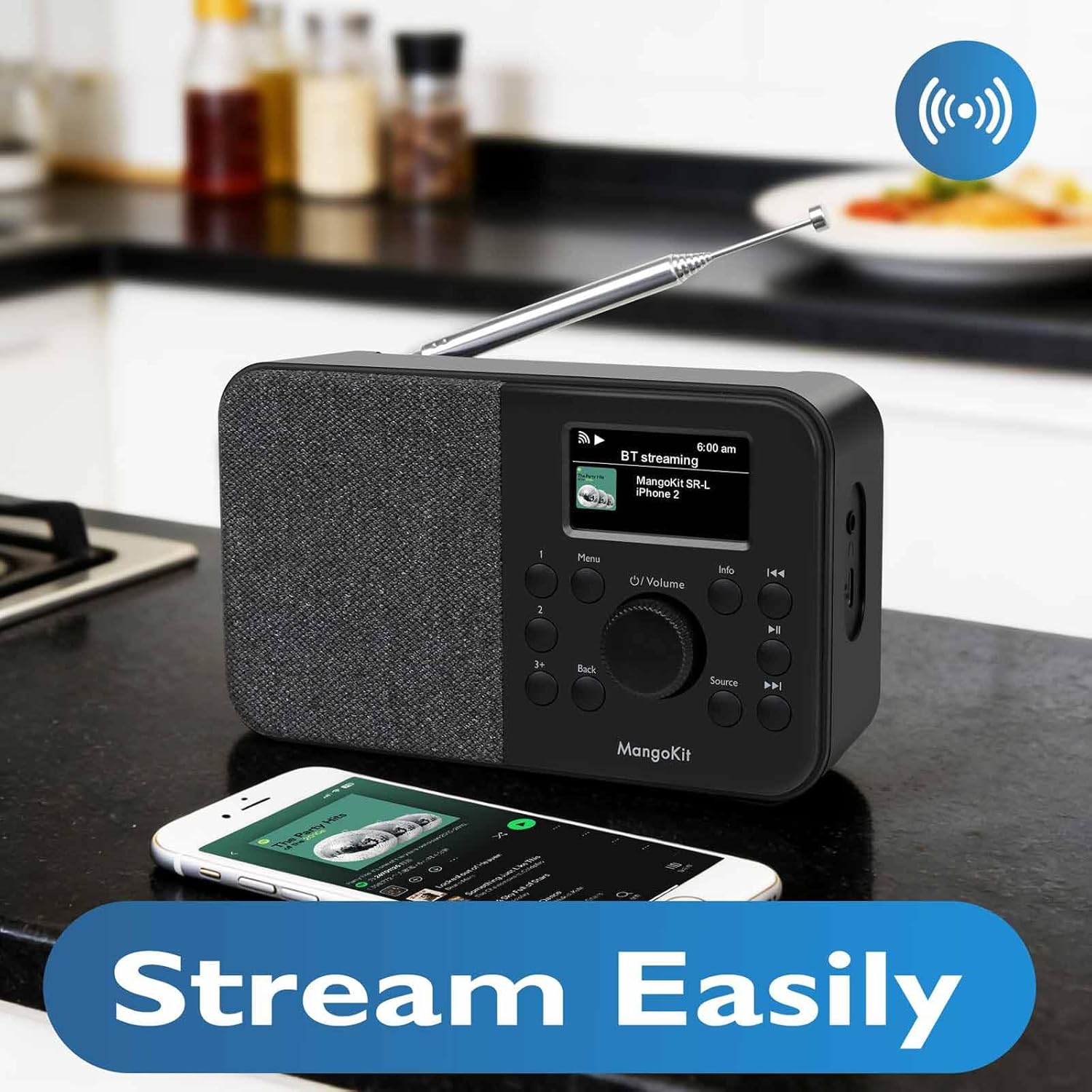
Image: The MangoKit SR-L radio seamlessly streaming music from a smartphone via Bluetooth.
5.5 Podcast Player
- Press the Source button until "Podcast" is selected.
- Browse or search for podcasts using the navigation controls.
- Press OK/Select to play an episode.
5.6 Alarm Clock and Sleep Timer
- Setting an Alarm: Go to the main menu, select "Alarm" and follow the prompts to set alarm time, source (FM, Internet Radio, or buzzer), and frequency.
- Snooze: When the alarm sounds, press any button (except Power) to activate snooze.
- Sleep Timer: From the main menu, select "Sleep Timer" and choose a duration (e.g., 15, 30, 60 minutes). The radio will automatically turn off after the set time.

Image: The MangoKit SR-L radio positioned on a bedside table, illustrating its use as an alarm clock.
6. Troubleshooting
| Problem | Possible Cause | Solution |
|---|---|---|
| No power | Power adapter not connected; batteries depleted or incorrectly inserted. | Check power adapter connection; replace batteries or ensure correct polarity. |
| No Internet Radio connection | Incorrect WiFi password; weak WiFi signal; router issue. | Re-enter WiFi password; move radio closer to router; restart router. |
| Poor FM reception | Antenna not extended; interference. | Fully extend the telescopic antenna; reposition the radio away from electronic devices. |
| Bluetooth device won't pair | Radio not in pairing mode; device already paired to another unit. | Ensure radio is in Bluetooth mode; unpair from other devices; restart both devices. |
7. Specifications
- Model: SR-L
- Brand: MangoKit
- Connectivity: WiFi, Bluetooth 5.3, FM Radio
- Power: Mains adapter (included) or 4 x AA batteries (not included)
- Battery Life: Up to 10 hours (with AA batteries)
- Display: Full Colour Display
- Presets: 150 (Internet Radio & FM combined)
- Weight: Approximately 16 ounces (without batteries)
8. Warranty and Support
Your MangoKit SR-L radio comes with a standard manufacturer's warranty. For detailed warranty information, technical support, or service inquiries, please refer to the warranty card included in your package or visit the official MangoKit website. Keep your proof of purchase for warranty claims.
9. Product Video Overview
Video: An official overview of the MangoKit SR-L WiFi Internet Radio, demonstrating its features and various modes of operation including Podcast and Bluetooth.


