
Introduction
Thank you for choosing the JOOFO RGBICW Corner Floor Lamp. This manual provides essential information for the safe and efficient operation of your new lamp. Designed to enhance any modern interior, this smart LED lamp offers a wide spectrum of colors, tunable white light, and dynamic lighting effects, all controllable via an intuitive app, remote, or touch panel.
What's in the Box
- Lamp Head (with glass shade and mesh)
- Pole Sections (multiple, for assembly)
- Weighted Base
- Power Adapter
- Remote Control (with batteries)
- User Manual
Assembly Instructions
- Attach Pole Sections: Carefully screw the pole sections together, ensuring the internal wiring is not pinched.
- Connect to Base: Securely attach the assembled pole to the weighted base by screwing it clockwise until firm.
- Attach Lamp Head: Connect the lamp head to the top of the assembled pole. Ensure the electrical connector is properly seated.
- Plug In: Insert the power adapter into a standard electrical outlet.
Operating Instructions
Your JOOFO Corner Floor Lamp offers multiple ways to control its lighting features:
1. Remote Control
The included magnetic remote control allows for convenient adjustment of colors, brightness, and modes from a distance. Ensure batteries are correctly inserted.

2. Touch Panel
A discreet touch panel is integrated into the lamp's pole, offering direct control over basic functions like power, color, and brightness. The soft indicator light aids nighttime operation.
3. Mobile App Control
For advanced customization, download the dedicated mobile app. The app allows you to:
- Turn the lamp on/off.
- Adjust brightness and color temperature (2200K-6500K).
- Select from 16 million RGBICW colors.
- Choose from various dynamic scene modes.
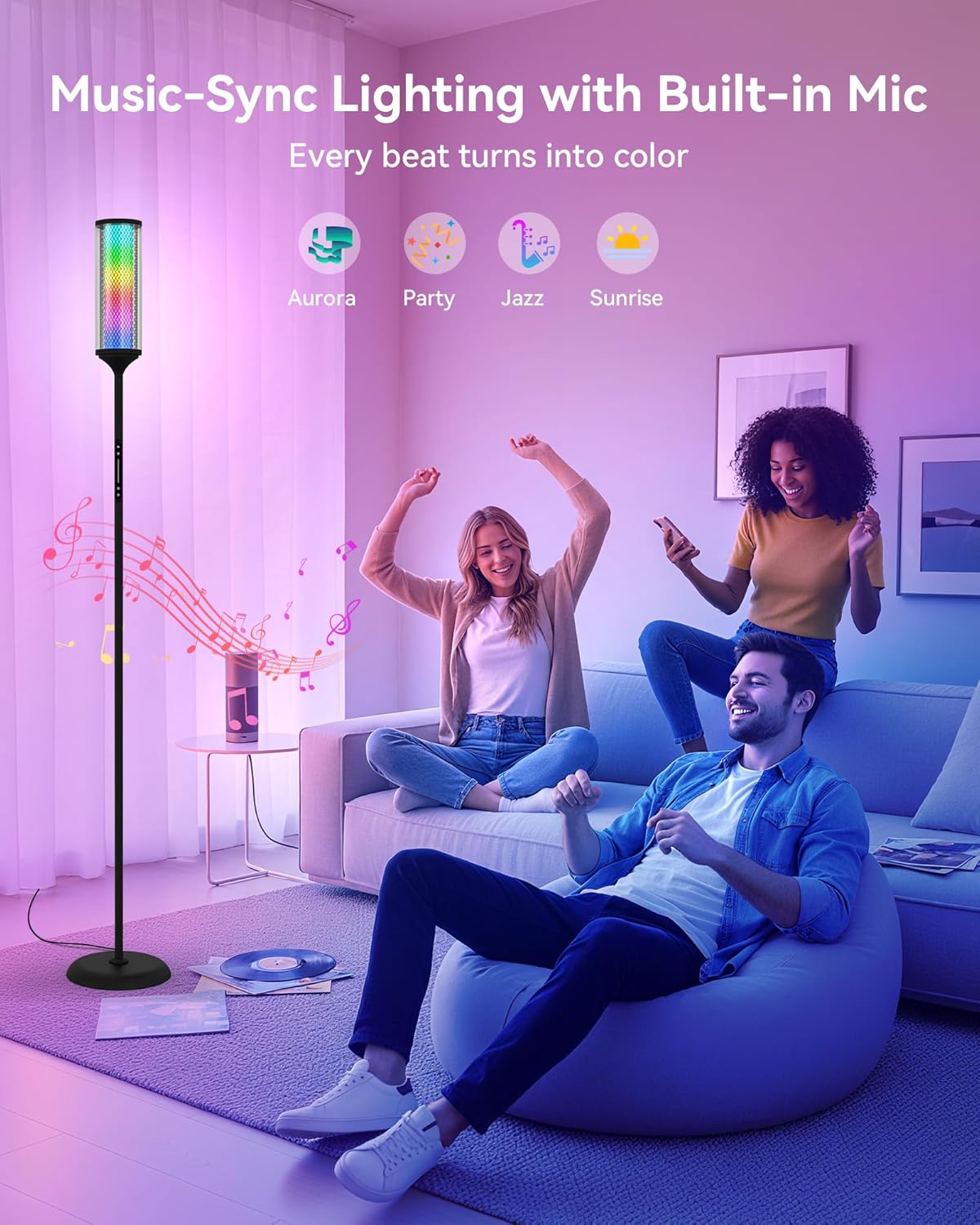
- Activate Music Sync mode, where lights respond to audio.
- Set timers and schedules.
- Create custom color patterns.

Dynamic Lighting Modes
The lamp features a variety of pre-programmed and customizable lighting modes:
- Pure, Seamless Ambient Glow: Delivers soft, naturally blended colors without visible LED dots.
- Dynamic RGBICW Atmosphere: Enjoy 16 million colors and tunable white tones (2200K to 6500K) for diverse moods.
- Music Sync Immersive Glow: Lights respond to music, movies, or gaming sounds, creating layered, rhythm-based effects.
- Night Light: A gentle, low-brightness setting for subtle illumination.
Specifications
| Feature | Detail |
|---|---|
| Model Name | H-FWD0005 |
| Brand | JOOFO |
| Lamp Type | LED Floor Lamp |
| Light Source Type | LED |
| Light Output Maximum | 1500 Lumens |
| Wattage | 18 watts |
| Voltage | 120 Volts |
| Color | Black |
| Shade Color | Amber-Tinted Glass |
| Shade Material | Metal |
| Base Material | Metal |
| Finish Type | Matte |
| Product Dimensions | 9"D x 9"W x 64"H |
| Item Weight | 7.5 Pounds |
| Switch Type | Touch |
| Control Method | Touch, Remote, App |
| Indoor/Outdoor Usage | Indoor |
| Assembly Required | Yes |
Maintenance
To ensure the longevity and optimal performance of your lamp:
- Cleaning: Disconnect the power before cleaning. Use a soft, dry cloth to wipe the lamp. Avoid abrasive cleaners or solvents.
- Bulb Replacement: The LED light source is integrated and not user-replaceable.
- Storage: If storing the lamp, disassemble it and pack it in its original packaging to prevent damage.
Troubleshooting
- Lamp not turning on:
- Ensure the power adapter is securely plugged into both the lamp and a working electrical outlet.
- Check if the power outlet is functional by plugging in another device.
- Remote control not working:
- Verify that the batteries are correctly inserted and not depleted. Replace if necessary.
- Ensure there are no obstructions between the remote and the lamp.
- App connection issues:
- Ensure Bluetooth is enabled on your mobile device.
- Restart the app and try pairing again.
- Make sure your mobile device is within close proximity to the lamp during pairing.
- Lights flickering or unresponsive:
- Unplug the lamp from the power outlet for 30 seconds, then plug it back in to reset.
- If using the app, avoid making rapid adjustments as this may cause a short delay in response.
Warranty and Support
For warranty information or technical support, please refer to the contact details provided in your product packaging or visit the official JOOFO website. Keep your purchase receipt as proof of purchase.