
1. Product Overview
Key Features
- 4K Ultra HD Video & 150° Wide-Angle Lens: Captures crisp details with an expansive field of view, ensuring no moment is missed.
- Integrated Wi-Fi for Instant Sharing: Connects to your smartphone via the "Fidure" app (or Vic Link REC app) for full control, live preview (at lower quality for smoother streaming), and quick transfer of videos and photos. Supports 16:9 and 9:16 aspect ratios for social media. Wi-Fi range up to 10 meters; does not support live streaming to external platforms.
- Extended Battery Life & Ample Storage: Equipped with a 1000 mAh battery for up to 3 hours of recording. Includes a 64GB memory card, expandable up to 256GB.
- Compact Design with 1.3-inch LCD Screen: Measuring only 65.5mm × 32.5mm × 23.5mm, this camera is highly portable. The built-in LCD allows for direct review, management, and deletion of recordings without a computer.
- IP65 Waterproof and Durable Construction: Designed to withstand various weather conditions, making it suitable for outdoor activities.
- Multi-functional with Extensive Accessories: Comes with a wide range of accessories for hands-free recording in diverse scenarios like cycling, hiking, vlogging, and more.
Package Contents
The Nisanuki AC11 camera comes with a comprehensive set of accessories to support various uses. Please verify all items are present upon unboxing.

Image: The package includes the Nisanuki AC11 camera, a 64GB MicroSD card, various mounting brackets (magnetic, triangular base, clip), a lanyard, USB charging cables, and other attachment accessories.
- Nisanuki AC11 4K Mini Action Camera
- 64GB MicroSD Card
- Magnetic Mount
- Triangular Base Mount
- Lanyard Clip
- USB Charging Cables (Type-C and Micro-USB)
- Various Helmet and Bicycle Mounts
- User Manual
2. Setup
2.1 Charging the Battery
Before first use, fully charge the camera's internal 1000 mAh battery. Connect the camera to a USB power source using one of the provided USB cables. The charging indicator light will show the charging status.
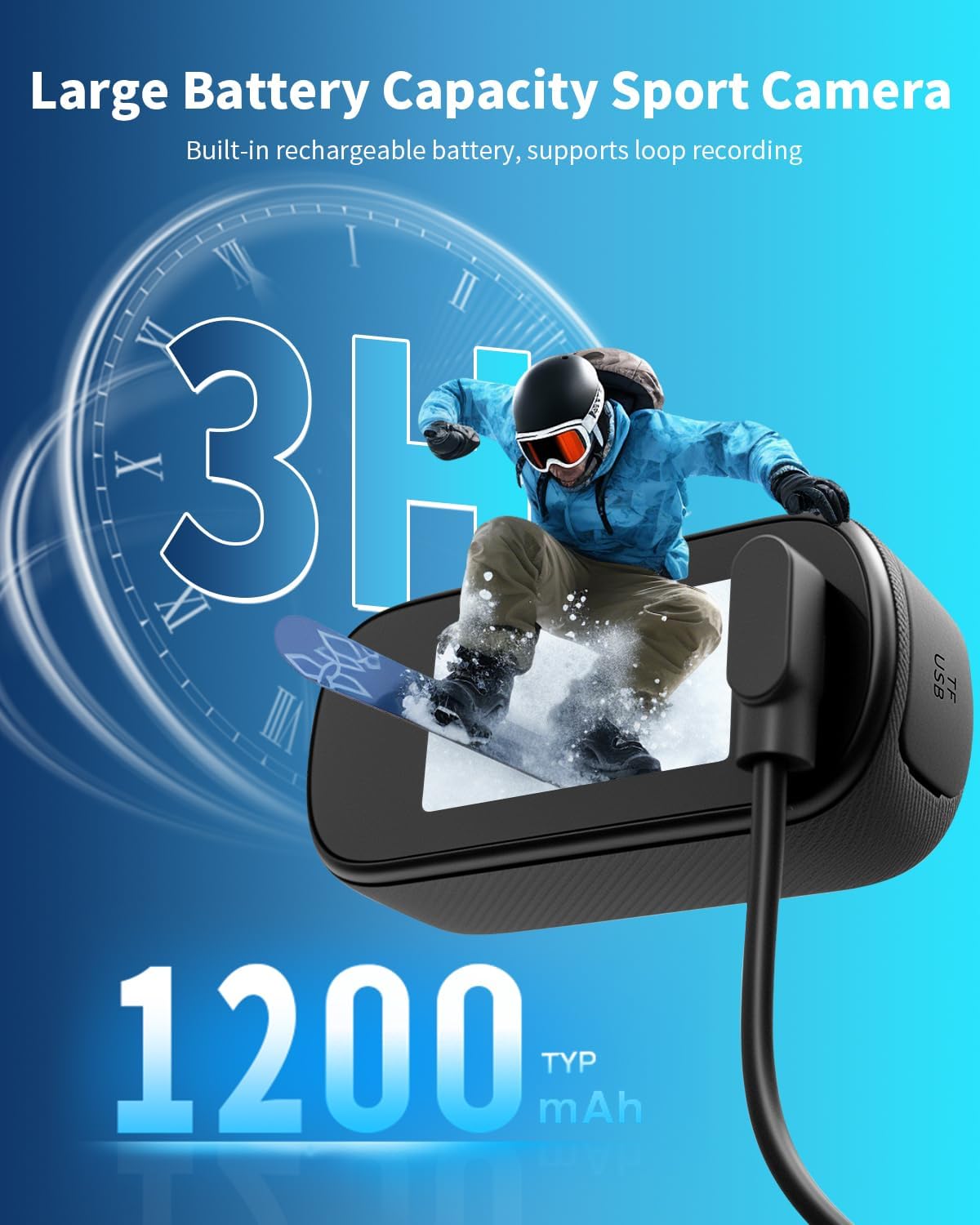
Image: The camera features a 1000 mAh battery (advertised as 1200 mAh in some visuals) providing up to 3 hours of recording time. Connect the USB cable to the port for charging.
2.2 Inserting the MicroSD Card
The camera supports MicroSD cards up to 256GB. A 64GB card is included. Insert the MicroSD card into the designated slot with the contacts facing the correct direction until it clicks into place.
2.3 Mounting the Camera
Utilize the various included accessories to mount the camera securely for your activity. Options include magnetic mounts, adhesive bases for helmets, bicycle handlebar mounts, and a lanyard clip for body-worn use.

Image: Examples of hands-free mounting for the AC11 camera, demonstrating its versatility for different activities such as running, tennis, driving, hiking, and cycling.
3. Operating Instructions
3.1 Power On/Off
- To Power On: Press and hold the Power button until the screen illuminates.
- To Power Off: Press and hold the Power button until the screen turns off.
3.2 Recording Video
Once powered on, the camera is typically in video recording mode. Press the Record button to start recording. Press it again to stop. The 1.3-inch LCD screen will display recording status.
3.3 Taking Photos
Switch to photo mode (refer to the on-screen menu or specific button if available). Press the Shutter button to capture a photo.
3.4 Using the LCD Screen
The 1.3-inch LCD screen allows you to:
- Preview your shots.
- Review recorded videos and photos.
- Access camera settings (resolution, loop recording, etc.).
- Manage and delete files directly on the camera.
3.5 Wi-Fi Connection and App Usage
The camera features built-in 2.4GHz Wi-Fi for smartphone connectivity. This is a direct camera-to-phone connection, not via a home Wi-Fi network.

Image: The camera supports easy sharing via Wi-Fi to various social media platforms. It offers both 16:9 (horizontal) and 9:16 (vertical) video ratios.
- Download the "Fidure" or "Vic Link REC" app from your iOS App Store or Android Play Store.
- Enable Wi-Fi on your Nisanuki AC11 camera.
- On your smartphone, connect to the camera's Wi-Fi network (usually named similar to the camera model).
- Open the app to control the camera, view live previews (at a lower resolution for smooth streaming), adjust settings, and transfer files.
- Maintain a maximum distance of 10 meters between the camera and your smartphone for optimal connection.
3.6 File Transfer
You can transfer full-resolution videos and photos in two ways:
- Via App: Connect the camera to your smartphone via Wi-Fi and use the app's transfer function.
- Via Computer: Connect the camera directly to a computer using a USB cable. The camera will appear as a removable storage device, allowing you to copy files.
4. Maintenance
- Cleaning: Use a soft, dry cloth to clean the camera body. For the lens, use a specialized lens cleaning cloth and solution. Avoid abrasive materials or harsh chemicals.
- Storage: Store the camera in a cool, dry place away from direct sunlight and extreme temperatures. Ensure the battery is partially charged (around 50%) if storing for extended periods.
- Battery Care: Do not expose the battery to fire or extreme heat. Avoid fully discharging the battery frequently to prolong its lifespan.
- Water Resistance: The camera is IP65 waterproof. While it can withstand splashes and rain, it is not designed for submersion. Ensure all ports are securely closed before exposure to moisture.
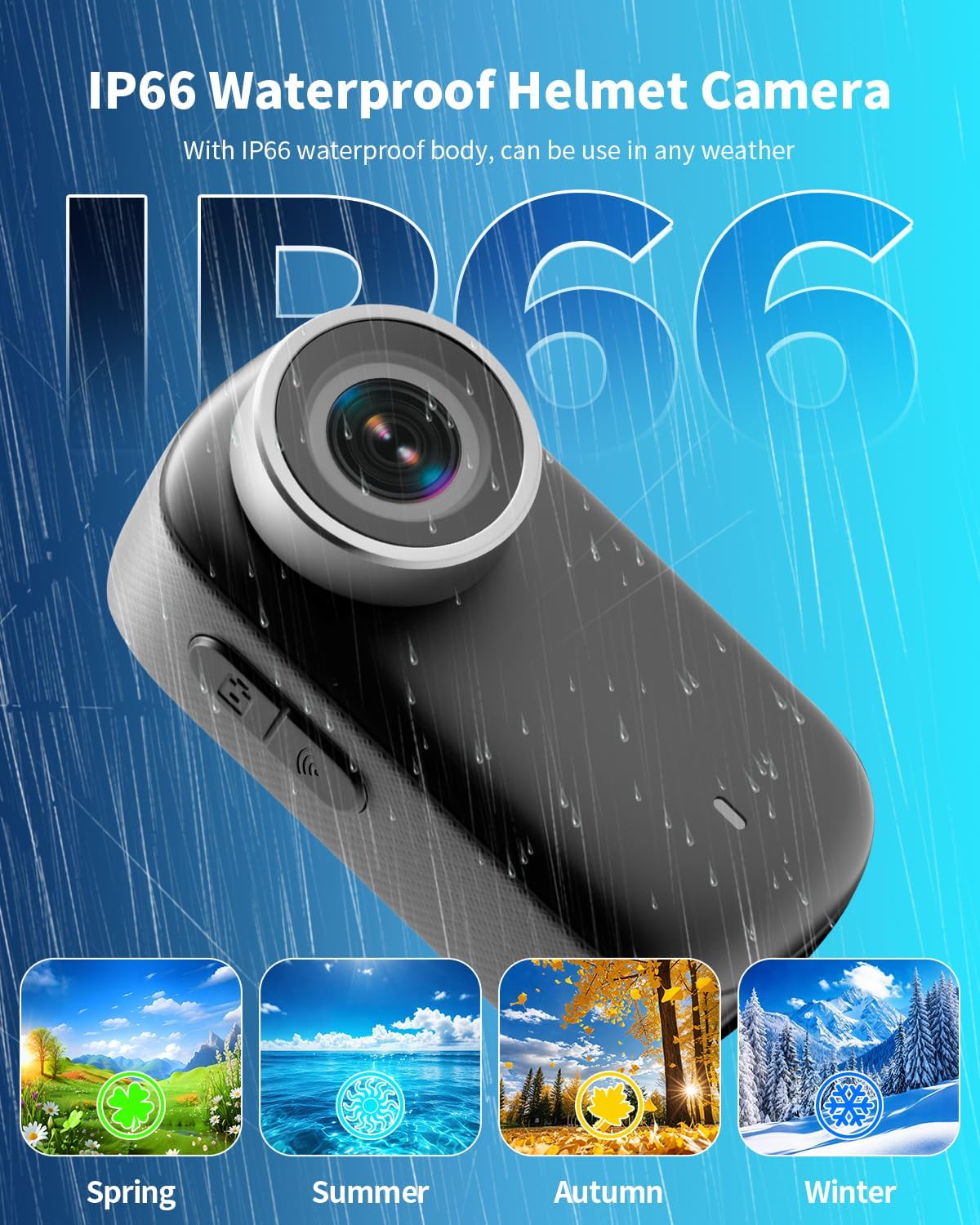
Image: The Nisanuki AC11 camera features an IP65 waterproof rating (visual shows IP66), indicating its suitability for use in various weather conditions throughout the year.
5. Troubleshooting
| Issue | Possible Cause | Solution |
|---|---|---|
| Camera does not power on. | Low battery. | Charge the camera fully. |
| Cannot record video. | No MicroSD card or card is full/corrupted. | Insert a valid MicroSD card. Format the card or replace it if corrupted. Delete old files to free space. |
| Wi-Fi connection unstable or fails. | Too far from the camera; interference; incorrect app. | Ensure you are within 10 meters of the camera. Avoid obstacles. Use the recommended "Fidure" or "Vic Link REC" app. Restart camera and phone Wi-Fi. |
| Video quality is poor in app preview. | App previews are lower resolution for smoother streaming. | This is normal. Full-resolution videos can be exported to your phone or computer. |
| Camera freezes or becomes unresponsive. | Software glitch or battery issue. | Perform a soft reset by pressing and holding the power button for 10-15 seconds. If issue persists, ensure battery is charged. |
6. Specifications
| Feature | Detail |
|---|---|
| Brand | Nisanuki |
| Model Name/Number | AC11 |
| Video Capture Resolution | 4K |
| Image Sensor Technology | CMOS |
| Video Capture Format | AVI |
| Screen Size | 1.3 inches |
| Connectivity Technology | Wi-Fi (2.4GHz, direct connection) |
| Special Features | 4K Recording, Wireless Transfer, Compact Design with Display |
| Included Components | Camera, 64GB MicroSD card, various mounts, USB cables |
| Image Stabilization | No |
| Battery Type | 1000 mAh Non-standard Battery (Included) |
| Water Resistance | IP65 Standard |
| Dimensions | 65.5mm × 32.5mm × 23.5mm (approx.) |
7. Warranty and Support
For warranty information and technical support, please refer to the documentation included with your purchase or contact Nisanuki customer service through their official website or the retailer where the product was purchased. Keep your proof of purchase for warranty claims.
