
1. Introduction
This manual provides detailed instructions for the installation, operation, and maintenance of your DIWEISHI Dash Cam X18. Please read this manual thoroughly before use to ensure proper functionality and to maximize your device's performance. This dual dash camera system is designed to record both front and rear views of your vehicle, offering enhanced safety and evidence collection capabilities.

Figure 1: DIWEISHI Dash Cam X18 with its components and smartphone app interface.
2. Package Contents
Please verify that all items listed below are included in your package:
- 1 x DIWEISHI Dash Cam X18 (Front Camera)
- 1 x 1080P Waterproof Rear Camera
- 1 x 11.5ft Power Supply Cable with Car Charger
- 1 x 21.3ft Rear Camera Cable
- 1 x 32GB Micro SD Card
- 2 x Electrostatic Stickers
- 1 x Installation Tool (Pry Tool)
- 1 x Suction Cup Mount
- 1 x User Manual
3. Product Overview
Familiarize yourself with the main components and interfaces of the Dash Cam X18.
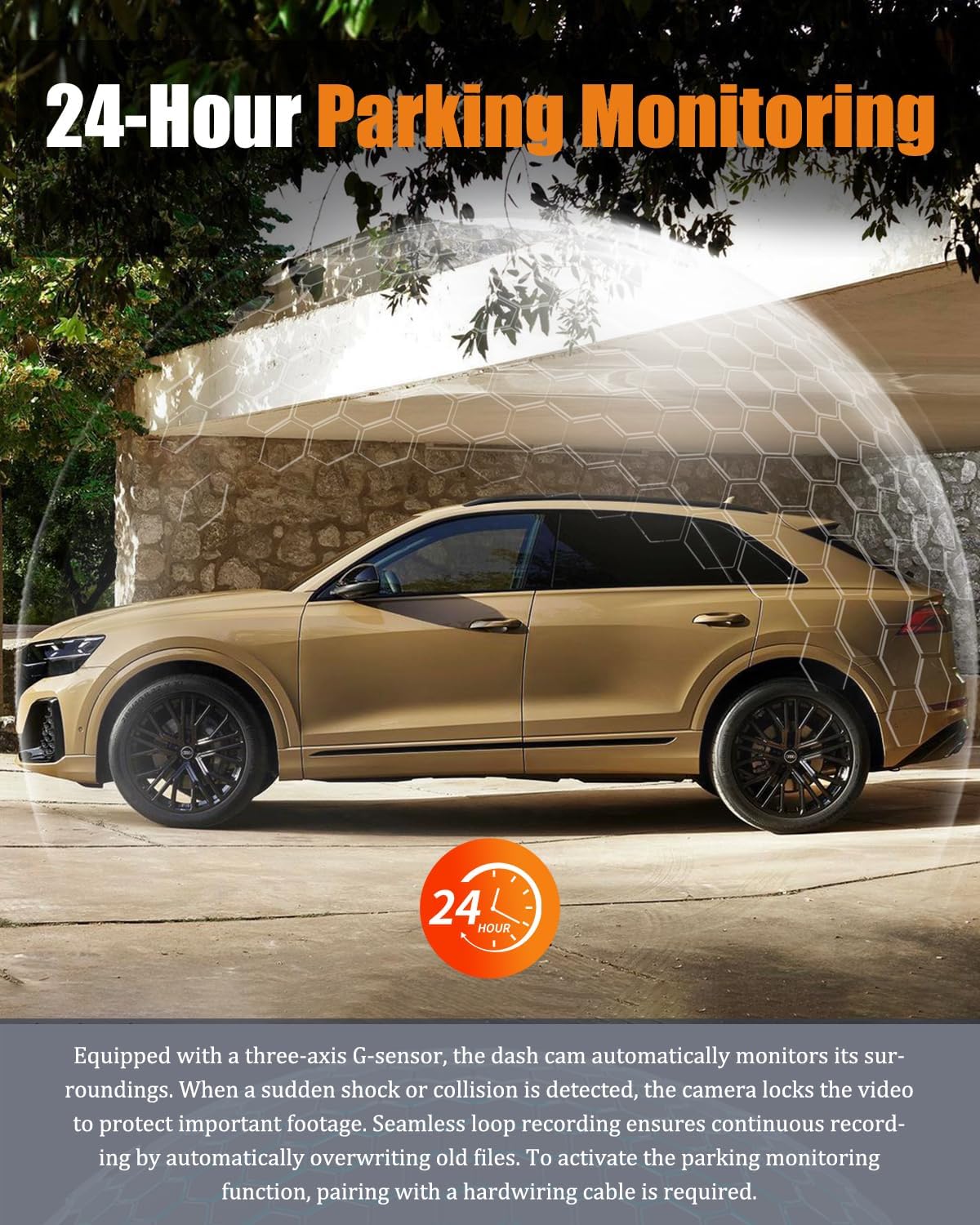
Figure 2: Front camera with labeled ports and buttons.
- Front Camera Lens: Captures 2.5K video.
- 3-inch IPS Display: For live view, playback, and menu navigation.
- Type-C Port: Power connector for the dash cam.
- AV Interface: Port for connecting the rear camera.
- TF Card Slot: Supports Micro SD cards up to 256GB.
- Control Buttons: For menu navigation, recording, and playback.
- Speakers: Sound input/output.
4. Setup and Installation
Follow these steps to properly install your DIWEISHI Dash Cam X18.
4.1. Front Camera Installation
- Clean the windshield area where you intend to mount the dash cam.
- Attach the suction cup mount to the dash cam.
- Securely attach the suction cup mount to the cleaned windshield area, ensuring a clear view of the road.
- Insert the provided 32GB Micro SD card into the TF card slot.
- Connect the 11.5ft power supply cable to the Type-C port on the dash cam.
- Route the power cable neatly along the windshield and dashboard edges, using the installation tool to tuck it away.
- Plug the car charger into your vehicle's 12V power outlet.
4.2. Rear Camera Installation
- Identify a suitable location on your rear windshield for the 1080P waterproof rear camera. Ensure it has a clear view.
- Attach the rear camera using the provided adhesive or screws.
- Connect the 21.3ft rear camera cable to the AV interface on the main dash cam.
- Route the rear camera cable neatly from the front dash cam to the rear camera, tucking it along the vehicle's interior trim using the installation tool.

Figure 3: Visual guide for simple dash cam installation.
Video 1: Detailed setup instructions for the DIWEISHI Dash Cam X18.
5. Operating Instructions
5.1. Power On/Off
The dash cam will automatically power on and begin recording when your vehicle's ignition is turned on. To manually power on/off, long press the power button on the side of the device.
5.2. Recording Modes
- Normal Recording: The camera continuously records video in a loop.
- Emergency Recording (G-Sensor): In the event of a sudden impact or collision, the built-in G-sensor will automatically detect the event and lock the current video segment to prevent it from being overwritten.
- Parking Mode: When connected to a dedicated hardwire kit (sold separately), the dash cam will continue to record in low FPS mode after the car is turned off, providing 24-hour surveillance.
5.3. Playback and File Management
You can view recorded videos and photos directly on the 3-inch IPS screen or via the smartphone app.
- To enter playback mode, press the 'M' (Mode) button.
- Use the up/down buttons to navigate through files.
- Press the 'OK' button to play a selected video or view a photo.
- To delete or lock files, use the corresponding menu options in playback mode.
Video 2: Demonstration of dash cam operation, including file management.
5.4. Wi-Fi and App Connectivity
The DIWEISHI Dash Cam X18 features 5.8G Wi-Fi for fast video downloads and app control.
- Download the dedicated smartphone app (Viidure-Dashcam Viewer) from your app store.
- Enable Wi-Fi on the dash cam through the settings menu.
- On your smartphone, connect to the dash cam's Wi-Fi network (SSID and password can be found in the dash cam's Wi-Fi settings).
- Open the app to view live footage, download videos, and adjust settings remotely.

Figure 4: App interface for remote control and file access.
6. Features Explained
6.1. 2.5K+1080P Dual Recording
The front camera records in Ultra HD 2.5K resolution, while the rear camera captures 1080P video. This dual recording capability provides comprehensive coverage, reducing blind spots with a 170° wide-angle front lens and a 155° rear lens.
6.2. Super Night Vision
Equipped with an F1.8 large aperture and a 6-layer lens, the dash cam enhances light intake by 60%. WDR (Wide Dynamic Range) technology automatically adjusts exposure, ensuring clear, high-quality video recordings in low-light conditions and at night.

Figure 5: Night vision capabilities for clear recordings in low light.
6.3. G-Sensor & Cyclic Recording
The built-in G-sensor detects sudden movements or impacts, automatically saving and locking the current video footage to a separate folder, preventing it from being overwritten. Cyclic recording ensures continuous recording by automatically overwriting the oldest unlocked files when the memory card is full.

Figure 6: Loop recording ensures continuous coverage without manual intervention.
6.4. 24-Hour Parking Mode
For continuous surveillance, connect the dash cam to a dedicated Type-C hardwire kit (sold separately). This feature allows the camera to record in low FPS mode even when the vehicle is parked and turned off, protecting against vandalism or theft.

Figure 7: 24-Hour Parking Mode for continuous vehicle protection.
7. Maintenance
7.1. SD Card Management
- Formatting: It is recommended to format the Micro SD card regularly (e.g., once a month) to ensure optimal performance and prevent data corruption. This can be done through the dash cam's settings menu.
- Capacity: The dash cam supports Micro SD cards up to 256GB. A 32GB card is included.

Figure 8: SD card slot and capacity information.
7.2. Cleaning
Use a soft, dry cloth to clean the dash cam's lens and screen. Avoid using abrasive cleaners or solvents that could damage the device.
8. Troubleshooting
If you encounter any issues with your DIWEISHI Dash Cam X18, refer to the following common problems and solutions:
- Camera not powering on: Ensure the power cable is securely connected and the vehicle's 12V outlet is functioning.
- Recording stops unexpectedly: Check if the Micro SD card is full or corrupted. Format the card or replace it if necessary. Ensure cyclic recording is enabled.
- Poor video quality: Clean the camera lens. Ensure the resolution settings are appropriate. Check for strong light sources directly hitting the lens.
- Wi-Fi connection issues: Ensure Wi-Fi is enabled on the dash cam and your smartphone. Verify the correct Wi-Fi password.
- Parking mode not working: Confirm that a dedicated hardwire kit is correctly installed and connected.
For further assistance, please contact DIWEISHI customer support.
9. Specifications
| Feature | Specification |
|---|---|
| Model Name | Dash cam X18 |
| Front Video Resolution | 2.5K (2560x1440P) |
| Rear Video Resolution | 1080P (1920x1080P) |
| Display | 3-inch IPS Screen |
| Field of View (Front) | 170 Degrees |
| Field of View (Rear) | 155 Degrees |
| Connectivity | 5.8G Wi-Fi, App Control |
| Storage | Micro SD Card (up to 256GB, 32GB included) |
| Special Features | G-Sensor, Loop Recording, 24-Hour Parking Mode, Super Night Vision (WDR), Built-In Supercapacitor |
| Product Dimensions | 0.8 x 3.9 x 3.9 inches |
| Item Weight | 6.4 ounces |
10. Warranty and Support
The DIWEISHI Dash Cam X18 comes with an 18-Month Reliable Warranty. For any installation questions, usage inquiries, or technical support, please contact our dedicated technical support and after-sales team. We are committed to providing an exceptional user experience.
For support, please refer to the contact information provided on the product packaging or our official website.


