
Introduction
Thank you for choosing the VivaEase Vacuum Beard Trimmer. This manual provides essential information for the safe and effective use, setup, operation, and maintenance of your new grooming device. Please read it thoroughly before first use and retain it for future reference.
Safety Information
Important Safety Instructions:
- Avoid using on infants.
- Keep away from water sources unless specified.
- Do not use on sensitive skin areas.
- Keep out of reach of children.
- Follow recommended cleaning and maintenance procedures.
- Be cautious of cutting blades to avoid eye injury.
- Do not use while charging.
What's in the Box
Verify that all components are present upon unpacking:
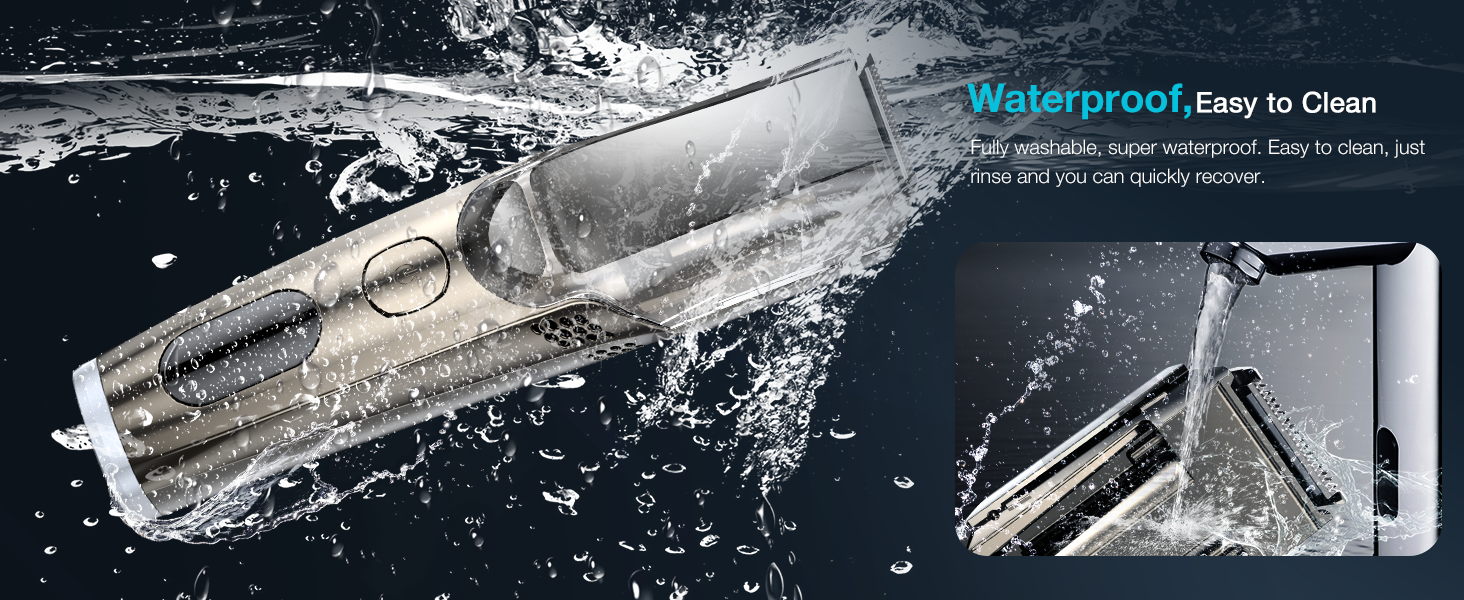
Image: The product packaging displaying the trimmer, two comb attachments, a small cleaning brush, a Type-C USB cable, and a user guide.
- VivaEase Vacuum Beard Trimmer
- 1-10mm Facial Hair Comb Attachment
- 11-20mm Beard Comb Attachment
- Small Cleaning Brush
- Type-C USB Charging Cable
- User Guide (this document)
Product Overview (Components)
Familiarize yourself with the main parts of your trimmer:

Image: A detailed diagram labeling the various components of the trimmer, including the blade, comb attachment slot, comb size adjustment button, vacuum hair inlet, filter, exhaust vent, power switch, and digital display.
- Blade: Precision cutting element.
- Comb Attachment Slot: Where the trimming combs are secured.
- Comb Size Adjustment Button: Used to select desired trimming length.
- Vacuum Hair Inlet: Where trimmed hairs are drawn into the collection chamber.
- Filter: Part of the vacuum system to prevent hair from entering the motor.
- Exhaust Vent for Vacuum: Air outlet for the vacuum system.
- Switch: Power on/off and speed control.
- Digital Display Area: Shows battery level, travel lock status, and cleaning reminders.
- Hair Storage Cover: Transparent cover for the vacuum chamber, washable and removable.
Setup
Charging the Trimmer
Before first use, fully charge the trimmer. The digital display will indicate the battery level.
- Connect the provided Type-C USB charging cable to the charging port at the bottom of the trimmer.
- Plug the other end into a compatible USB power source (e.g., PC/Mac, USB charger, power bank, car charger).
- The display will show charging progress. A full charge provides over 90 minutes of continuous use.
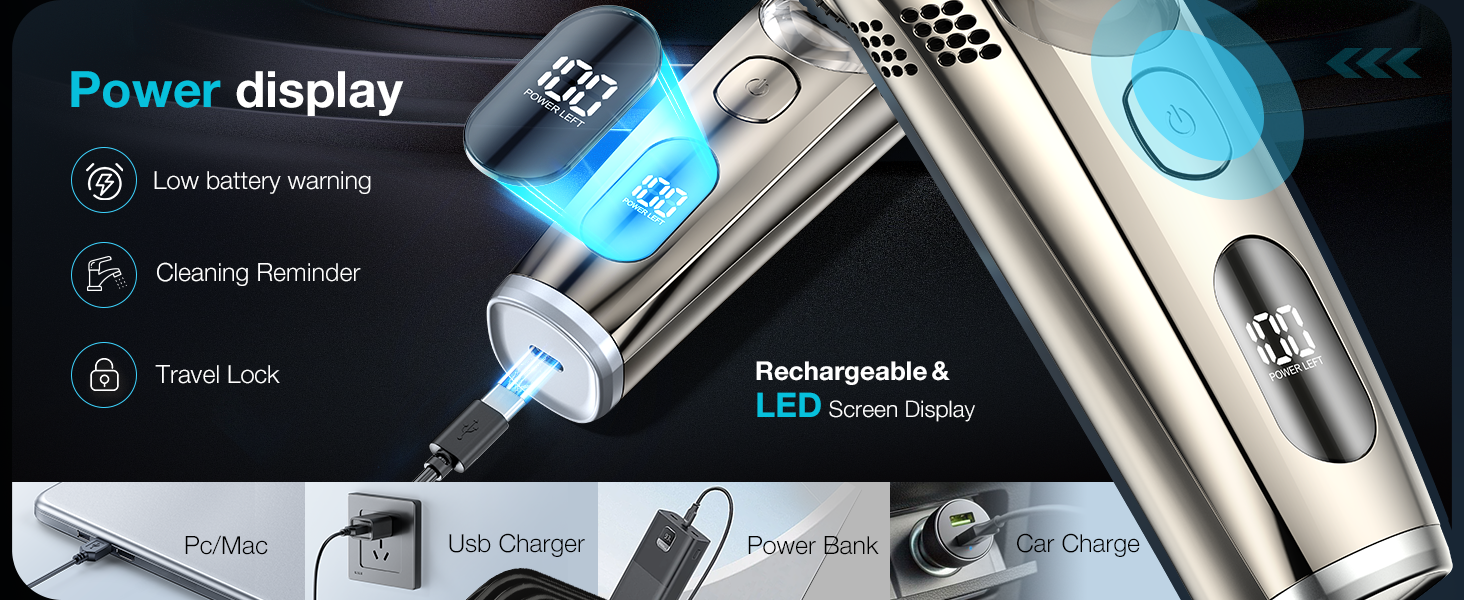
Image: The trimmer being charged via USB-C, highlighting its compatibility with various power sources and the power display.
Attaching Comb Attachments
Select the desired comb attachment (1-10mm for facial hair or 11-20mm for longer beards) and slide it onto the trimmer head until it clicks securely into place.
Operating Instructions
Power On/Off and Travel Lock
- To Power On: Press the power button once. The trimmer will start in the first speed setting.
- To Adjust Speed: Press the power button again to switch to the second (higher) speed setting.
- To Power Off: Press the power button a third time.
- To Activate Travel Lock: When the trimmer is off, press and hold the power button for 3 seconds. The display will show a lock icon. This prevents accidental activation during travel.
- To Deactivate Travel Lock: Press and hold the power button for 3 seconds until the lock icon disappears and the trimmer powers on.
Adjusting Trimming Length
The trimmer offers 20 cutting lengths from 1mm to 20mm. Use the knob calibration to select your desired length.

Image: Demonstrates the two comb attachments for different beard lengths (1-10mm and 11-20mm) and the adjustable length dial.
- Ensure a comb attachment is securely in place.
- Rotate the adjustment knob to select the desired length setting (1-20mm).
- For best results, trim against the direction of hair growth.
Using the Vacuum Function
The built-in vacuum system captures trimmed hairs, keeping your grooming area clean.

Image: An animated graphic illustrating the vacuum function, showing hair being drawn into the trimmer's collection chamber with two speed options for adsorption.
- The vacuum function activates automatically when the trimmer is powered on.
- The two-speed adjustment for the motor also controls the vacuum's adsorption strength. Select the higher speed for stronger suction.
- The vacuum system is designed to capture approximately 95% of trimmed hairs.
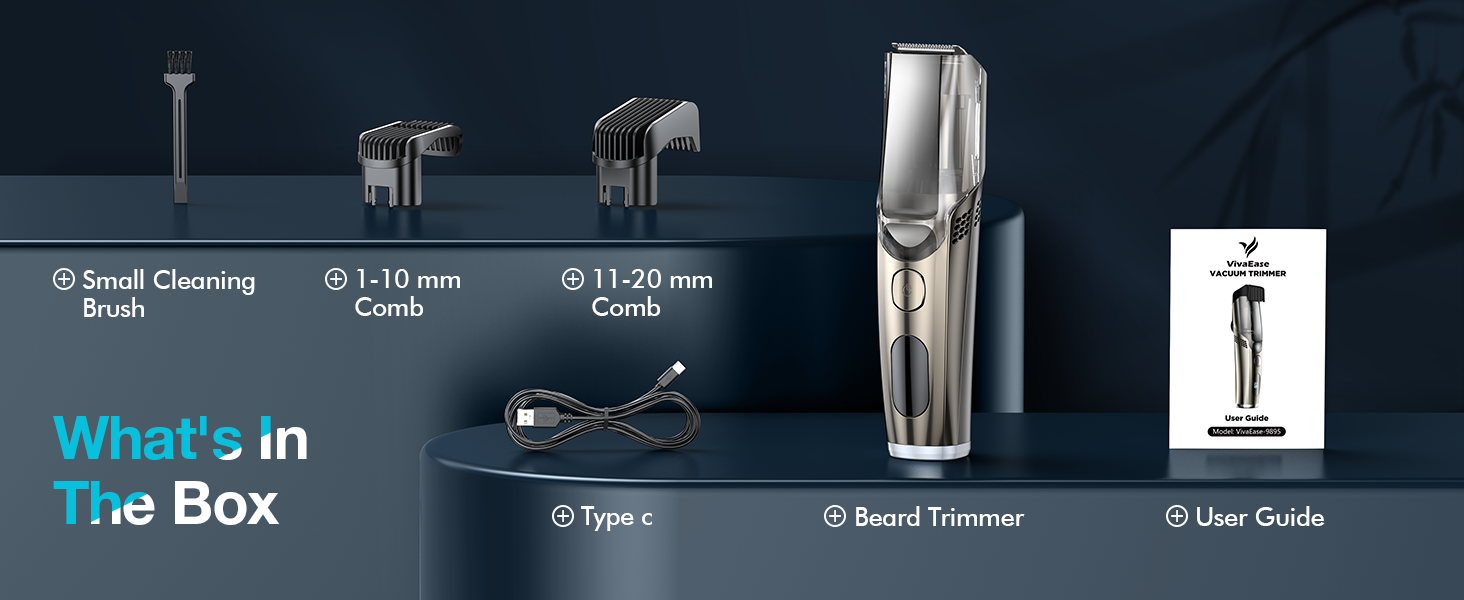
Image: A side-by-side comparison demonstrating the effectiveness of the vacuum function, showing a clean grooming area after using the VivaEase trimmer versus a typical messy outcome with other trimmers.
Maintenance and Cleaning
Regular cleaning ensures optimal performance and extends the life of your trimmer.
Emptying the Hair Collection Chamber
- After each use, or when the cleaning reminder appears on the display, remove the hair storage cover.
- Empty the collected hair into a waste bin.
Washing the Trimmer
The VivaEase trimmer is IPX6 waterproof, allowing for easy rinsing.

Image: The trimmer being rinsed under running water, emphasizing its IPX6 waterproof rating and the ease of cleaning the removable vacuum chamber.
- Ensure the trimmer is powered off before cleaning.
- Rinse the blade head and the hair collection chamber directly under running water.
- Use the provided cleaning brush to remove any stubborn hair particles from the blades and internal components.
- Allow all parts to air dry completely before reassembling or storing the trimmer.
Troubleshooting
| Problem | Possible Cause | Solution |
|---|---|---|
| Trimmer does not turn on. | Low battery or travel lock activated. | Charge the trimmer. Deactivate travel lock by pressing and holding the power button for 3 seconds. |
| Poor trimming performance. | Blades are dull or clogged with hair. | Clean the blades and hair collection chamber thoroughly. Consider blade replacement if performance does not improve. |
| Vacuum function is weak. | Hair collection chamber is full or filter is clogged. | Empty the hair collection chamber and clean the filter. Ensure the trimmer is operating on the higher speed setting. |
| Trimmer makes unusual noise. | Foreign object in the blade area or motor issue. | Turn off the trimmer and carefully inspect the blade area for any obstructions. If the issue persists, contact customer support. |
Specifications
| Feature | Detail |
|---|---|
| Model | B0FRMPCD81 |
| Brand | VivaEase |
| Power Source | Battery Powered (1 Nonstandard Battery included) |
| Material | Stainless Steel |
| Waterproof Rating | IPX6 |
| Trimming Lengths | 1-20mm (Adjustable with 2 comb attachments) |
| Battery Life | Over 90 minutes per charge |
| Charging Interface | USB Type-C |
| Special Features | Built-in Vacuum System, 2-Speed Motor, LED Display (Power Left, Cleaning Reminder, Travel Lock) |
| Dimensions | 8.86 x 5.63 x 2.52 inches |
| Weight | 14.07 ounces |
Warranty and Support
The VivaEase Vacuum Beard Trimmer is designed for durability and performance. For specific warranty details, please refer to the warranty card included with your product or contact VivaEase customer support.
If you encounter any issues or have questions regarding your trimmer, please contact our customer support team through the following channels:
- Online Support: Visit the official VivaEase website for FAQs and support resources.
- Email Support: Refer to your product packaging or user guide for the dedicated support email address.
Please have your model number (B0FRMPCD81) and purchase date ready when contacting support.