1. Introduction
Thank you for choosing the SUXIANGVAC H28 Cordless Vacuum Cleaner. This manual provides essential information for the safe operation, maintenance, and troubleshooting of your new vacuum cleaner. Please read it thoroughly before use and retain it for future reference.
2. Safety Instructions
Always follow basic safety precautions when using electrical appliances to reduce the risk of fire, electric shock, or injury.
- Do not use the vacuum cleaner outdoors or on wet surfaces.
- Do not allow children to operate the vacuum cleaner. Close supervision is necessary when used near children.
- Do not pick up flammable or combustible liquids, such as gasoline, or use in areas where they may be present.
- Do not pick up anything that is burning or smoking, such as cigarettes, matches, or hot ashes.
- Do not use without the dust cup and/or filters in place.
- Turn off the appliance before connecting or disconnecting the battery pack, or before performing any maintenance.
- Use only the charger supplied by the manufacturer to recharge the battery.
- Store the vacuum cleaner indoors in a dry place.
3. Package Contents
Carefully unpack all components and check against the list below. If any items are missing or damaged, contact customer support.
- Main Vacuum Unit (Motor, Dustbin, Handle)
- Extension Wand
- Motorized Brush Head with LED Lights
- Crevice Tool
- Dusting Brush
- Wall Mount Charging Base
- Power Adapter
- Replaceable Lithium-Ion Battery (22.2V 2500mAh)
- Spare HEPA Filters (2 included)
- User Manual

Image: All components of the SUXIANGVAC H28 Cordless Vacuum Cleaner.

Image: The 2500mAh Lithium-Ion replaceable battery pack.
4. Product Overview
Familiarize yourself with the main parts of your SUXIANGVAC H28 vacuum cleaner.
- Main Unit: Contains the 500W motor, dustbin, and smart LED display.
- Smart LED Display: Shows real-time battery power, current suction mode (MIN, MID, MAX), and fault alarms.
- Extension Wand: Connects the main unit to the brush head or other attachments for extended reach.
- Motorized Brush Head: Features a V-shaped brushroll and 5 bright LED lights for effective cleaning on various floor types and illuminating dark areas.
- Replaceable Battery: A 22.2V 2500mAh lithium-ion battery providing up to 55 minutes of runtime.
5. Setup
5.1 Initial Battery Charging
Before first use, fully charge the battery. The battery can be charged while attached to the main unit or separately.
- Connect the power adapter to the wall mount charging base.
- Mount the charging base to a wall (optional) or place it on a stable surface.
- Place the vacuum cleaner (with battery attached) or the standalone battery onto the charging base.
- The LED display will indicate charging status. A full charge takes approximately 4 hours.
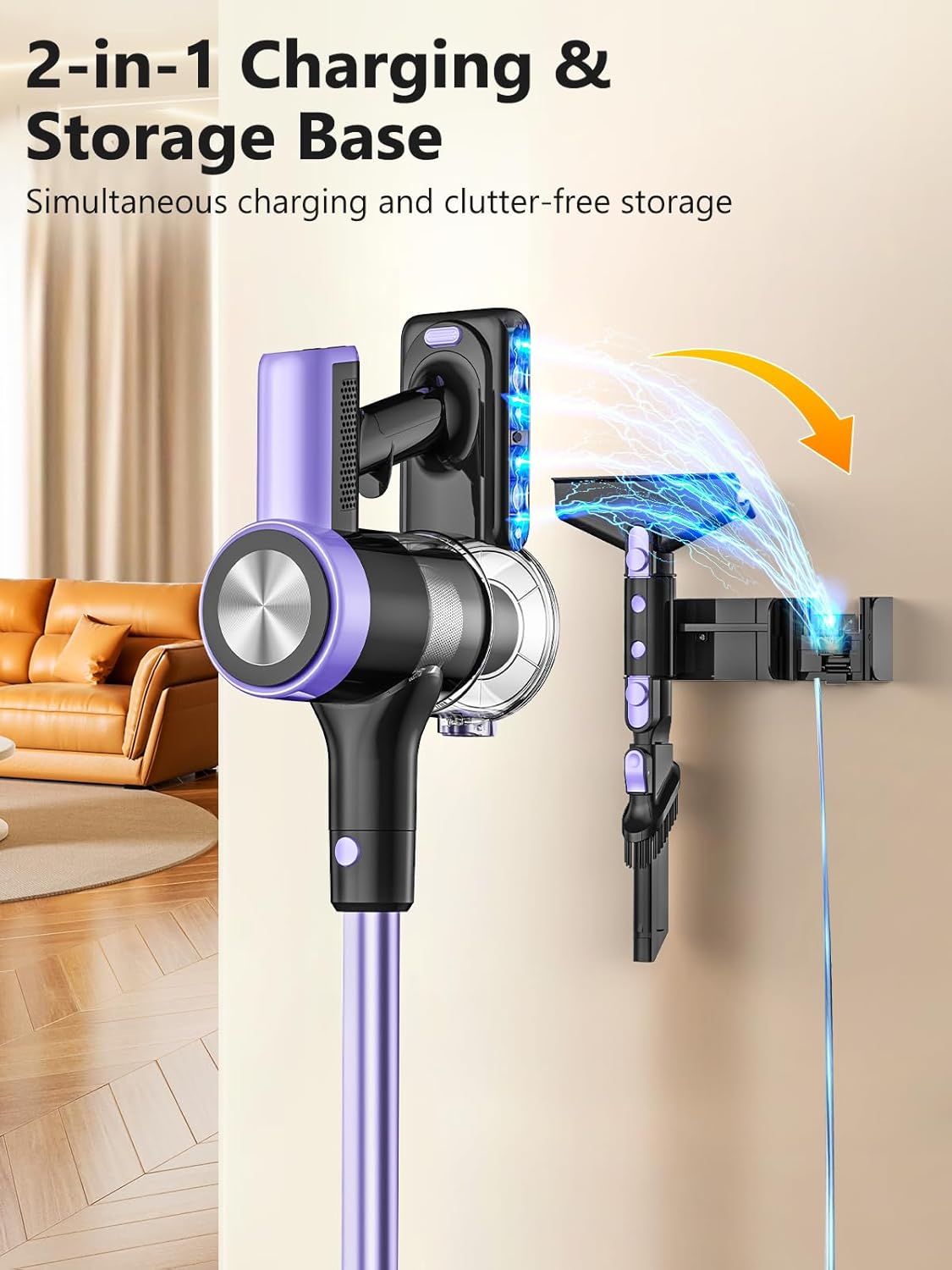
Image: The 2-in-1 charging and storage base for the vacuum cleaner.
5.2 Assembly
Assemble the vacuum cleaner according to your cleaning needs.
- Insert the extension wand into the main vacuum unit until it clicks securely.
- Attach the motorized brush head to the other end of the extension wand until it clicks.
- Alternatively, attach the crevice tool or dusting brush directly to the main unit or the extension wand for handheld cleaning.
6. Operating Instructions
6.1 Power On/Off and Suction Modes
The vacuum cleaner features a smart LED display and multiple suction modes.
- Press the power button on the main unit to turn the vacuum cleaner on. It will start in the default suction mode.
- Press the mode button to cycle through MIN, MID, and MAX suction settings. The current mode will be displayed on the LED screen.
- Press the power button again to turn the vacuum cleaner off.
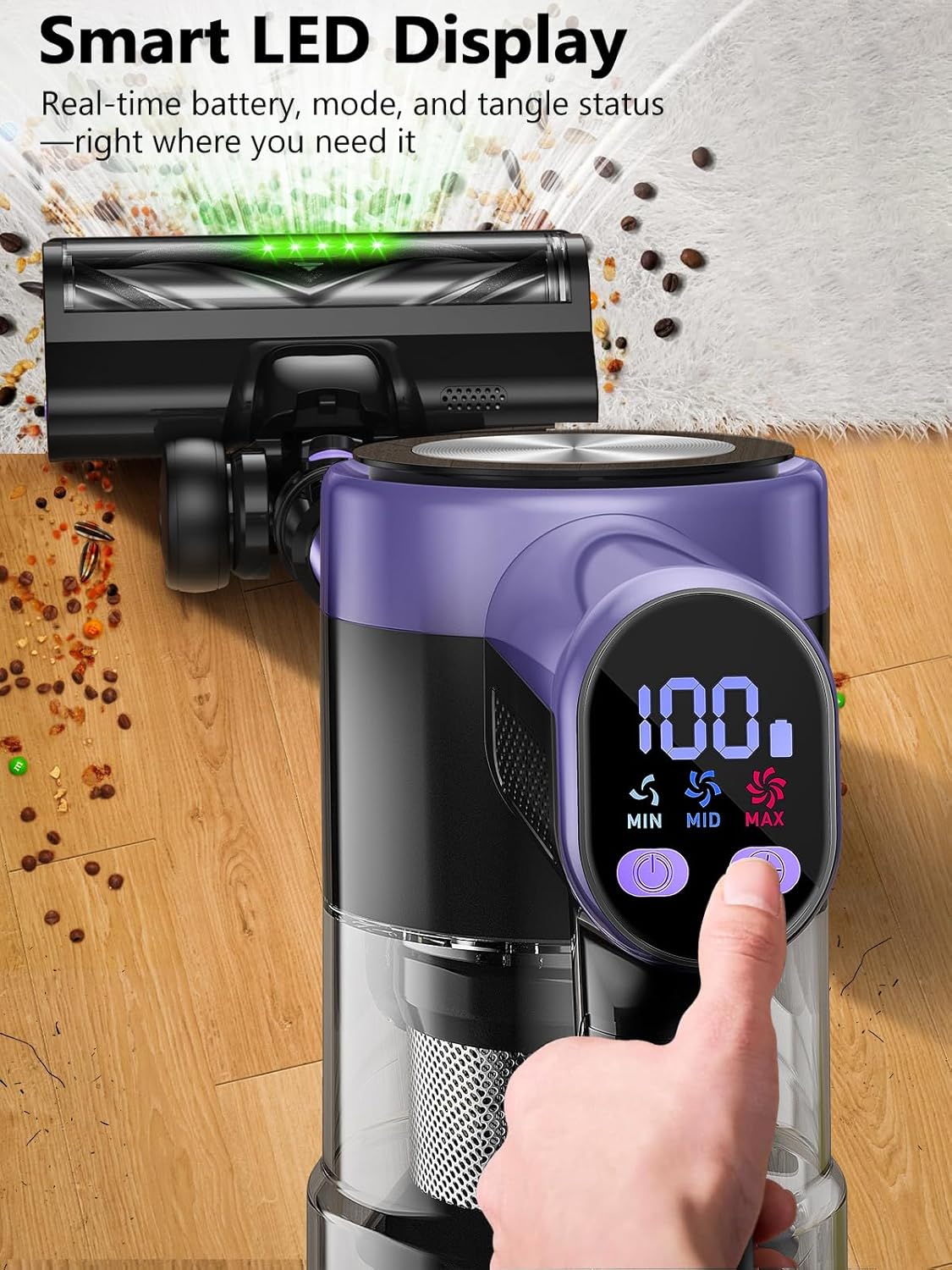
Image: Smart LED Display showing battery level and suction mode selection.
6.2 Self-Standing Feature
The SUXIANGVAC H28 is designed to stand upright independently, allowing you to pause cleaning without needing to lean it against a wall.

Image: The vacuum cleaner demonstrating its self-standing design.
6.3 Effective Cleaning
Utilize the powerful 46KPA suction and V-shaped brushroll for thorough cleaning.
- Use the motorized brush head for carpets and hard floors. The LED lights will illuminate dust and debris.
- For fine dust and debris in tight spaces, use the crevice tool.
- For delicate surfaces or upholstery, attach the dusting brush.

Image: Vacuum cleaner demonstrating strong suction on a carpet.
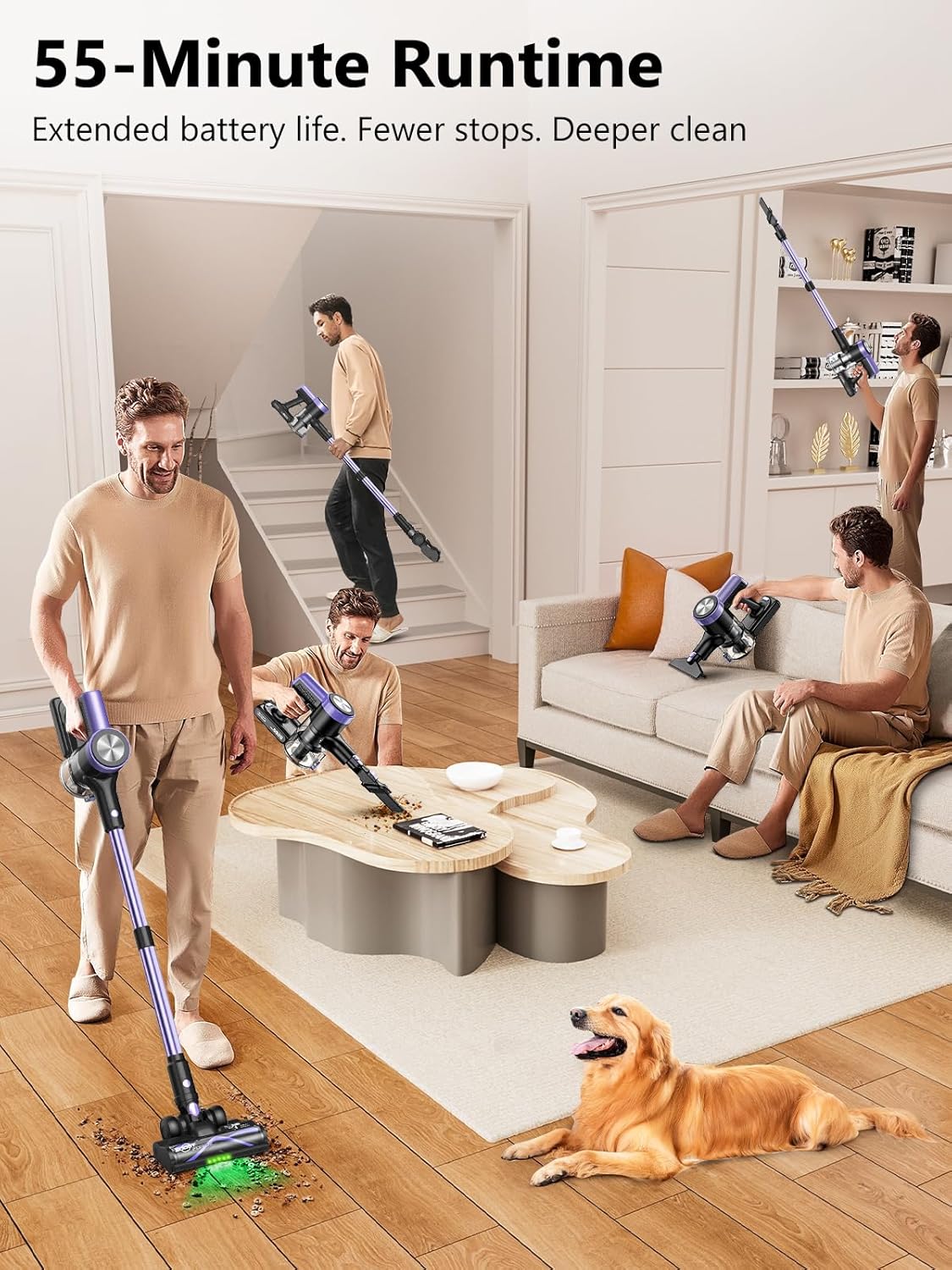
Image: Illustrating the extended 55-minute runtime for cleaning large areas.
7. Maintenance
Regular maintenance ensures optimal performance and extends the lifespan of your vacuum cleaner.
7.1 Emptying the Dustbin
Empty the dustbin after each use or when the MAX fill line is reached.
- Ensure the vacuum cleaner is turned off.
- Press the dustbin release button to detach it from the main unit.
- Hold the dustbin over a trash can and press the bottom release latch to open the dustbin flap and empty contents.
- Close the flap and reattach the dustbin to the main unit until it clicks.
7.2 Cleaning Filters
Clean the filters regularly to maintain suction power. It is recommended to clean them monthly, or more frequently with heavy use.
- Remove the dustbin.
- Twist and pull out the filter assembly from the dustbin.
- Separate the HEPA filter and metal filter.
- Tap off loose dirt. Rinse the filters under cold running water until the water runs clear.
- Allow filters to air dry completely for at least 24 hours before reassembling. Do not use a dryer or heat to dry.
- Reassemble the filters and place them back into the dustbin, then reattach the dustbin to the main unit.
7.3 Cleaning the Brush Roll
Periodically check the brush roll for tangled hair or debris.
- Ensure the vacuum cleaner is off and disconnected from the power source.
- Press the brush roll release button or tab on the side of the motorized brush head to remove the brush roll.
- Use scissors or a cleaning tool to cut and remove any tangled hair or fibers.
- Reinsert the brush roll until it clicks into place.
8. Troubleshooting
If you encounter issues with your vacuum cleaner, refer to the following table for common problems and solutions.
| Problem | Possible Cause | Solution |
|---|---|---|
| Vacuum does not turn on | Battery is not charged or not properly installed. | Ensure battery is fully charged and correctly inserted. |
| Low suction power | Dustbin is full, filters are clogged, or blockage in hose/brush head. | Empty dustbin, clean filters, check for and remove blockages. |
| Brush roll not spinning | Hair/debris tangled in brush roll, or brush roll is jammed. | Turn off vacuum, remove brush roll, and clear any obstructions. |
| Short runtime | Battery not fully charged, or operating in MAX mode continuously. | Fully charge battery. Use MIN or MID mode for longer runtime. |
9. Specifications
- Model: H28
- Motor Power: 500W
- Suction Power: Up to 46KPA
- Battery Type: 22.2V 2500mAh Lithium-Ion
- Runtime: Up to 55 minutes (in MIN mode)
- Charging Time: Approximately 4 hours
- Dustbin Capacity: [Not specified, typical for stick vacs]
- Filtration System: Multi-stage with HEPA filter
- Features: Smart LED Display, Self-standing Design, V-shaped Brushroll with LED lights
10. Warranty Information
Your SUXIANGVAC H28 Cordless Vacuum Cleaner is covered by a limited warranty from the date of purchase. Please refer to your purchase documentation or contact customer support for specific warranty terms and conditions. This warranty typically covers manufacturing defects and does not cover damage caused by misuse, neglect, or unauthorized repairs.
11. Customer Support
For any questions, concerns, or assistance with your SUXIANGVAC H28 Cordless Vacuum Cleaner, please contact our customer support team:
- Email: Refer to your product packaging or purchase platform for the most current contact information.
- Website: Visit the official SUXIANGVAC website for FAQs and support resources.
Please have your model number (H28) and purchase details ready when contacting support.