
zhizhi P91
zhizhi P91 Smartwatch User Manual
Model: P91
1. Introduction
Welcome to the user manual for your new zhizhi P91 Smartwatch. This guide provides essential information for setting up, operating, and maintaining your device. The zhizhi P91 is a versatile smartwatch designed for daily use, offering Bluetooth call functionality, comprehensive health monitoring, and various sports modes. Please read this manual carefully to ensure optimal performance and longevity of your smartwatch.

Image: The zhizhi P91 Smartwatch featuring a black mesh strap and a vibrant display showing time, steps, calories, and heart rate.
2. Setup
2.1 Package Contents
Before you begin, please verify that all items are present in your package:
- zhizhi P91 Smartwatch
- Charging Cable
- User Manual
- Additional Strap (if included in your specific model)

Image: An illustration showing the zhizhi P91 Smartwatch, two interchangeable straps, a USB charging cable, and the instruction manual.
2.2 Charging the Smartwatch
Connect the provided charging cable to the charging port on the back of the smartwatch and plug the USB end into a power adapter (not included) or a computer's USB port. The watch will display a charging indicator. A full charge typically takes approximately 2 hours.
2.3 App Installation and Pairing
- Scan the QR code in the manual or on the watch screen, or search for the companion app (e.g., 'FitCloudPro' or similar, refer to your specific manual for the exact app name) in your smartphone's app store (App Store for iOS, Google Play Store for Android).
- Download and install the app.
- Ensure Bluetooth is enabled on your smartphone.
- Open the app and follow the on-screen instructions to create an account and pair your smartwatch.
- During pairing, confirm the connection request on both your phone and the smartwatch.
3. Operating Instructions
3.1 Basic Navigation
The zhizhi P91 Smartwatch features a 1.85-inch HD touch screen for intuitive navigation.
- Swipe Up/Down: Scroll through menus and notifications.
- Swipe Left/Right: Access quick functions or widgets.
- Tap: Select an item or confirm an action.
- Press Side Button: Return to the home screen or power on/off.

Image: The zhizhi P91 Smartwatch showcasing its 1.85-inch HD touch screen with multiple customizable watch faces, including personal photos and digital designs.
3.2 Bluetooth Call Functionality
Once paired, you can make and receive calls directly from your smartwatch.
- Making Calls: Access the dial pad or contact list on the watch to initiate a call.
- Receiving Calls: When a call comes in, the watch will display the caller ID. Tap to answer or decline.

Image: The zhizhi P91 Smartwatch displaying an incoming call and message notifications from various social media applications.
3.3 Smart Notifications
Receive notifications from social media apps (e.g., Facebook, WhatsApp, Instagram, Twitter) and other applications directly on your watch. Notifications are accompanied by a vibration alert.
4. Health Monitoring
The zhizhi P91 Smartwatch is equipped with optical sensors for continuous health tracking. Note: This device is not a medical instrument. Health data is for reference only and should not be used for medical diagnosis.
- Heart Rate Monitoring: Continuously tracks your heart rate throughout the day.
- Blood Oxygen (SpO2) Monitoring: Measures your blood oxygen levels.
- Sleep Tracking: Analyzes sleep quality, including deep sleep, light sleep, and wake-up times.
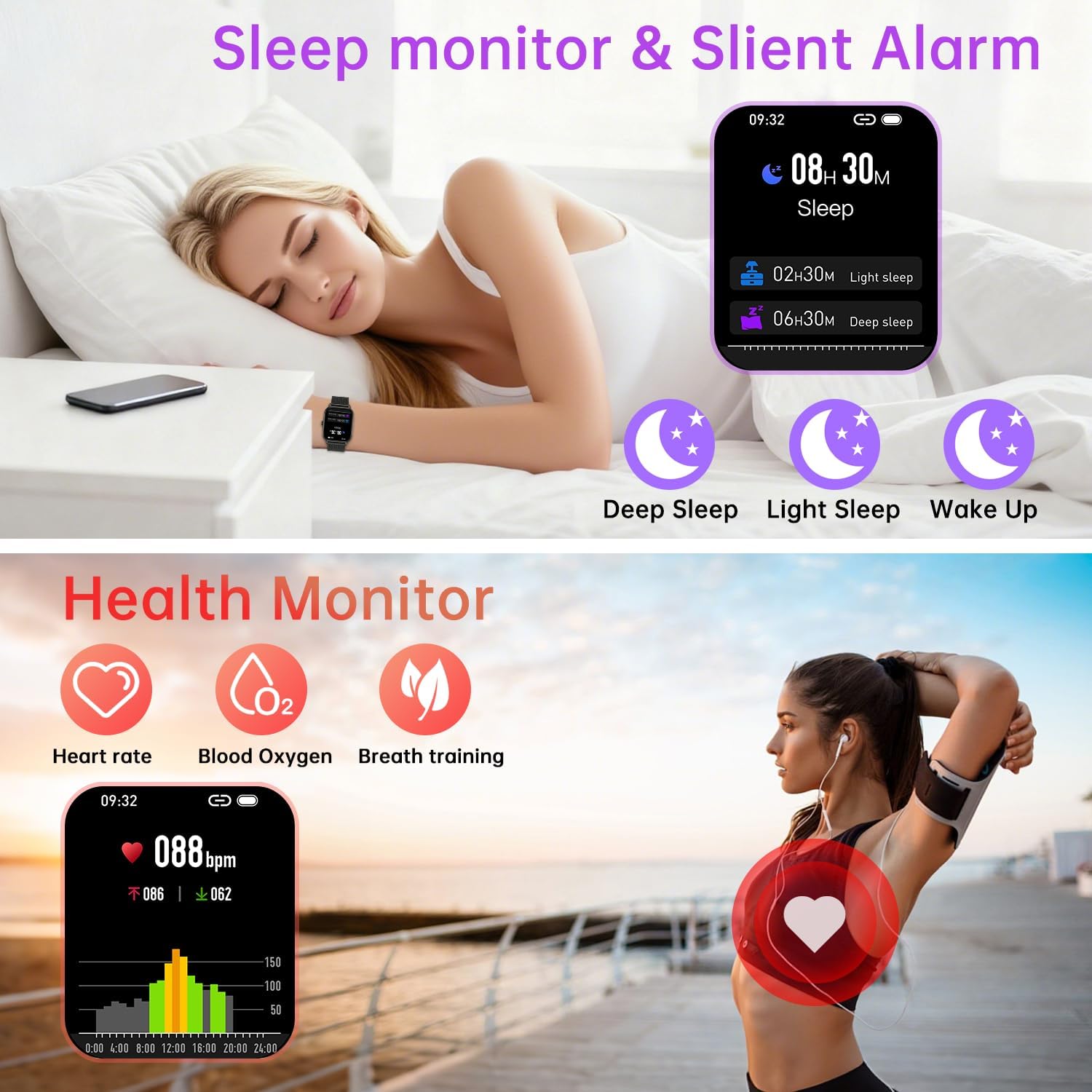
Image: The zhizhi P91 Smartwatch showing detailed sleep analysis (deep, light, wake-up) and health monitoring icons for heart rate, blood oxygen, and breath training.
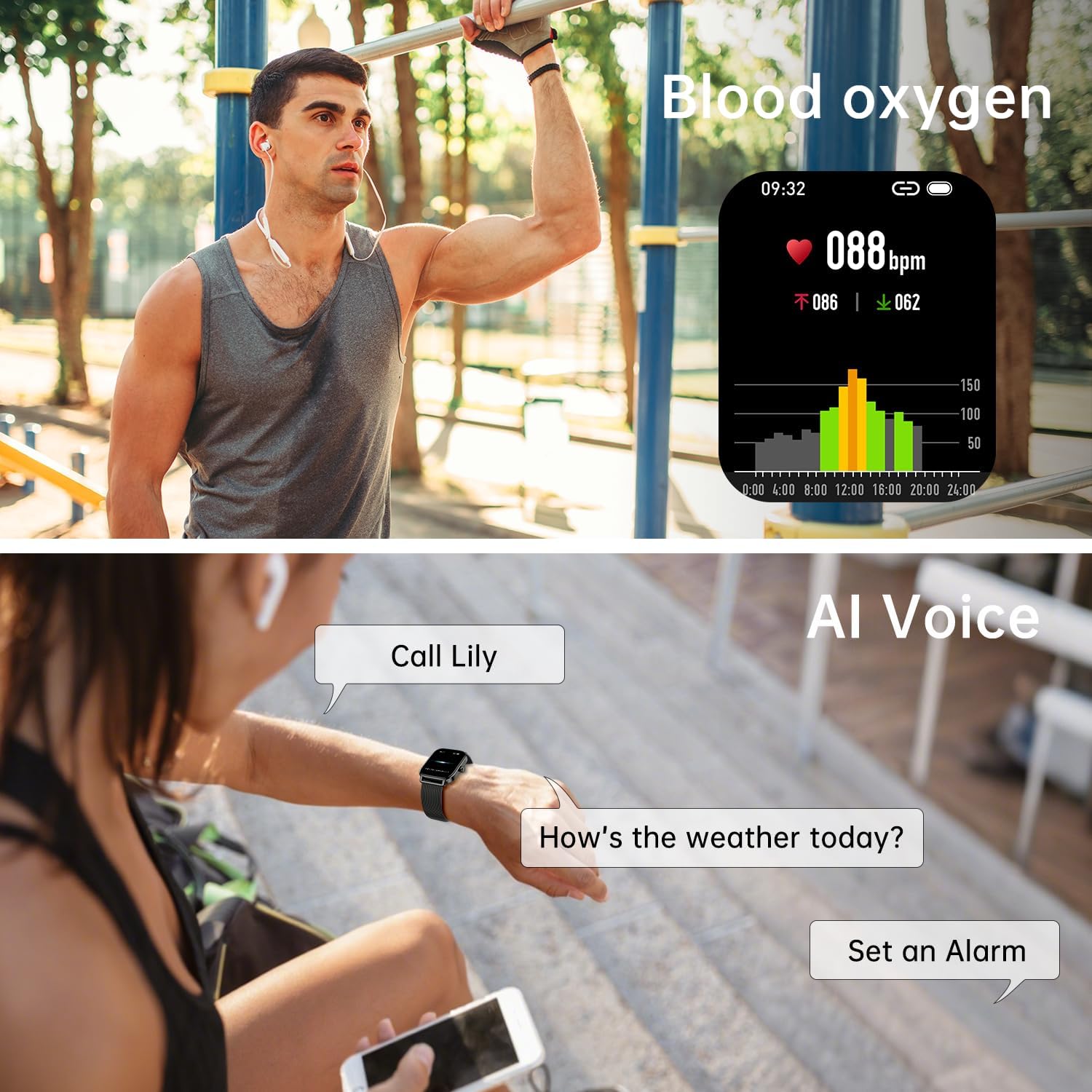
Image: The zhizhi P91 Smartwatch showing blood oxygen saturation (SpO2) data and a user interacting with the AI voice assistant.
5. Sports Modes
The smartwatch supports over 120 sports modes, including running, cycling, hiking, yoga, skiing, and more. It tracks key metrics such as steps, calories burned, distance, and activity time to help you optimize your workouts.

Image: The zhizhi P91 Smartwatch showing activity data (steps, calories, BPM) alongside images of people engaged in various sports like running, cycling, and swimming.
5.1 Water Resistance (IPX8)
The device is IPX8 water-resistant, making it suitable for daily activities like hand washing, rain, and swimming. Avoid hot water, saunas, or diving, as extreme temperatures or high-pressure water may compromise the seal.
6. Smart Features
Beyond health and fitness tracking, the zhizhi P91 offers a range of practical smart features:
- Music Control: Play, pause, skip tracks on your smartphone directly from the watch.
- Camera Control: Use your watch as a remote shutter for your phone's camera.
- Voice Assistant: Activate your phone's voice assistant (e.g., Siri, Google Assistant) via the watch.
- Weather Forecast: Get real-time weather updates.
- Stopwatch & Alarm: Essential timekeeping functions.
- Find Phone: Locate your misplaced smartphone.
- Menstrual Cycle Tracking: Monitor and predict menstrual cycles.
- Drink Reminder: Receive alerts to stay hydrated.

Image: The zhizhi P91 Smartwatch displaying interfaces for music playback control, remote camera activation, current weather conditions, and a stopwatch.

Image: The zhizhi P91 Smartwatch illustrating additional convenience features such as alarm settings, menstrual cycle tracking, and a hydration reminder.
7. Maintenance
7.1 Cleaning
Regularly clean your smartwatch and strap to prevent skin irritation and maintain functionality. Use a soft, damp cloth to wipe the screen and strap. Avoid harsh chemicals or abrasive materials.
7.2 Battery Care
To prolong battery life, avoid fully discharging the battery frequently. Charge the device when the battery level is low. Store the device in a cool, dry place if not used for extended periods.
8. Troubleshooting
- Device not turning on: Ensure the device is fully charged. Connect it to the charger for at least 30 minutes.
- Cannot pair with smartphone:
- Ensure Bluetooth is enabled on your phone and the watch.
- Make sure the watch is within range of your phone.
- Restart both the watch and your phone.
- Check if the app is updated to the latest version.
- Inaccurate health data: Ensure the watch is worn snugly on your wrist, not too tight or too loose. Clean the sensors regularly. Remember, this is not a medical device.
- Notifications not appearing: Check app permissions on your smartphone to ensure the companion app has access to notifications. Verify notification settings within the smartwatch app.
9. Specifications
| Feature | Detail |
|---|---|
| Model | P91 |
| Brand | zhizhi |
| Display Size | 1.85 Inches |
| Display Resolution | 240*284 pixels |
| Display Type | LCD |
| Connectivity | Bluetooth |
| Water Resistance | IPX8 |
| Battery Life (Average) | 7 Days (typical use), 30 Days (standby) |
| Battery Composition | Lithium Polymer |
| Compatible Devices | Smartphones (Android 5.0+, iOS 9.0+) |
| Weight | 150 g |
10. Warranty and Support
For warranty information or technical support, please refer to the documentation included with your purchase or contact the retailer/manufacturer directly. Keep your proof of purchase for any warranty claims.
Related documentsP91


Ask a question about this manual
Ask about setup, troubleshooting, compatibility, parts, safety, or missing instructions. Manuals+ will review the question and use this page’s manual context to help answer it.