1. Introduction
The Generic Portable Chlorophyll Meter is a handheld device designed for rapid and non-destructive measurement of key plant physiological indicators. It provides instant readings for chlorophyll content (SPAD), nitrogen levels, leaf humidity, and leaf temperature, enabling users to monitor plant health and optimize growth conditions efficiently. This manual provides detailed instructions for the proper use, maintenance, and troubleshooting of your device.
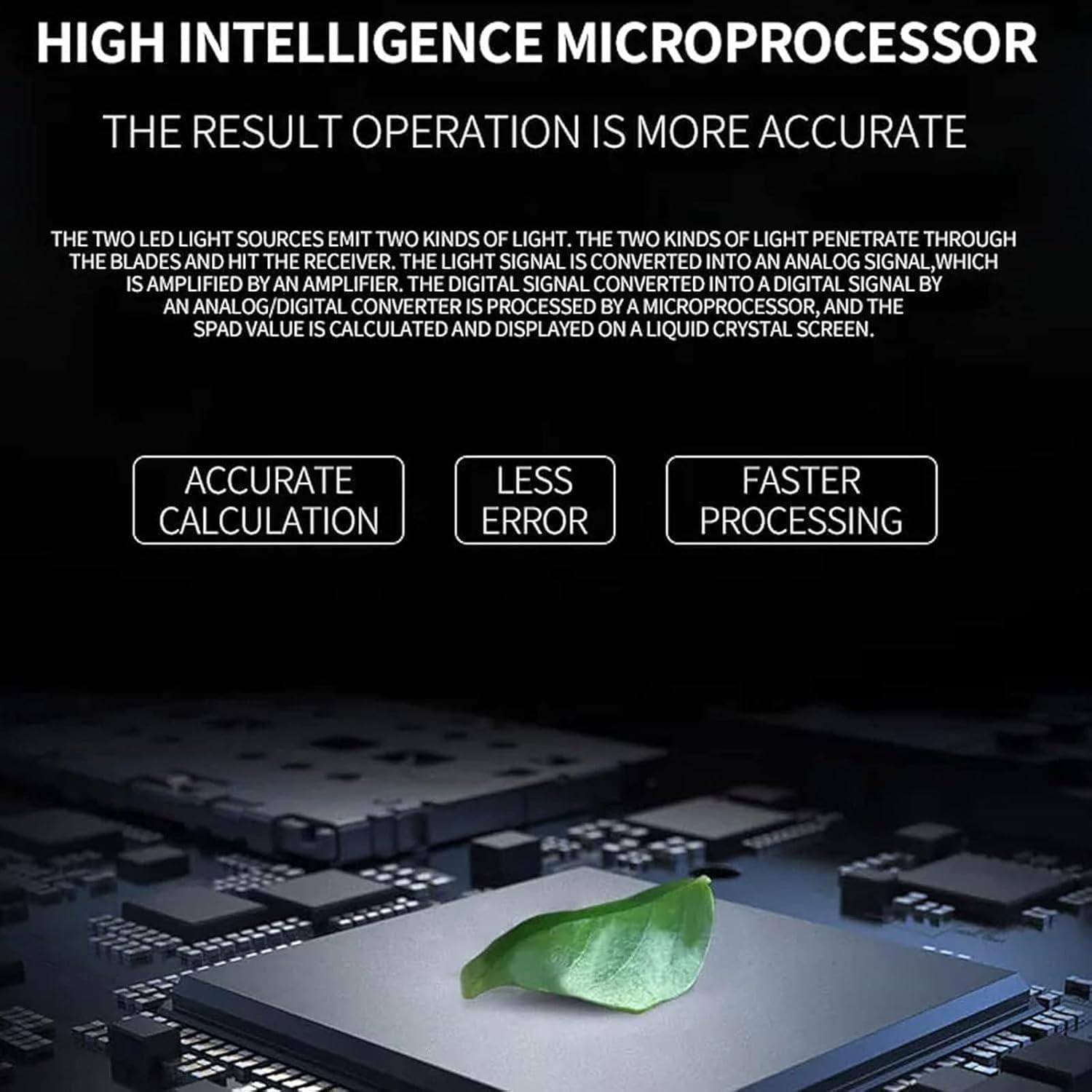
Image 1: The meter provides multiple data measurements for understanding plant ecology.

Image 2: High intelligence microprocessor ensures accurate and fast results.
2. Product Overview and Components
The meter features a compact design with a clear LCD display and intuitive controls for ease of use in various environments.
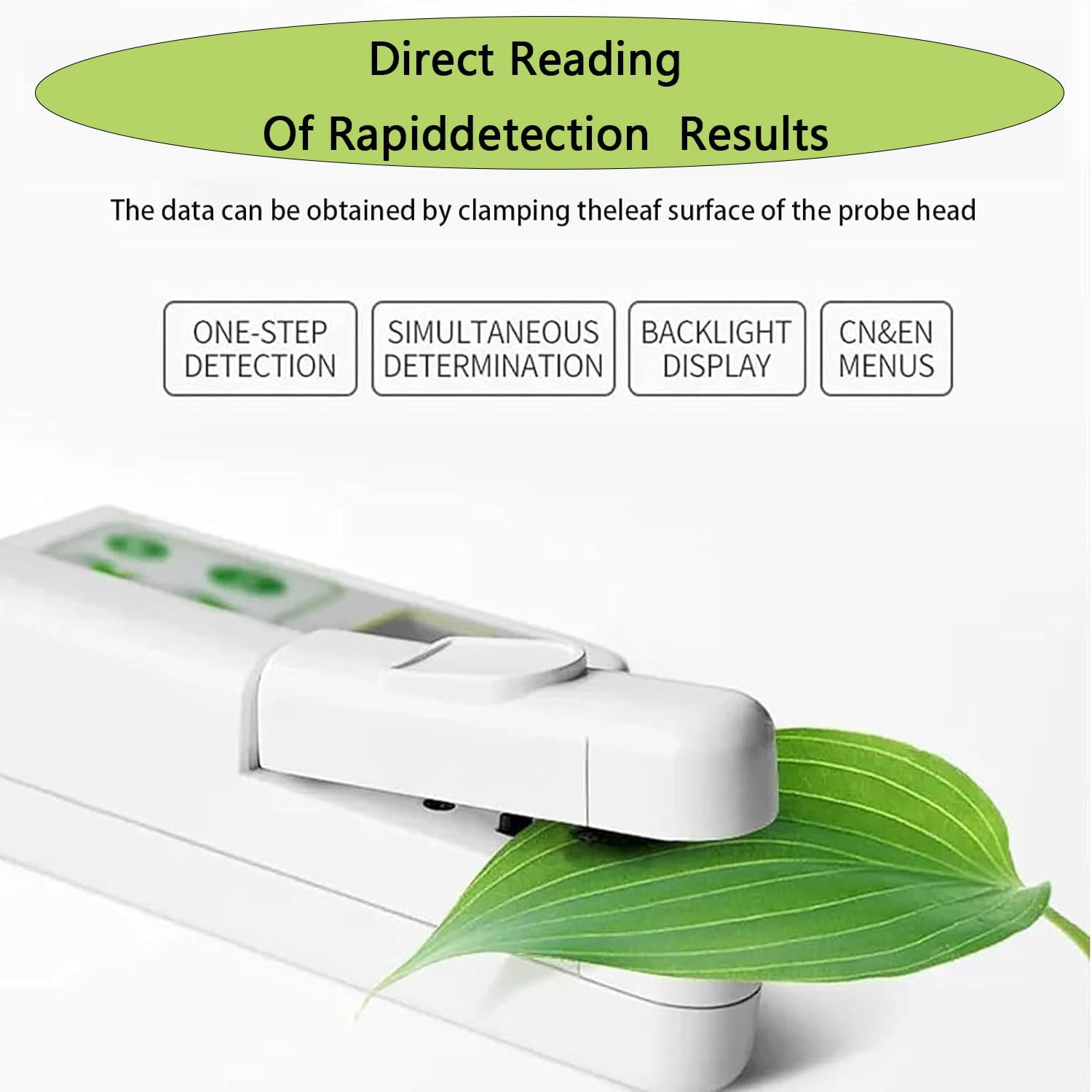
Image 3: Labeled diagram of the Portable Chlorophyll Meter's structure.
Key Components:
- Test Port: The area where the leaf is inserted for measurement.
- Power Switch: Used to turn the device on or off.
- Display Screen: A highlight backlit LCD screen that shows measurement data and menu options.
- Function Keys (Up, Down, ENT, ESC): Buttons for navigation, selection, and confirming actions.
- USB Interface: For data transfer and charging the internal battery.
- Measuring Heads: Equipped with 650nm red light and 940nm infrared light for precise detection.

Image 4: Detailed views of the meter's components.
3. Technical Specifications
Understanding the technical specifications ensures optimal performance and application of the device.

Image 5: Product dimensions and detailed specifications.
| Specification | Value |
|---|---|
| Measuring Range | 0.0-100 SPAD |
| Measuring Area | 2mm x 2mm |
| Accuracy | ±1.0 SPAD unit (0.0-50.0 SPAD under normal temperature and humidity) |
| Repeatability | ±0.3 SPAD unit (0.0-50.0 SPAD measurement position unchanged) |
| Measurement Interval | Under 3 seconds |
| Data Storage Capacity | 2GB |
| Power | 4.2V rechargeable lithium battery (2000mAh) |
| Weight | 250g |
| Dimensions | 140 x 85 x 45mm |
| Operating and Storage Environment | 0℃-50℃; 85% relative humidity |
4. Setup
Follow these steps to prepare your Portable Chlorophyll Meter for first use.
- Charging the Battery: Before initial use, fully charge the internal 4.2V rechargeable lithium battery (2000mAh). Connect the provided USB cable to the USB interface on the device and to a suitable power source (e.g., computer USB port, USB wall adapter). The charging indicator will show the charging status.
- Powering On/Off: To turn the device on, press the Power Switch. The LCD screen will illuminate. To turn off the device, press the Power Switch again.
- Initial Settings: Upon first power-on, you may be prompted to set the language (Chinese/English) or other basic parameters. Use the Function Keys (Up, Down, ENT, ESC) to navigate and confirm your selections.
5. Operating Instructions
This section details how to take accurate measurements using your chlorophyll meter.
- Prepare the Leaf: Select a healthy, representative leaf for measurement. Ensure the leaf surface is clean and dry.
- Open the Test Port: Gently open the clamping mechanism of the test port.
- Insert the Leaf: Carefully insert the leaf into the test port, ensuring the 2mm x 2mm measuring area fully covers a portion of the leaf without creasing or damaging it.
- Close the Test Port: Gently close the clamping mechanism until it holds the leaf securely.
- Initiate Measurement: The device will automatically begin measurement or prompt you to press the "ENT" key.
- Read the Display: Within 2-3 seconds, the LCD display will show the measurement results, including SPAD value, nitrogen content, leaf humidity, and leaf temperature.
- Record Data: Note down the readings if manual recording is preferred, or utilize the device's internal data storage.
- Repeat Measurements: For accurate results, it is recommended to take multiple measurements on different parts of the same leaf or on different leaves and average the readings.
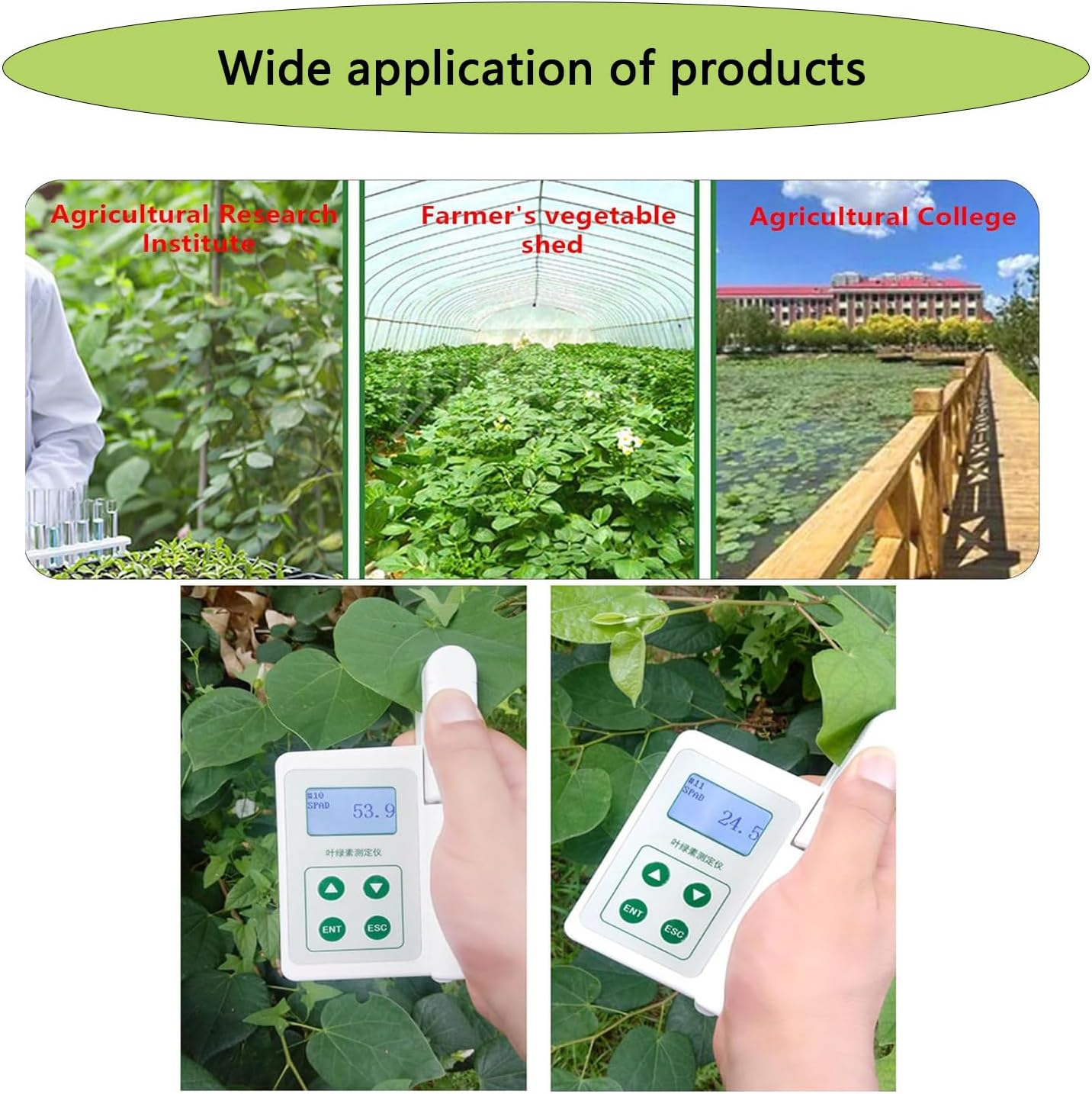
Image 6: Direct reading of rapid detection results by clamping a leaf.
Image 7: Wide application of the product in various agricultural settings.
6. Data Management
The device includes 2GB of internal data storage. Measurements are automatically saved. Refer to the on-screen menu for options to review stored data or transfer it to a computer via the USB interface. Specific software or drivers may be required for data transfer, which would typically be included with the product or available from the manufacturer's website.
7. Maintenance
Proper maintenance ensures the longevity and accuracy of your chlorophyll meter.
- Cleaning: After each use, gently wipe the measuring heads and the exterior of the device with a soft, dry cloth. Do not use abrasive cleaners or solvents, as these can damage the sensors or casing.
- Storage: Store the meter in a cool, dry place, away from direct sunlight and extreme temperatures. The recommended operating and storage environment is 0℃-50℃ with 85% relative humidity.
- Battery Care: Recharge the battery regularly, even if the device is not in frequent use, to maintain battery health. Avoid fully discharging the battery for extended periods.
8. Troubleshooting
Refer to the table below for common issues and their potential solutions.
| Problem | Possible Cause | Solution |
|---|---|---|
| Device does not power on | Battery discharged | Recharge the battery fully |
| No display on screen | Device is off | Press the Power Switch to turn on |
| Inaccurate or inconsistent readings | Dirty measuring heads | Clean the measuring heads with a soft, dry cloth |
| Improper leaf placement | Ensure the leaf is flat and fully covers the measuring area without creasing | |
| Environmental factors outside operating range | Ensure operating within specified temperature (0℃-50℃) and humidity (85% RH) ranges | |
| Measurement error message | Sensor obstruction or malfunction | Check for any debris in the test port. If the issue persists, contact customer support. |
9. Warranty and Support
This product comes with a standard manufacturer's warranty. For specific warranty terms and conditions, please refer to the documentation included with your purchase. For technical support, troubleshooting assistance, or any questions regarding the operation of your Portable Chlorophyll Meter, please contact the customer service team of your retailer or the manufacturer. Keep your purchase receipt or proof of purchase for warranty claims.


