Introduction
This manual provides essential instructions for setting up, operating, and maintaining your Lgnitek DS03 Activity Tracker. Please read this manual thoroughly to ensure proper use and to maximize the benefits of your device.
What's in the Box
Verify that all items are present in your package:
- 1 x Smart Wristband
- 1 x Instruction Manual
- 1 x Charging Cable

Image: Package contents showing the smart wristband, instruction manual, and charging cable.
Setup
1. Charging the Device
Before first use, fully charge your activity tracker. Connect the magnetic charging cable to the charging points on the back of the device and plug the USB end into a power source. A full charge typically takes approximately 2 hours.
2. App Installation
Download the companion application to your smartphone. Scan the QR code provided in the manual or search for the app on the Google Play Store (for Android) or Apple App Store (for iOS).
3. Device Pairing
Open the installed application on your smartphone. Follow the on-screen instructions to create an account and pair your Lgnitek DS03 Activity Tracker via Bluetooth. Ensure Bluetooth is enabled on your phone.

Image: Charging connection and app download options.
Operating Instructions
Automatic Health Monitoring
The Lgnitek DS03 Activity Tracker continuously monitors various health metrics throughout the day and night. All data is accessible via the smartphone application.
- Heart Rate Monitoring: Equipped with a high-precision optical sensor, the device provides 24/7 heart rate monitoring. It tracks heart rate zones during workouts and records heartbeats throughout the day to assess recovery.
- Blood Pressure Monitoring: An advanced blood pressure sensor monitors blood pressure 24 hours a day, providing readings via the app. It tracks long-term trends and helps identify potential changes.
- Blood Oxygen (SpO2) Monitoring: The advanced blood oxygen saturation sensor continuously measures levels 24 hours a day. It detects significant drops in saturation and sends alerts. Data and trends are viewable in the app.
- HRV Monitoring: The wearable accurately monitors tiny variations between heartbeats, assessing the balance of your autonomic nervous system 24 hours a day. HRV trend data helps understand stress management, recovery speed, and overall training readiness.
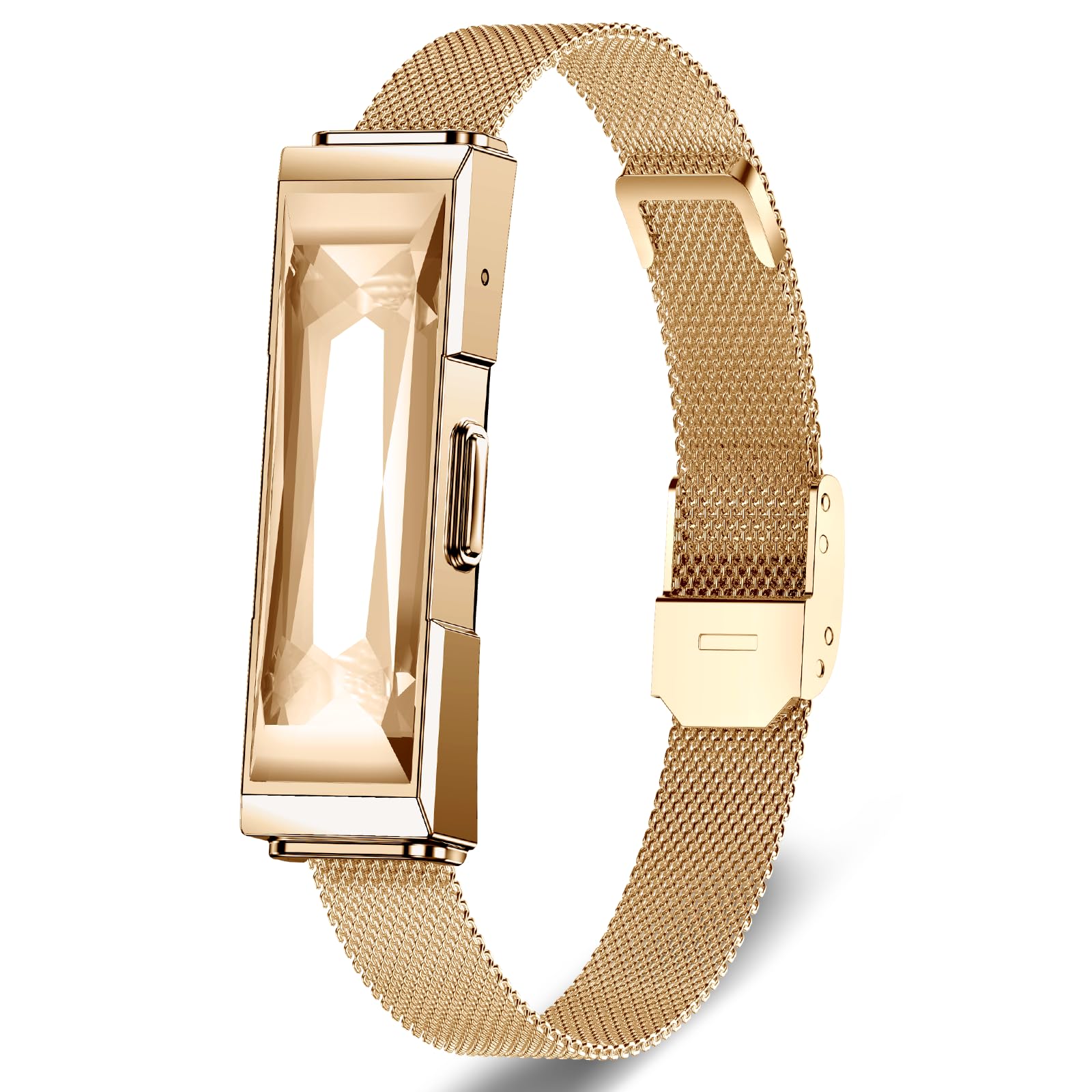
Image: Automatic health monitoring features and data display.
Activity Tracking and Sports Modes
The device tracks daily activity and supports various sports modes.
- Daily Activity: Records key data such as steps, distance, and calories burned.
- 35 Sports Modes: Features 35 sports modes for activities like running, cycling, or hiking. In outdoor mode, the pedometer accurately records data such as steps, cadence, heart rate, and calories burned.
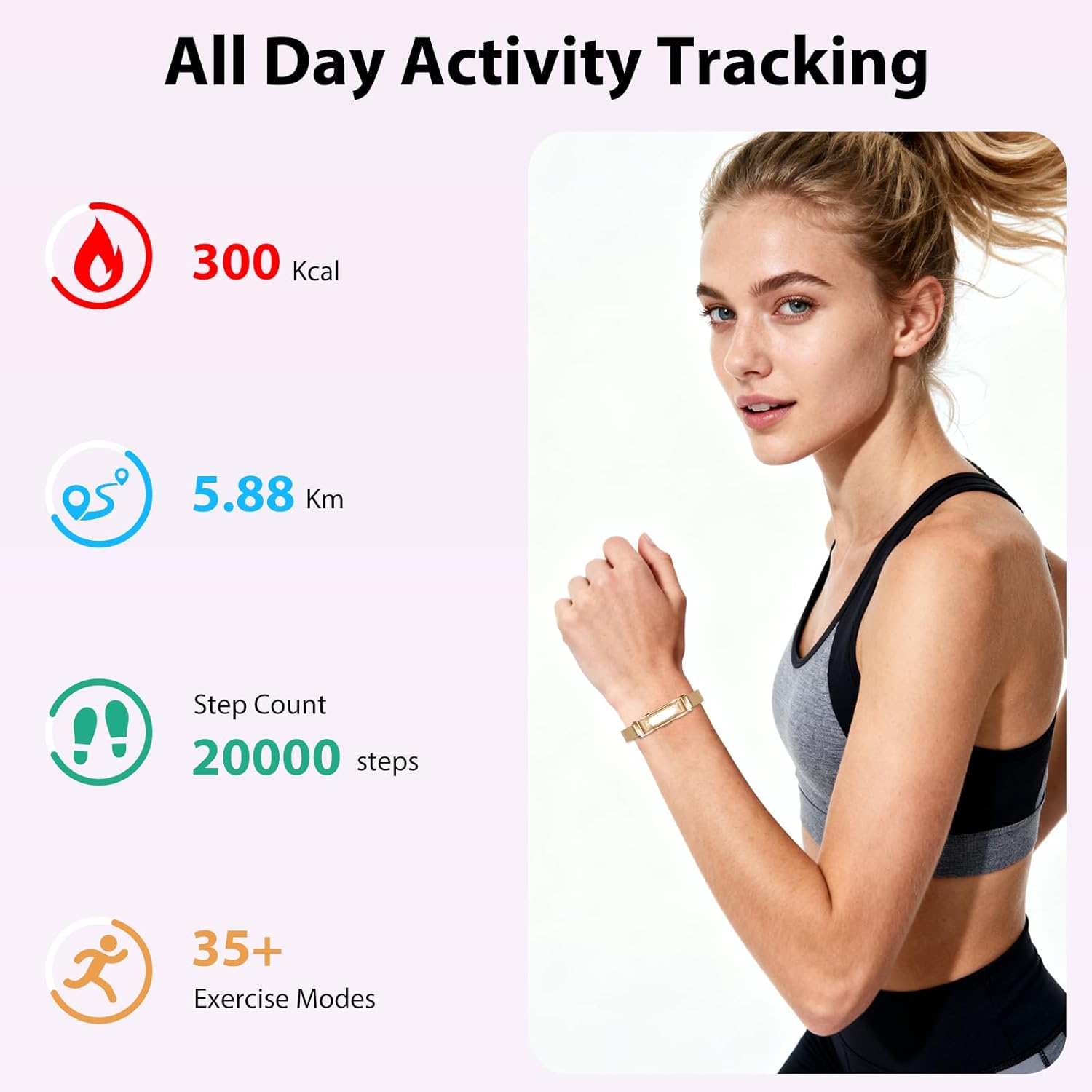
Image: All-day activity tracking metrics.
Detailed Sleep Tracking
The smart bracelet accurately monitors sleep stages at different times, including light sleep, deep sleep, and wake-up times. It also includes nap time tracking. This data helps users understand their sleep quality and adjust habits.

Image: Detailed sleep tracking analysis.
Women's Health Monitoring
Equipped with new-generation smart sensors, the wearable offers specific features for women's health:
- Menstrual Cycle Tracking: Helps track and predict menstrual cycle fluctuations.
- Fertile Period Tracking: Provides insights into fertile windows.
- Ovulation Reminders: Offers reminders for ovulation.
- Pregnancy Follow-up: Supports tracking during pregnancy.

Image: Women's health and fitness features.
Battery Life
The Lgnitek DS03 Activity Tracker offers extended battery performance:
- Daily Standby Mode: Approximately 30 days.
- Endurance Mode (Typical Use): Approximately 10-15 days.
Maintenance
To ensure the longevity and optimal performance of your activity tracker, follow these maintenance guidelines:
- Cleaning: Regularly clean the device and strap with a soft, dry cloth. If necessary, use a slightly damp cloth and mild soap, then dry thoroughly. Avoid harsh chemicals.
- Water Resistance: The device has an IP68 rating, meaning it is resistant to dust and can withstand immersion in water up to 1.5 meters for up to 30 minutes. It is suitable for daily use, hand washing, and light rain. Avoid hot water, saunas, or diving.
- Storage: Store the device in a cool, dry place when not in use.
- Avoid Impact: Protect the device from strong impacts or drops, which may damage internal components.
Troubleshooting
If you encounter issues with your Lgnitek DS03 Activity Tracker, refer to the following common solutions:
- Device Not Turning On: Ensure the device is fully charged. Connect it to the charging cable and a power source for at least 30 minutes.
- Cannot Pair with App:
- Ensure Bluetooth is enabled on your smartphone.
- Make sure the device is within Bluetooth range of your phone.
- Restart both your smartphone and the activity tracker.
- Check if the app has necessary permissions enabled on your phone.
- Inaccurate Readings:
- Ensure the tracker is worn snugly on your wrist, about one finger's width from your wrist bone.
- Clean the sensors on the back of the device.
- Note that environmental factors and individual physiology can affect readings. This device is not a medical instrument.
- App Data Not Syncing: Ensure the device is connected to the app via Bluetooth. Open the app to initiate manual synchronization if automatic sync fails.
Specifications
| Brand | Lgnitek |
| Model Number | DS03 |
| Item Weight | 132 g |
| Material | Strap: Milanese |
| Colour | Gold |
| Water Resistance | IP68 |
| Compatibility | iOS, Android |
Warranty and Support
For warranty information or technical support, please refer to the contact details provided on the product packaging or the official Lgnitek website. Keep your purchase receipt as proof of purchase.