
1. Introduction
This manual provides comprehensive instructions for the installation, operation, and maintenance of your BrickBling LED Lighting Kit, specifically designed for the LEGO Captain Jack Sparrow's Pirate Ship 10365 model. Please read these instructions carefully before beginning installation to ensure proper function and safety.
Safety Warning
Choking Hazard: This product contains small parts and is not suitable for children under 3 years of age. Adult supervision is recommended during installation and use.
2. Package Contents
Please verify that all components listed below are present in your package:
- LED Light Strips and Individual LEDs
- Remote Control Module and Remote
- Connection Cables
- USB Power Cable
- Adhesive Pads (if applicable)
- Instruction Manual (this document)
Note: The LEGO Captain Jack Sparrow's Pirate Ship 10365 model is not included with this lighting kit.
3. Setup and Installation
The BrickBling LED lighting kit is designed for easy installation. Follow these steps carefully to integrate the lights into your LEGO model.
- Preparation: Ensure your LEGO model is fully assembled. Disconnect any power sources before handling the lighting kit components.
- Identify Components: Familiarize yourself with the different LED lights and connection cables. The kit includes various types of lights (e.g., warm white for lanterns, red for hull accents).
- Placement: Refer to the detailed step-by-step video or PDF instructions provided by BrickBling for precise placement of each LED. These instructions guide you on which LEGO bricks to temporarily remove or adjust for optimal light integration.
- Cable Management: Carefully route the thin copper cables between LEGO bricks. Ensure cables are not pinched or excessively bent, as this can damage them. The cables are designed to fit snugly between studs.
- Connecting Lights: Connect the individual LED lights to the main control board or designated connection points as shown in the instructions. Ensure secure connections.
- Remote Control Module: Connect the remote control module to the main lighting system.
- Power Connection: Once all lights are installed and connected, plug the USB power cable into the control module.
For visual guidance, please refer to the official installation video or PDF instructions provided by BrickBling. These resources offer detailed, step-by-step visual aids for a smooth installation process.

Image 1: The LEGO Captain Jack Sparrow's Pirate Ship model illuminated by the BrickBling LED lighting kit.
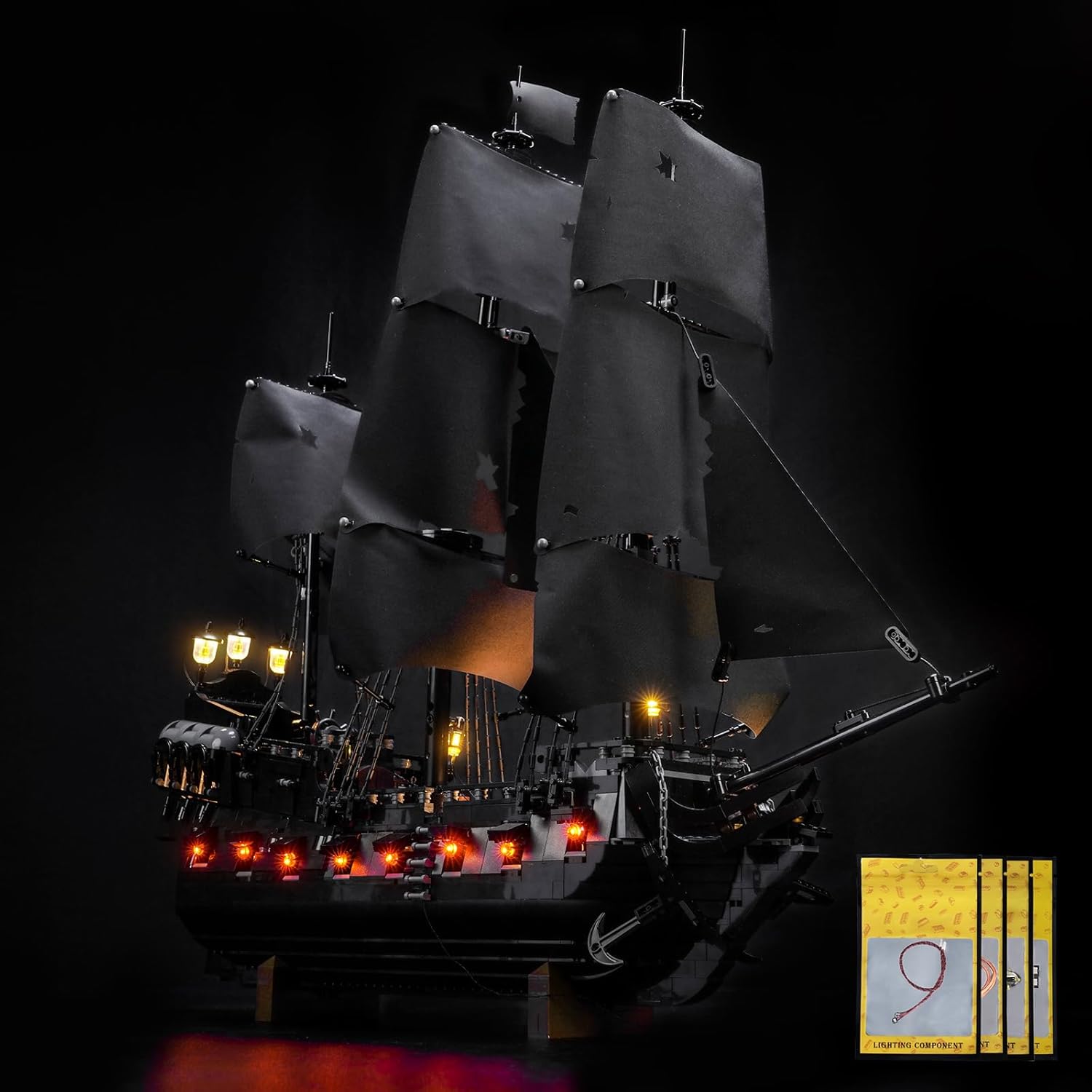
Image 2: Detailed view of the ship's stern with illuminated lanterns and cabin lights.
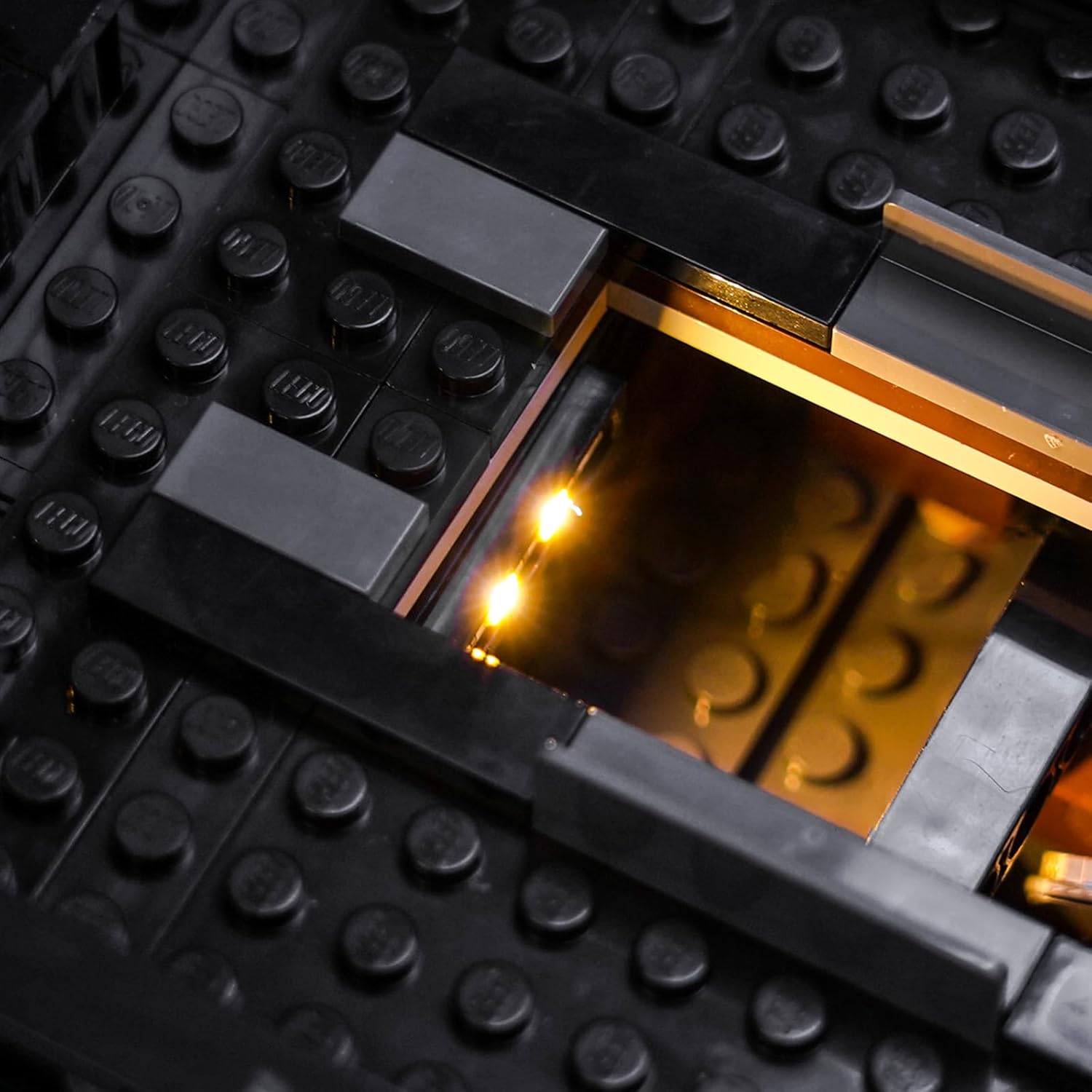
Image 3: Interior lighting detail, showing a warm yellow LED.
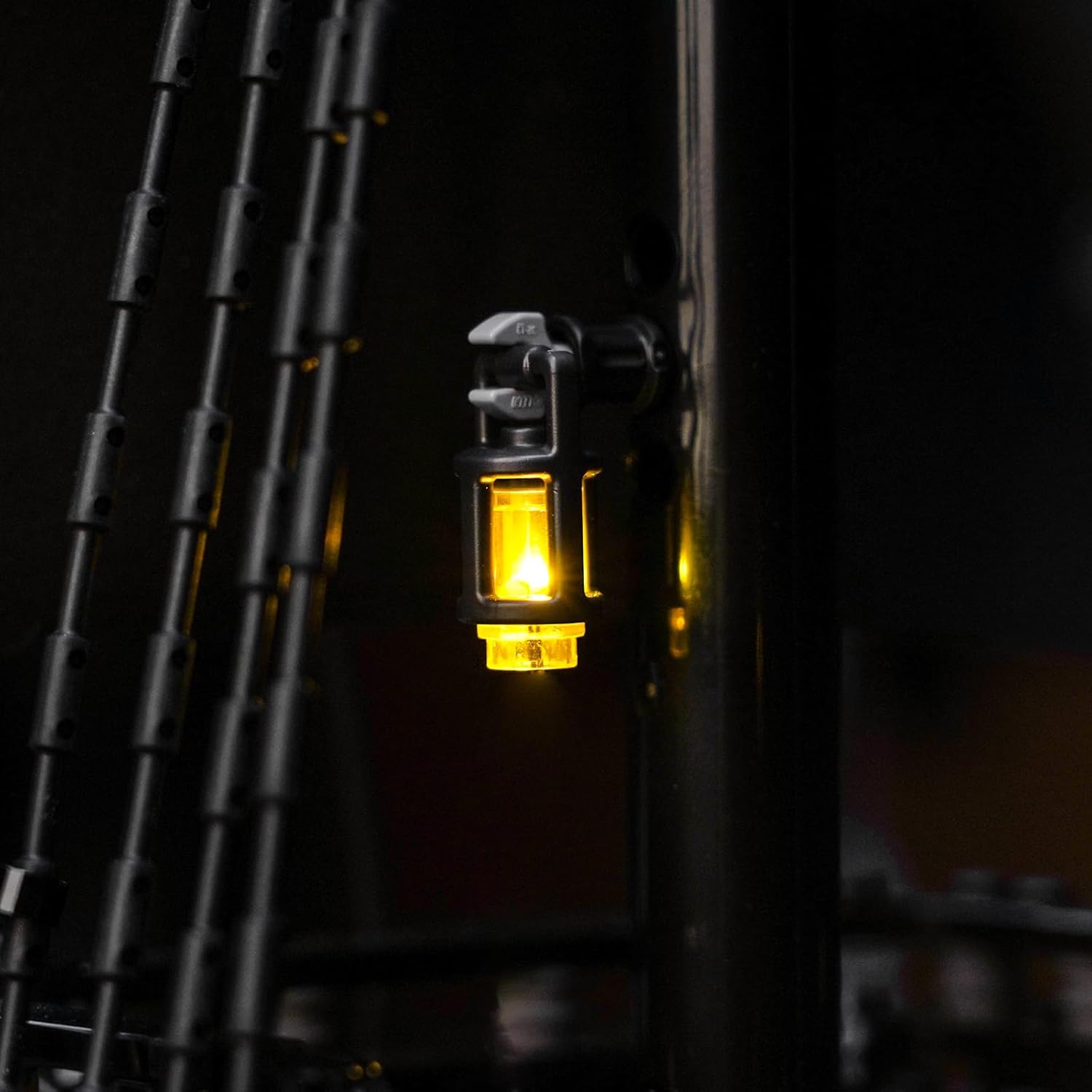
Image 4: Mast-mounted lantern detail.
4. Operating Instructions
Your BrickBling LED lighting kit features a remote control for convenient operation.
4.1 Powering the Lights
The LED lights can be powered using the provided USB cable through various sources:
- Power bank
- Wall charger with USB port
- USB outlet
- Laptop or computer USB port
- Any other device with a compatible USB port
Ensure the power source provides stable 5V DC output.
4.2 Using the Remote Control
The remote control allows you to manage different lighting sections and effects.
- Power On/Off: Press the designated power button on the remote to turn the entire lighting system on or off.
- Section Control: The remote allows you to selectively turn on or off specific lighting sections (e.g., deck lights, cabin lights, mast lights). Refer to the remote's button layout for specific functions.
- Brightness Adjustment: Use the brightness control buttons (if available) to adjust the intensity of the lights.
- Effect Modes: Some remotes may offer different lighting effects (e.g., flickering, pulsing). Consult your remote's specific instructions for these features.
Point the remote control directly at the remote control module for optimal response.

Image 5: Integrated deck lighting detail.

Image 6: Red hull accent lighting.
5. Maintenance
To ensure the longevity and optimal performance of your BrickBling LED lighting kit, follow these simple maintenance guidelines:
- Cleaning: Gently dust the LED lights and cables with a soft, dry cloth. Avoid using liquid cleaners directly on the electrical components.
- Cable Inspection: Periodically check the cables for any signs of wear, fraying, or damage. If any damage is observed, discontinue use and contact support.
- Storage: If disassembling the kit for storage, carefully disconnect all components and store them in a dry, cool place away from direct sunlight and extreme temperatures.
- Handling: Always handle the LED components and cables with care to prevent bending or breaking.
6. Troubleshooting
If you encounter any issues with your lighting kit, please refer to the following common troubleshooting steps:
- Lights Not Turning On:
- Ensure the USB power cable is securely connected to both the control module and a working power source.
- Try a different USB power source (e.g., a different wall adapter or power bank).
- Check if the remote control has fresh batteries and is pointed directly at the module.
- Verify all individual light connections to the control module are secure.
- Some Lights Not Working:
- Inspect the connections of the non-working lights to ensure they are properly seated.
- Check the cables for any visible damage or kinks.
- If a specific section is controlled by the remote, ensure that section is enabled.
- Remote Control Not Responding:
- Replace the batteries in the remote control.
- Ensure there are no obstructions between the remote and the control module.
- Verify the remote control module is properly connected to the lighting system.
If these steps do not resolve the issue, please contact BrickBling customer support for further assistance.
7. Specifications
| Feature | Detail |
|---|---|
| Brand | BrickBling |
| Model Number | DE02-10365-P99601 |
| Compatibility | LEGO Captain Jack Sparrow's Pirate Ship 10365 |
| Power Source | USB (5V DC) |
| Control Method | Remote Control |
| Main Material | Copper (for cables) |
| Product Dimensions | 15 x 14.5 x 3 cm; 110 grams (packaging dimensions) |
| Recommended Age | 15 years and up |
| Educational Value | Creative thinking |
| Assembly Required | Yes |
| Batteries Required | No (for the lighting kit itself, remote may require batteries) |
8. Warranty and Support
Specific warranty details for this product are not provided in the available information. For warranty claims, technical support, or any questions regarding your BrickBling LED Lighting Kit, please contact the seller directly or visit the official BrickBling website.
When contacting support, please have your product model number (DE02-10365-P99601) and purchase details readily available.