
1. Introduction
The Jundio AI Smart Glasses CY01 are designed to integrate advanced technology into everyday eyewear. These glasses feature an 8MP camera for high-definition video and photo recording, real-time translation capabilities, and anti-blue light lenses for eye protection. They are suitable for various activities, including outdoor sports, cycling, and hiking.
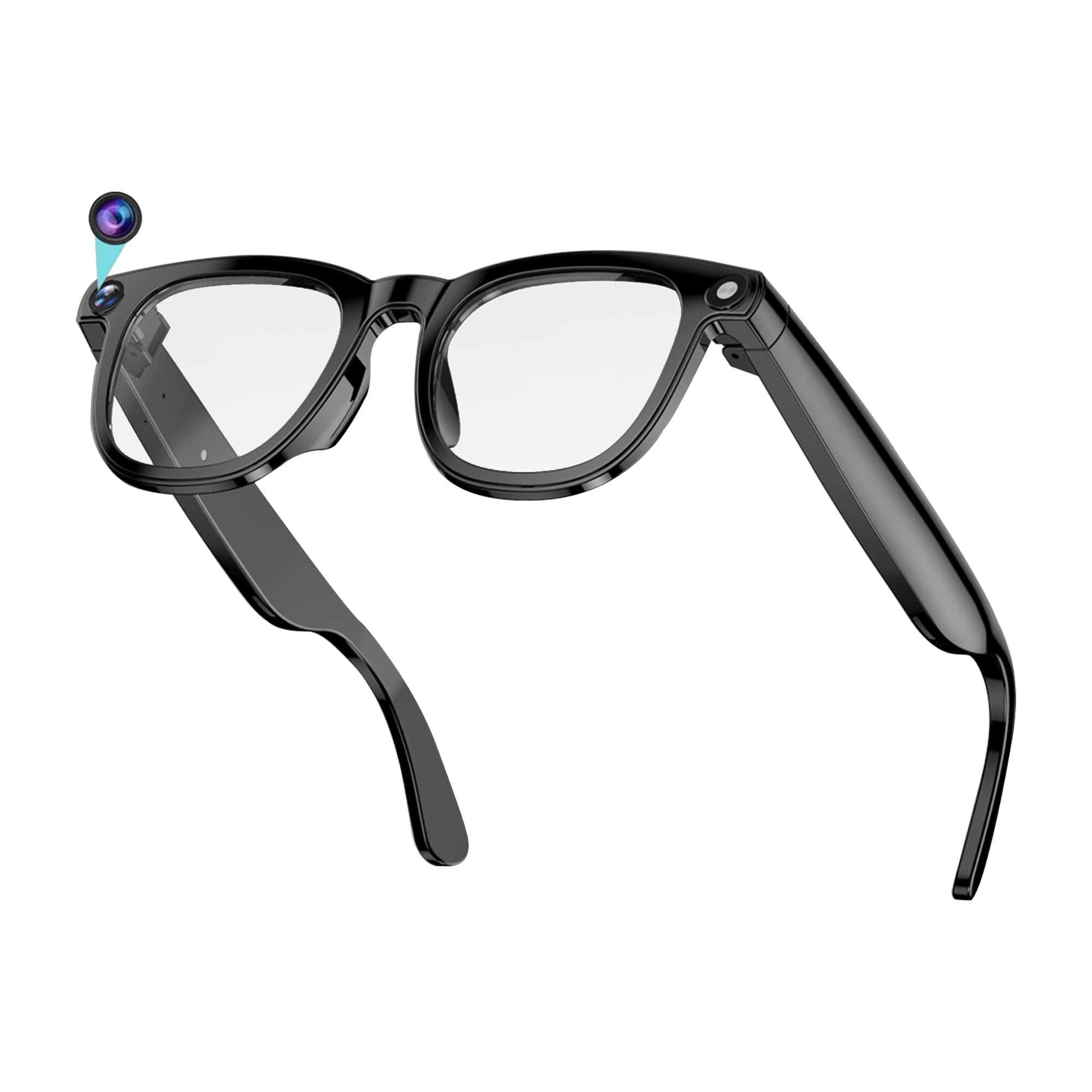
Figure 1: Jundio AI Smart Glasses CY01, showcasing both clear and tinted lens options.
2. Package Contents
Please verify that all items are present in your package:
- Jundio AI Smart Glasses CY01
- Charging Cable
- User Manual (this document)
- Additional Lenses (e.g., polarized, anti-blue light)
- Cleaning Cloth

Figure 2: Unboxing the Jundio AI Smart Glasses CY01 and its accessories.
3. Setup Guide
3.1 Charging the Glasses
Before first use, fully charge the glasses using the provided charging cable. Connect the cable to the charging port on the glasses and a compatible USB power source. The indicator light will show charging status.
3.2 Powering On/Off
To power on the glasses, long-press the power button located on the temple. A voice prompt or indicator light will confirm activation. To power off, long-press the power button again.
3.3 App Connection (Bluetooth Pairing)
Download the dedicated Jundio Smart Glasses app from your device's app store. Enable Bluetooth on your smartphone. Open the app and follow the on-screen instructions to pair your glasses. Ensure the glasses are powered on and in pairing mode (indicated by a flashing blue light).
Video 1: Demonstrates unboxing, lens switching, powering on, app connection, photo/video capture, AI Q&A, music control, charging, and waterproof features of the Jundio AI Smart Glasses CY01.
4. Operating Instructions
4.1 Camera and Video Recording
The glasses are equipped with an 8MP camera capable of recording 1080P HD video. To take a photo, single-click the camera button on the temple. To start video recording, double-click the camera button. Double-click again to stop recording. Captured media can be accessed and managed through the companion app.
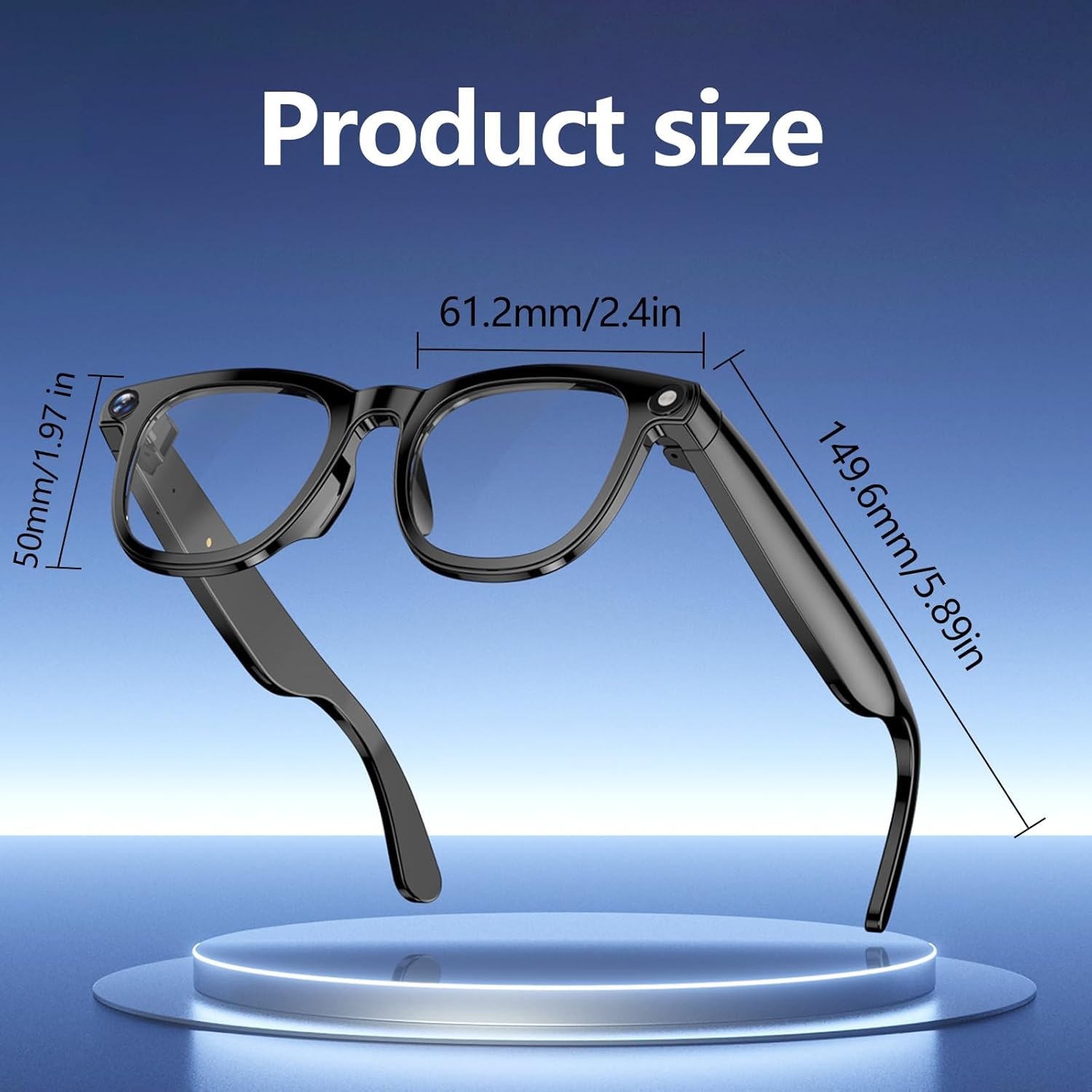
Figure 3: The integrated 8MP camera provides a first-person perspective for recording.
4.2 AI Assistant and Real-Time Translation
Activate the AI assistant by holding the designated button on the temple. You can ask questions, receive information, and utilize real-time translation. The smart image recognition feature allows the glasses to identify objects in your view and provide verbal descriptions or translations through the app.

Figure 4: Using the AI language assistant for queries and information retrieval.
4.3 Music Playback and Call Management
The glasses feature integrated speakers for audio playback and a microphone for calls. Use the touch-sensitive area on the temple to control music (play/pause, skip tracks) and manage phone calls (answer/end calls). Ensure your glasses are connected via Bluetooth to your smartphone for these functions.
4.4 Lens Switching
The Jundio AI Smart Glasses CY01 allow for interchangeable lenses. Gently remove the current lenses by pushing them out from the frame. Align the new lenses (e.g., anti-blue light or polarized) with the frame grooves and press them into place until they click securely.

Figure 5: Instructions for easily switching between different lens types.
5. Maintenance and Care
Proper care ensures the longevity and performance of your Jundio AI Smart Glasses CY01:
- Storage: Store the glasses in a cool, dry place away from direct sunlight. Use the provided protective case when not in use.
- Temperature: Avoid exposing the glasses to extreme temperatures.
- Cleaning: Clean lenses gently with a soft, dry cloth. Do not use harsh chemicals or abrasive materials.
- Water Exposure: The glasses are IP67 waterproof, meaning they are protected from dust and can withstand immersion in water up to 1 meter for up to 30 minutes. However, avoid prolonged submersion or exposure to high-pressure water jets.
- Magnetic Fields: Keep away from strong magnetic fields and electromagnetic radiation.
- Charging: Use only the provided charger and follow manufacturer's instructions for charging and battery care.

Figure 6: The glasses are designed with IP67 water resistance.
6. Troubleshooting
If you encounter issues with your Jundio AI Smart Glasses CY01, refer to the following common solutions:
- Glasses not powering on: Ensure the battery is charged. Connect the charging cable and wait a few minutes before attempting to power on again.
- Unable to connect to app: Verify Bluetooth is enabled on your phone and the glasses are in pairing mode. Restart both the glasses and your phone, then try pairing again.
- Poor audio quality: Check the connection to your device. Ensure the speakers on the glasses are not obstructed.
- Camera/Video not working: Confirm the glasses are powered on and connected to the app. Check if there is sufficient storage space on the glasses or your connected device.
- AI Assistant unresponsive: Ensure a stable internet connection on your paired smartphone, as the AI features may require cloud processing.
For persistent issues, please contact Jundio customer support.
7. Specifications
| Feature | Detail |
|---|---|
| Model Number | CY01 |
| Brand | Jundio |
| Camera | 8MP |
| Video Recording | 1080P HD |
| Special Features | Camera, Lightweight, Music Player, Video Recording, Real-Time Translation, AI Recognition |
| Lens Type | Anti-Blue Light, Polarized (interchangeable) |
| Frame Material | Plastic (PC+ABS) |
| Lens Material | Polycarbonate |
| Item Weight | 71.5 Grams |
| Water Resistance | IP67 |
| Dimensions | 173*57*61mm (Package: 6.81 x 2.4 x 2.24 inches) |
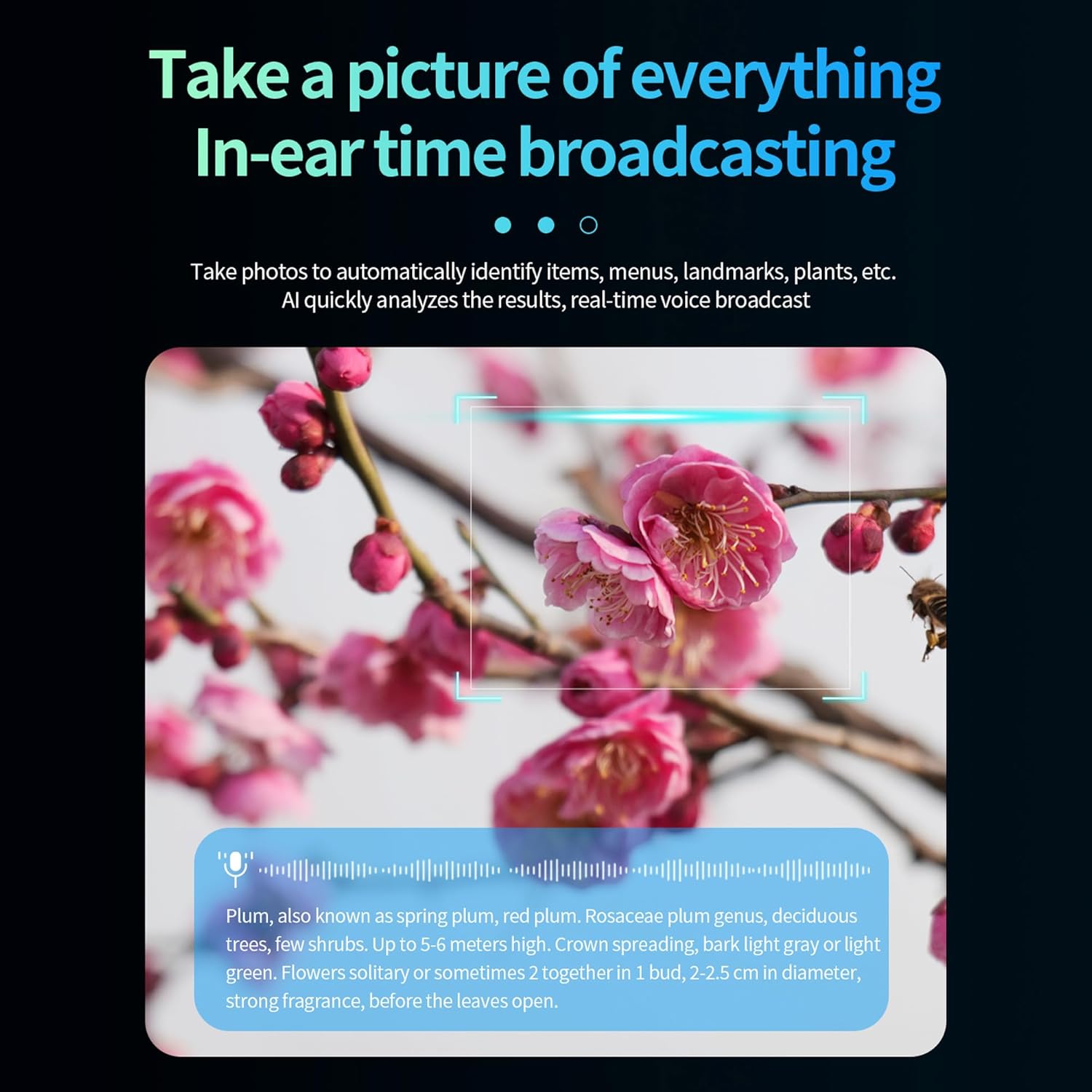
Figure 7: Product dimensions for the Jundio AI Smart Glasses CY01.

Figure 8: Battery life overview for audio and video functions.
8. Warranty and Support
The Jundio AI Smart Glasses CY01 come with a 1-year warranty from the date of purchase. This warranty covers manufacturing defects and malfunctions under normal use. It does not cover damage caused by misuse, accidents, unauthorized modifications, or improper maintenance.
For warranty claims, technical support, or any questions regarding your product, please contact Jundio customer service through the retailer where you purchased the product or visit the official Jundio website for contact information.