
1. Introduction
The KAT Walk C2 Core Complete Bundle is an omnidirectional VR treadmill designed to provide a full-body, immersive virtual reality experience. It allows users to walk, run, and move naturally within VR environments, reducing motion sickness and enhancing gameplay and fitness activities. This manual provides essential information for the safe and effective use of your KAT Walk C2.

Figure 1: Comparison of VR motion sickness versus natural locomotion on KAT Walk C2.
Key features of the KAT Walk C2 Core Complete Bundle include:
- 360° Natural Movement: Experience unrestricted movement in virtual reality, eliminating motion sickness often associated with traditional VR locomotion.
- Compact Design: The treadmill features a compact 1.2m² footprint, suitable for home VR setups.
- Wireless & Seated Play: The included Nexus adapter enables wireless play with standalone headsets like Meta Quest 2/3/Pro. The Seated Module supports racing, flying, and horse-riding VR games.
- Full-Body VR Adventures: Engage in walking, running, and crouching within VR, turning games into active, calorie-burning experiences.
- Complete Setup: The bundle includes the treadmill, KAT VR shoes (US Size 11), Nexus adapter, and Seated Module.
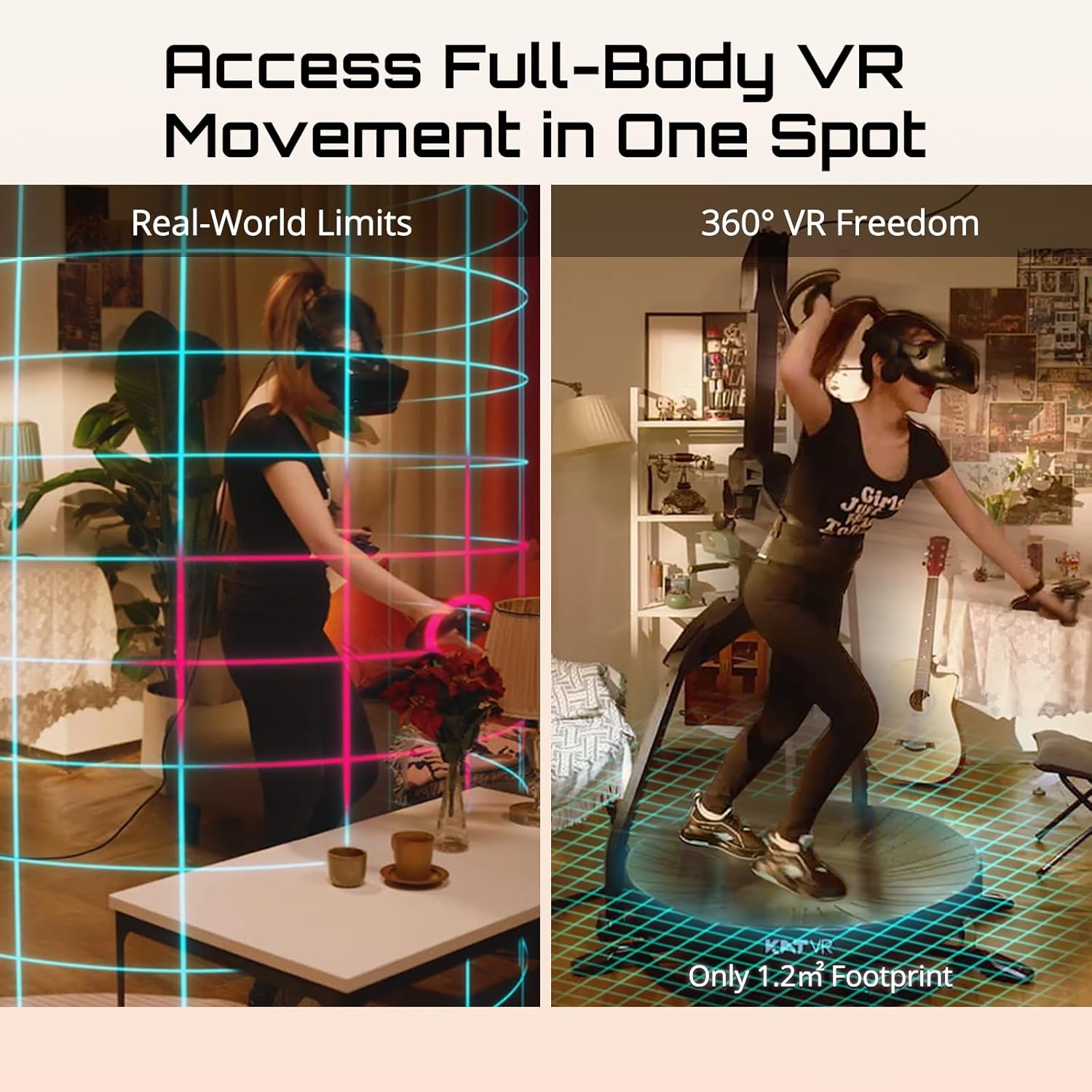
Figure 2: Full-body VR movement in a compact space.
2. Setup
2.1 Unpacking and Assembly
While the KAT Walk C2 is designed for straightforward setup, careful unpacking and component identification are crucial. The main treadmill unit does not require complex assembly. Ensure all components listed below are present before proceeding.
The Core Complete Bundle includes:
- KAT Walk C2 Treadmill Unit
- KAT VR Shoes (US Size 11)
- KAT Nexus Adapter
- Seated Module
- Power Adapter and Cables
- User Manual (this document)
2.2 Initial Connection and Software Setup
For the initial setup and configuration, a Windows 10+ PC is required to use the KAT Gateway software. This step is essential for calibrating the device and ensuring compatibility with your VR headset.
- Connect the KAT Walk C2 to your Windows 10+ PC using the provided cables.
- Download and install the KAT Gateway software from the official KATVR website.
- Follow the on-screen instructions within the KAT Gateway to perform initial calibration and firmware updates.
- Once configured, the KAT Nexus adapter allows for wireless play with standalone headsets such as Meta Quest 2/3/Pro. Refer to the Nexus adapter's specific instructions for pairing.
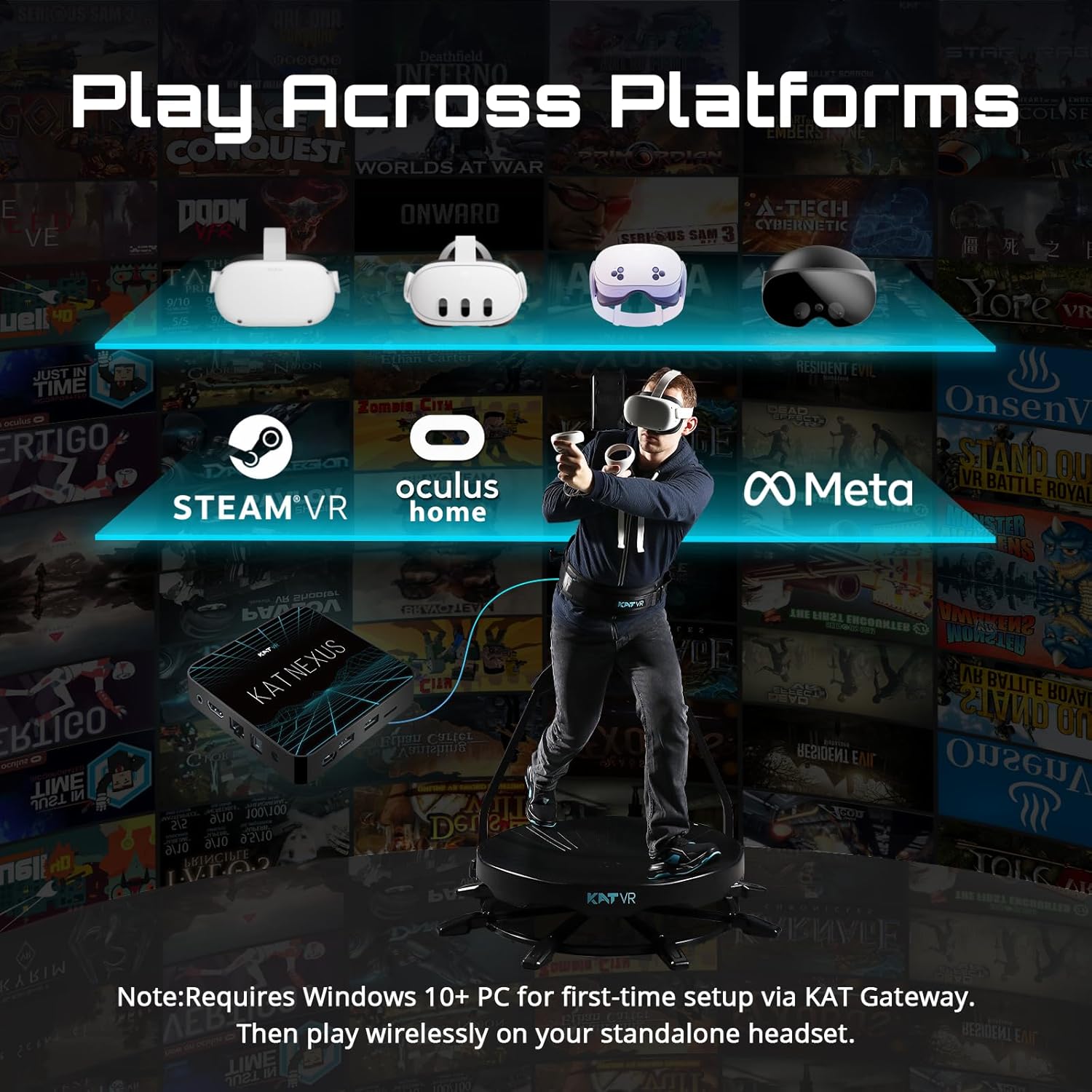
Figure 3: Platform compatibility and initial PC setup requirement.
2.3 Wearing KAT VR Shoes
The specialized KAT VR shoes are essential for proper function and optimal experience on the omnidirectional walking pad. Ensure you are wearing the correct size (US Size 11 for this bundle) for comfort and accurate tracking.

Figure 4: KAT VR Shoe Size Chart.
2.4 Safety Harness
Always use the provided safety harness when operating the KAT Walk C2. The harness prevents falls and ensures stability during dynamic movements. Adjust it snugly around your waist for secure support.
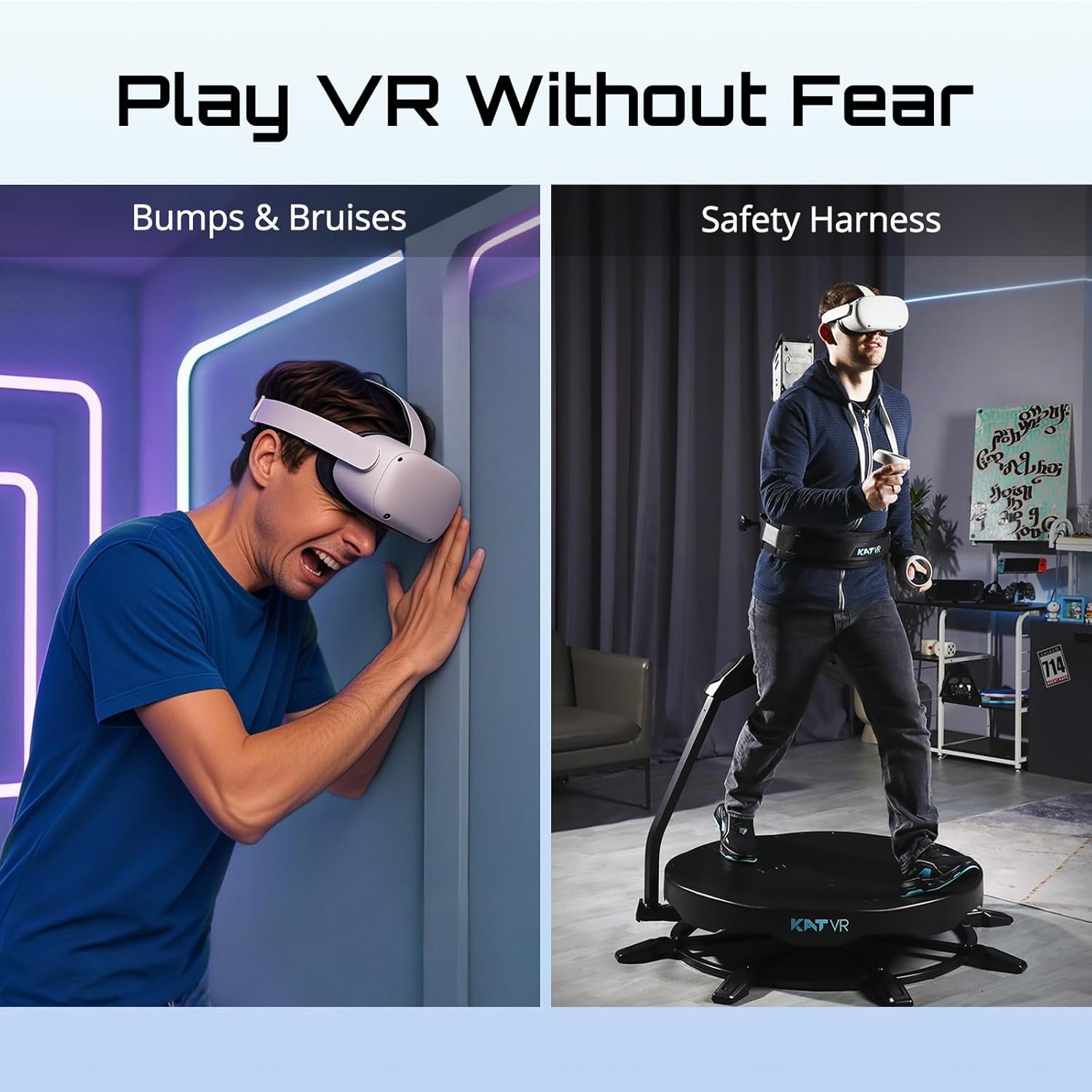
Figure 5: Importance of the safety harness for safe VR play.
3. Operating Instructions
3.1 Basic Movement
Once connected and calibrated, step onto the KAT Walk C2 platform while wearing the KAT VR shoes and safety harness. Begin by walking slowly to familiarize yourself with the sensation of omnidirectional movement. The low-friction surface of the treadmill, combined with the specialized shoes, allows for smooth, continuous motion in any direction.
- Walking/Running: Lean slightly forward and initiate a natural walking or running motion. The platform will move beneath your feet, simulating forward progress in VR.
- Turning: Rotate your body naturally to change direction in the virtual environment. The treadmill tracks your body orientation.
- Crouching/Sitting: The system supports crouching. For seated VR experiences, utilize the included Seated Module.

Figure 6: Immersive movement within VR games.
3.2 Using the Seated Module
The Seated Module allows for comfortable engagement in VR games that involve sitting, such as driving simulators, flight simulators, or horse-riding experiences. Attach the module according to its specific instructions, ensuring it is securely fastened to the main unit.
3.3 Fitness Tracking
The KAT Walk C2 can contribute to your fitness goals by tracking your physical activity within VR. Consult the KAT Gateway software or your VR headset's companion app for details on calorie burn and movement data.
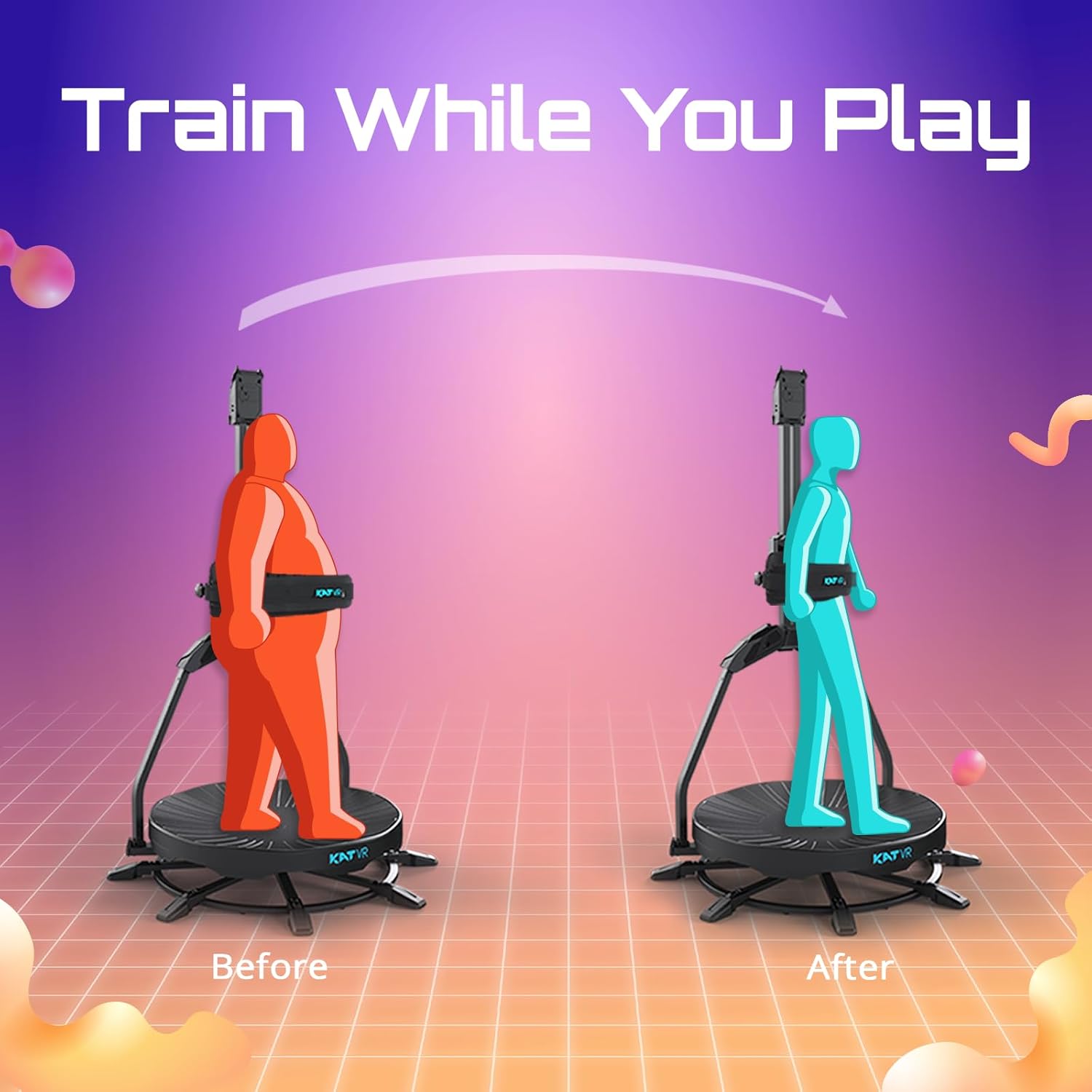
Figure 7: Fitness benefits of using the KAT Walk C2.
4. Maintenance
Regular maintenance ensures the longevity and optimal performance of your KAT Walk C2. Always power off and unplug the device before performing any cleaning or maintenance.
- Cleaning the Platform: Use a soft, damp cloth to wipe down the walking platform. Avoid abrasive cleaners or solvents that could damage the surface. Ensure the platform is completely dry before use.
- Harness Care: Inspect the safety harness regularly for any signs of wear or damage. Clean with a mild soap solution and allow to air dry.
- Shoe Care: Keep the KAT VR shoes clean and free of debris. The specialized soles are crucial for proper function.
- Storage: When not in use, store the KAT Walk C2 in a dry, dust-free environment.
5. Troubleshooting
This section addresses common issues you might encounter with your KAT Walk C2. If you experience problems not covered here, please contact customer support.
| Problem | Possible Cause | Solution |
|---|---|---|
| Nexus Adapter Not Connecting |
|
|
| Movement Not Tracking Accurately |
|
|
| Device Not Powering On |
|
|
6. Specifications
| Feature | Detail |
|---|---|
| Brand | KATVR |
| Model Name | Core Complete Bundle |
| Product Dimensions (D x W x H) | 49"D x 49"W x 79"H |
| Material | Metal, Plastic, Rubber |
| Assembly Required | No (for main unit) |
| Compatibility | SteamVR, Meta Quest (via Nexus Adapter), Oculus |
| Footprint | 1.2 m² |
| Included Shoes Size | US Size 11 |

Figure 8: KAT Walk C2 Core features overview.
7. Warranty & Support
7.1 Product Warranty
For specific warranty details regarding your KAT Walk C2 Core Complete Bundle, please refer to the warranty card included with your product or visit the official KATVR website. Warranty coverage typically includes manufacturing defects for a specified period from the date of purchase.
7.2 Customer Support
If you require technical assistance, have questions about setup, operation, or encounter any issues with your KAT Walk C2, please contact KATVR customer support. Installation support is available to assist with initial setup queries.
Contact Information:
- Website: www.kat-vr.com (for support resources, FAQs, and contact forms)
- Email: Refer to the official website for the most current support email address.
When contacting support, please have your product model (KAT Walk C2 Core Complete Bundle) and purchase information readily available.


