
AOC ACS4311
AOC ACS4311 Portable Bluetooth Speaker User Manual
Model: ACS4311 | Brand: AOC
Introduction
This manual provides essential information for the safe and efficient operation of your AOC ACS4311 Portable Bluetooth Speaker. Please read it thoroughly before use and retain it for future reference.
Package Contents
- AOC ACS4311 Portable Bluetooth Speaker x 1
- USB Charging Cable x 1
- User Manual x 1

Image showing the AOC ACS4311 speaker, user manual, and USB-C charging cable included in the box.
Product Overview
Familiarize yourself with the speaker's components.

AOC ACS4311 Portable Bluetooth Speaker, front view.
Controls and Indicators
- Power Button/Multi-function Button: Located on the front, typically a gold-colored button. Used for power on/off, play/pause, and TWS pairing.
- Pilot Lamp/Indicator Light: An orange light next to the power button, indicating power status, charging, and Bluetooth connection status.
- Microphone: Located on the top surface for hands-free calls.
- Handle Strap Attachment: Located on the top surface for attaching the included strap.
- USB-C Charging Port: Located on the side for charging the device.
Top view of the AOC ACS4311 speaker, highlighting the microphone and handle strap attachment point.

Side view of the AOC ACS4311 speaker, showing the USB-C charging port.
Setup
1. Charging the Speaker
Before first use, fully charge the speaker.
- Connect the provided USB charging cable to the USB-C port on the speaker.
- Connect the other end of the cable to a compatible USB power adapter (not included) or a computer's USB port.
- The indicator light will show charging status (e.g., solid red while charging, off when fully charged).
2. Power On/Off
- Power On: Press and hold the Power Button for approximately 2-3 seconds until you hear an audible prompt and the indicator light illuminates.
- Power Off: Press and hold the Power Button for approximately 2-3 seconds until you hear an audible prompt and the indicator light turns off.
3. Bluetooth Pairing
- Ensure the speaker is powered on and in pairing mode (the indicator light will typically flash rapidly).
- On your mobile device, enable Bluetooth and search for available devices.
- Select "AOC ACS4311" from the list of devices.
- Once connected, the indicator light will change to a steady state (e.g., solid blue or off, depending on the model) and you will hear a confirmation tone.
4. True Wireless Stereo (TWS) Pairing
To achieve a wider, more immersive sound experience, you can pair two AOC ACS4311 speakers together.
- Ensure both speakers are powered on and not connected to any other Bluetooth device.
- On each speaker, quickly press the Power Button three times.
- The speakers will attempt to pair with each other. Once successfully paired, the main speaker's orange light will flash rapidly, while the secondary speaker's light will remain off.
- Now, connect your mobile device to the main speaker via Bluetooth as described in step 3.

Diagram illustrating the True Wireless Stereo (TWS) pairing process between two AOC ACS4311 speakers.
Operating Instructions
Basic Audio Control
- Play/Pause: Short press the Power Button.
- Volume Adjustment: Adjust volume directly from your connected Bluetooth device.
Hands-Free Calling
The built-in microphone allows for hands-free communication when connected to a smartphone.
- Answer Call: Short press the Power Button.
- End Call: Short press the Power Button during a call.
- Reject Call: Press and hold the Power Button for 2 seconds.

Image depicting the AOC ACS4311 speaker next to a smartphone, indicating its built-in microphone for clear calls.
Maintenance
Cleaning
Use a soft, dry cloth to clean the speaker. Do not use abrasive cleaners or solvents.
Waterproof and Dustproof Guidelines (IP67)
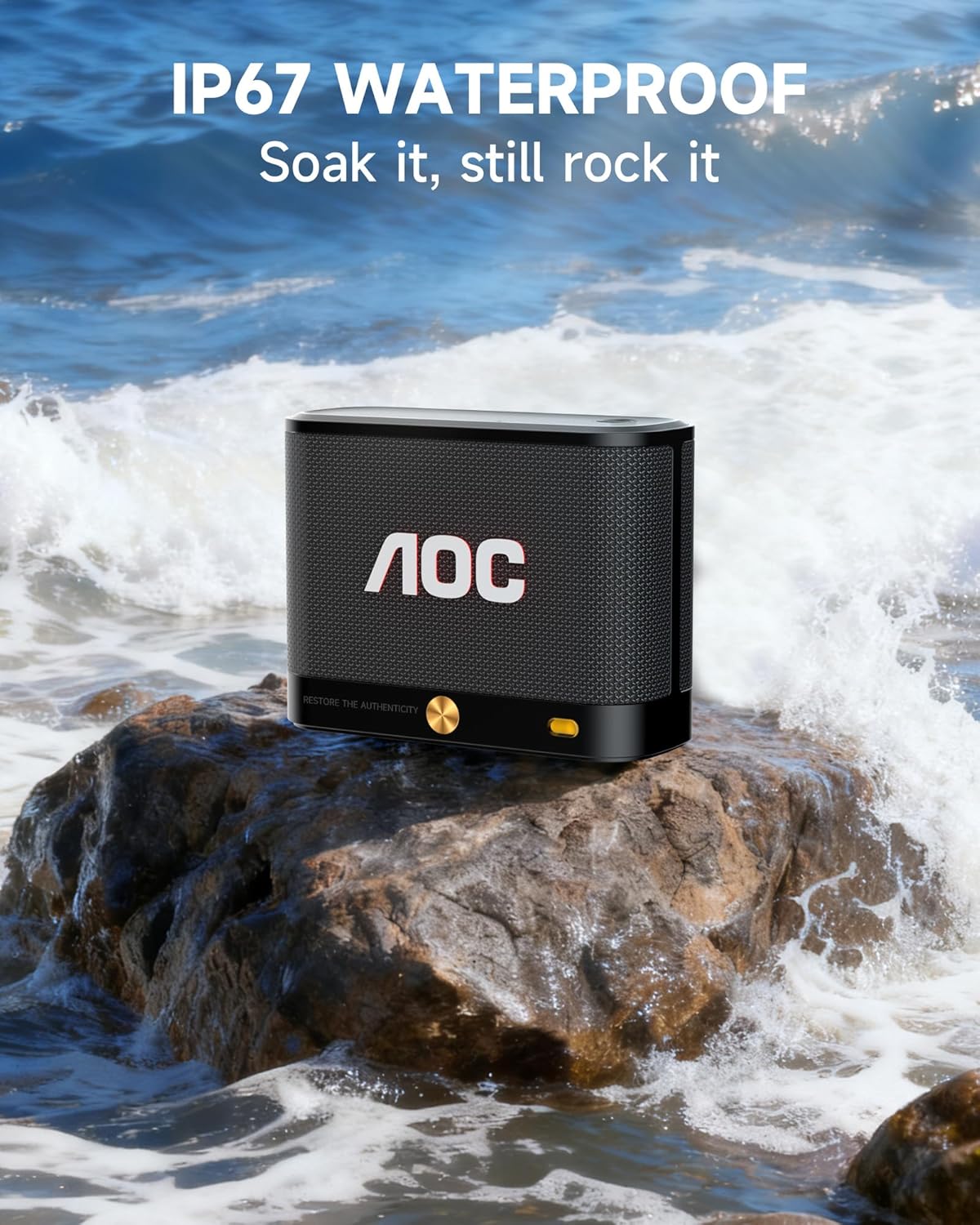
The AOC ACS4311 speaker is rated IP67, meaning it is protected against dust ingress and can withstand immersion in water up to 1 meter for up to 30 minutes.
- Ensure the charging port cover is securely closed before exposing the speaker to water or dust.
- Do not submerge the speaker in saltwater or other liquids.
- After exposure to water, wipe the speaker dry before charging.

The AOC ACS4311 speaker on a rock with waves splashing, demonstrating its IP67 waterproof capability.
Troubleshooting
| Problem | Solution |
|---|---|
| Speaker does not power on. | Ensure the battery is charged. Connect the speaker to a power source using the USB-C cable. |
| Cannot pair via Bluetooth. | Ensure the speaker is in pairing mode (indicator light flashing). Turn off and on Bluetooth on your device. Move the speaker closer to your device. |
| No sound or low volume. | Adjust the volume on both the speaker and your connected device. Ensure the speaker is not muted. |
| TWS pairing fails. | Ensure both speakers are not connected to any other Bluetooth device. Repeat the TWS pairing steps carefully. |
Specifications
- Model Name: ACS4311
- Connectivity: Bluetooth 5.4
- Waterproof Rating: IP67
- Playtime: Up to 30 hours (at 80% volume, actual battery life may vary)
- Output Power: 5 Watts
- Frequency Response: 2 KHz
- Dimensions: 4"D x 2"W x 3"H
- Weight: 15.5 ounces
- Control Method: App, Touch
- Included Components: Power Cable

Image displaying the dimensions of the AOC ACS4311 speaker (4.5in x 3.35in x 1.77in) and its weight (0.81lb).
Warranty and Support
This product comes with a limited warranty provided by AOC. For detailed warranty information, product support, or service inquiries, please refer to the official AOC website or contact their customer service.
Visit the AOC Store: AOC Official Store
Ask a question about this manual
Ask about setup, troubleshooting, compatibility, parts, safety, or missing instructions. Manuals+ will review the question and use this page’s manual context to help answer it.