
1. Introduction
Thank you for purchasing the Gueray HJGHFMP3 HiFi MP3 Player. This device is designed to provide a high-quality audio experience with versatile features including Bluetooth 5.3, FM radio, and voice recording. This manual will guide you through the setup, operation, and maintenance of your new MP3 player.
2. Product Overview
2.1 Included Components
- Gueray HiFi MP3 Player (HJGHFMP3)
- Type-C USB Cable
- 64GB TF Card (pre-installed or separate)
- User Manual

Image: Contents of the package, including the MP3 player, USB-C cable, 64GB TF card, and manual.
2.2 Device Layout and Controls
The Gueray HJGHFMP3 features a 2.4-inch HD display and a durable zinc alloy unibody. Key controls are intuitively placed for easy navigation.

Image: Front view of the MP3 player displaying music playback information on its screen and showing the surrounding control buttons.

Image: A detailed view of the MP3 player's control interface, illustrating the precision dial for volume and menu navigation, and the 'M' key for multi-function use including A-B repeat.
- Precision Dial: Adjusts volume and navigates menus with tactile feedback.
- Multi-Function M Key: Short press for menu access; long press for A-B Repeat (Study Mode).
- Other Buttons: Play/Pause, Next/Previous Track, Back, Power, etc. (Refer to device for specific button labels).
3. Setup
3.1 Charging the Device
Before first use, fully charge the MP3 player. Connect the supplied Type-C USB cable to the device's charging port and the other end to a USB power adapter (not included) or a computer's USB port. The charging time is approximately 2-3 hours.
3.2 Inserting the Memory Card
The device comes with a 64GB TF card. Locate the TF card slot on the side of the player. Gently insert the TF card into the slot until it clicks into place. The device supports memory expansion up to 256GB.
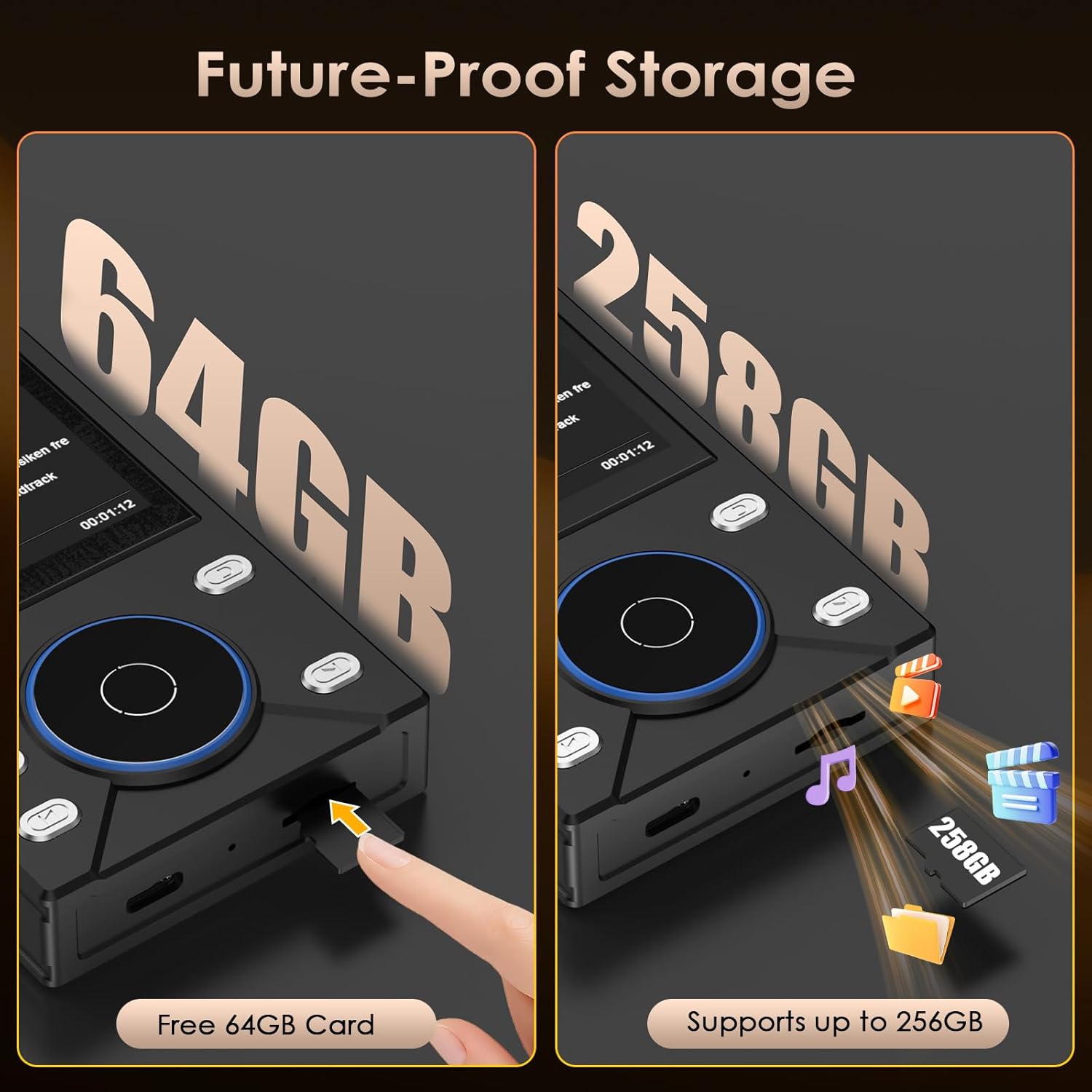
Image: Illustration of inserting a 64GB TF card into the MP3 player and a visual representation of the device supporting up to 256GB memory expansion.
3.3 Transferring Music Files
- Connect the MP3 player to your computer using the Type-C USB cable.
- The player will appear as a removable disk on your computer.
- Drag and drop your desired audio files into the player's storage or the inserted TF card.
- Safely eject the device from your computer before disconnecting the cable.
The player supports various lossless formats including FLAC, WAV, WMA, M4A, MP3, AAC, APE, ALAC, OGG, DSF, DFF, and Native DSD64/128/256.
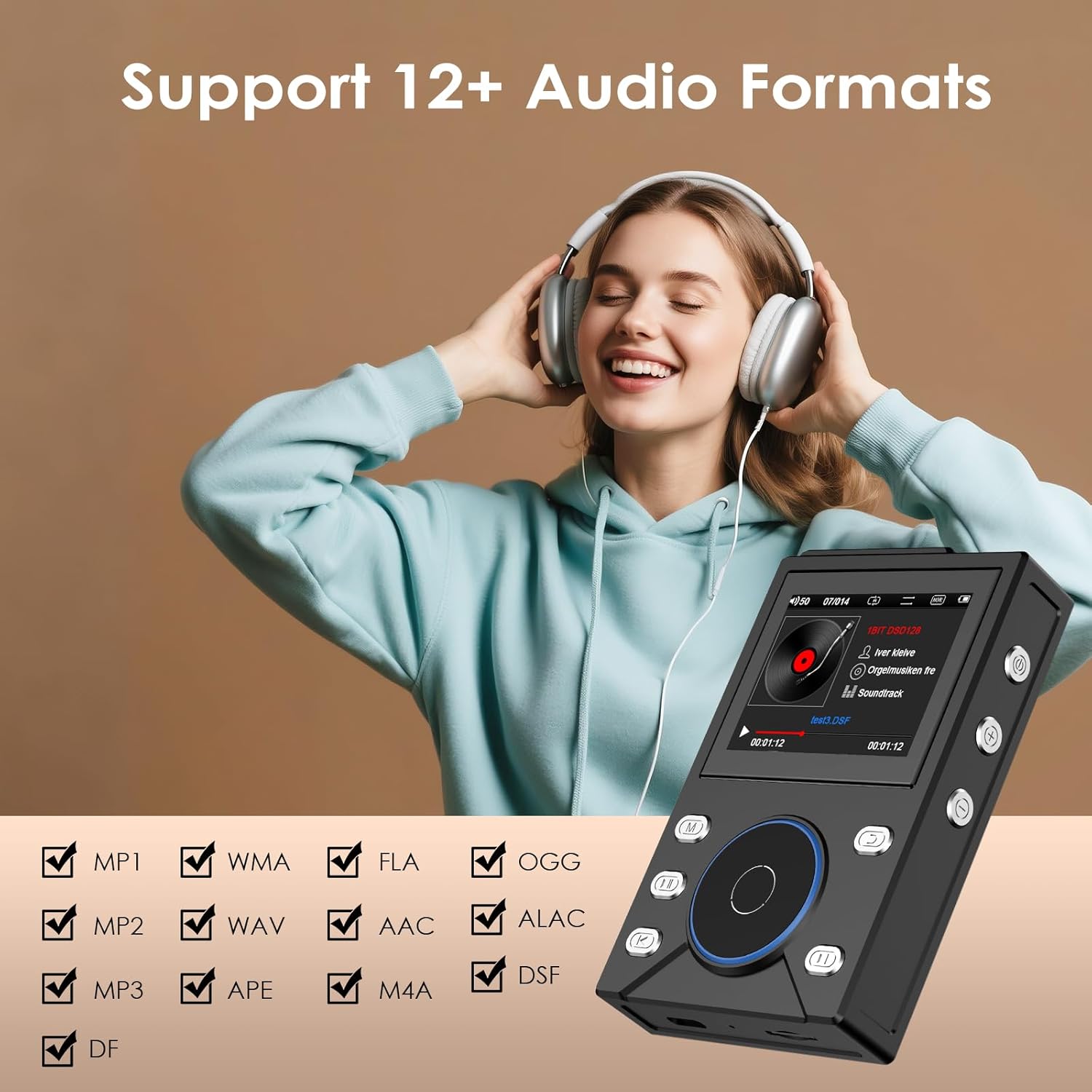
Image: The MP3 player displayed alongside a checklist of over 12 supported audio formats, emphasizing its compatibility with various file types.
4. Operating Instructions
4.1 Power On/Off
- To Power On: Press and hold the Power button until the screen lights up.
- To Power Off: Press and hold the Power button until the shutdown prompt appears, then confirm.
4.2 Basic Music Playback
- From the main menu, navigate to 'Music' or 'Browser'.
- Select the desired song or album using the navigation buttons and the central selection button.
- Press the Play/Pause button to start or pause playback.
- Use the volume dial to adjust the sound level.
- Use the Next/Previous buttons to skip tracks.
4.3 Bluetooth Connectivity
The player features Bluetooth 5.3 for stable wireless audio transmission.
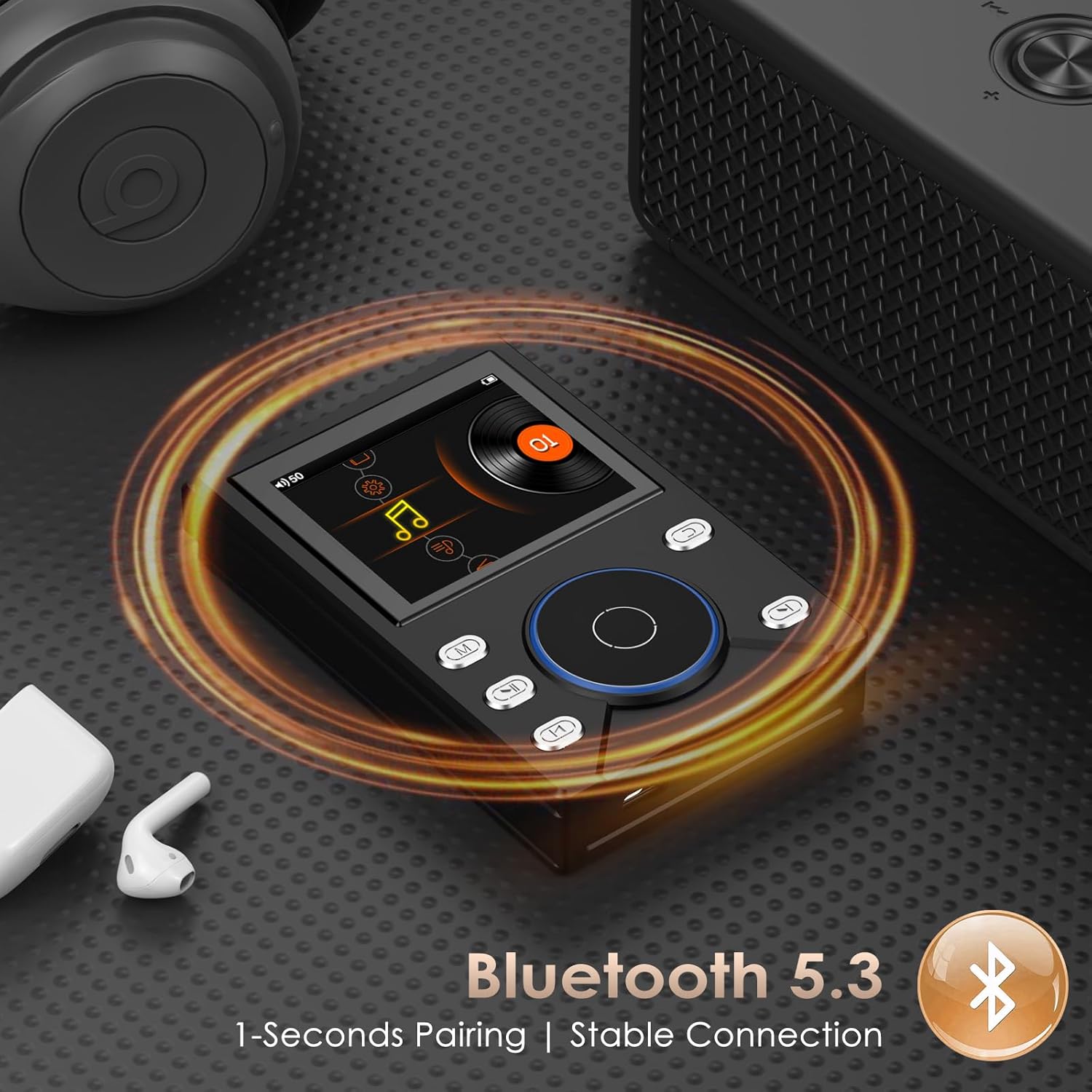
Image: The MP3 player demonstrating its Bluetooth 5.3 capability, with wireless signals connecting to earbuds and a portable speaker, highlighting 1-second pairing and stable connection.
- From the main menu, navigate to 'Bluetooth'.
- Turn on Bluetooth. The player will start searching for nearby devices.
- Ensure your Bluetooth headphones or speaker are in pairing mode.
- Select your device from the list on the MP3 player's screen to pair.
- Once paired, audio will be streamed wirelessly to your connected device.
4.4 FM Radio Function
The built-in FM radio allows you to listen to local radio stations.

Image: The MP3 player's screen showing the FM radio interface, with options for 30 preset stations and auto-scan, while a person jogs in the background using wired earphones.
- From the main menu, navigate to 'FM Radio'.
- Connect wired earphones to the player; they act as the antenna.
- Use the 'Auto-Scan' function to find available stations or manually tune to a frequency.
- You can save up to 30 preset stations.
4.5 Voice Recording
The device includes a voice recording function, useful for lectures or meetings.

Image: The MP3 player displaying its A-B Repeat function for studying and its Lecture Recorder function, shown in a classroom environment.
- From the main menu, navigate to 'Recorder' or 'Voice Record'.
- Press the record button to start recording.
- Press the button again to pause/resume, and stop to save the recording.
- Recordings are saved in a dedicated folder and can be played back later.
4.6 A-B Repeat Function
The A-B Repeat function is ideal for language learning or studying specific audio segments.
Image: The MP3 player displaying its A-B Repeat function for studying and its Lecture Recorder function, shown in a classroom environment.
- During music playback, long press the 'M' key to activate A-B Repeat mode.
- Press the 'M' key once to set point 'A' (start of the loop).
- Press the 'M' key again to set point 'B' (end of the loop).
- The player will continuously repeat the segment between A and B.
- Press the 'M' key a third time to exit A-B Repeat mode.
5. Maintenance
- Cleaning: Use a soft, dry cloth to clean the device. Avoid liquid cleaners or abrasive materials.
- Storage: Store the player in a cool, dry place away from direct sunlight and extreme temperatures.
- Battery Care: To prolong battery life, avoid fully discharging the battery frequently. Charge the device regularly, even if not in use for extended periods.
- Water Resistance: This device is not waterproof. Avoid exposure to water or high humidity.
6. Troubleshooting
6.1 Device Does Not Turn On
- Ensure the battery is charged. Connect the player to a power source and try again.
- If the device is unresponsive, try a hard reset (if applicable, refer to specific device instructions for reset procedure, usually involves holding power button for 10+ seconds).
6.2 No Sound
- Check the volume level.
- Ensure headphones are properly connected or Bluetooth device is paired and connected.
- Test with different headphones or Bluetooth device.
- Verify the audio file format is supported.
6.3 Cannot Connect via Bluetooth
- Ensure Bluetooth is enabled on both the MP3 player and the target device.
- Place devices within close proximity (typically 10 meters).
- Ensure the target device is in pairing mode.
- Delete previous pairings on both devices and try pairing again.
6.4 Files Not Appearing on Device
- Ensure files are transferred to the correct folder on the device or TF card.
- Verify the file formats are supported by the player.
- Check if the TF card is properly inserted and recognized.
7. Specifications
| Feature | Specification |
|---|---|
| Dimensions | 101 × 63 × 19.4 mm |
| Display | 2.4 inches, 320 × 240 pixels |
| Supported Audio Formats | FLAC, FLA, WAV, WMA, M4A, MP3, MP2, MP1, AAC, APE, ALAC, OGG, DSF, DFF, Native DSD64/128/256 |
| Bluetooth Version | 5.3 |
| Battery Capacity | 3000 mAh |
| Interface | USB 2.0 (Type-C) |
| Memory Expansion | Up to 256 GB (TF card) |
| Internal Storage | 16 GB |
| Charging Time | 2-3 hours |
| Playback Time | Up to 10 hours |
| Material | High-quality Zinc Alloy |
| Model Number | HJGHFMP3 |
8. Warranty and Support
Specific warranty details are not provided in the product information. Please refer to the retailer or manufacturer's official website for warranty terms and conditions. For technical support or further assistance, please contact Gueray customer service through their official channels.


