
1. Introduction
This manual provides essential instructions for the safe and effective use of the SIWUAND XK2 FZ31-9 Series Selector Rotary Switches. These switches are designed for industrial electrical applications, offering multiple positions for circuit selection. Please read this manual thoroughly before installation and operation, and retain it for future reference.
2. Safety Information
Warning: Electrical shock hazard. Improper installation or use can result in serious injury or death.
- Always disconnect power to the circuit before installing, wiring, or performing any maintenance on the switch.
- Installation and wiring should only be performed by qualified and licensed electrical personnel.
- Ensure all wiring complies with local and national electrical codes.
- Do not exceed the specified electrical ratings (voltage and current) of the switch.
- Avoid exposing the switch to excessive moisture, dust, or corrosive environments unless specifically rated for such conditions.
- Verify all connections are secure before restoring power.
3. Product Overview
The SIWUAND XK2 FZ31-9 series comprises robust, double-layer selector rotary switches. These switches feature a knob-style actuator and are available in various pin and position configurations, including 6-pin 4-position, 6-pin 7-position, and 8-pin 6-position models. They are constructed from durable ABS and metal, with alloy steel contacts for reliable performance.
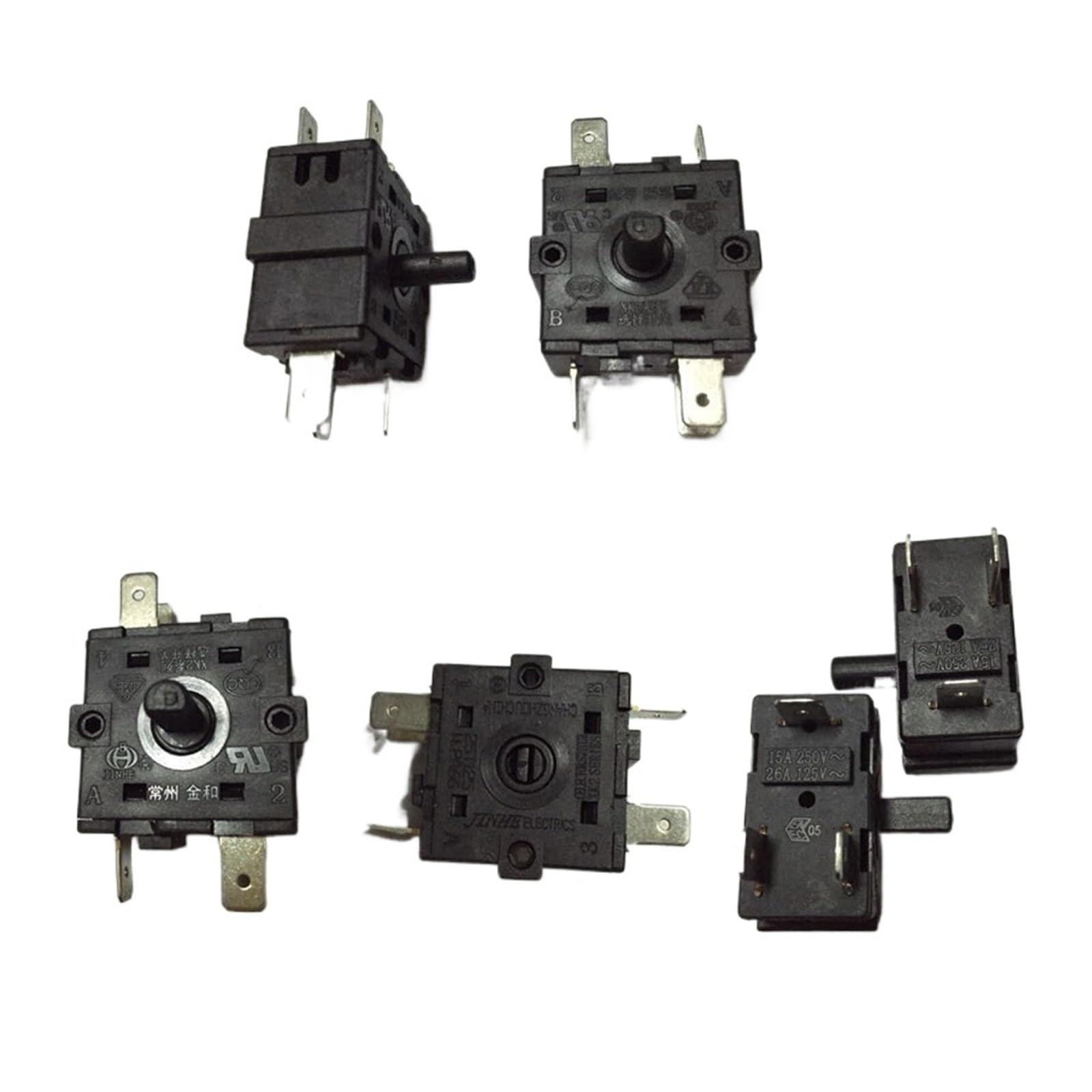
Figure 3.1: Various models of the SIWUAND XK2 FZ31-9 series selector rotary switches, showcasing different pin and position configurations.
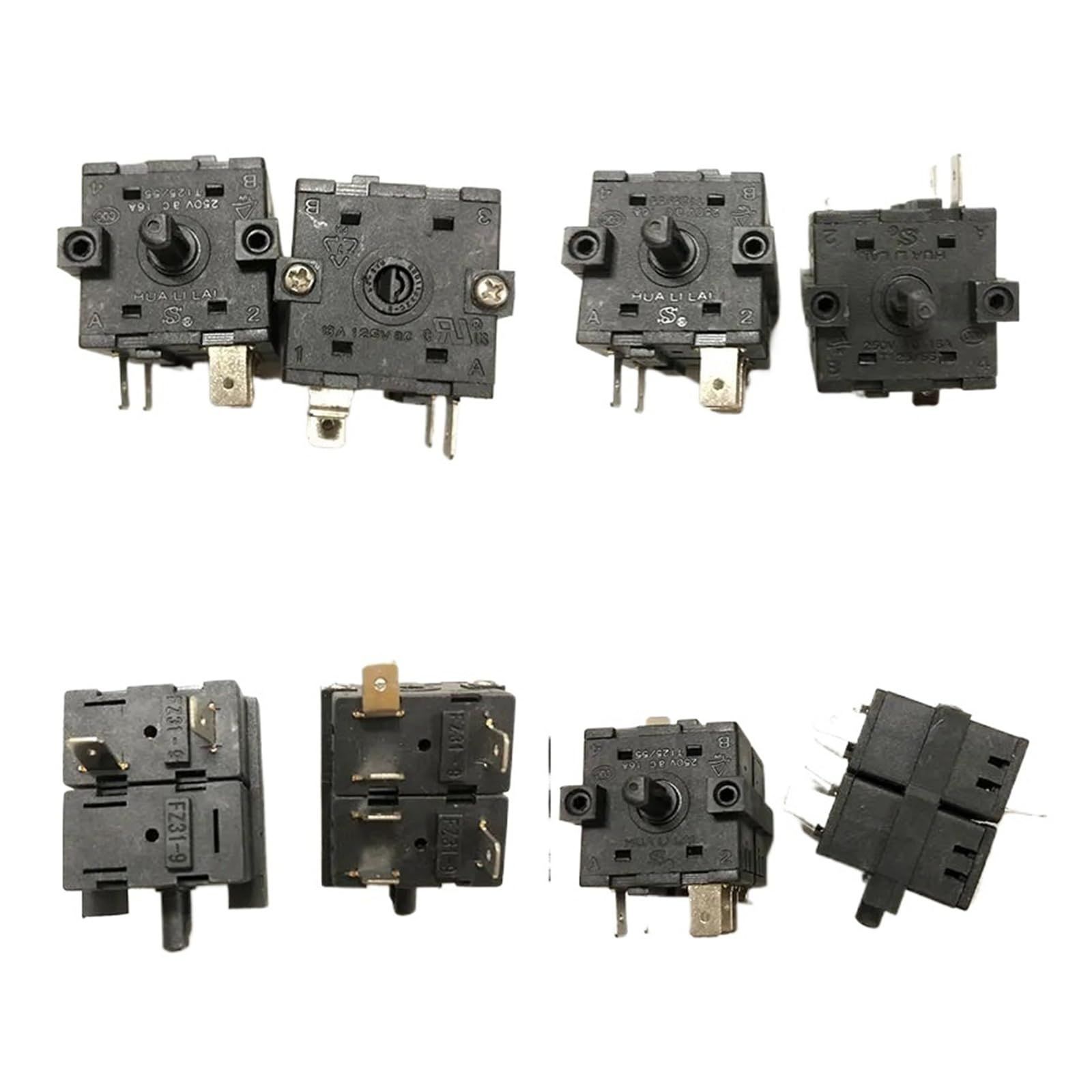
Figure 3.2: Top view of a single selector rotary switch, highlighting the knob and mounting points.

Figure 3.3: Side view of a selector rotary switch, illustrating the blade terminals for electrical connections.
4. Installation
Follow these general steps for installing your SIWUAND selector rotary switch:
- Power Disconnection: Ensure all power to the circuit where the switch will be installed is completely disconnected and locked out.
- Mounting: Securely mount the switch in the desired panel or enclosure. The switch is designed for panel mounting, typically using a threaded shaft and nut (not always included, refer to product packaging).
- Wiring: Connect the electrical wires to the switch's blade terminals. The switches utilize a clamp-type connector for secure wiring. Refer to the specific wiring diagram for your application and the particular model (e.g., 6-pin 4-position, 8-pin 6-position) to ensure correct connections. Incorrect wiring can damage the switch or connected equipment.
- Verification: Double-check all connections for tightness and correct polarity. Ensure no bare wires are exposed.
- Power Restoration: Once installation is complete and verified, restore power to the circuit.
5. Operation
The SIWUAND XK2 FZ31-9 series selector rotary switches are operated by rotating the knob to select the desired position. Each position corresponds to a specific circuit configuration or function within your electrical system.
- Position Selection: Gently rotate the knob clockwise or counter-clockwise to move between the available positions. The switch will typically have a tactile or audible click at each detent, indicating a stable selection.
- Functionality: The specific function of each position is determined by your application's wiring and design. For example, a 4-position switch might select between Off, Low, Medium, and High settings, or different operational modes.
- Cycle Gear: The 'Cycle Gear' design implies a sequential rotation through positions. Avoid forcing the knob beyond its natural stops.
6. Maintenance
The SIWUAND XK2 FZ31-9 selector rotary switches are designed for minimal maintenance. Adhere to the following guidelines:
- Cleaning: Periodically clean the exterior of the switch with a dry, soft cloth. Do not use abrasive cleaners, solvents, or excessive moisture.
- Inspection: Regularly inspect the switch for any signs of physical damage, loose connections, or excessive wear. Address any issues promptly.
- No User-Serviceable Parts: The internal components of the switch are not user-serviceable. Do not attempt to disassemble the switch, as this will void any warranty and may compromise its safety and functionality.
7. Troubleshooting
If you encounter issues with your SIWUAND selector rotary switch, consider the following basic troubleshooting steps:
- No Response:
- Verify that power is supplied to the circuit.
- Check all wiring connections for tightness and correct installation.
- Ensure the switch knob is fully engaged in a detent position.
- Intermittent Operation:
- Inspect for loose wiring connections.
- Check for any physical obstructions preventing full knob rotation.
- Physical Damage: If the switch housing or knob is visibly damaged, replace the switch immediately.
For issues that cannot be resolved with these steps, or if you suspect an internal fault, contact a qualified electrician or the product supplier for assistance. Do not attempt complex repairs yourself.
8. Specifications
| Feature | Specification |
|---|---|
| Model Series | XK2 FZ31-9 |
| Brand | SIWUAND |
| Switch Type | Knob Switch, Rotary Selector |
| Material | ABS, Metal (Housing), Alloy Steel (Contacts) |
| Electrical Rating | 250VAC, 16A |
| Pin Configurations | 6-pin, 8-pin (model dependent) |
| Available Positions | 4, 6, 7 (model dependent) |
| Terminal Type | Blade |
| Connector Type | Clamp |
| Approximate Product Dimensions (L x W x H) | 3.15 x 3.15 x 3.15 inches |
9. Warranty and Support
For warranty information, technical support, or service inquiries, please contact your point of purchase or the manufacturer directly. Keep your purchase receipt as proof of purchase.