
1. Introduction
Thank you for choosing the EUREL OA42 Electric Citrus Juicer. This appliance is designed for efficient and convenient juicing of various citrus fruits. Please read this manual carefully before first use to ensure proper operation, maintenance, and safety. Keep this manual for future reference.
2. Safety Instructions
- Always ensure the appliance is fully assembled before use.
- Do not immerse the motor unit in water or other liquids.
- Keep hands and utensils away from moving parts during operation.
- This appliance is not intended for use by children. Keep out of reach of children.
- Use only the provided USB-C cable for charging.
- Do not operate the juicer if any part is damaged. Contact customer support for assistance.
- All materials in contact with juice are BPA-free and food-safe.
3. Product Overview
The EUREL OA42 Electric Citrus Juicer consists of several key components:
- Lid: Covers the juicing cone and fruit during operation.
- Juicing Cone: Extracts juice from citrus halves.
- Filter/Sieve: Separates pulp and seeds from the juice.
- Juice Container: Collects the extracted juice.
- Spout with Drip-Stop: For pouring juice and preventing drips.
- Motor Unit: Contains the rechargeable battery and power button.
- USB-C Charging Port: For recharging the internal battery.
- Cleaning Brush: Included for easy cleaning of components.

Image: Exploded view of the EUREL OA42 Electric Citrus Juicer, showing the lid, juicing cone, filter, juice container, motor unit, and cleaning brush. This illustrates the easy-to-disassemble parts for cleaning.
4. Setup
- Unpack: Carefully remove all components from the packaging.
- Clean: Wash all detachable parts (lid, juicing cone, filter, juice container) with warm soapy water before first use. Rinse thoroughly and dry. The motor unit should only be wiped with a damp cloth.
- Assemble: Place the filter onto the juice container, then position the juicing cone onto the filter. Ensure the spout is closed.
- Charge: Connect the USB-C charging cable to the charging port on the motor unit and plug the other end into a suitable USB power adapter (not included). The indicator light will show charging status. Fully charge the juicer before its first use.
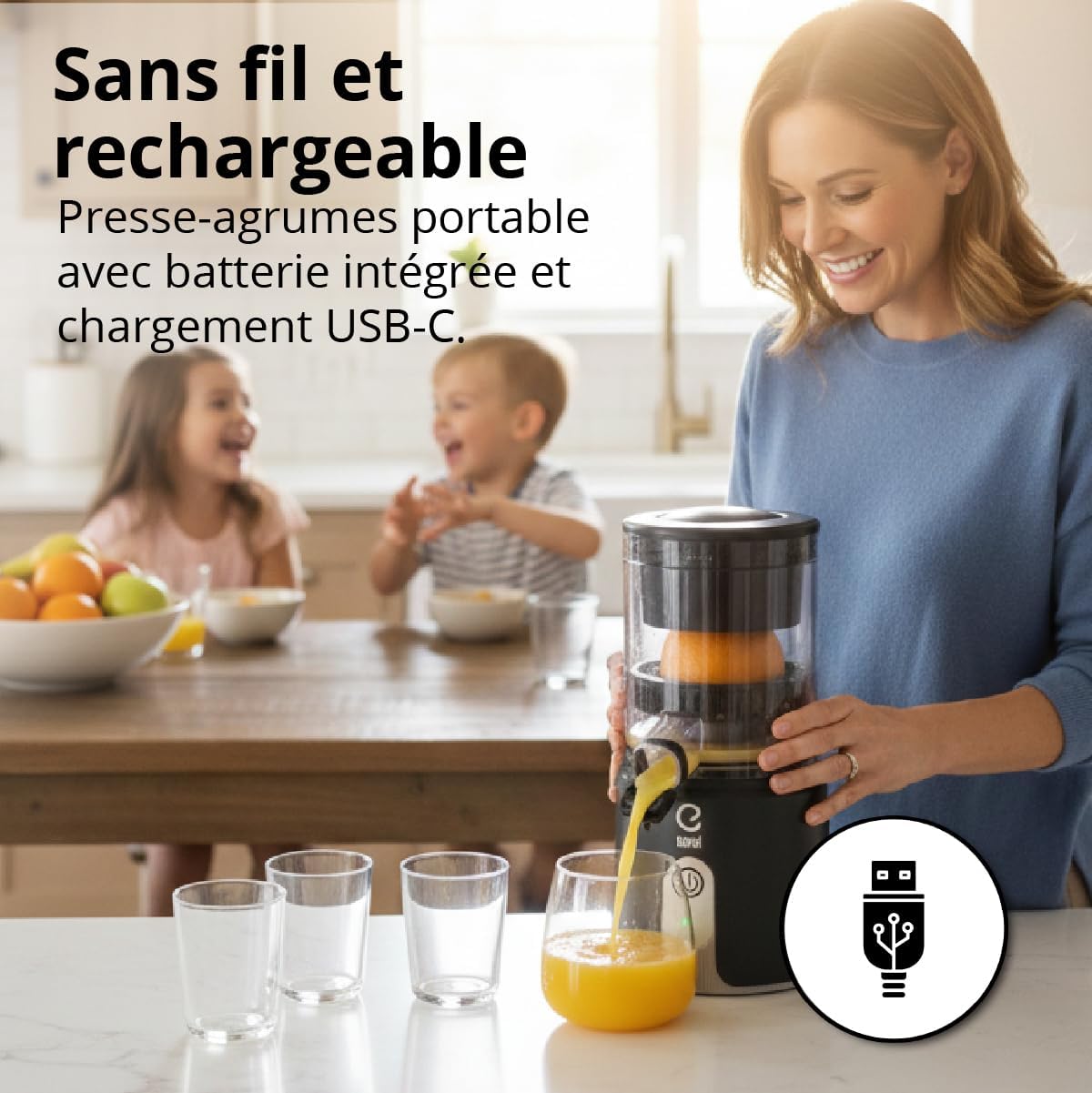
Image: A woman is shown using the EUREL OA42 Electric Citrus Juicer in a kitchen setting, emphasizing its cordless design. An icon of a USB-C cable is visible, indicating its rechargeable nature.
5. Operating Instructions
- Prepare Fruit: Wash your citrus fruit (oranges, lemons, grapefruits, etc.) and cut it in half.
- Place Fruit: Place one half of the citrus fruit onto the juicing cone.
- Close Lid: Place the lid over the fruit and juicing cone.
- Start Juicing: Press the power button on the motor unit. The juicing cone will automatically rotate, pressing the fruit against the lid to extract juice. The cone will alternate rotation directions to maximize juice yield.
- Collect Juice: Once juicing is complete for one half, remove the lid and fruit pulp. Repeat for additional fruit halves.
- Pour Juice: Open the drip-stop spout and pour the fresh juice into a glass.
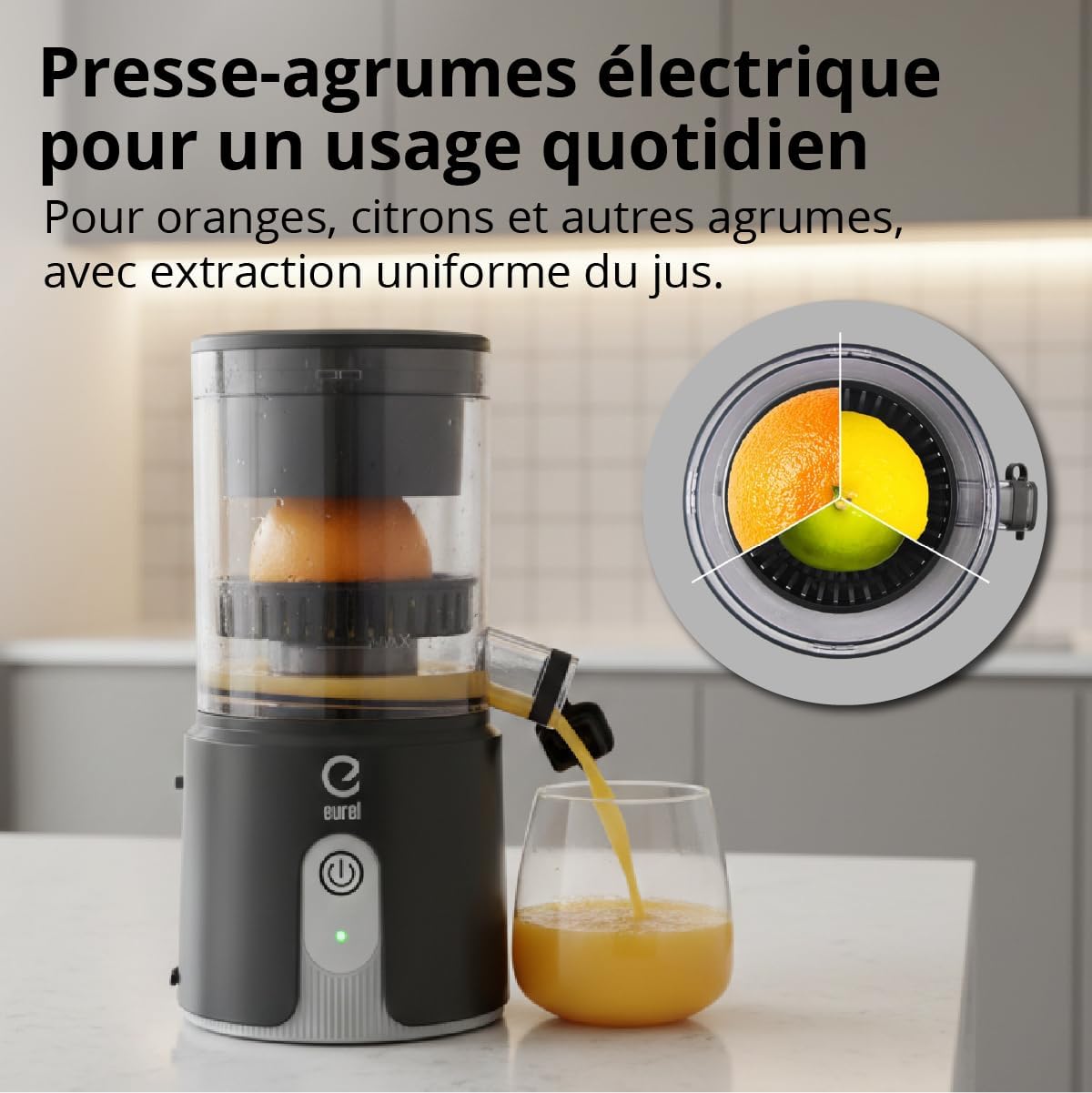
Image: The EUREL OA42 Electric Citrus Juicer is actively pouring fresh orange juice into a glass. An inset shows a cross-section of an orange and a lemon being juiced, illustrating the efficient extraction process.
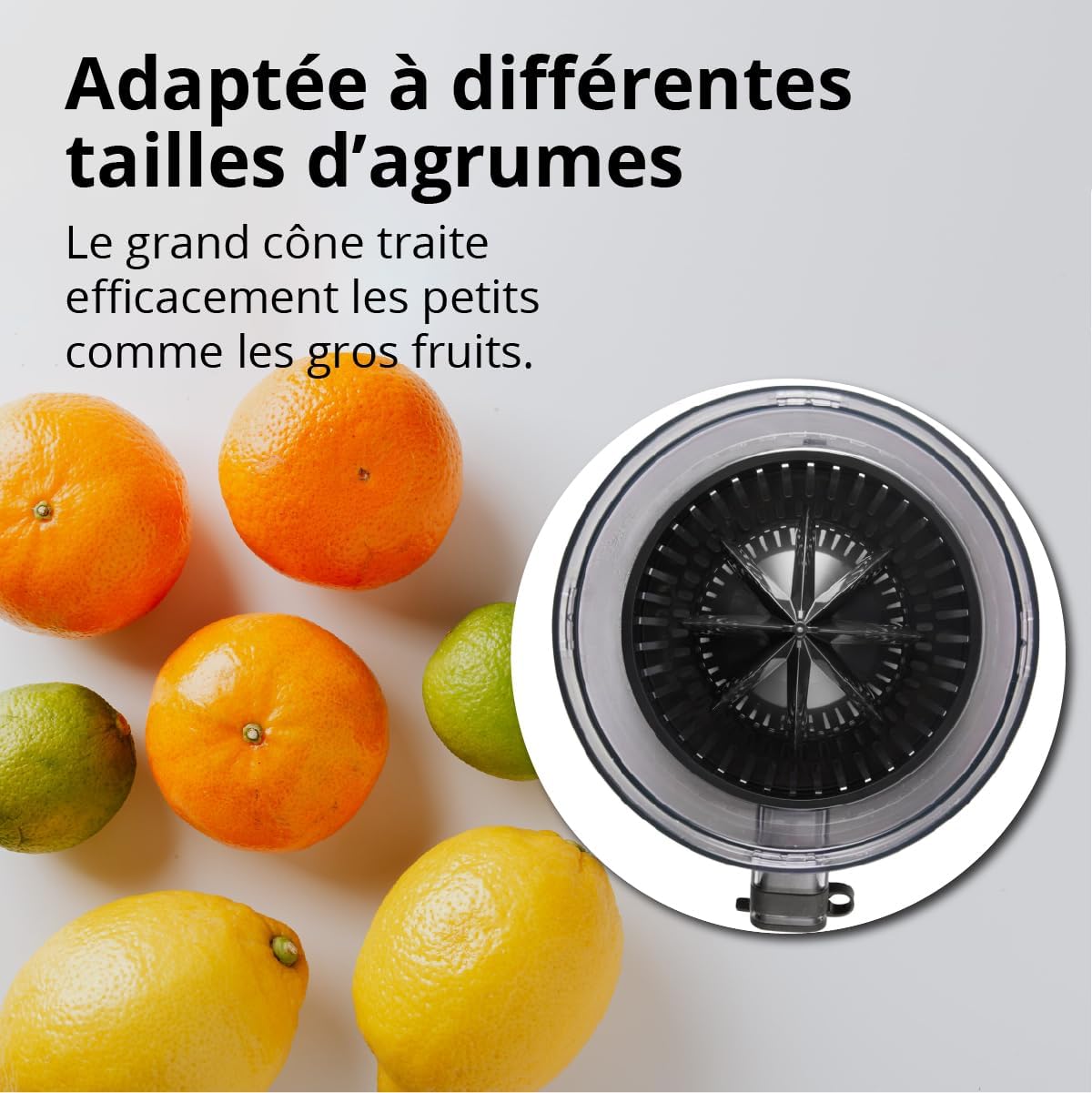
Image: A selection of citrus fruits including oranges, lemons, and limes are displayed next to a top-down view of the EUREL OA42 juicing cone, demonstrating its adaptability for different fruit sizes.
6. Maintenance and Cleaning
Regular cleaning ensures the longevity and hygiene of your juicer.
- Disassemble: Turn off the juicer and carefully remove the lid, juicing cone, filter, and juice container from the motor unit.
- Wash Detachable Parts: The lid, juicing cone, filter, and juice container are dishwasher-safe. Alternatively, wash them by hand with warm soapy water and the provided cleaning brush. Rinse thoroughly.
- Clean Motor Unit: Wipe the motor unit with a damp cloth. Do not immerse it in water.
- Dry: Ensure all parts are completely dry before reassembling or storing.
- Reassemble: Reassemble the juicer in reverse order of disassembly.
7. Troubleshooting
| Problem | Possible Cause | Solution |
|---|---|---|
| Juicer does not turn on. | Battery is low or depleted. | Charge the juicer using the USB-C cable. |
| Low juice yield. | Fruit not properly positioned or cone not rotating effectively. | Ensure fruit is centered on the cone. Check if the cone is securely attached. |
| Juicer stops during operation. | Battery is low or motor is overloaded. | Charge the battery. If overloaded, remove fruit, wait a moment, and restart. |
| Juice leaks from the spout. | Drip-stop is open or not fully closed. | Ensure the drip-stop mechanism is fully closed when not pouring. |
8. Specifications
| Feature | Detail |
|---|---|
| Brand | EUREL |
| Model Number | 183696101 |
| Color | Black |
| Product Dimensions (L x W x H) | 16 x 18.2 x 27 cm |
| Item Weight | 1.05 Kilograms |
| Capacity | 130 Milliliters |
| Voltage | 7.4 Volts |
| Maximum Power | 80 Watts |
| Features | Portable, Rechargeable, Automatic Shut-off |
| Material | Plastic (BPA-free) |
| Recommended Uses | Lemon, Orange, other citrus fruits |
9. Warranty and Support
EUREL products are manufactured with high-quality standards. This product comes with a standard manufacturer's warranty against defects in materials and workmanship. For specific warranty details, duration, and terms, please refer to the warranty card included with your purchase or visit the official EUREL website.
For technical support, troubleshooting assistance, or to inquire about replacement parts, please contact EUREL customer service through the contact information provided on our official website or your purchase documentation. Please have your model number (OA42) and purchase date available when contacting support.