
1. Product Overview
The BLUEAIR DreamWell Humidifier is designed to provide balanced, mist-free humidification for your home environment. It features InvisibleMist technology to prevent white dust and sticky residue, an aroma stone for essential oils, and customizable mood lighting. This humidifier is suitable for rooms up to 596 sq ft and offers quiet operation, making it ideal for bedrooms and nurseries. It can run for up to 48 hours on a single fill and is compatible with tap water thanks to its washable filter.

Image: Front view of the BLUEAIR DreamWell Humidifier.
Key Features:
- InvisibleMist Technology: Delivers balanced humidification without visible mist, white dust, or sticky residue.
- Aroma Stone: Integrated stone for diffusing essential oils to enhance your environment.
- Mood Lighting: Customizable night light modes (Warm, Normal, Bright).
- Quiet Operation: Operates at a low noise level, suitable for sleep environments.
- Long Runtime: Up to 48 hours of continuous operation with a 1-gallon tank.
- Easy Refill: Supports both top-fill and bucket-fill methods.
- Low Maintenance: Features a dishwasher-safe tank and a machine-washable wick filter.
- Smart Control: Compatible with the Blueair app for remote control, scheduling, and monitoring.
Video: A product overview of the DreamWell Humidifier, highlighting its features and design.
2. What's in the Box
Upon unpacking, ensure all components are present:
- BLUEAIR DreamWell Humidifier Unit
- Pre-installed Wick Filter
- User Manual (this document)
3. Setup Instructions
3.1 Placement
Place the humidifier on a flat, stable surface in the desired room. Ensure it is not placed directly against a wall or furniture to allow for proper air circulation.
3.2 Filling the Water Tank
The DreamWell Humidifier offers two convenient ways to fill the water tank:
- Top-Fill Method: Carefully pour tap water directly into the top opening of the humidifier until it reaches the maximum fill line.
- Bucket-Fill Method: Remove the top enclosure and fill the water tank directly from a faucet or pitcher.
Note: The humidifier is designed to be tap water safe. Distilled water is not required.

Image: A woman demonstrates refilling the humidifier using a pitcher.
Video: This short video demonstrates the easy top-fill method and highlights the mood lighting feature.
3.3 Power Connection
Plug the power cord into a standard electrical outlet. The unit is now ready for operation.
4. Operating Instructions
4.1 Power On/Off
Press the power button on the top panel to turn the humidifier on or off.
4.2 Humidity Settings
The humidifier features an auto mode that automatically maintains your target humidity level. You can adjust the target humidity using the controls on the unit or through the Blueair app.
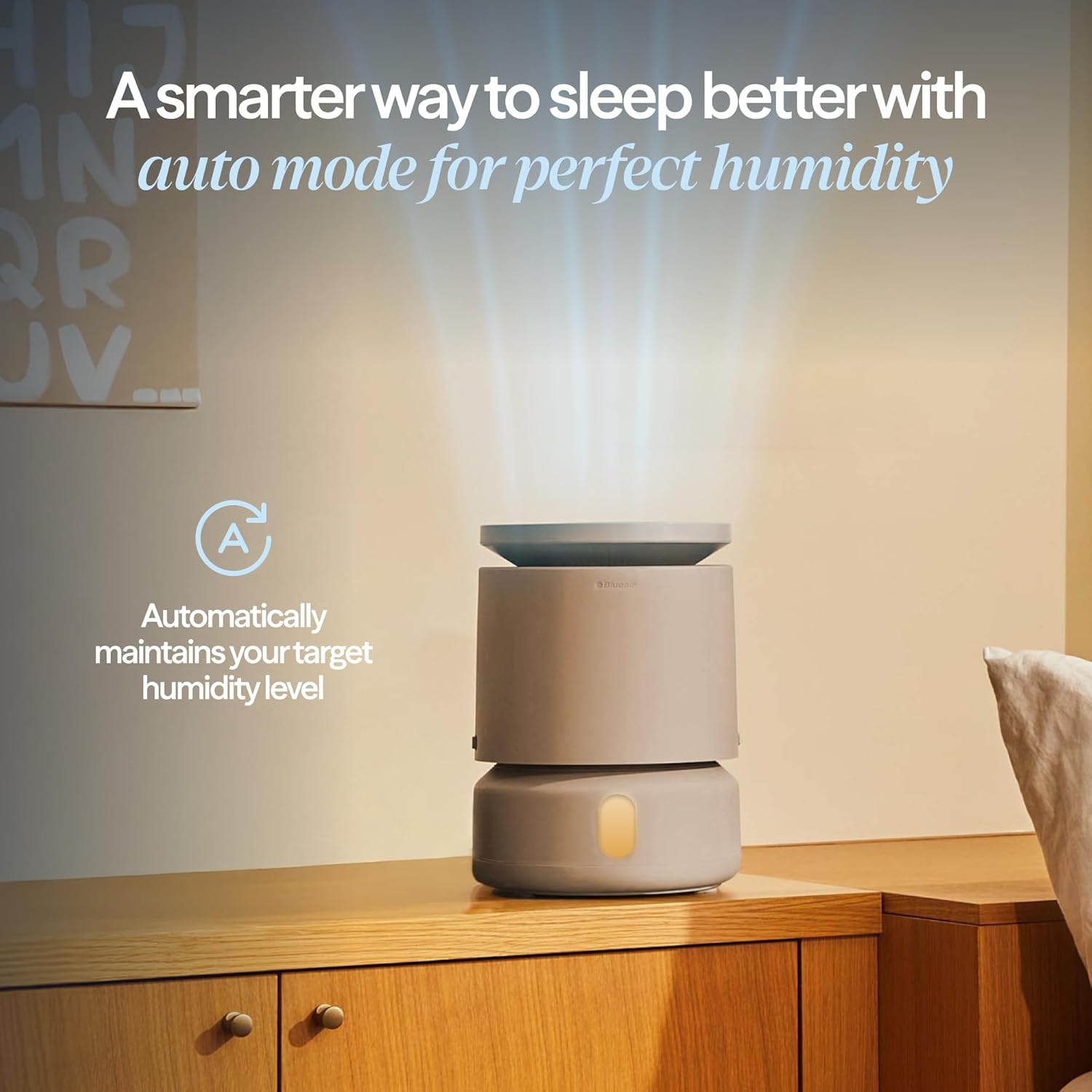
Image: The humidifier operating in auto mode, maintaining a set humidity level.
4.3 Aroma Stone Usage
To use the aroma stone for essential oil diffusion:
- Locate the aroma stone tray on the side of the humidifier.
- Pull out the tray.
- Add a few drops of your preferred essential oil onto the aroma stone.
- Slide the tray back into the unit.
The humidifier will diffuse the scent into the air during operation.

Image: Close-up of the aroma stone being placed into its designated slot on the humidifier.
4.4 Mood Lighting
Customize the mood lighting by selecting from Warm, Normal, or Bright modes using the controls on the device or through the Blueair app.
4.5 Blueair App Control
Download the Blueair app to your smartphone for enhanced control and monitoring:
- Set specific humidity targets.
- Create day or night schedules for operation.
- Monitor real-time indoor humidity levels.
- Receive refill reminders.
- Utilize voice control compatibility.

Image: A smartphone screen showing the Blueair app, which allows users to control humidifier settings and view schedules.
5. Maintenance
Regular maintenance ensures optimal performance and longevity of your humidifier.
5.1 Cleaning the Water Tank
The water tank is dishwasher-safe for easy cleaning. For manual cleaning, use mild soap and water, then rinse thoroughly.
5.2 Wick Filter Maintenance and Replacement
The wick filter is machine-washable and designed to last up to 12 months. Regular cleaning and timely replacement are crucial for efficient humidification and to prevent odors.
- Cleaning: The wick filter can be machine-washed. Follow the instructions provided with the filter for specific washing guidelines.
- Replacement: Replace the wick filter approximately every 12 months, or sooner if you notice reduced performance or persistent odors.

Image: A wick filter being placed into a washing machine for cleaning.
5.3 UV Water Circulation and Wick Dry Mode
The humidifier includes built-in UV water circulation and a Wick Dry Mode to help keep the unit fresh, odor-free, and prevent mold growth. Ensure these features are enabled for optimal hygiene.
6. Troubleshooting
If you encounter issues with your DreamWell Humidifier, refer to the following common problems and solutions:
| Problem | Possible Cause | Solution |
|---|---|---|
| Humidifier not reaching target humidity. | Room size exceeds capacity; low fan speed; dirty wick filter; external factors (e.g., open windows). | Ensure the room size is within the recommended 596 sq ft. Increase fan speed. Clean or replace the wick filter. Close windows and doors to contain humidity. |
| Unpleasant odors from the humidifier. | Dirty water tank; dirty wick filter; stagnant water. | Clean the water tank thoroughly. Clean or replace the wick filter. Ensure regular water changes and use Wick Dry Mode. |
| Wick filter not wicking water effectively. | Filter is clogged or old; improper installation. | Clean the wick filter or replace it if it's past its lifespan. Ensure the filter is correctly seated in its frame. |
| No mist or visible humidity output. | This is an InvisibleMist humidifier; low water level; unit not powered on. | The InvisibleMist technology means there is no visible mist. Check water level and refill if necessary. Ensure the unit is powered on and operating. |
| App connectivity issues. | Wi-Fi signal issues; incorrect pairing. | Ensure your humidifier is within Wi-Fi range. Restart your router and the humidifier. Follow the app's pairing instructions carefully. |
7. Specifications
| Feature | Detail |
|---|---|
| Brand | BLUEAIR |
| Model Name | 113353 |
| Product Dimensions | 9.6"D x 9.6"W x 13"H |
| Item Weight | 6.16 pounds (2.8 Kilograms) |
| Color | Grey |
| Capacity | 3.8 Liters (1 Gallon) |
| Special Feature | Dishwasher Safe Tank, Aroma Stone, Mood Lighting, App Control |
| Material Type | Plastic or Stainless Steel |
| Wattage | 3.3 watts |
| Coverage Area | Up to 596 sq ft |

Image: Two humidifiers illustrating the product dimensions (13"H x 9.6"W).
8. Warranty and Support
BLUEAIR offers various protection plans for your product. For detailed warranty information, product registration, or technical support, please visit the official BLUEAIR website or contact customer service.
Online Support: www.blueair.com
Note: Protection plans are available for purchase separately and may extend the standard warranty.