
1. Introduction
Thank you for choosing Reiteag Mindbuds Invisible Earbuds, model WESLYEJ13. This manual provides essential information for the safe and efficient use of your new earbuds. Please read this manual thoroughly before use and retain it for future reference.
2. Product Overview
The Reiteag Mindbuds are designed for discreet and comfortable audio experiences. Featuring an invisible design, these mini Bluetooth headphones offer wireless freedom, immersive sound, and passive noise cancellation. The included charging case features an LED display to indicate battery status.

Image 2.1: Reiteag Mindbuds Invisible Earbuds with charging case.
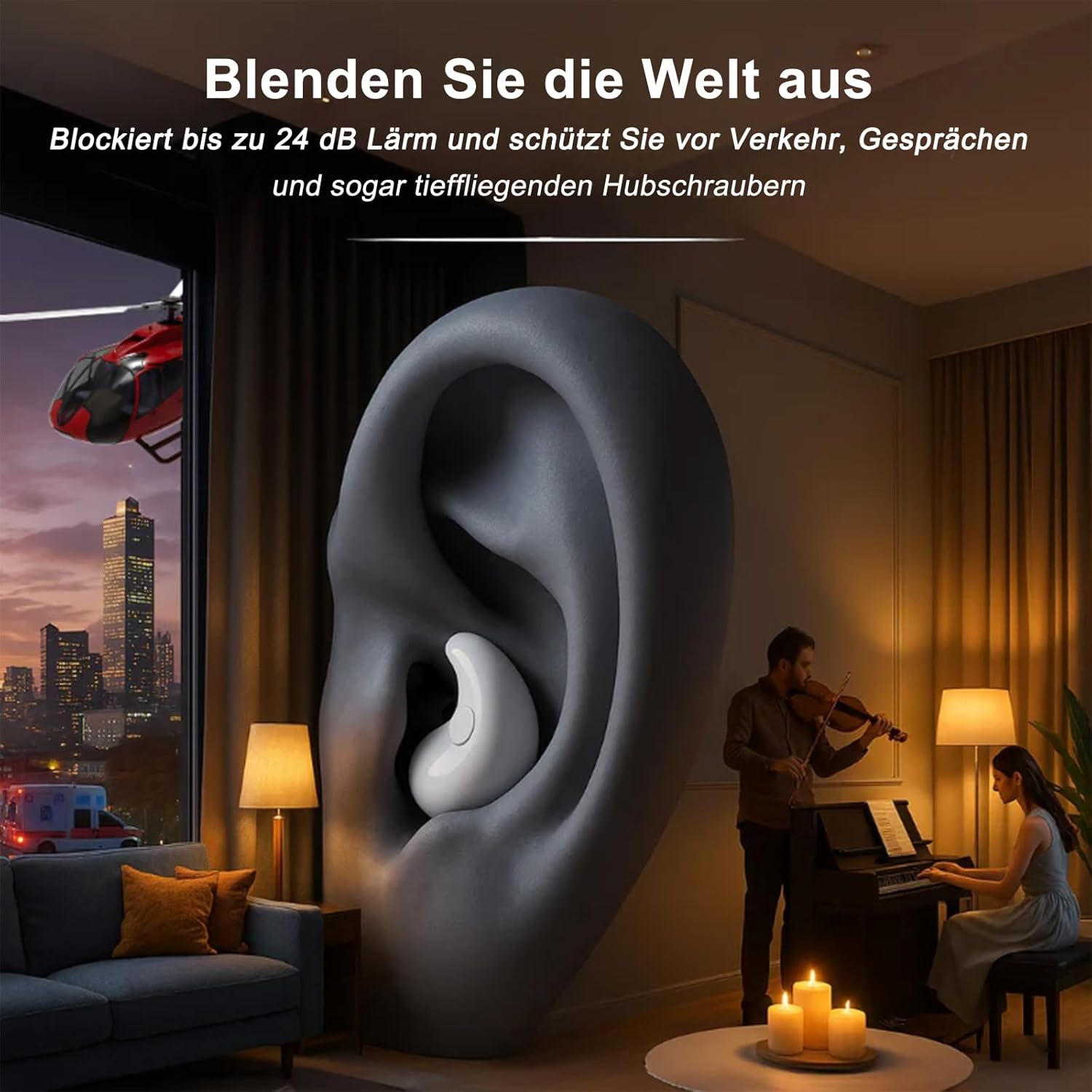
Image 2.2: The compact and lightweight design of a Mindbud earbud.
Key Features:
- Invisible Design: Compact and discreet for comfortable wear in various environments.
- Immersive Sound: Crystal clear highs and deep bass for music, videos, and calls.
- 24dB Passive Noise Cancellation: Reduces ambient noise for a focused listening experience.
- IPX6 Waterproof: Resistant to splashes and moisture, suitable for workouts and daily use.
- 30ms Precision Control: Ultra-low latency for synchronized audio, ideal for gaming.
- Extended Playtime: Up to 4-8 hours on a single charge, with a total of up to 30 hours using the portable charging case.
- LED Display Charging Case: Shows the charging status of the earbuds.
3. Setup
3.1 Charging the Earbuds and Case
- Place the earbuds into the charging case. Ensure they are correctly seated in their respective slots.
- Close the charging case.
- Connect the charging case to a power source using a compatible USB cable (not specified if included, assume standard USB-C or Micro-USB).
- The LED display on the charging case will indicate the charging status. A '100' display typically means fully charged.

Image 3.1: The charging case LED display indicating full charge.
3.2 Bluetooth Pairing
- Ensure the earbuds are charged.
- Open the charging case. The earbuds will automatically enter pairing mode.
- On your device (smartphone, tablet, laptop), enable Bluetooth.
- Search for available Bluetooth devices.
- Select "Mindbuds" (or similar name) from the list of devices.
- Once connected, your device will confirm successful pairing.

Image 3.2: Instant pairing with a smartphone, compatible with iOS, Android, and Windows.
3.3 Wearing the Earbuds
Gently insert each earbud into your ear canal. Adjust for a snug and comfortable fit. The invisible design ensures they sit discreetly within your ear.
4. Operating Instructions
The Mindbuds feature touch controls for various functions:

Image 4.1: Touch control gestures for Mindbuds earbuds.
- Music Play/Pause: Tap either earbud once.
- Volume Up: Double tap the right earbud.
- Volume Down: Double tap the left earbud.
- Next Track: Triple tap the right earbud.
- Previous Track: Triple tap the left earbud.
- Answer/End Call: Tap either earbud once.
- Reject Call: Press and hold either earbud for 2 seconds.
- Activate Voice Assistant: Press and hold either earbud for 2 seconds (when not on a call).
4.1 Noise Cancellation
The Mindbuds provide passive noise cancellation of up to 24dB. This feature helps to reduce ambient sounds, creating a quieter environment for listening or focusing.
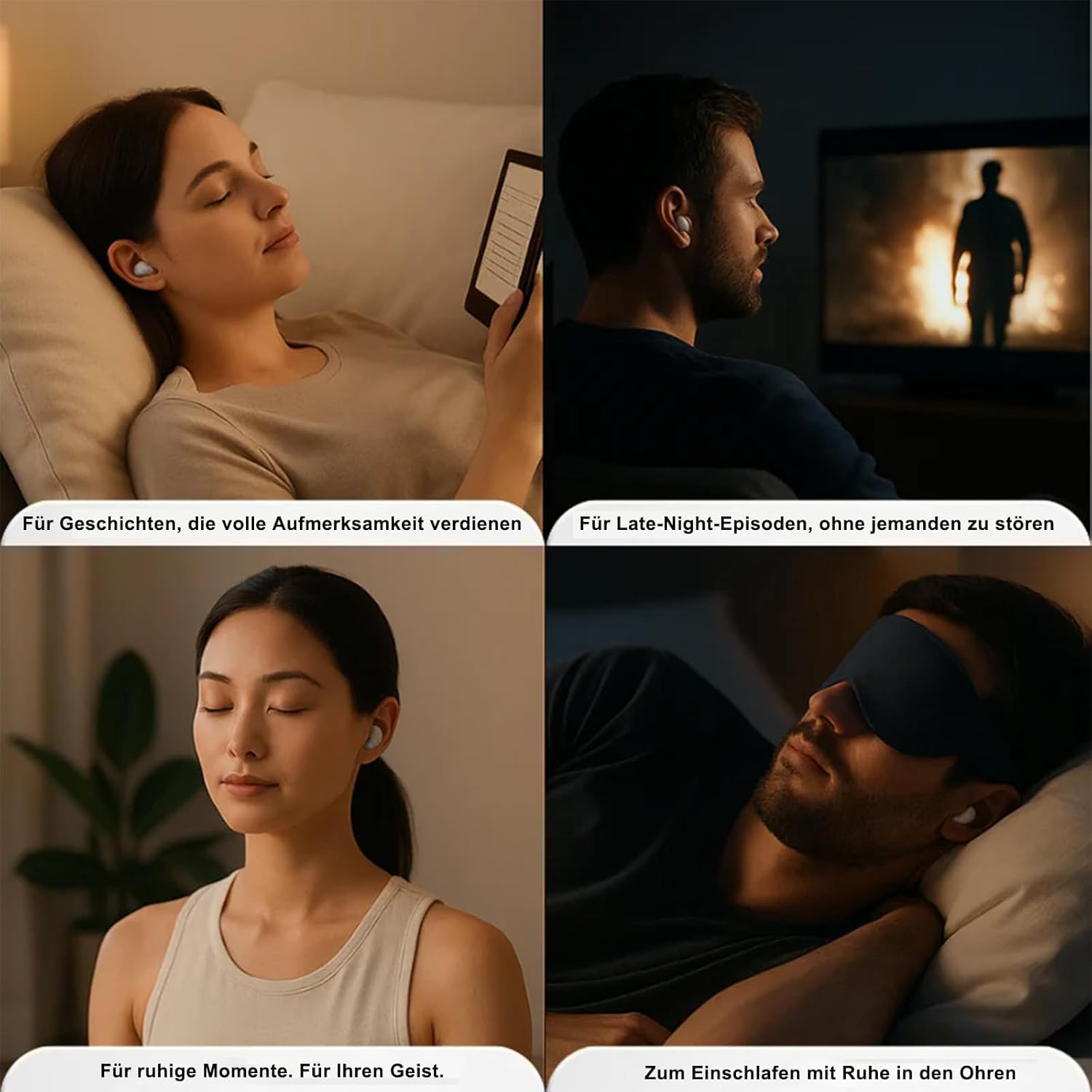
Image 4.2: Mindbuds blocking out up to 24 dB of external noise.
4.2 Water Resistance (IPX6)
The earbuds are IPX6 rated, meaning they are protected against high-pressure water jets from any direction. This makes them suitable for use during workouts, in light rain, or when exposed to sweat. They are not designed for submersion in water.

Image 4.3: Mindbuds are IPX6 certified, robust for daily challenges including rain and sweat.
4.3 Usage Scenarios

Image 4.4: Mindbuds are suitable for various quiet moments, including sleeping, watching, and meditation.
5. Maintenance
5.1 Cleaning
- Regularly clean the earbuds and charging case with a soft, dry, lint-free cloth.
- Do not use abrasive cleaners, alcohol, or chemical solvents.
- Ensure charging contacts on both earbuds and case are clean and dry to prevent charging issues.
5.2 Storage
- Store the earbuds in their charging case when not in use to protect them and keep them charged.
- Avoid storing in extreme temperatures (hot or cold) or in highly humid environments.
5.3 Battery Care
- Charge the earbuds regularly, even if not used frequently, to maintain battery health.
- Avoid fully depleting the battery before recharging.
6. Troubleshooting
- Earbuds not pairing:
Ensure earbuds are charged. Turn off and on Bluetooth on your device. Try resetting the earbuds (refer to manufacturer's website for specific reset instructions if needed). - No sound from one earbud:
Check battery level of both earbuds. Re-pair the earbuds with your device. Clean the charging contacts. - Charging issues:
Ensure the charging cable and adapter are working. Check if the charging contacts on the earbuds and case are clean and free of debris. - Low volume or poor sound quality:
Adjust volume on both your device and the earbuds. Ensure earbuds are properly seated in your ears. Clean any earwax buildup from the earbud nozzles.
7. Specifications
| Feature | Detail |
|---|---|
| Brand | Reiteag |
| Model | WESLYEJ13 |
| Connectivity Technology | Wireless (Bluetooth) |
| Ear Placement | In Ear |
| Form Factor | In Ear |
| Noise Control | Passive Noise Cancellation (up to 24dB) |
| Water Resistance Level | IPX6 (Water Resistant) |
| Special Features | Noise cancellation, IPX6 waterproof, 30 ms precision control |
| Battery Average Life (Earbuds) | 4-8 Hours |
| Total Playtime (with Case) | Up to 30 Hours |
| Included Components | Wireless Charging Case |
| Compatible Devices | Phones, Laptops, Tablets, Smart Speakers |
| Item Model Number | WESLYEJ13 |
| ASIN | B0FQ596XVZ |
| Package Dimensions | 12 x 9.2 x 3.4 cm; 70 g |
8. Safety Information
- Do not disassemble or modify the product.
- Keep away from extreme temperatures, direct sunlight, and open flames.
- Avoid prolonged exposure to high volume levels to prevent hearing damage.
- Dispose of the product and its battery responsibly according to local regulations.
9. Warranty and Support
For warranty information and customer support, please refer to the retailer where you purchased the product or visit the official Reiteag website. Please have your model number (WESLYEJ13) and proof of purchase ready when contacting support.