
1. Introduction
The CINAMON Outdoor WiFi Extender AX1800 is designed to provide robust and extended wireless coverage for outdoor environments. Featuring WiFi 6 technology and AX1800 speeds (574Mbps on 2.4GHz + 1201Mbps on 5GHz), this device ensures strong, stable signal for multiple devices across large outdoor areas such as backyards, gardens, pools, barns, RVs, and garages. Its durable, weatherproof design ensures reliable performance in various conditions.
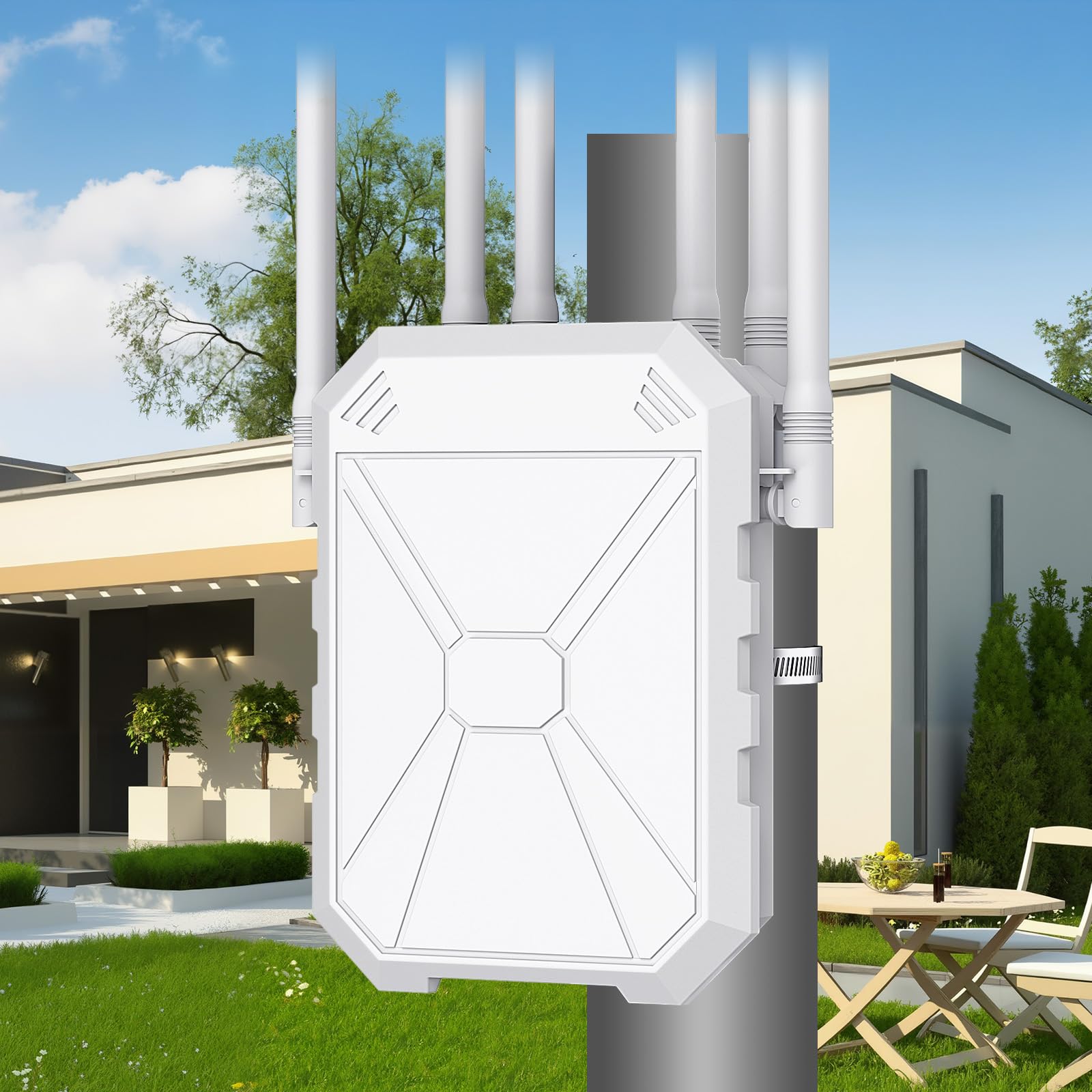
Figure 1: CINAMON Outdoor WiFi Extender AX1800.
2. What's in the Box
Verify that all items are present in the package:
- AX1800 Outdoor WiFi 6 Extender
- Power Adapter (12V DC)
- Ethernet Cable
- Mounting Accessories (e.g., cable ties, metal clamp)
- Quick User Guide

Figure 2: Package contents including the extender, power adapter, Ethernet cable, mounting accessories, and user guide.
3. Product Overview and Features
The AX1800 Outdoor WiFi Extender is equipped with advanced features to enhance your outdoor network:
- WiFi 6 Technology: Supports the latest 802.11ax standard for improved speed, efficiency, and capacity.
- Dual-Band Speeds: Delivers up to 574Mbps on the 2.4GHz band and 1201Mbps on the 5GHz band, totaling 1800Mbps.
- 6 High-Gain Antennas: Six 7dBi omnidirectional antennas provide wide and stable outdoor signal coverage.
- Gigabit Ethernet Port: Allows for wired connections for devices requiring maximum stability.
- IP65 Weatherproof Rating: Designed to withstand rain, dust, extreme temperatures, wind, and hail.
- Flexible Power Options: Supports 24V DC adapter (included 12V adapter) or Power over Ethernet (PoE) for versatile deployment.
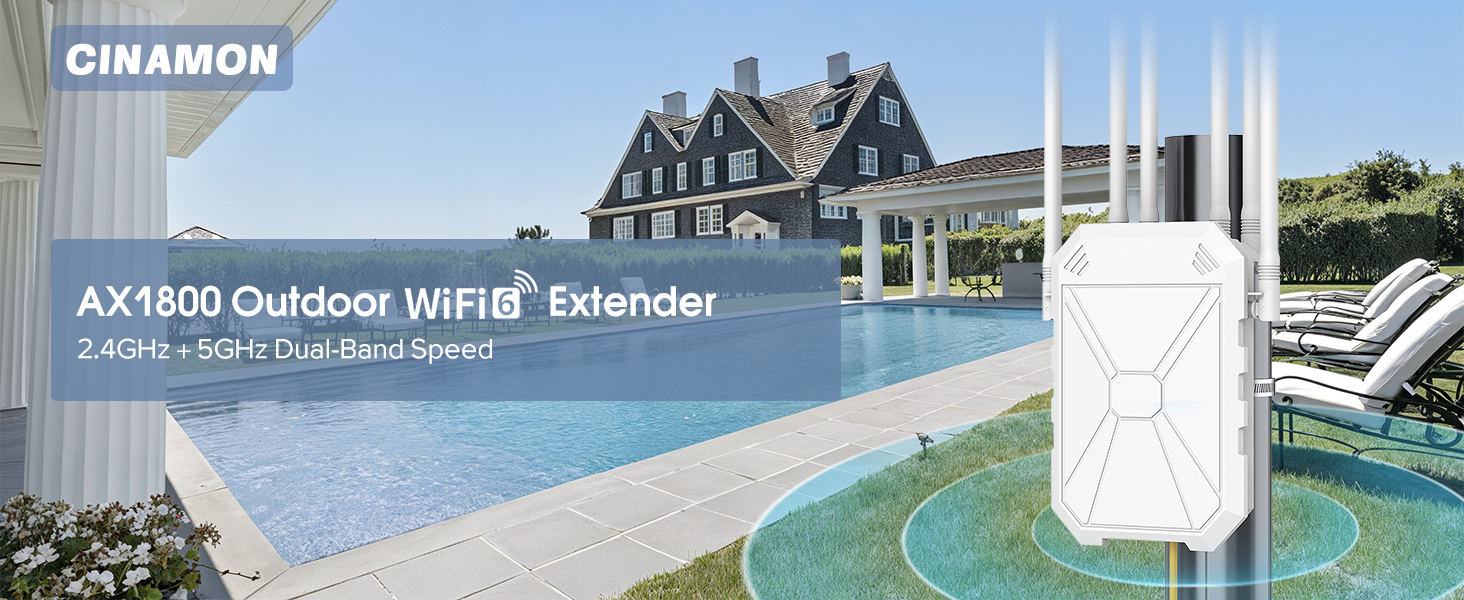
Figure 3: AX1800M Dual-Band WiFi 6 High-Performance Outdoor Repeater.
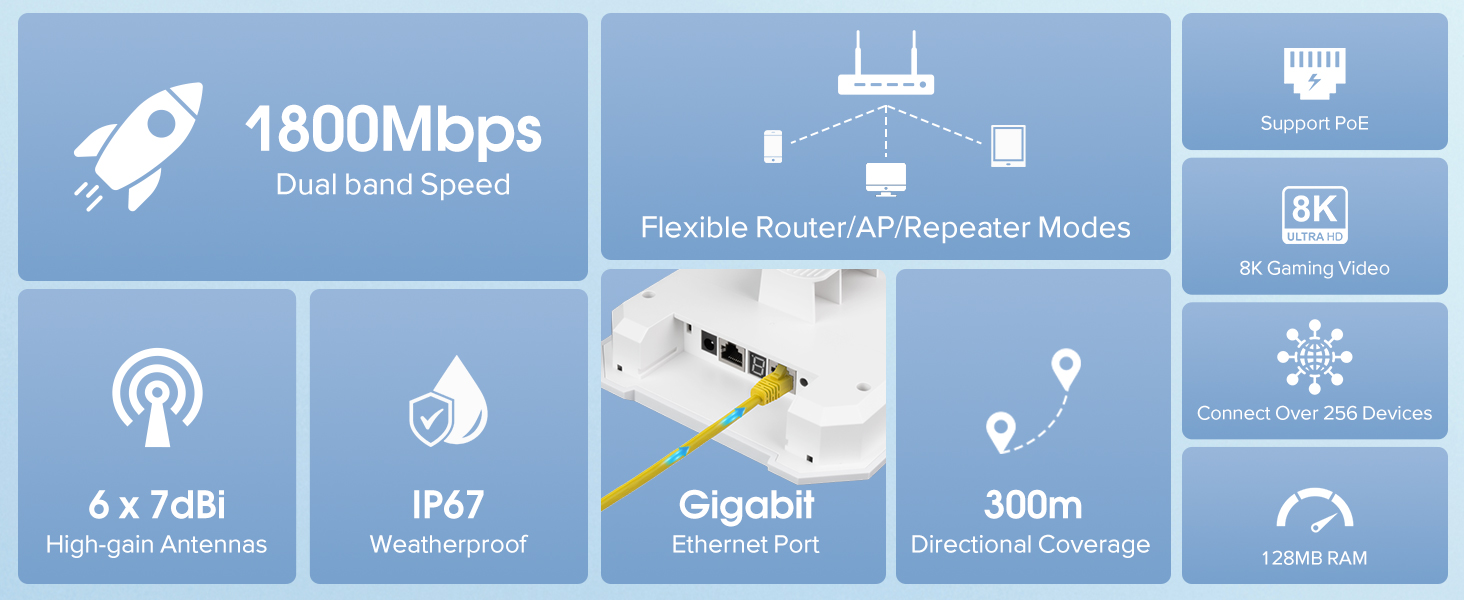
Figure 4: Key features and specifications of the AX1800 Extender.
4. Operating Modes
The extender supports three versatile operating modes:
- Repeater Mode: Extends the coverage of your existing WiFi network.
- Router Mode: Creates a new wireless network from a wired internet connection.
- AP (Access Point) Mode: Transforms a wired network connection into a wireless access point.

Figure 5: Multiple modes for versatile usage.
5. Installation and Setup
The CINAMON Outdoor WiFi Extender is designed for easy installation. It can be mounted vertically or horizontally using the provided accessories.
5.1 Physical Installation
- Attach Antennas: Screw the six high-gain antennas onto the designated ports on the extender.
- Choose Mounting Location: Select an outdoor location that provides optimal line-of-sight to your desired coverage area and is within reach of a power source.
- Secure the Extender: Use the provided cable ties or metal clamp to securely attach the extender to a pole or suitable structure.
- Connect Power: Connect the 12V DC power adapter to the extender and plug it into an outdoor power outlet. Alternatively, if using PoE, connect an Ethernet cable from a PoE injector/switch to the extender's WAN/LAN port.
- Connect to Network: For Router or AP mode, connect an Ethernet cable from your modem/router to the extender's WAN/LAN port.

Figure 6: Extender mounted outdoors, providing wide coverage.
5.2 Initial Configuration
Refer to the included Quick User Guide for detailed instructions on initial configuration via a web browser. This typically involves connecting to the extender's default WiFi network and accessing its web interface to set up your preferred operating mode and network settings.
6. Weather Resistance
The CINAMON Outdoor WiFi Extender AX1800 features an IP65 weatherproof enclosure, ensuring its functionality and durability in challenging outdoor conditions. This protection makes it resistant to:
- Rain and water splashes
- Dust ingress
- Extreme temperatures (hot and cold)
- Wind and hail
This robust design makes it ideal for continuous, uninterrupted WiFi service for security cameras, smart lights, and other outdoor smart devices.
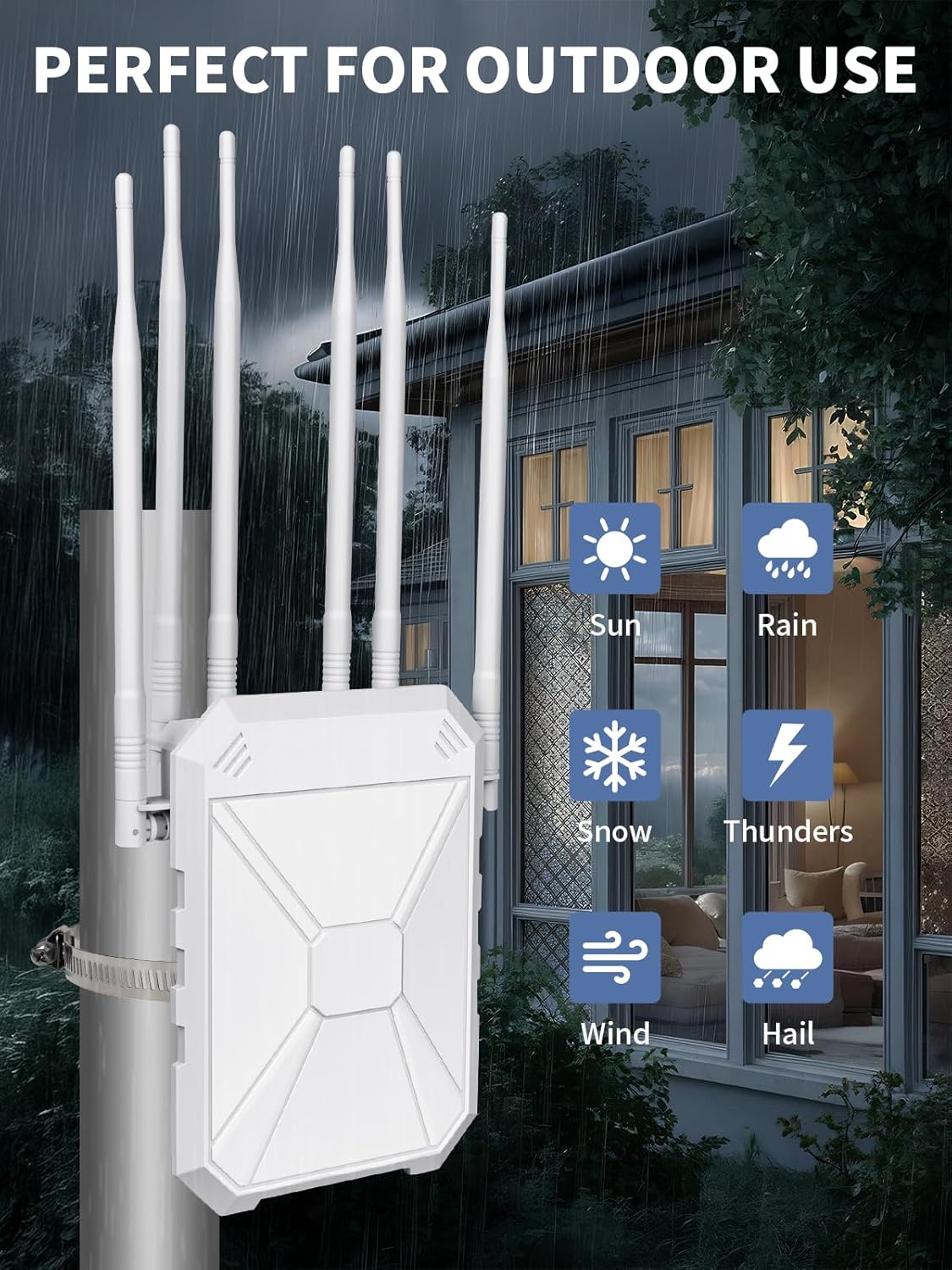
Figure 7: Perfect for outdoor use in all weather conditions.
7. Usage Scenarios
The extender is suitable for a variety of outdoor applications:
- Backyards and Gardens: Enjoy seamless streaming and browsing during outdoor gatherings.
- Poolside Entertainment: Maintain strong WiFi for music, videos, and smart pool devices.
- Farms and Rural Areas: Extend network coverage for monitoring systems and remote work.
- Garages and Workshops: Ensure connectivity for smart tools and entertainment.
- RV and Camping: Provide reliable WiFi for recreational vehicles and outdoor adventures.
- Compatible with Starlink: Can be integrated to extend Starlink internet coverage to outdoor areas.
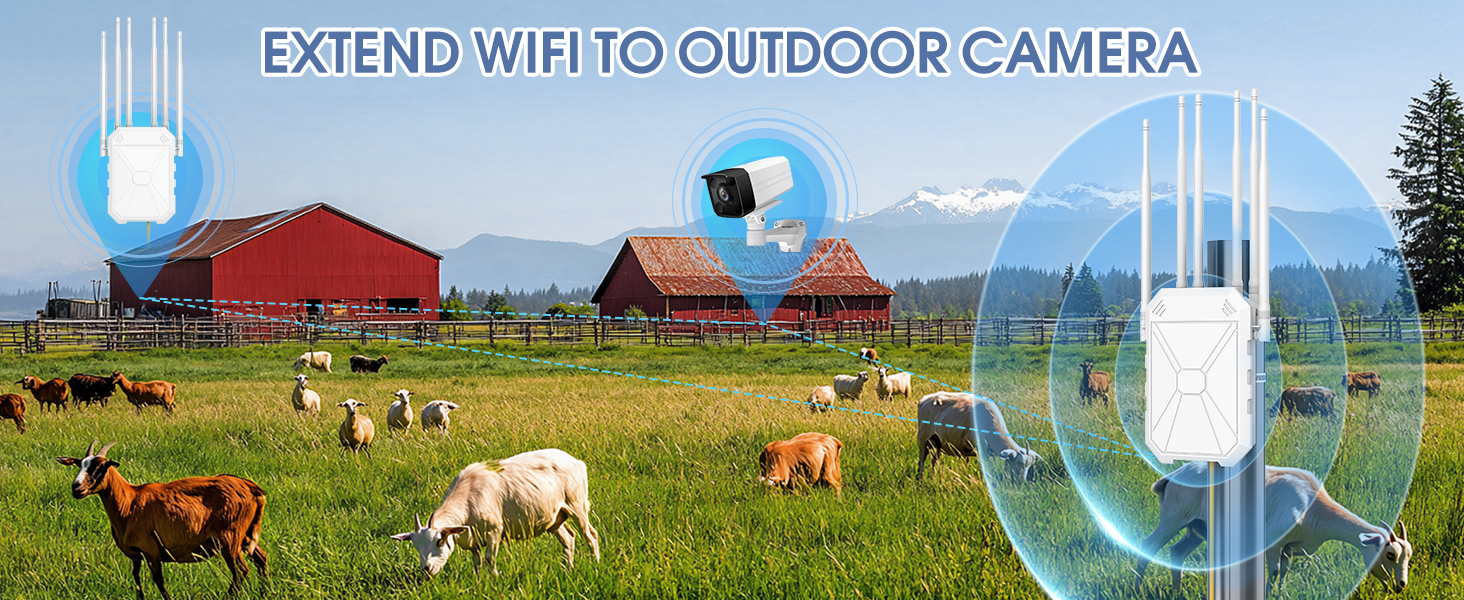
Figure 8: Compatible with Starlink for extended outdoor coverage.
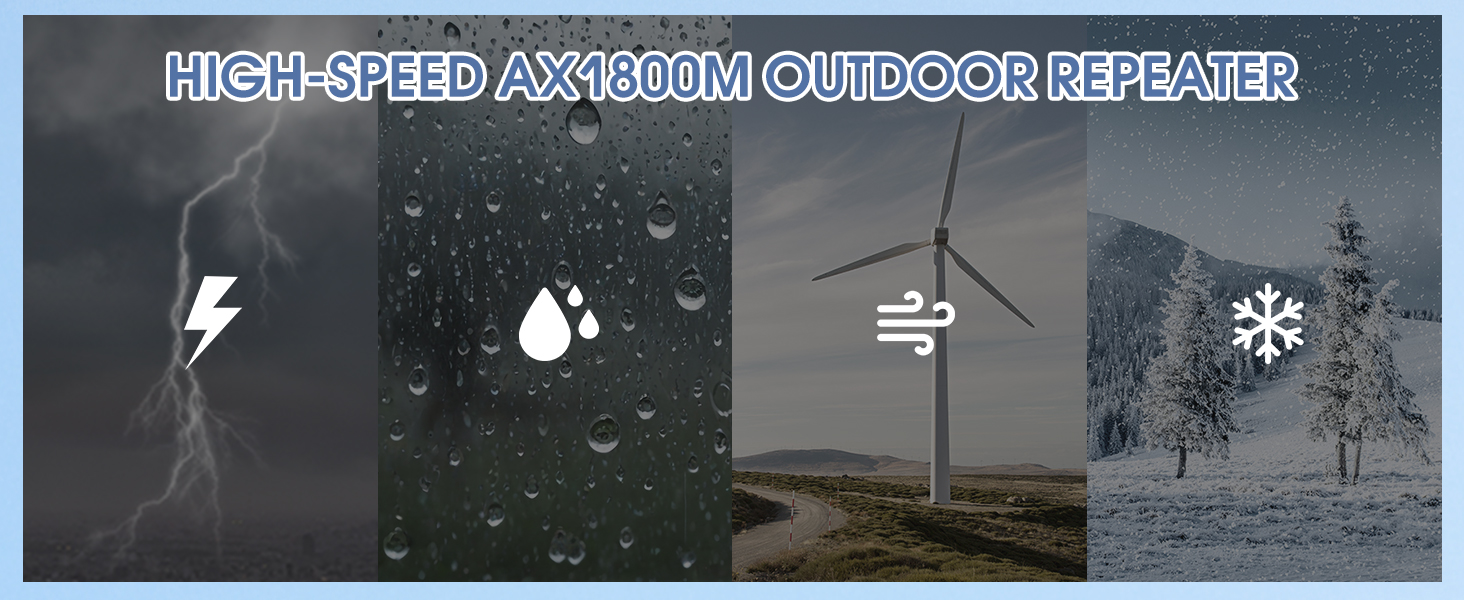
Figure 9: Extending WiFi to outdoor cameras on a farm.
8. Specifications
| Feature | Detail |
|---|---|
| Model | AX1800 |
| Wireless Communication Standard | 2.4 GHz Radio Frequency, 5 GHz Radio Frequency (WiFi 6) |
| Data Transfer Rate | 1800 Megabits Per Second (574Mbps + 1201Mbps) |
| Frequency Band Class | Dual-Band |
| Antennas | 6 x 7dBi High-Gain Omnidirectional Antennas |
| Special Features | 360 Degree Coverage, Access Point Mode, Weatherproof (IP65) |
| Power Supply | 24V DC adapter or PoE (12V adapter included) |
| Item Weight | 2.25 pounds |
| Package Dimensions | 14.29 x 8.86 x 3.62 inches |
9. Troubleshooting
If you encounter issues, try the following:
- No Power: Ensure the power adapter is securely connected to both the extender and a working power outlet. If using PoE, verify the PoE injector/switch is functioning correctly.
- No Internet Connection: Check the Ethernet cable connections. Verify your main router has an active internet connection. Ensure the extender is configured correctly for its operating mode (Repeater, Router, or AP).
- Weak Signal: Adjust the position of the extender and its antennas. Ensure there are no major obstructions between the extender and your devices or the main router.
- Cannot Access Web Interface: Verify your device is connected to the extender's WiFi network. Ensure you are using the correct IP address or domain name for the web interface (refer to the Quick User Guide).
- Factory Reset: If problems persist, perform a factory reset (refer to the Quick User Guide for instructions). This will revert all settings to default.
10. Maintenance
To ensure optimal performance and longevity of your outdoor WiFi extender:
- Regular Cleaning: Periodically wipe the exterior of the device with a soft, damp cloth to remove dust and debris. Do not use harsh chemicals or abrasive cleaners.
- Inspect Connections: Annually check all cable connections (power and Ethernet) for any signs of wear, corrosion, or damage.
- Firmware Updates: Check the manufacturer's website periodically for firmware updates. Keeping the firmware updated can improve performance, security, and add new features.
- Environmental Considerations: While weatherproof, avoid placing the device in locations where it is constantly submerged in water or exposed to extreme physical impact.
11. Warranty and Support
For warranty information, technical support, or service inquiries, please refer to the warranty card included in your product packaging or visit the official CINAMON website. Keep your purchase receipt as proof of purchase for warranty claims.
Online Resources:
- Official CINAMON Store: Visit Store