Introduction
The AUBOR MENTECH P7 Smart 4K Projector is designed to deliver a high-quality visual and audio experience in a portable and user-friendly package. Featuring native 1080P resolution with 4K content support, WiFi 6, Bluetooth 5.2, and built-in access to over 10,000 applications, this projector is suitable for various entertainment and presentation needs. Its automatic keystone adjustment and rotatable stand ensure optimal image alignment and flexible placement.
What's in the Box
- Smart Projector with WiFi and Bluetooth
- Power Cord
- Quick Operation Guide
- Remote (2*AAA Batteries Required, NOT Included)
- Cleaning Kit
Setup
1. Initial Placement and Power Connection
Place the projector on a stable, flat surface. The built-in rotatable stand allows for flexible positioning, including wall or ceiling projection. Connect the power cord to the projector and then to a power outlet.

Image: The AUBOR MENTECH P7 Smart Projector, showcasing its compact design and the variety of streaming services it supports.
2. Network Connection (WiFi)
Upon powering on, navigate to the 'Network & Internet' settings using the remote control. Select your Wi-Fi network and enter the password to establish a connection. The projector supports WiFi 6 for fast and stable streaming.
3. Image Adjustment
The projector features automatic keystone adjustment to correct image distortion instantly. For fine-tuning, navigate to 'Picture' settings. You can also manually adjust focus if needed.
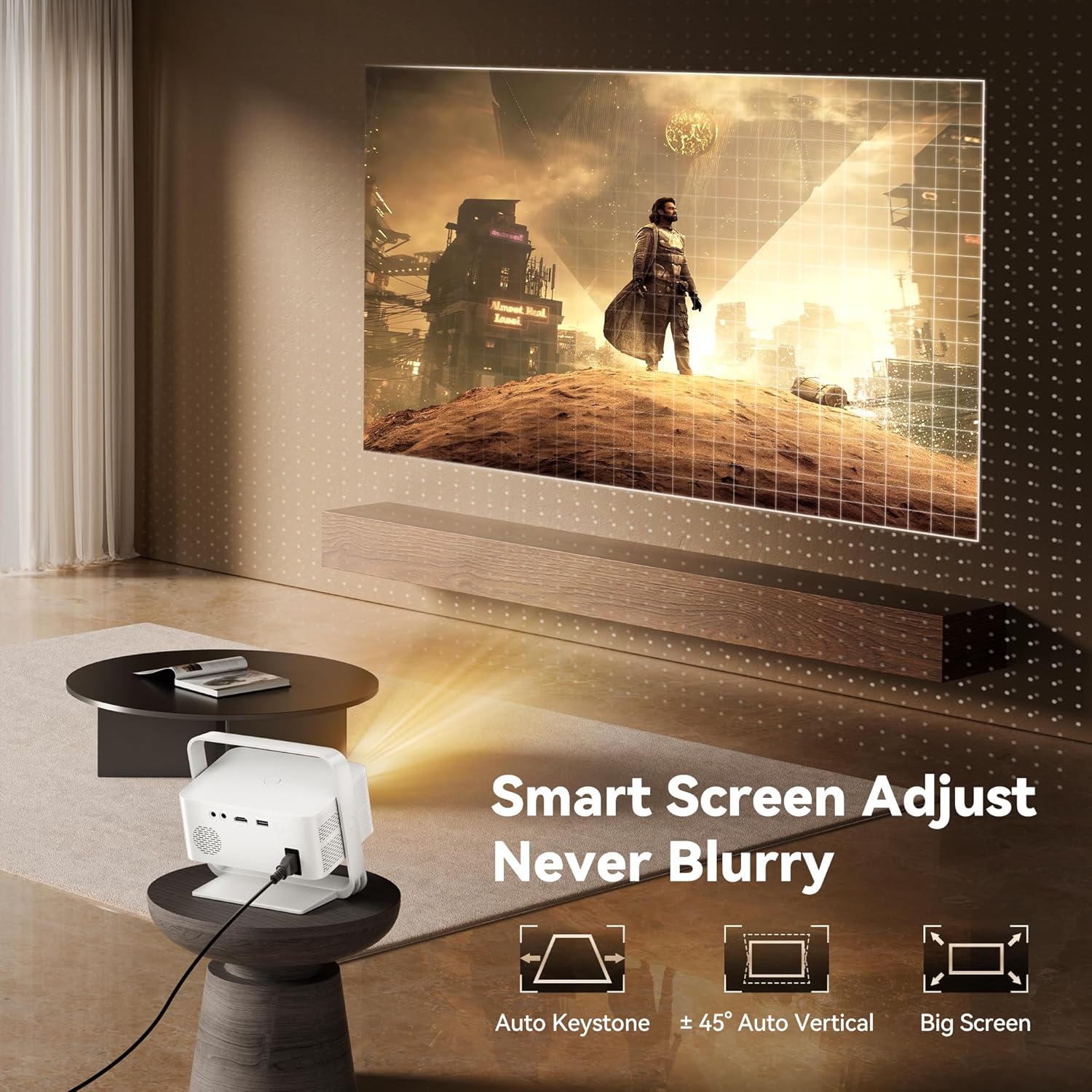
Image: The AUBOR MENTECH P7 Projector displaying a perfectly aligned image on a wall, highlighting its automatic keystone and vertical correction capabilities for a clear, blur-free picture.
Operating
1. Navigating the Interface
Use the provided remote control to navigate the projector's smart interface. The interface provides access to over 10,000 pre-installed apps, including popular streaming services like YouTube, Netflix, Prime Video, and Disney+.
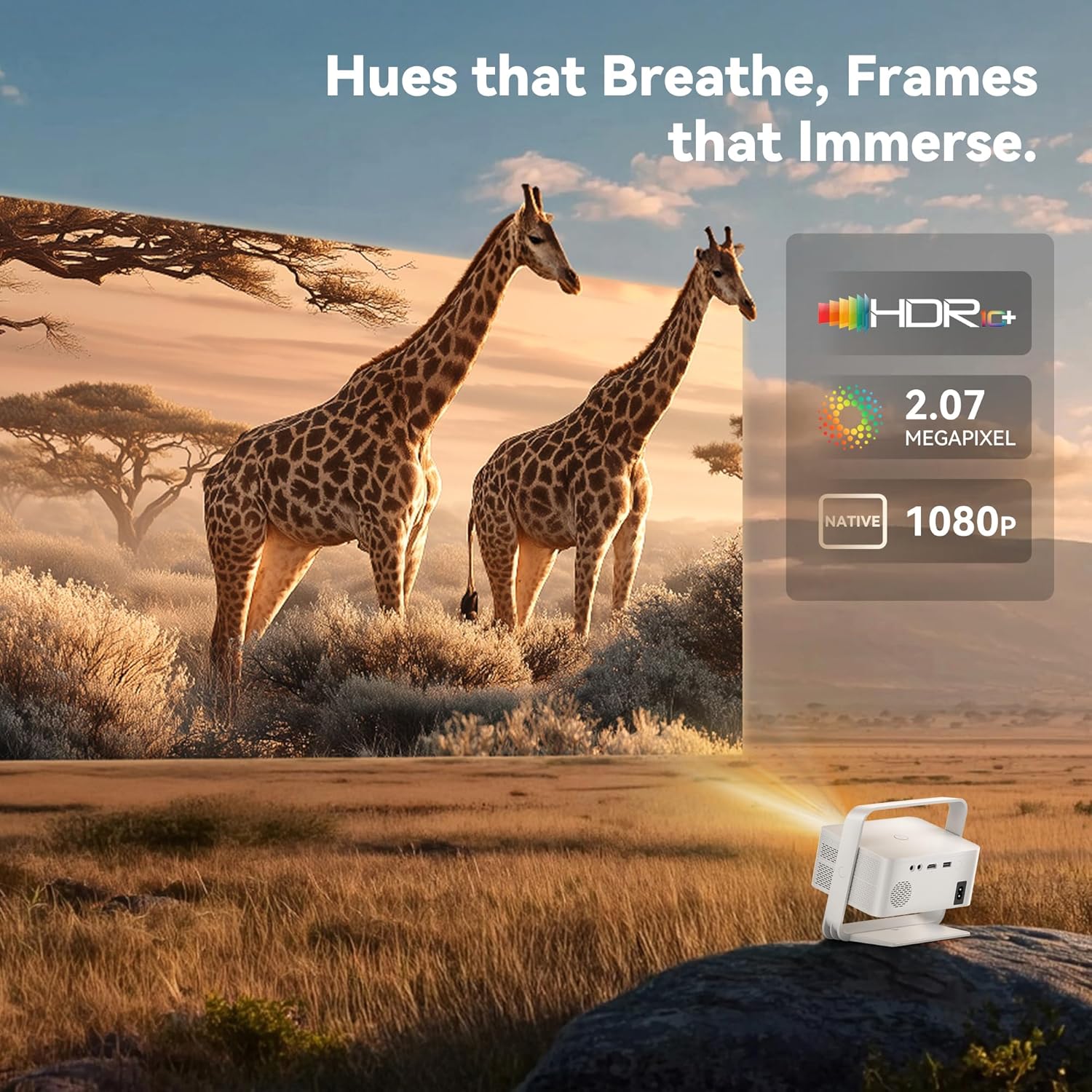
Image: The AUBOR MENTECH P7 Smart Projector's home screen, showcasing a wide array of pre-installed streaming applications for immediate entertainment access.
2. Connecting External Devices
The projector offers multiple connectivity options:
- HDMI: Connect gaming consoles, laptops, or other HDMI-enabled devices.
- USB: Play media directly from a USB drive.
- Bluetooth 5.2: Connect to external headphones, speakers, or soundbars for enhanced audio. (Note: Bluetooth supports audio transmission only, not video mirroring.)
- 3.5mm Jack: For wired audio connections.

Image: The rear panel of the AUBOR MENTECH P7 Projector, illustrating its diverse connectivity ports for various devices.
3. Adjusting Settings
Access the settings menu to customize picture, sound, and network options. The projector supports HDR10+ for dynamic color and a 120Hz refresh rate for smooth visuals.
Video: A guide on how to navigate and adjust the settings of the AUBOR MENTECH P7 Projector, including picture, sound, and network configurations.
Video: Instructions on how to connect Bluetooth devices like speakers or headphones to the AUBOR MENTECH P7 Projector.
Maintenance
To ensure the longevity and optimal performance of your AUBOR MENTECH P7 Projector, follow these maintenance guidelines:
- Cleaning the Lens: Gently wipe the projector lens with a soft, lint-free cloth. Avoid abrasive materials or harsh chemicals.
- Keeping Vents Clear: Ensure that the air vents on the projector are not obstructed to prevent overheating. Regularly check for dust accumulation.
- Storage: When not in use for extended periods, store the projector in a cool, dry place away from direct sunlight and extreme temperatures.
- Power Off Properly: Always power off the projector using the designated power button or remote control to allow for proper shutdown cycles.
Troubleshooting
If you encounter any issues with your projector, refer to the following common troubleshooting steps:
- No Power: Ensure the power cord is securely connected to both the projector and a working power outlet. Try a different outlet.
- Blurry Image: Adjust the manual focus ring on the projector. Check the automatic keystone correction settings. Ensure the projection surface is flat.
- No Sound: Verify that the volume is not muted on the projector or any connected external audio devices. Check Bluetooth connections if using external speakers.
- No Wi-Fi Connection: Confirm your Wi-Fi network is active and the password is correct. Try restarting your router and the projector.
- Remote Not Responding: Replace the AAA batteries in the remote control. Ensure there are no obstructions between the remote and the projector's IR receiver.
Specifications
| Feature | Specification |
|---|---|
| Brand Name | AUBOR MENTECH |
| Item Weight | 1.54 pounds |
| Product Dimensions | 6.14 x 6.78 x 3.94 inches |
| Item Model Number | P7 |
| Color Name | White |
| Special Features | 2.07 Megapixels, All-in-One Streaming Center (10,000+ Apps), Dolby Audio & Multi-Connect, HDR10+, Wifi 6 & Bluetooth |
| Recommended Uses | Business, Camping, Education, Gaming, Home Cinema |
| Connectivity Technology | 3.5mm Jack, Bluetooth, HDMI, USB, Wi-Fi6 |
| Display Resolution | 1920 x 1080 (Native) |
Warranty and Support
The AUBOR MENTECH P7 Projector is backed by a 1-year free replacement warranty and a 2-year warranty. Additionally, lifetime technical support is provided, with responses typically within 24 hours. For any inquiries or assistance, please refer to the contact information provided in your Quick Operation Guide or contact the seller directly.


