
Ohcans AS803
Ohcans Digital Illuminance Light Meter AS803 User Manual
Model: AS803
1. Introduction
The Ohcans Digital Illuminance Light Meter AS803 is a precision instrument designed to measure light intensity (illuminance) in Lux (lx) or Foot-Candles (FC). It features a wide measurement range, high accuracy, and a 180° rotating sensor for versatile applications. This manual provides essential information for the safe and effective use of your device.
2. Safety Information
- Do not expose the device to extreme temperatures, humidity, or direct sunlight for prolonged periods.
- Avoid dropping or subjecting the device to strong impacts.
- Keep the sensor clean and free from dust or obstructions to ensure accurate readings.
- Do not attempt to disassemble or modify the device, as this will void the warranty and may cause damage.
- Remove batteries if the device will not be used for an extended period to prevent leakage.
3. Product Overview
3.1 Key Features
- Wide measurement range: 0 to 200,000 Lux.
- High accuracy: ±4% +10.
- 180° rotating sensor for flexible measurements.
- Backlight LCD display for clear readings in low light.
- Rapid 0.5-second sampling rate.
- Measures ambient temperature in °C/°F.
- Three measurement modes: Data Hold, Max Value, Min Value.
- Low-power indicator.
3.2 Device Components
Familiarize yourself with the main components of your Ohcans AS803 light meter:

Figure 1: Ohcans Digital Illuminance Light Meter AS803 with included AAA batteries.
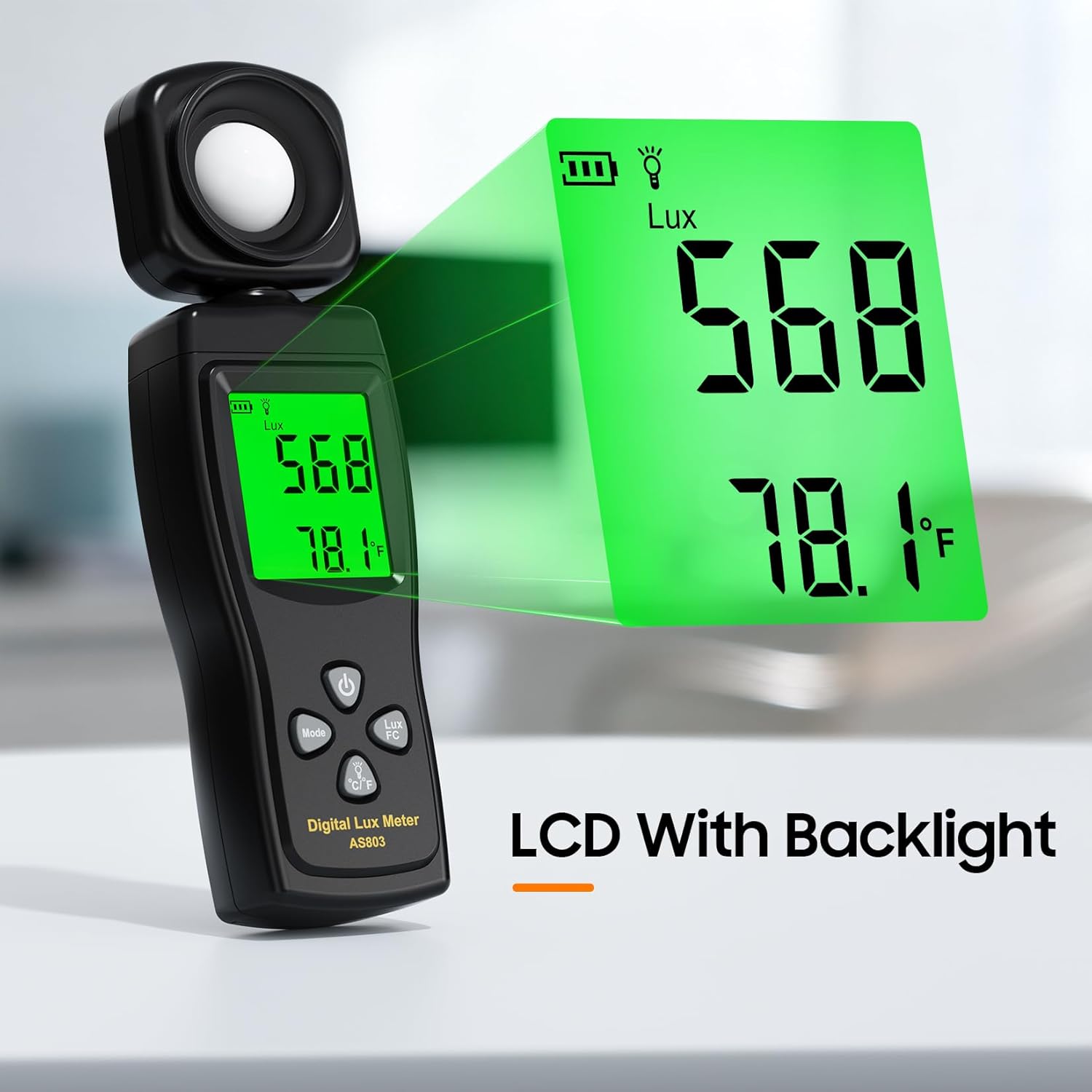
Figure 2: The backlit LCD display provides clear readings of Lux and temperature.

Figure 3: The 180° rotatable sensor allows for flexible light measurement from various angles.
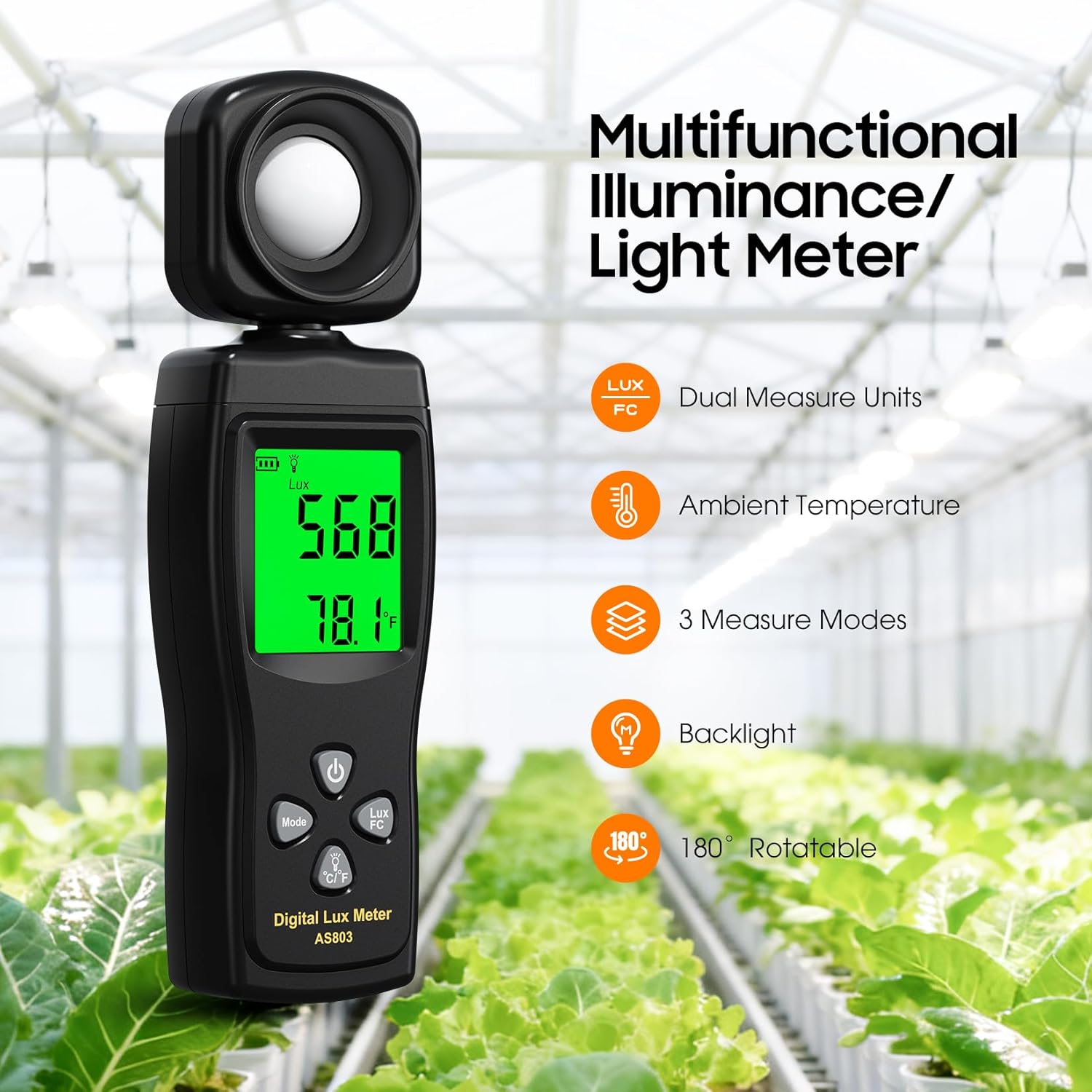
Figure 4: Overview of the meter's multifunctional capabilities, including dual units, temperature, and various modes.
4. Setup
4.1 Battery Installation
The Ohcans AS803 light meter requires three AAA batteries (included). To install or replace batteries:
- Locate the battery compartment cover on the back of the device.
- Slide the cover open.
- Insert three AAA batteries, ensuring correct polarity (+/-) as indicated inside the compartment.
- Close the battery compartment cover securely.
The device is now ready for use.
5. Operating Instructions
5.1 Powering On/Off
- To power on the device, press the Power button.
- To power off the device, press and hold the Power button until the display turns off.
5.2 Changing Measurement Units (Lux/FC)
The device can display illuminance in Lux (lx) or Foot-Candles (FC).
- Press the Lux/FC button to toggle between Lux and Foot-Candle units. The selected unit will be displayed on the LCD.
5.3 Using the 180° Rotating Sensor
The light sensor can be rotated 180° to measure light from different directions without repositioning the entire device.
- Gently rotate the sensor head to the desired angle to capture light from the target source.
5.4 Understanding the Display
The LCD displays the current light intensity, temperature, battery status, and selected measurement unit. The backlight ensures visibility in various lighting conditions.
5.5 Measurement Modes
The device offers three measurement modes:
- Data Hold Mode: Press the Mode button once to freeze the current reading on the display. Press again to exit.
- Maximum Value Mode: Press the Mode button twice to display the maximum light intensity recorded since the device was powered on or the mode was reset.
- Minimum Value Mode: Press the Mode button three times to display the minimum light intensity recorded since the device was powered on or the mode was reset.
5.6 Practical Application Example
This video demonstrates the Ohcans Digital Light Meter in use, measuring light levels for indoor and outdoor plants.
Video 1: Demonstration of the Ohcans Digital Light Meter measuring light for plants.
6. Maintenance
6.1 Cleaning
- Wipe the device with a soft, dry cloth.
- Do not use abrasive cleaners or solvents.
- Ensure the light sensor is kept clean to maintain measurement accuracy.
6.2 Battery Replacement
When the low-power indicator appears on the display, replace the batteries as described in Section 4.1.
6.3 Storage
- Store the device in a cool, dry place away from direct sunlight.
- Remove batteries if storing for extended periods.
7. Troubleshooting
| Problem | Possible Cause | Solution |
|---|---|---|
| Device does not power on | Dead or incorrectly installed batteries | Replace batteries, ensuring correct polarity. |
| Inaccurate readings | Dirty sensor, sensor obstructed, or device not calibrated | Clean the sensor. Ensure no obstructions. If issues persist, contact support. |
| Display is dim or flickering | Low battery power | Replace batteries. |
| Device turns off unexpectedly | Low battery power or auto-off feature activated | Replace batteries. The device has an auto-off feature to conserve power. |
8. Specifications
| Feature | Detail |
|---|---|
| Model Number | AS803 |
| Measurement Range | 0 ~ 200,000 Lux |
| Accuracy | ±4% +10 |
| Resolution | 1 Lux, 0.1°C |
| Sampling Rate | 0.5 seconds |
| Power Source | 3 x AAA batteries (included) |
| Product Dimensions | 8 x 5 x 1.2 inches |
| Item Weight | 4.97 ounces |
| Manufacturer | Ohcans |
9. Warranty and Support
Ohcans products are designed for reliability and performance. For warranty information or technical support, please refer to the product packaging or contact Ohcans customer service through the retailer where the product was purchased. Please have your model number (AS803) and purchase date available when contacting support.
Ask a question about this manual
Ask about setup, troubleshooting, compatibility, parts, safety, or missing instructions. Manuals+ will review the question and use this page’s manual context to help answer it.