
Introduction
Thank you for choosing the ODEJOI Cute Penguin MP3 Player. This device is designed for portable audio entertainment, offering a range of features including Bluetooth connectivity, a built-in speaker, FM radio, and voice recording. This manual will guide you through the setup, operation, and maintenance of your MP3 player to ensure a smooth and enjoyable experience.
What's in the Box
- 1 x ODEJOI Cute Cartoon Penguin MP3 player
- 1 x USB-C Cable for Charging and File Transferring
- 1 x 3.5mm Wired Stereo Headphones
- 1 x Adjustable Lanyard
- 1 x User Manual (English & Japanese)

Image: All components included in the ODEJOI MP3 Player package.
Setup
1. Charging the Device
Before first use, fully charge your MP3 player. Connect the provided USB-C cable to the player's charging port and the other end to a USB power adapter (not included) or a computer's USB port. The battery indicator on the screen will show charging status. A full charge takes approximately 2.5 hours and provides up to 65 hours of playback.

Image: The MP3 player highlighting its 65-hour battery life and 2.5-hour charging time.
2. Transferring Music and Files
Connect the MP3 player to your computer using the USB-C cable. The device will appear as a removable disk. You can drag and drop audio files (MP3, WMA, OGG, WAV, APE, FLAC, AAC-LC, ACELP), videos, images, or e-books into the appropriate folders on the player's internal 64GB storage. The device supports up to a 128GB microSD card for expanded storage.

Image: The MP3 player screen displaying options for customizing playlists and managing files.
3. Inserting a MicroSD Card (Optional)
Locate the microSD card slot on the side of the player. Gently insert a microSD card (up to 128GB) until it clicks into place. Ensure the card is inserted correctly to avoid damage. The player will automatically detect the additional storage.
Operating Instructions
1. Power On/Off
Press and hold the Power button (located on the side) for a few seconds to turn the device on or off.

Image: The side of the MP3 player indicating the Power On/Off and Volume +/- buttons.
2. Navigation and Controls
The player features intuitive physical buttons for navigation:
- Directional Pad: Use the up, down, left, and right arrows to navigate through menus and options.
- Center Button (Play/Pause): Press to select an option, play, or pause music/videos.
- Return Button (
 ): Go back to the previous screen or menu.
 - Menu Button (): Access context-sensitive options within an application.
- Volume Buttons: Use the dedicated Volume +/- buttons on the side to adjust audio output.

Image: The MP3 player's front panel with clearly labeled navigation and control buttons.
3. Music Playback
From the main menu, select "Music" to browse your audio files. You can sort by All Songs, Artists, Albums, or Genres. During playback, use the directional buttons to skip tracks (left/right) or adjust volume (up/down). The center button controls play/pause. The player supports repeat modes (Repeat One, Repeat All, Shuffle) and allows you to bookmark audiobooks.

Image: The MP3 player's screen showing music playback with options for repeat, shuffle, and bookmarking.
4. Bluetooth Connectivity (Bluetooth 5.3)
To connect to Bluetooth headphones or speakers:
- Go to the "Bluetooth" menu from the main screen.
- Ensure your Bluetooth device is in pairing mode.
- The MP3 player will scan for available devices. Select your device from the list to pair.
- Once paired, audio will stream wirelessly. The player automatically reconnects to the last paired device.
Note: Bluetooth pairs with headphones or speakers ONLY.
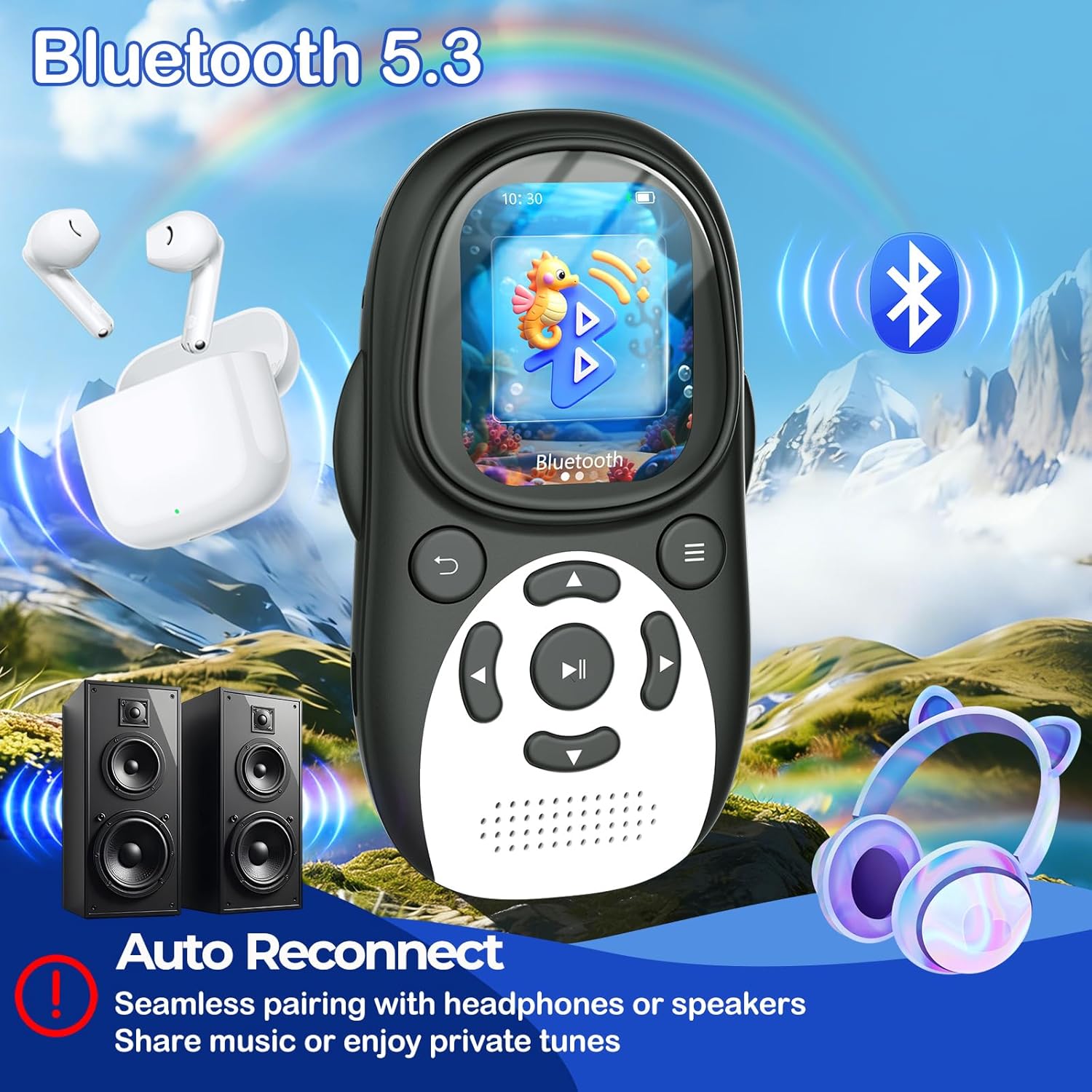
Image: The MP3 player demonstrating Bluetooth 5.3 connectivity with headphones and speakers, featuring an auto-reconnect function.
5. FM Radio
To use the FM radio, plug in the wired earphones (included) as they act as the antenna. Select "FM Radio" from the main menu. You can auto-scan for stations or manually tune. The built-in speaker can play the radio audio once tuned.

Image: The MP3 player's screen displaying the FM Radio icon, with a cartoon jellyfish wearing headphones.
6. Voice Recorder
Select "Recorder" from the main menu to access the voice recording function. Use the central play/pause button to start and stop recordings. Recordings are saved to the device's internal storage.

Image: The MP3 player's screen displaying the Voice Recorder icon, with a cartoon crab holding a microphone.
7. Other Functions
The MP3 player includes additional utilities:
- Alarm Clock: Set alarms with customizable sounds.
- Calendar: View the current date.
- Stopwatch: A basic timing function.
- 7-Band Equalizer: Adjust audio output to your preference.
- Volume Limit: A built-in feature to protect young ears by limiting maximum volume.

Image: The MP3 player's main menu showing icons for various functions like FM Radio, Bluetooth, Music, and Alarm.
Maintenance
- Cleaning: Use a soft, dry cloth to clean the device. Avoid liquid cleaners or abrasive materials.
- Storage: Store the player in a cool, dry place away from direct sunlight and extreme temperatures.
- Battery Care: To prolong battery life, avoid fully discharging the battery frequently. Charge regularly, even if not in use for extended periods.
- Water Resistance: This device is not waterproof. Avoid exposure to water or high humidity.
Troubleshooting
| Problem | Solution |
|---|---|
| Device does not turn on. | Ensure the battery is charged. Connect to a power source and try again. |
| Cannot connect via Bluetooth. | Ensure Bluetooth is enabled on both devices and they are in pairing mode. Move closer to the device. |
| Cannot transfer files to the device. | Check USB-C cable connection. Ensure the device is recognized by your computer. Try a different USB port or cable. |
| No sound from headphones/speaker. | Check volume level. Ensure headphones are properly plugged in or Bluetooth device is connected. |
| FM Radio not working. | Ensure wired earphones are plugged in, as they serve as the antenna. Try auto-scanning for stations. |
Specifications
- Brand: ODEJOI
- Model: X88
- Memory Storage Capacity: 64 GB (expandable up to 128 GB via microSD)
- Connectivity Technology: Bluetooth 5.3, Aux, USB
- Screen Size: 2 Inches IPS
- Battery Life: Up to 65 Hours
- Supported Audio Formats: MP3, WMA, OGG, WAV, APE, FLAC, AAC-LC, ACELP
- Special Features: Built-In Speaker, Equalizer, FM Radio, Voice Recorder, Volume Limit
- Dimensions: 4.1 × 2.3 × 0.6 inches
- Weight: 2.1 oz

Image: The MP3 player's compact dimensions and light weight, emphasizing its portability.
Official Product Video
Video: An official overview of the ODEJOI Cute Penguin MP3 Player, showcasing its features and design.
Warranty and Support
For any warranty claims or technical support, please contact ODEJOI customer service directly via email at odejoiservice@hotmail.com. Please provide your product model number (X88) and purchase details for efficient assistance.