
Introduction
The nexlenz W610 Smart AI Glasses are designed to integrate advanced technology into everyday eyewear. Available in both Sunglass and Photochromic Lens versions, these glasses feature an 8MP HD camera with EIS stabilization for capturing clear photos and videos. They incorporate a built-in AI model for free object recognition, real-time translation, and instant Q&A. The W610 also offers dual-mic noise cancellation, Bluetooth 5.3 for immersive audio, and WiFi for fast data transfer. Constructed from durable TR material and weighing only 42g, they are designed for comfort and all-day wear. With IP67 waterproofing, the W610 is suitable for various environments and activities.
What's in the Box
- W610 Smart AI Glasses (Sunglass or Photochromic version)
- Charging Cable
- User Manual (this document)
Product Overview
The W610 Smart AI Glasses combine the functionality of smart technology with the form factor of traditional eyewear. Key features include:
- 8MP HD Camera with EIS: For stable photo and video capture.
- Free AI Recognition: Object recognition, real-time translation, and Q&A capabilities.
- Dual-Mic Noise Cancellation: Ensures clear audio during calls.
- Bluetooth 5.3: For audio streaming and connectivity.
- WiFi Fast Sharing: 10x faster data transfer to your phone compared to Bluetooth.
- IP67 Waterproof: Resistant to sweat, dust, and rain.
- Lightweight Design: Weighs 42g, made from durable TR material.
- Lens Options: Available in Sunglass and Photochromic versions.

Image: The W610 Smart AI Glasses in sunglass form, alongside a user wearing them, demonstrating their design and wearability.

Image: Illustration of the two available configurations for the W610 Smart AI Glasses: standard sunglasses and photochromic (color-changing) lenses.
Setup
1. Initial Charging
Before first use, fully charge your W610 Smart AI Glasses. Connect the provided charging cable to the charging port on the glasses and to a USB power source. The charging indicator will show the charging status and turn off when fully charged. A full charge provides approximately 270 Milliamp Hours of battery life.
2. Powering On/Off
- Power On: Press and hold the power button (location typically on the temple arm) for a few seconds until you hear an audible prompt or see an indicator light.
- Power Off: Press and hold the power button again until you hear an audible prompt or the indicator light turns off.
3. Bluetooth Pairing
- Ensure the glasses are powered on and in pairing mode (often indicated by a blinking light).
- On your smartphone or device, navigate to Bluetooth settings.
- Select "W610" or a similar device name from the list of available devices.
- Confirm pairing if prompted. Once connected, you will hear a confirmation sound.
4. App Installation (if applicable)
While the core AI features are built-in, some advanced functionalities or settings management may require a companion app. Check the packaging or manufacturer's website for details on downloading the official nexlenz app for your device (iOS/Android).
Operating Instructions
1. Camera Operation
The W610 features an 8MP HD camera with Electronic Image Stabilization (EIS) for capturing clear photos and videos.
- Taking a Photo: Briefly press the camera button (usually located on the temple arm).
- Recording Video: Press and hold the camera button to start recording. Press again to stop recording.
- Accessing Media: Photos and videos are stored internally (4 GB memory storage capacity). Use the WiFi Fast Sharing feature to transfer them to your smartphone.

Image: A detailed view of the W610 glasses' temple, highlighting the integrated camera lens and control buttons.
2. AI Recognition and Translation
The built-in AI model provides free object recognition, real-time translation, and Q&A capabilities.
- Activating AI: Use the voice wake-up command (e.g., "HeyCyan") or a dedicated AI button (refer to specific button layout in manual if available).
- Object Recognition: Look at an object, landmark, or plant and ask the AI to identify it. The glasses will provide voice feedback.
- Real-Time Translation: Point at text (e.g., a sign) and request translation. The AI will translate and provide voice output.
- Q&A: Ask general knowledge questions, and the AI will provide answers.

Image: A visual representation of the W610's Intelligent AI capabilities, such as recognizing objects, answering questions, and responding to voice commands.
3. Audio and Communication
The W610 features dual-mic noise cancellation and Bluetooth 5.3 for audio.
- Making/Receiving Calls: Once paired with your phone, calls will route through the glasses. Use the integrated controls (e.g., tap temple) to answer, end, or reject calls. Dual microphones with beamforming technology reduce background noise for clear conversations.
- Listening to Music/Podcasts: Stream audio from your paired device. The glasses provide immersive stereo audio.

Image: An illustration highlighting the W610's dual microphone noise cancellation for clear calls and its 3D surround sound audio experience.
4. WiFi Fast Sharing
Transfer photos and videos to your smartphone 10x faster than Bluetooth using the integrated WiFi.
- Ensure WiFi is enabled on both your glasses and smartphone.
- Open the companion app (if applicable) or follow the on-screen prompts on your glasses to initiate WiFi transfer.
- Select the media you wish to transfer.
- Confirm the transfer to your phone's album.

Image: A graphic demonstrating the W610's WiFi High-Speed Transmission, enabling photos to be transferred to a phone album significantly faster than Bluetooth.
Maintenance
Proper maintenance ensures the longevity and optimal performance of your W610 Smart AI Glasses.
- Cleaning Lenses: Use a soft, lint-free microfiber cloth specifically designed for eyewear. For stubborn smudges, use a lens cleaning spray. Avoid abrasive materials or harsh chemicals.
- Cleaning Frame: Wipe the frame with a soft, damp cloth. Do not submerge the glasses in water despite their IP67 rating, as this rating is for resistance to splashes and brief immersion, not prolonged submersion.
- Storage: Store the glasses in their protective case when not in use to prevent scratches and damage. Avoid exposing them to extreme temperatures (hot or cold).
- Charging: Use only the provided charging cable or a certified equivalent. Avoid overcharging or completely draining the battery frequently to prolong battery life.
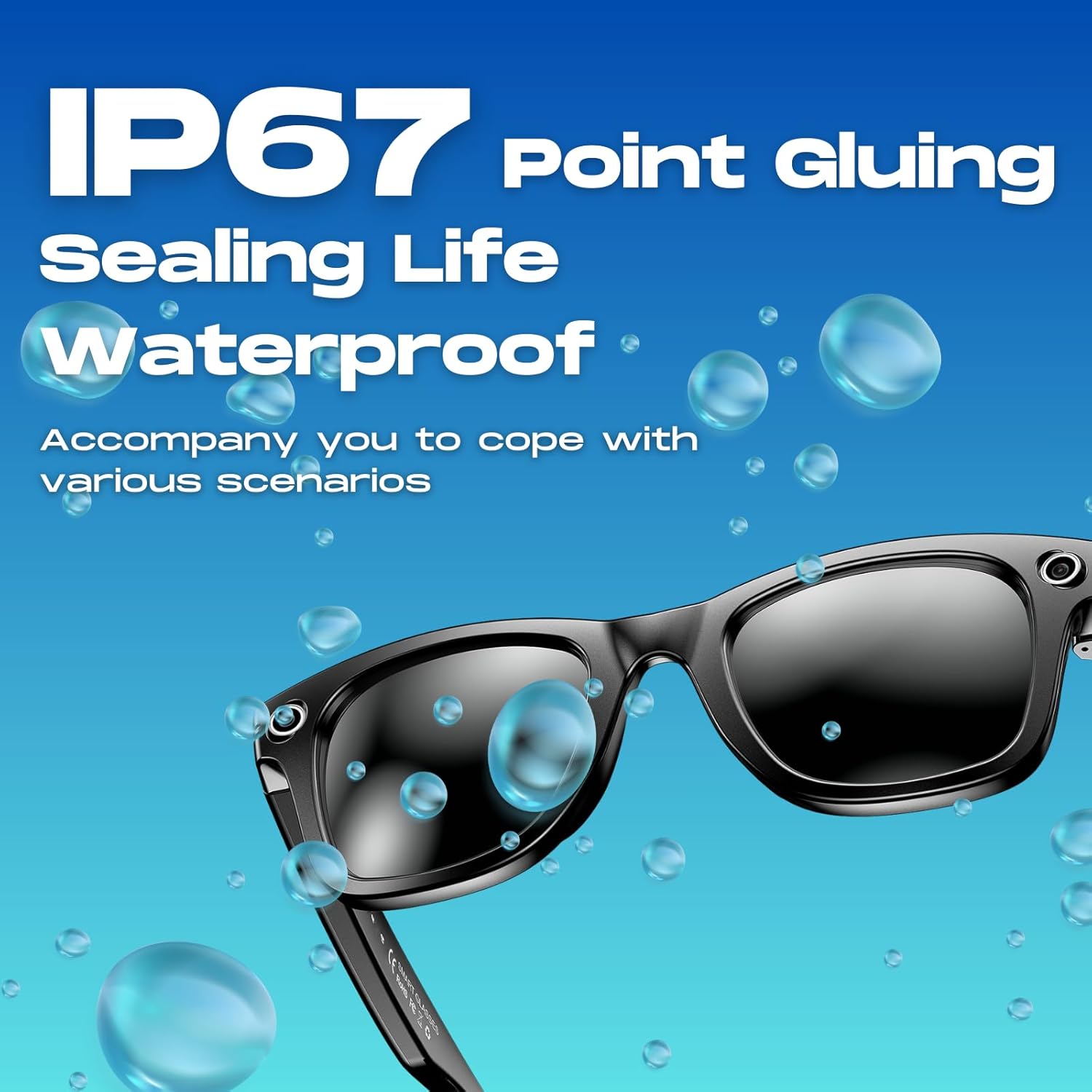
Image: A visual representation of the W610's IP67 waterproof rating, indicating its resistance to water splashes and dust.
Troubleshooting
| Problem | Possible Cause | Solution |
|---|---|---|
| Glasses won't power on. | Low battery; device malfunction. | Charge the glasses fully. If problem persists, contact support. |
| Cannot pair via Bluetooth. | Glasses not in pairing mode; device Bluetooth off; interference. | Ensure glasses are in pairing mode. Turn Bluetooth off/on on your device. Move closer to the glasses. |
| Poor audio quality during calls. | Environmental noise; weak Bluetooth connection. | Ensure dual-mic noise cancellation is active. Move closer to your paired device. |
| AI features not responding. | No internet connection (for some AI functions); software glitch. | Ensure glasses are connected to Wi-Fi or a paired device with internet access. Restart the glasses. |
| Photos/videos not transferring via WiFi. | WiFi not enabled; app issue; insufficient storage. | Verify WiFi is active on both devices. Restart the app and glasses. Check available storage. |
Specifications
| Feature | Detail |
|---|---|
| Model Number | W610 |
| Brand | nexlenz |
| Camera | 8MP HD with EIS (Electronic Image Stabilization) |
| AI Features | Free Object Recognition, Real-Time Translation, Q&A |
| Audio | Dual-Mic Noise Cancellation, Bluetooth 5.3 immersive audio |
| Connectivity | Bluetooth 5.3, WiFi (for fast data transfer) |
| Water Resistance | IP67 (Resistant to sweat, dust, and rain) |
| Weight | 42g |
| Material | TR (Tough Resin) |
| Memory Storage Capacity | 4 GB |
| Battery Capacity | 270 Milliamp Hours |
| Operating System | AsteroidOS |
| GPS | Built-in GPS |
| Lens Options | Sunglass, Photochromic |

Image: An illustration emphasizing the W610's strong battery life, rated at 290mAh.
Image: A graphic detailing the W610's ultra-lightweight design and its construction from durable TR material.
Warranty and Support
For warranty information and customer support, please refer to the official nexlenz website or contact the retailer from whom you purchased the product. Keep your proof of purchase for warranty claims.
Manufacturer: NexLenz


