
NOBXBON W4
NOBXBON Wireless Stainless Steel Cat Water Fountain (Model W4) User Manual
Model: W4 | Brand: NOBXBON
1. Important Safety Information
Please read all instructions carefully before using the NOBXBON Wireless Stainless Steel Cat Water Fountain. Keep this manual for future reference.
- This product is designed for indoor use only.
- Do not rinse or immerse the sensor unit in water. The sensor is sensitive to water and can be damaged.
- Use only the provided USB charging cable. Using a charger with a power output exceeding 25 watts may prevent the charging indicator LED from displaying correctly.
- Ensure the charging connection is secure. If the battery unit is not charging, unplug and re-plug the interface or try a different USB cable.
- Keep the fountain on a stable, level surface to prevent tipping and spills.
- Regularly inspect the fountain for any damage or wear. Discontinue use if any damage is observed.
2. Package Contents
Verify that all items are present in the package:
- 1 x Stainless Steel Cat Water Fountain Bowl
- 1 x Water Fountain Top Plate with Integrated Pump
- 1 x Wireless Battery Unit (Spherical Sensor)
- 1 x Carbon Filter
- 1 x Filter Sponge
- 1 x USB Charging Cable
- 1 x Product Manual
- 1 x Cleaning Brush
3. Setup Guide
Follow these steps to assemble and prepare your cat water fountain for first use:
- Unpack Components: Carefully remove all parts from the packaging.
- Prepare Filter: Soak the new carbon filter and filter sponge in clean water for approximately 5 minutes before installation. This helps remove any loose carbon dust and ensures optimal filtration.
- Assemble Filter and Pump: Insert the filter sponge into the designated slot on the pump unit, then place the carbon filter on top of the sponge. Ensure they are securely seated.
- Install Pump Unit: Place the assembled pump unit (with filter) into the corresponding opening on the stainless steel top plate. Ensure it clicks into place securely.
- Fill Water Bowl: Fill the stainless steel bowl with fresh water up to the 'MAX' line (2.6 Liters). The transparent window on the side allows you to monitor the water level.
- Place Top Plate: Carefully place the top plate, with the installed pump unit, onto the stainless steel water bowl. Ensure it sits flush and is stable.
- Charge Battery Unit: Before initial use, fully charge the wireless battery unit. Connect the provided USB charging cable to the charging port on the spherical sensor unit and plug it into a suitable USB power adapter. A full charge takes approximately 2.3 hours. The indicator light will show charging status (flashing for charging, blue for complete).
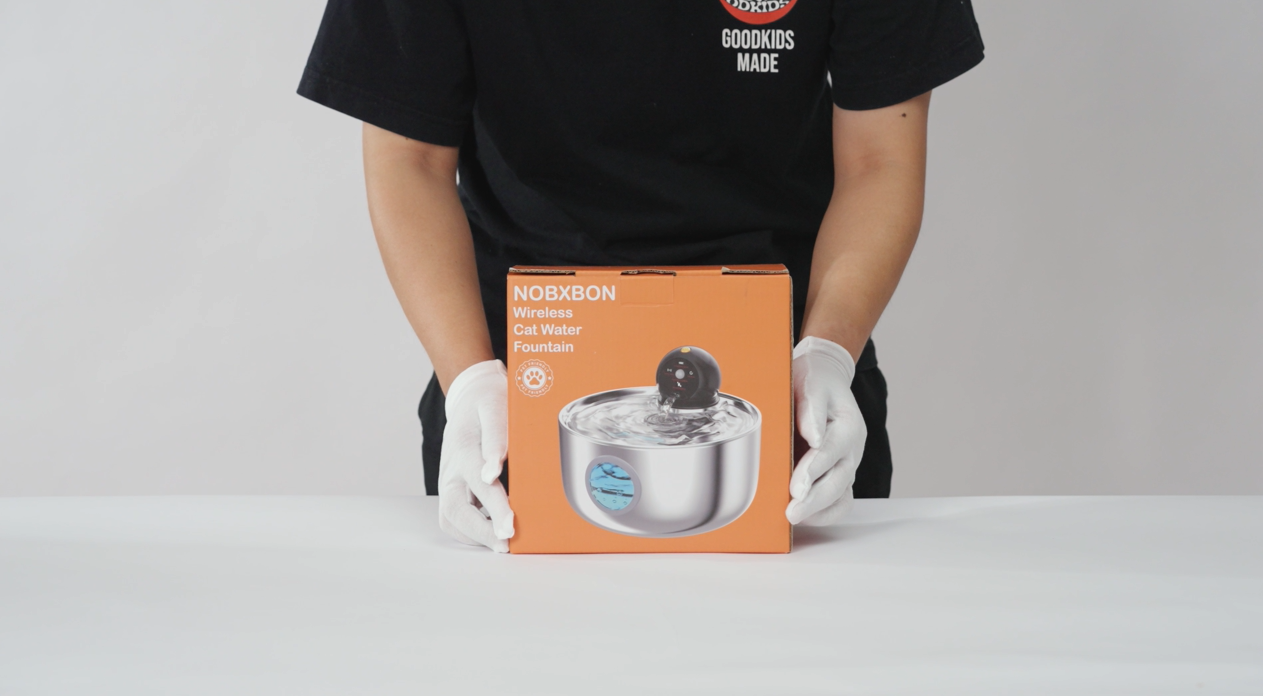
Image: Step-by-step diagram illustrating the installation process of the cat water fountain.
Video: Official guide on how to install the NOBXBON Wireless Cat Water Fountain.
4. Operating Modes
The NOBXBON Wireless Cat Water Fountain offers three distinct operating modes to suit your pet's preferences and conserve battery life. Press and hold the button on the spherical sensor unit to cycle through the modes.
- Sensor Mode (Recommended for Battery Saving):
The fountain detects your pet within a 1.5-meter range and activates water flow for 6 seconds. This mode conserves battery, allowing the fountain to operate for up to 30 days on a single charge. - Timer Mode:
The fountain dispenses water for 10 seconds every 15 minutes. This provides regular hydration without constant motion detection. - Continuous Mode:
The fountain provides a steady stream of water. This mode requires the fountain to be continuously plugged into a power source.
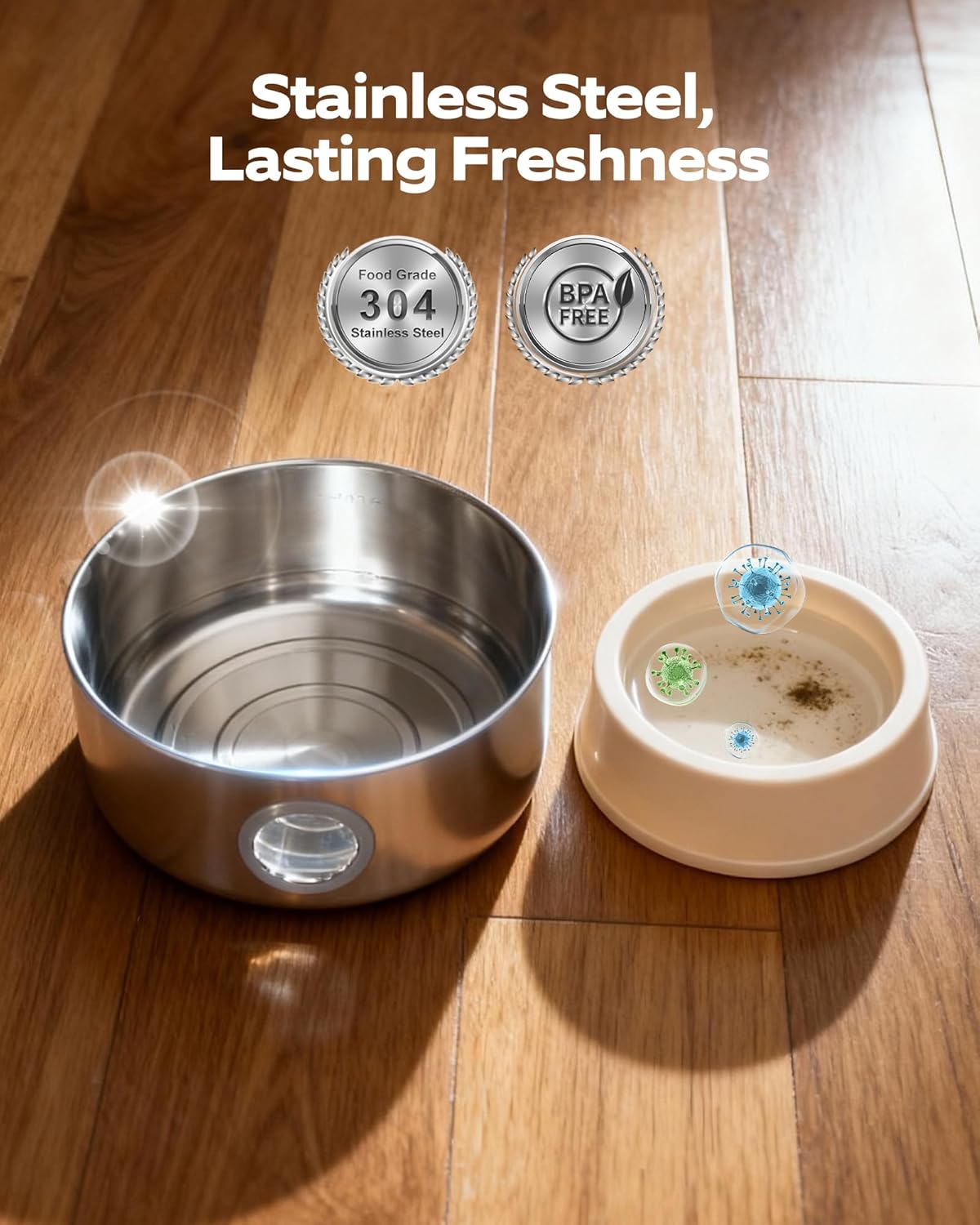
Image: Visual representation of the fountain's three water flow modes and their activation methods.
Video: Demonstration of the wireless cat water fountain's various operating modes, including sensor and timed functions.
5. Maintenance
Regular maintenance is crucial for the longevity and hygiene of your pet's water fountain. The fully removable design allows for thorough cleaning.
Filter Replacement
It is recommended to replace the carbon filter and filter sponge every 2-3 weeks, or more frequently if you have multiple pets or notice reduced water flow/quality. Genuine NOBXBON replacement filters are recommended.
Fountain Cleaning
The stainless steel components of the fountain are rust-resistant, corrosion-resistant, and dishwasher safe (below 80°C / 175°F). The sensor unit should never be rinsed or immersed in water.
Pump Cleaning
To ensure optimal performance and prevent blockages, clean the pump regularly. Follow these steps:
- Separate the battery unit from the fountain.
- Remove the water tray (top plate) from the water tank.
- To remove the water pump, twist the pump retainer ring in the direction of the arrow, then pull it downward with a slight sideways force.
- Pull off the pump cover to reveal the internal parts.
- Use the cover to pry open the inner cap of the small impeller.
- Use the included pump cleaning brush to pull out the impeller.
- Clean all pump components thoroughly with water and the cleaning brush.
- Reassemble the pump in reverse order.

Image: Detailed diagram illustrating the disassembly steps for cleaning the fountain's components.

Image: Step-by-step instructions for cleaning the pump, showing removal of cover and impeller.
Video: Comprehensive guide on how to disassemble, clean, and reassemble the cat water fountain for maintenance.
Video: Detailed instructions on how to clean the pump component of the cat water fountain.
6. Troubleshooting
If you encounter any issues with your NOBXBON Cat Water Fountain, refer to the following common troubleshooting tips:
- Fountain Not Working:
Disassemble the pump unit and clean the small motor thoroughly. Reassemble the pump and try again. Ensure the battery unit is charged. If the issue persists, contact customer support. - Battery Unit Not Charging:
Ensure you are using the provided USB cable. Check for a poor connection by unplugging and re-plugging the interface. Try a different charging plug (ensure it's inferior to 25 watts). - Water Flow is Weak or Intermittent:
Check the water level in the bowl and refill if necessary. Clean the pump and filter thoroughly, as blockages can reduce water flow. Replace the filter if it's old or heavily soiled. - Unusual Noise from Fountain:
Ensure the water level is sufficient. Low water levels can cause the pump to make noise. Clean the pump to remove any debris that might be causing obstruction or vibration.
7. Specifications
| Feature | Detail |
|---|---|
| Model Number | W4 |
| Capacity | 2.6 Liters (88 oz) |
| Material | Stainless Steel |
| Power Source | Battery Powered |
| Battery Type | 1 A battery (included) |
| Charging Time | Approx. 2.3 hours |
| Battery Life (Sensor Mode) | Up to 30 days |
| Noise Level | Below 25dB |
| Package Dimensions | 11.73 x 8.43 x 4.65 inches |
| Item Weight | 1.96 Pounds |
8. Warranty and Support
The NOBXBON Wireless Stainless Steel Cat Water Fountain comes with a 2-year warranty from the date of purchase.
If you experience any issues with your product that cannot be resolved using the troubleshooting guide, please contact NOBXBON customer support for assistance. Our dedicated after-sales service team is ready to help.
For genuine replacement filters and other accessories, please search for "NOBXBON Filters" or visit our official store.
Ask a question about this manual
Ask about setup, troubleshooting, compatibility, parts, safety, or missing instructions. Manuals+ will review the question and use this page’s manual context to help answer it.